01The Context-Aware Dialog — one conversation that runs the work
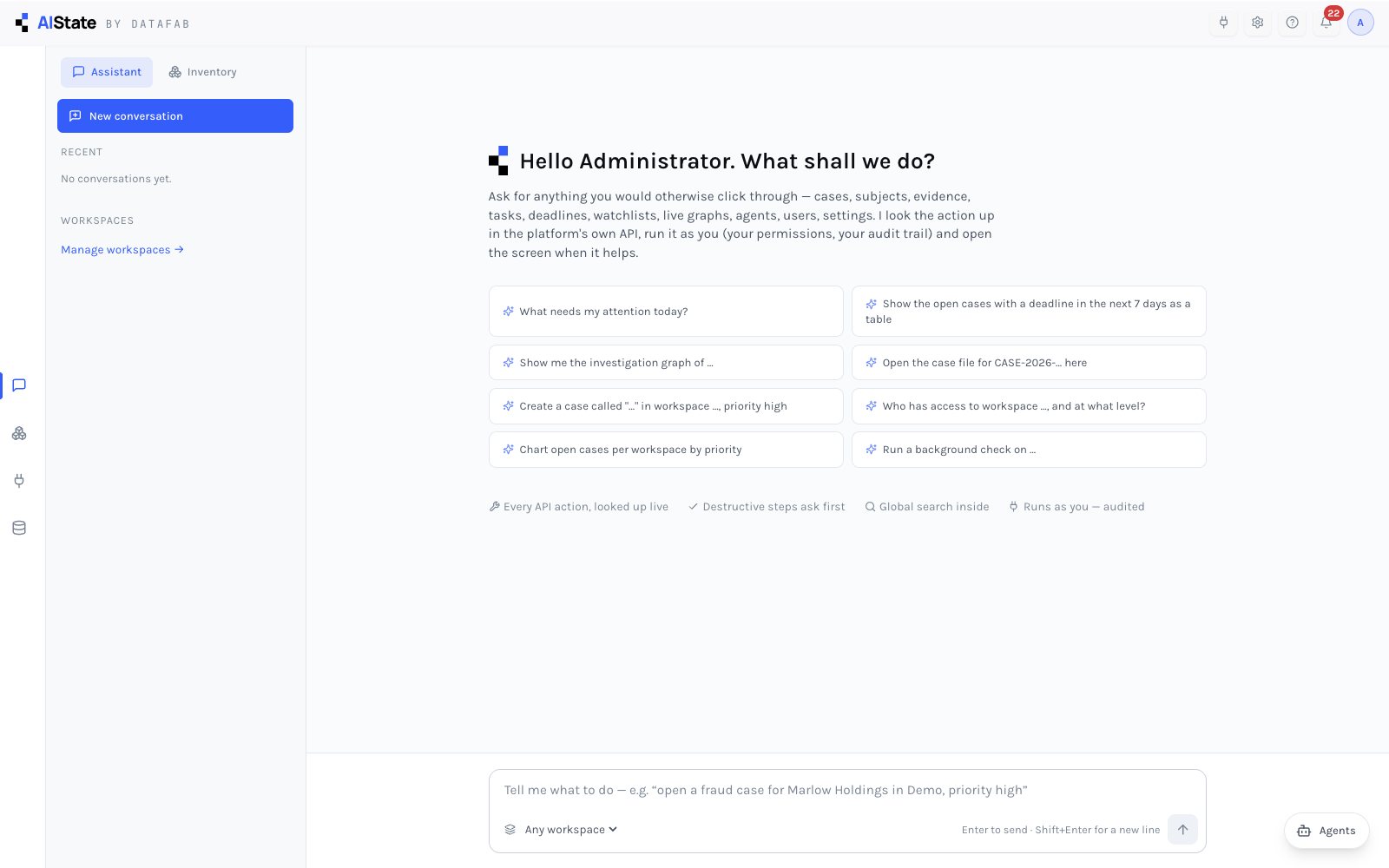
The home page is a conversation. The model reads the platform's own API as an action catalogue, so every screen, every button and every new endpoint is something you can ask for — and it answers with small live widgets rather than paragraphs.
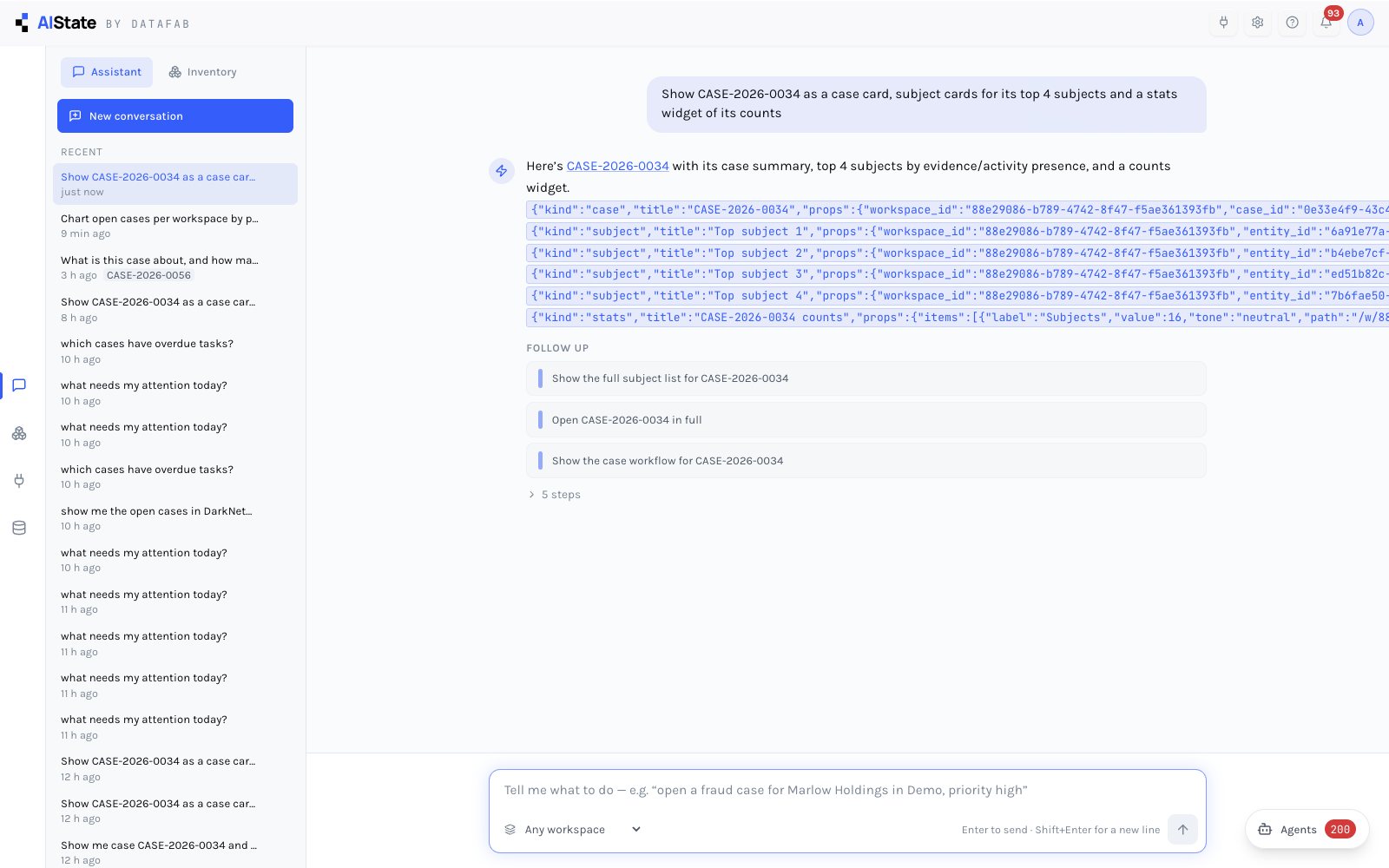
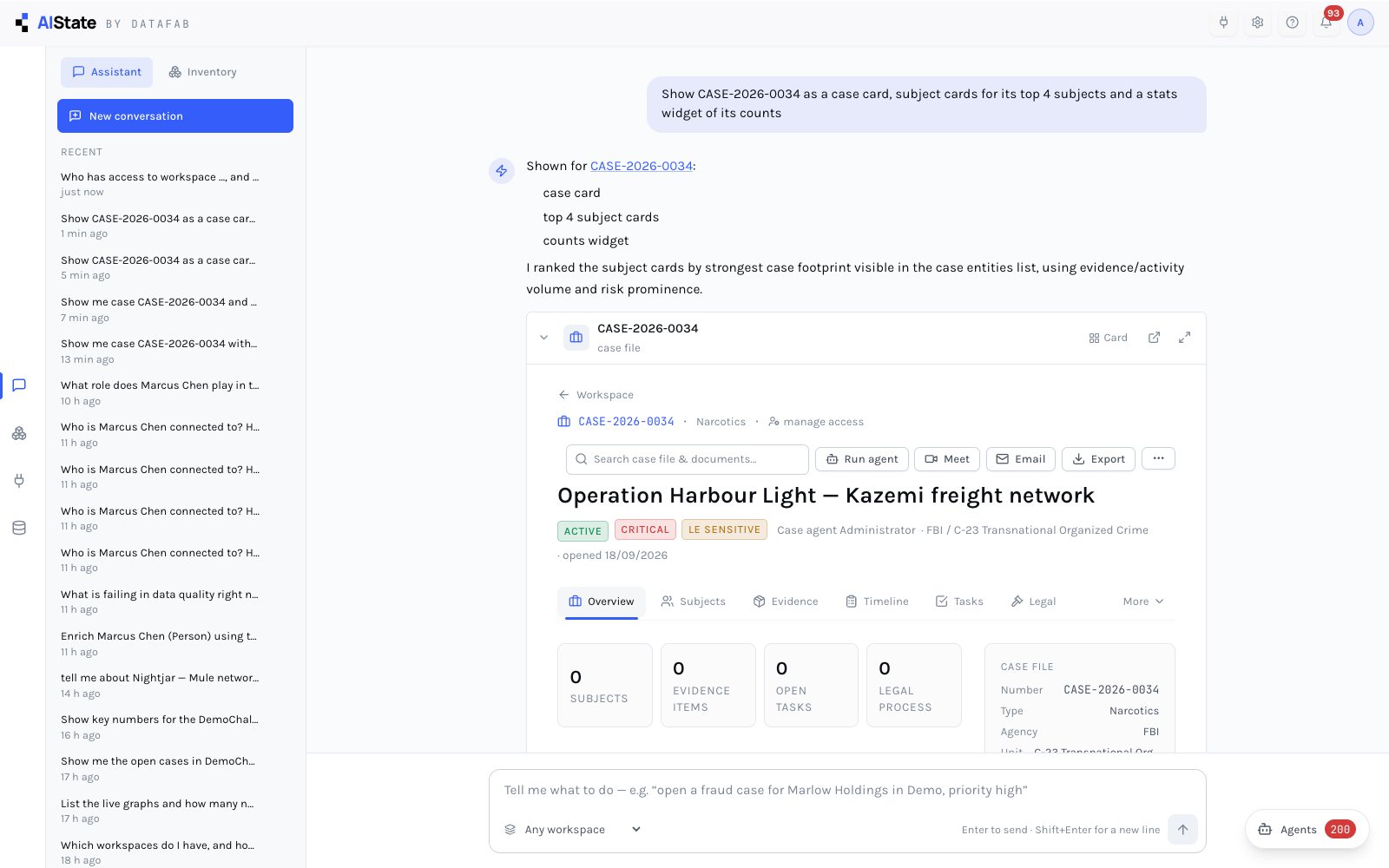
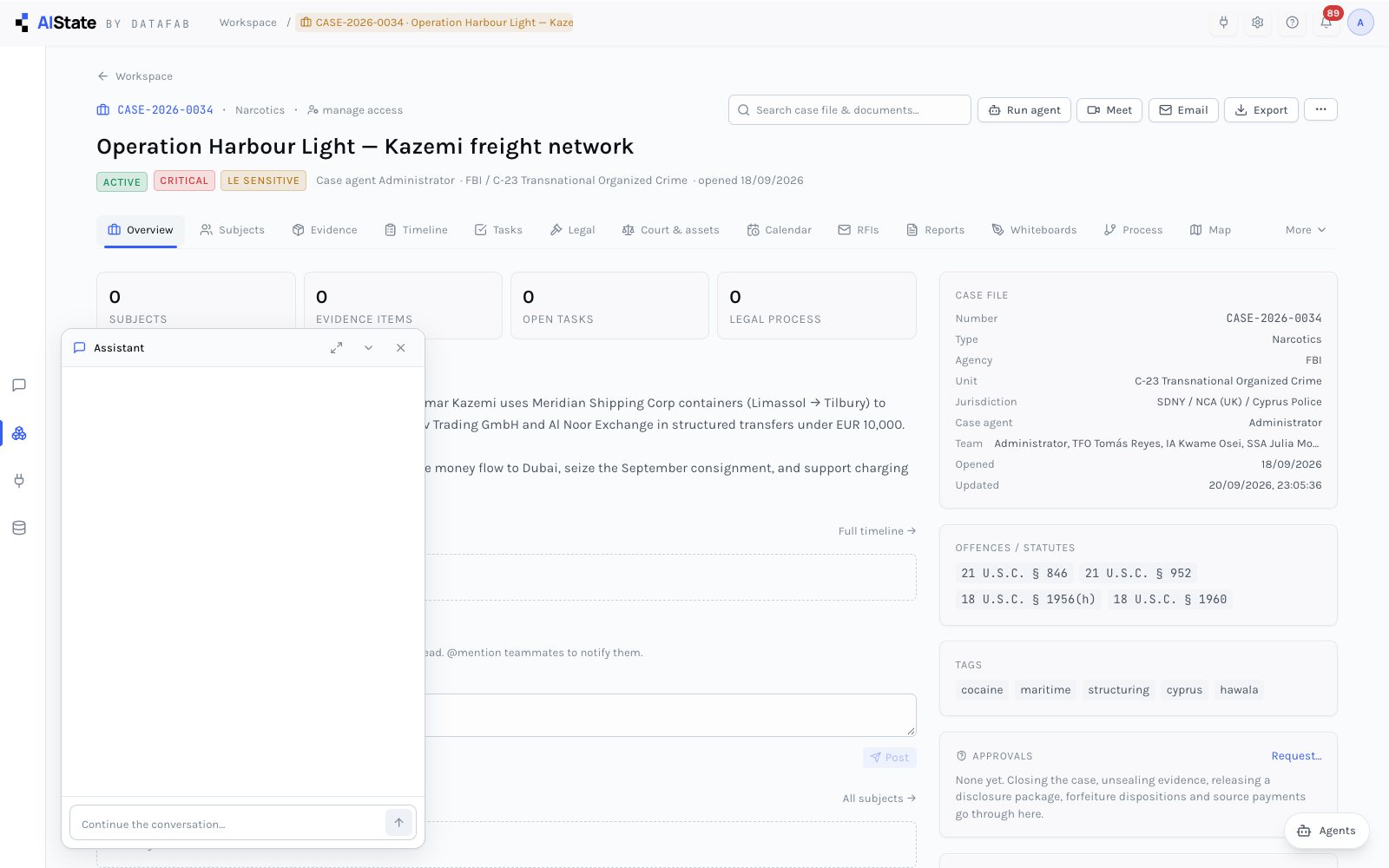
- Action catalogue from OpenAPI — nothing hand-listed; a new router endpoint is a new action the same minute
- In-process execution with your token — auth, permissions, case access, audit and rate limits apply exactly as a click would
- Destructive actions need explicit confirmation and a yes-word in your own message
- Widget vocabulary — case · subject · stats · list · kv · chart · gauge · table · timeline · steps · map · diagram · network · flow · heatmap · compare · orgchart · correlation · screen; the same kinds agencies use
- Streamed replies — the model streams: words appear as they are written and each widget lands the moment its call is complete; read-only tool calls in a plan run in parallel and the action catalogue is pre-searched for the message, so a typical turn is 5–7 s on the server with the first widget at ~3 s
- Follow-ups suggested under every answer; every thread has a URL; the trace shows each hop on the server clock
It is not a general chatbot. It answers about the platform and the work in it — your estate, workspaces, investigations, live graphs, cases and their records, subjects, agencies, connectors and settings. Asked to write software for another system or to translate something, it says so in one line and points at the nearest thing it can actually do. Code is on the table only when it is code for AIState: a policy or filter expression, a read-only check, a pipeline mapping, a snippet that posts to an ingress endpoint.
1eWorkflows — built by talking, tested, traced, and started by events
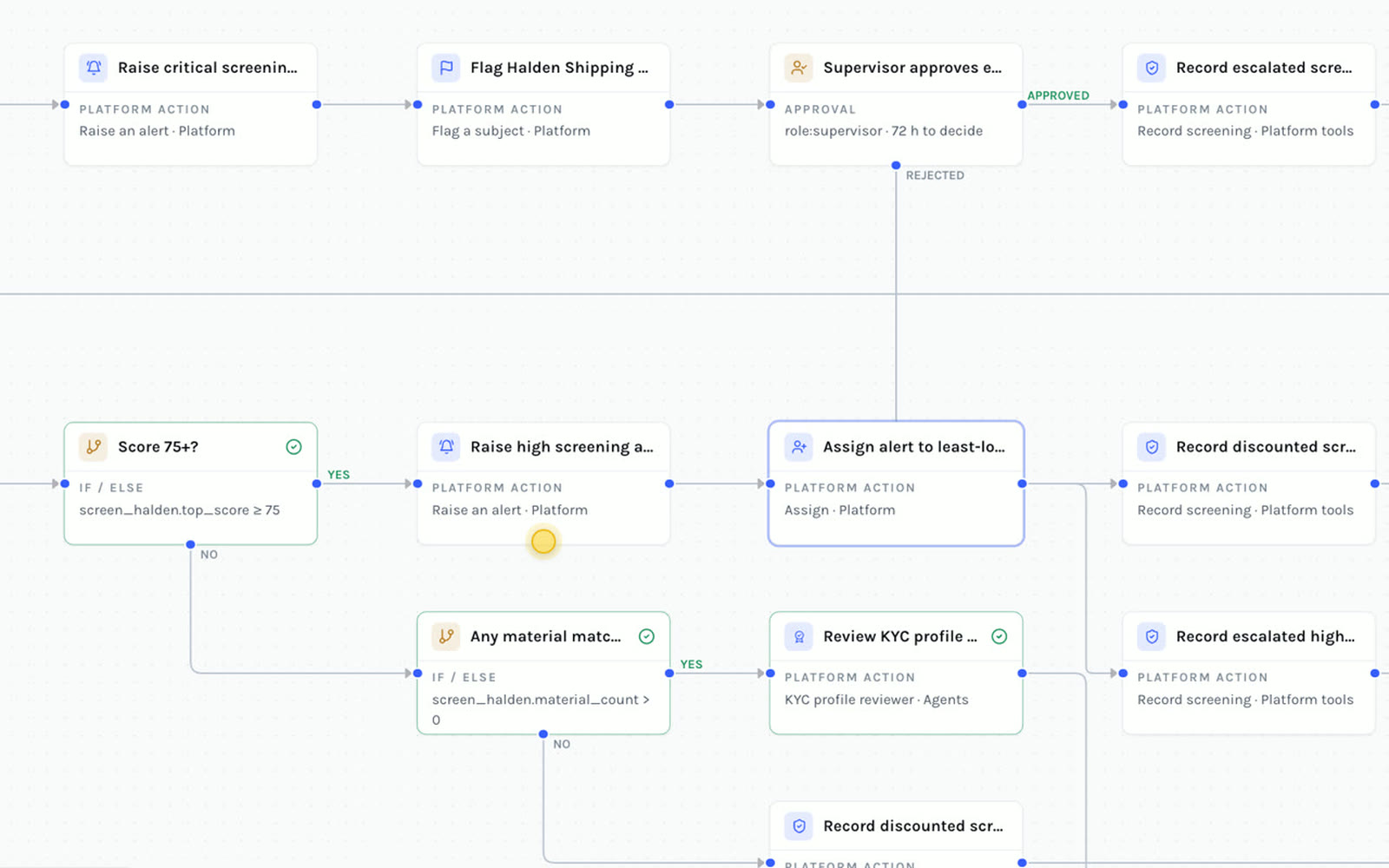
Describe a job in plain English and the Dialog builds the workflow from what the platform already has: its own actions (screening, alerts, assignment, escalation, approvals), 217 built-in tools and connectors plus the MCP servers your organization registers, and 105 agencies. Every step keeps its permissions, its audit trail and its review queue. Test it without changing anything, read any run as a trace, and let it run by hand, on a schedule, or the moment something happens. The film below was recorded on the live system on 2026-10-12 — the KYC review was built, tested and run, and the event workflow ran by itself when a high alert arrived, all on camera.
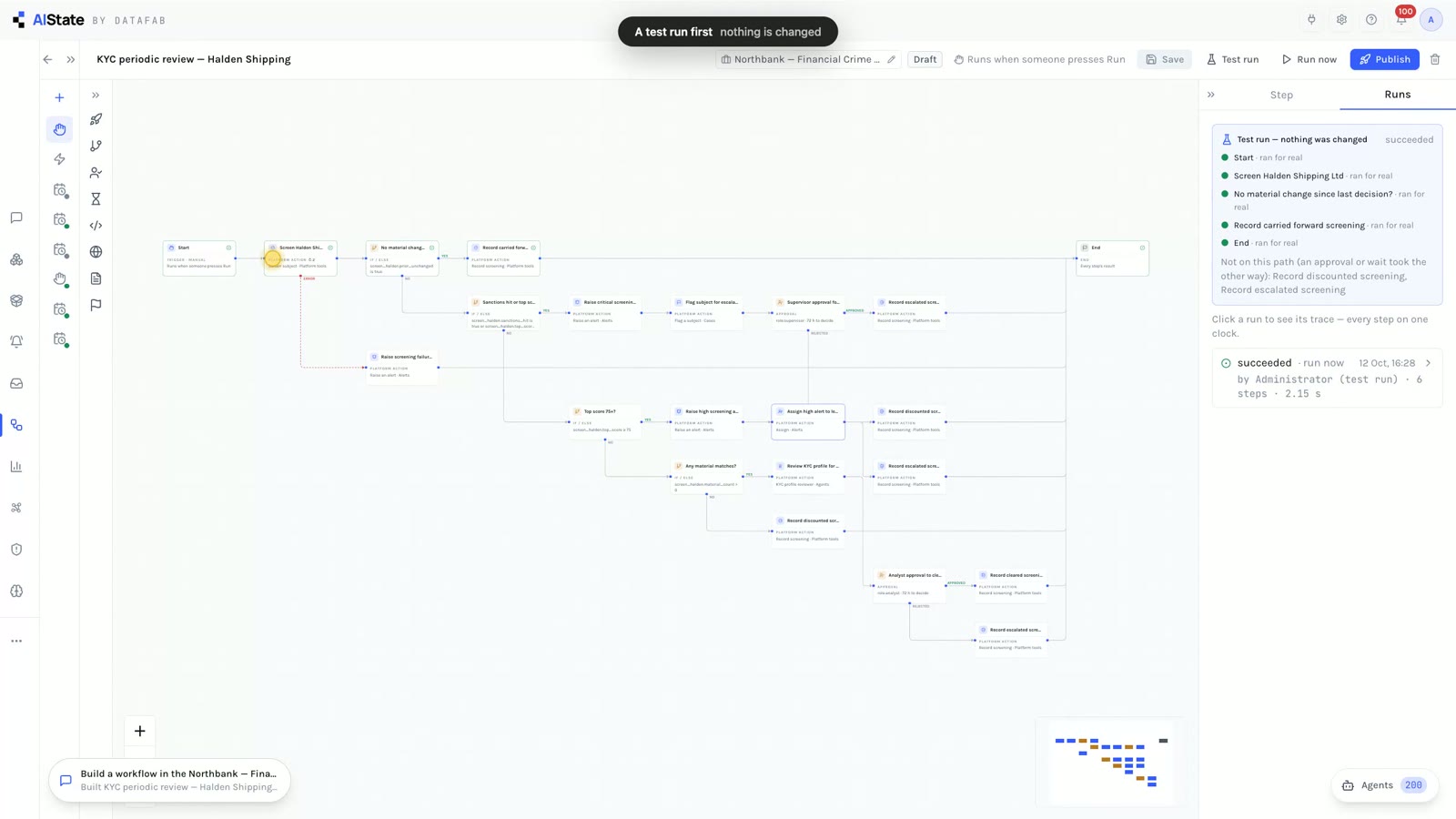
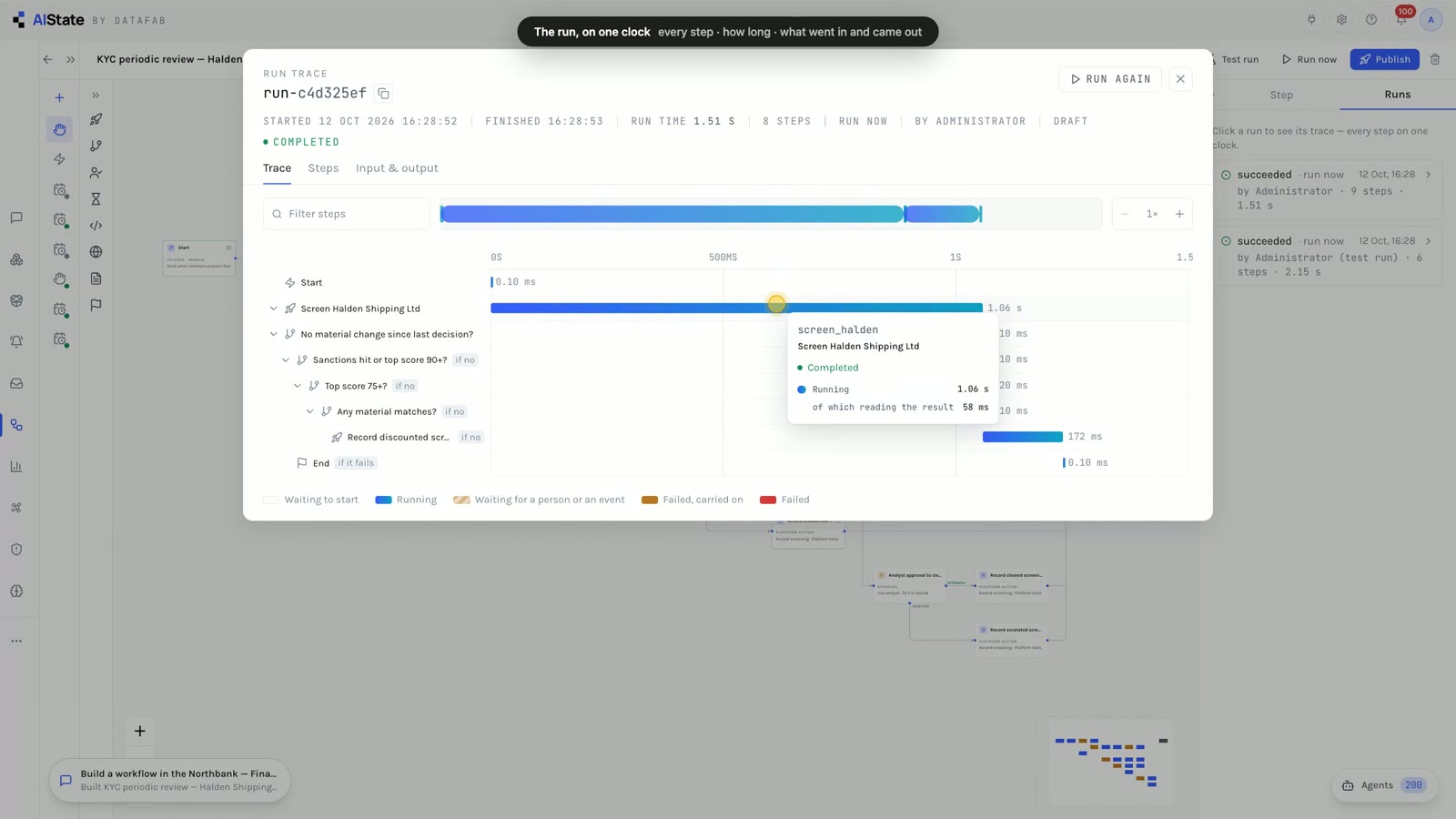
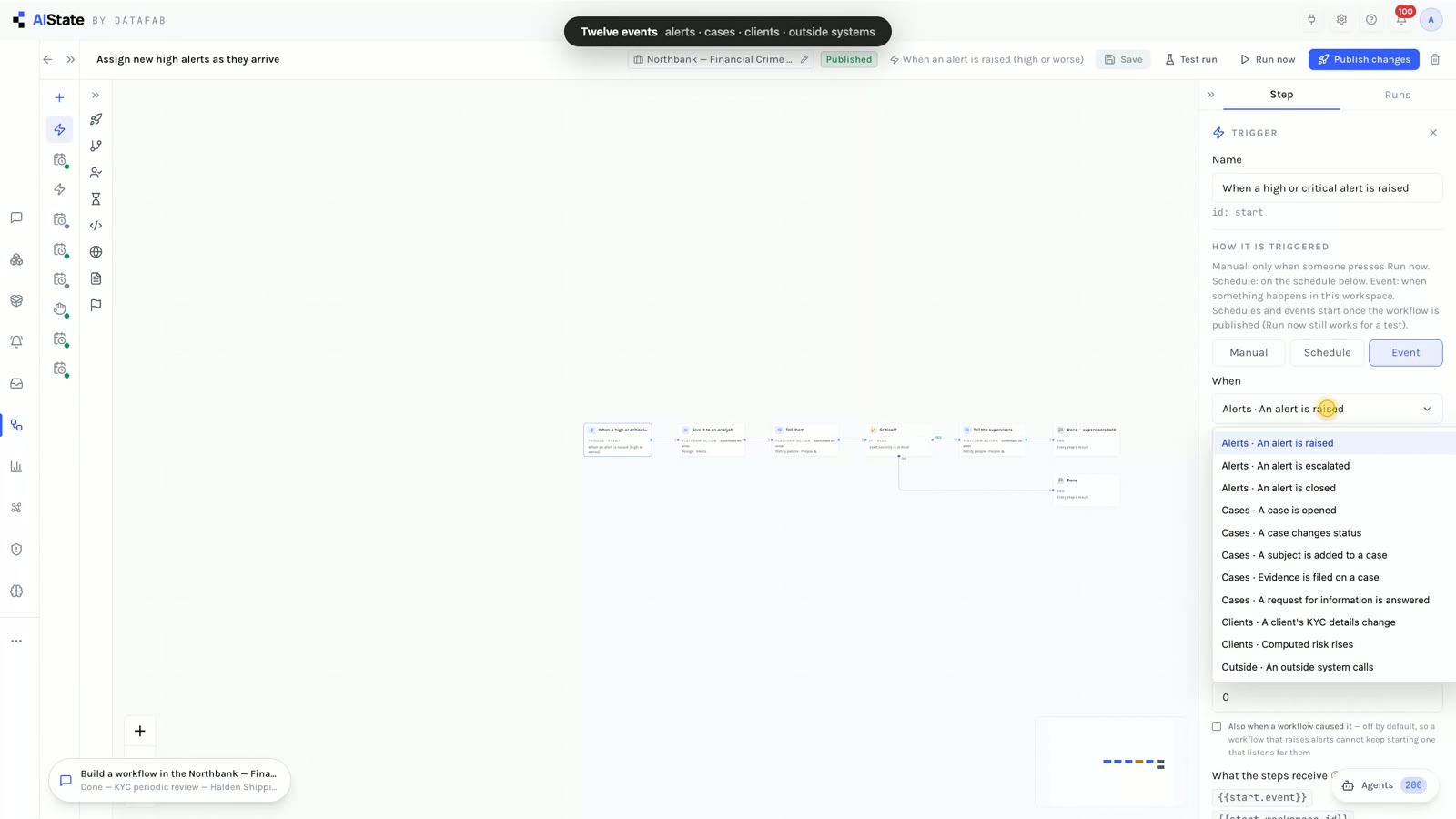
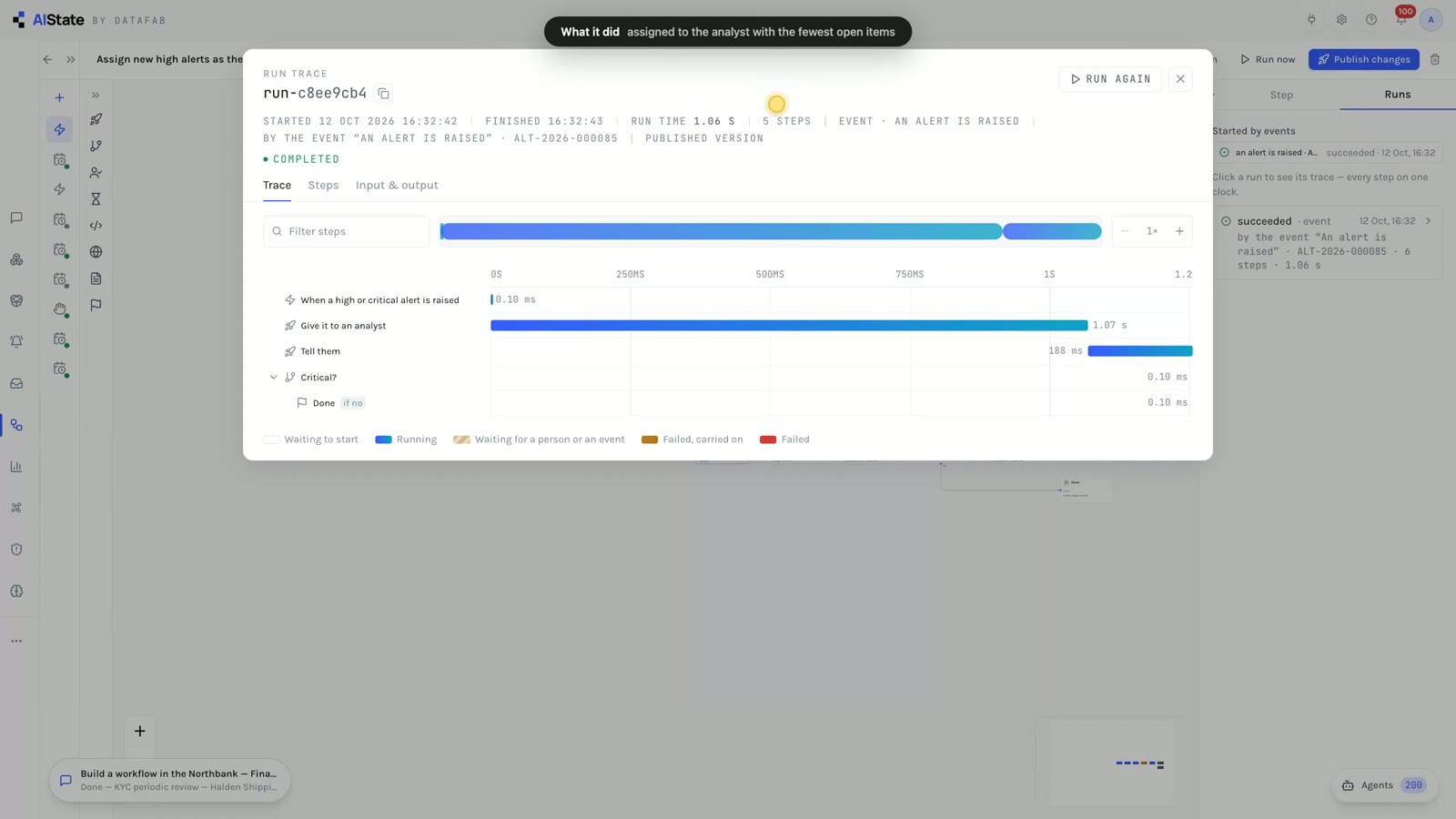
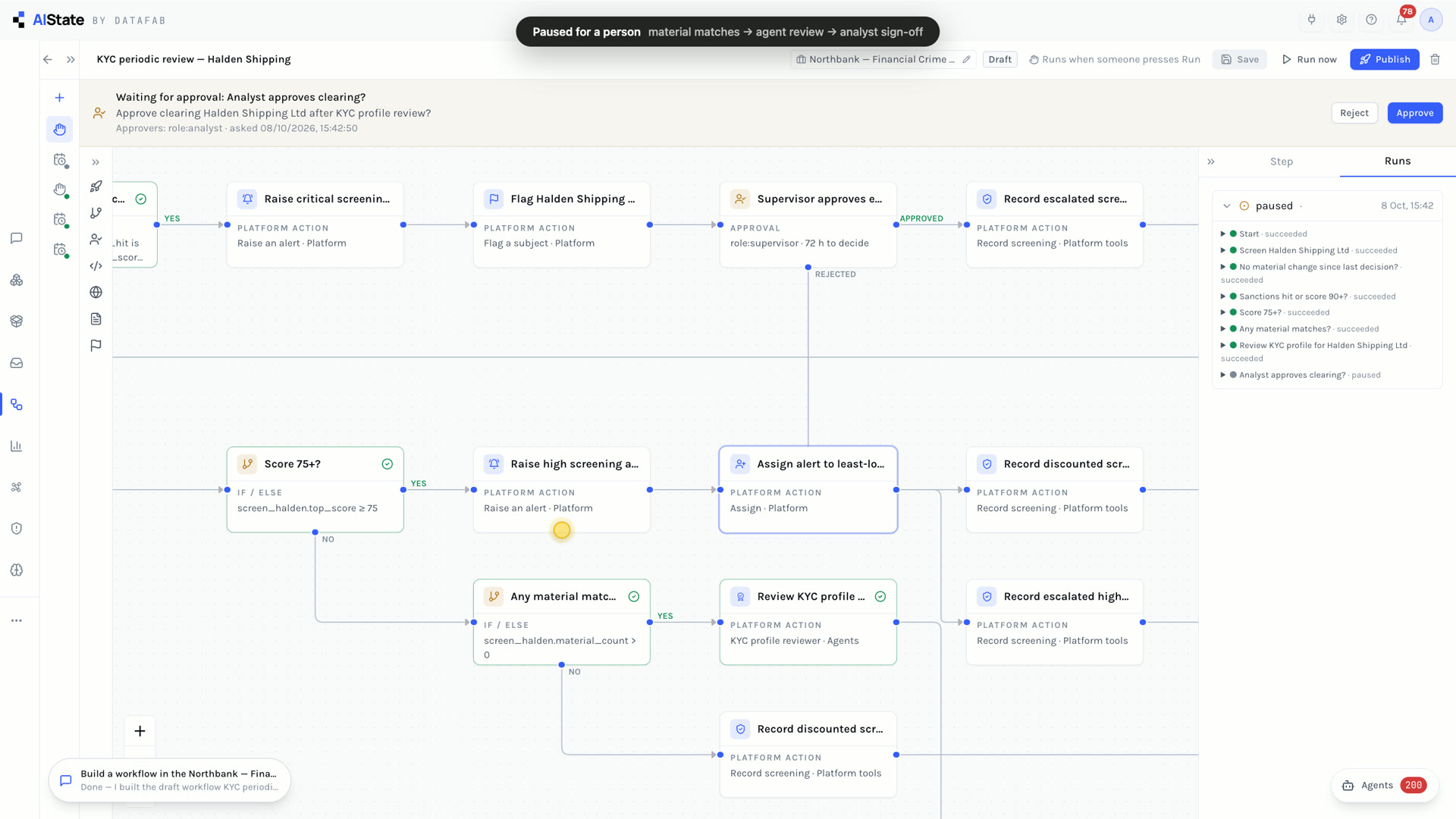
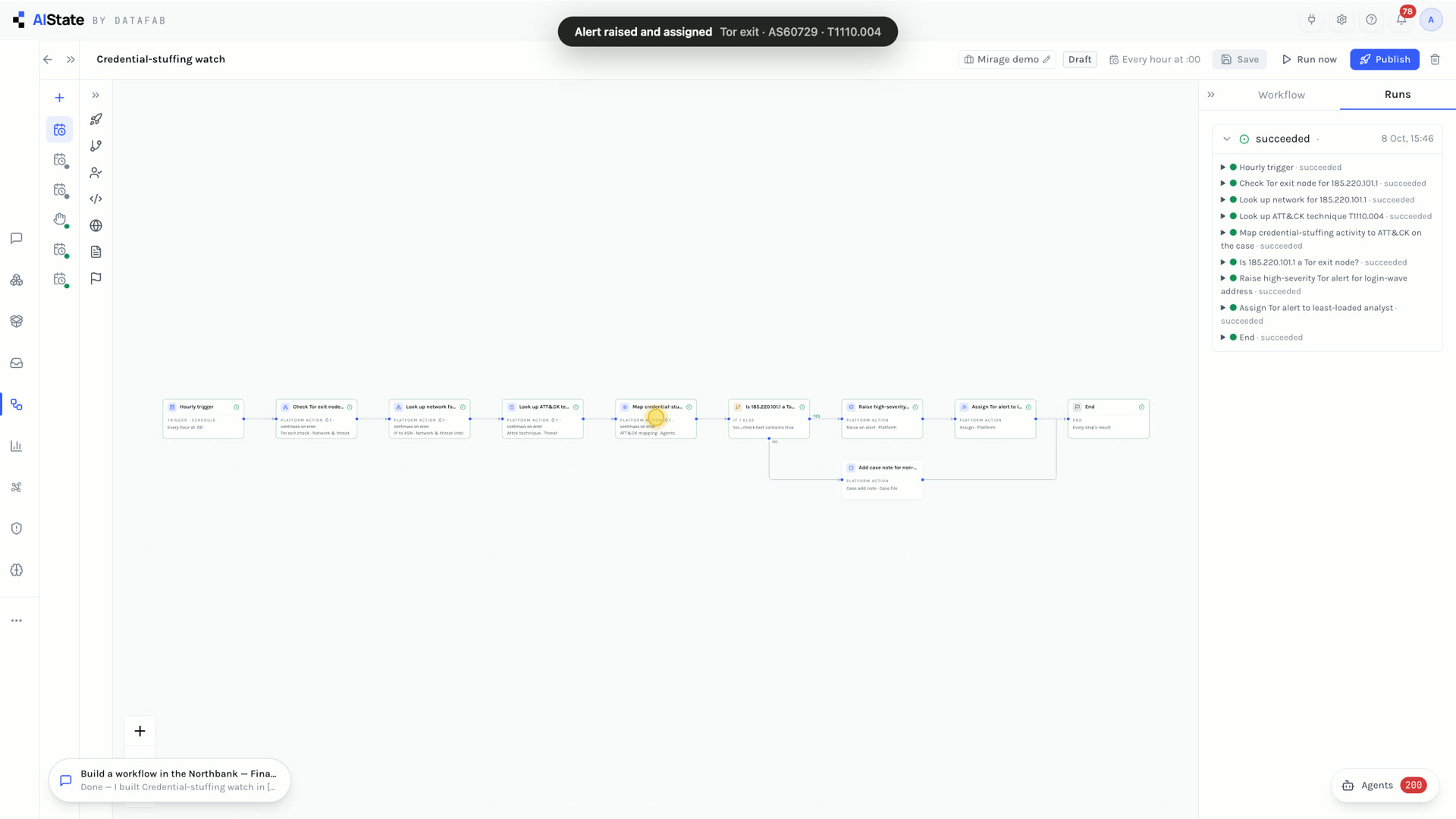
- Built from the platform's own blocks — platform actions, built-in tools, the MCP servers your organization connects, and agencies; the Dialog uses only the connectors the workflow's workspace actually has
- On the real records — subjects and cases named in the request are looked up in the workspace, so each step works on the actual customer or case, not a name
- Checked before it is saved — every graph is validated the way the designer validates it; anything that cannot run is sent back and repaired, so a broken workflow is never handed over
- People where it matters — approval steps by role, department or named people, with a timeout that counts as a rejection; agencies propose into the review queue unless told to apply
- Errors handled — any step can retry, carry on, or follow its own error path (for example, raise an alert)
- Triggers — manual (Run now), a schedule (hourly, daily, weekly, monthly or any cron expression, in the time zone you choose), or an event — twelve of them, each with its filters, including a webhook address with its own token for outside systems; published workflows run on their own and every run is kept step by step
- Test runs — run the current version against the live data without changing anything; every step that would act reports what it would have done
- Run traces — every step of every run on one clock, nested under what led to it, with its input and output
- Wait steps — for a time, or until a case task is done, an alert or case is closed, new evidence is filed, an RFI is answered or a client's record is updated, with a deadline path
- Starters — ten complete workflows to adapt: perpetual KYC with adverse news, client changes reviewed in minutes, document chasing, new high alerts assigned, new customers screened, confirmed match → SAR decision, risk rose → EDD, closed case → sealed snapshot, RFI answered, adverse news sweep
- Changed by asking — on an open workflow the Dialog edits, runs, publishes or pauses it; the designer redraws, and everything can still be adjusted by hand from the library
1fDashboards — business intelligence on the bank's own knowledge, built by asking
Dashboards over what the organization itself knows: its cases, its work queue, the subjects in its investigations and their money — live, and governed like every other record. Describe the dashboard you want and the Dialog builds it; change it by asking again or by hand; give every team its own view from the same tools. The film below was recorded on the live system on 2026-10-08 — the dashboard was asked for, built and refined on camera.
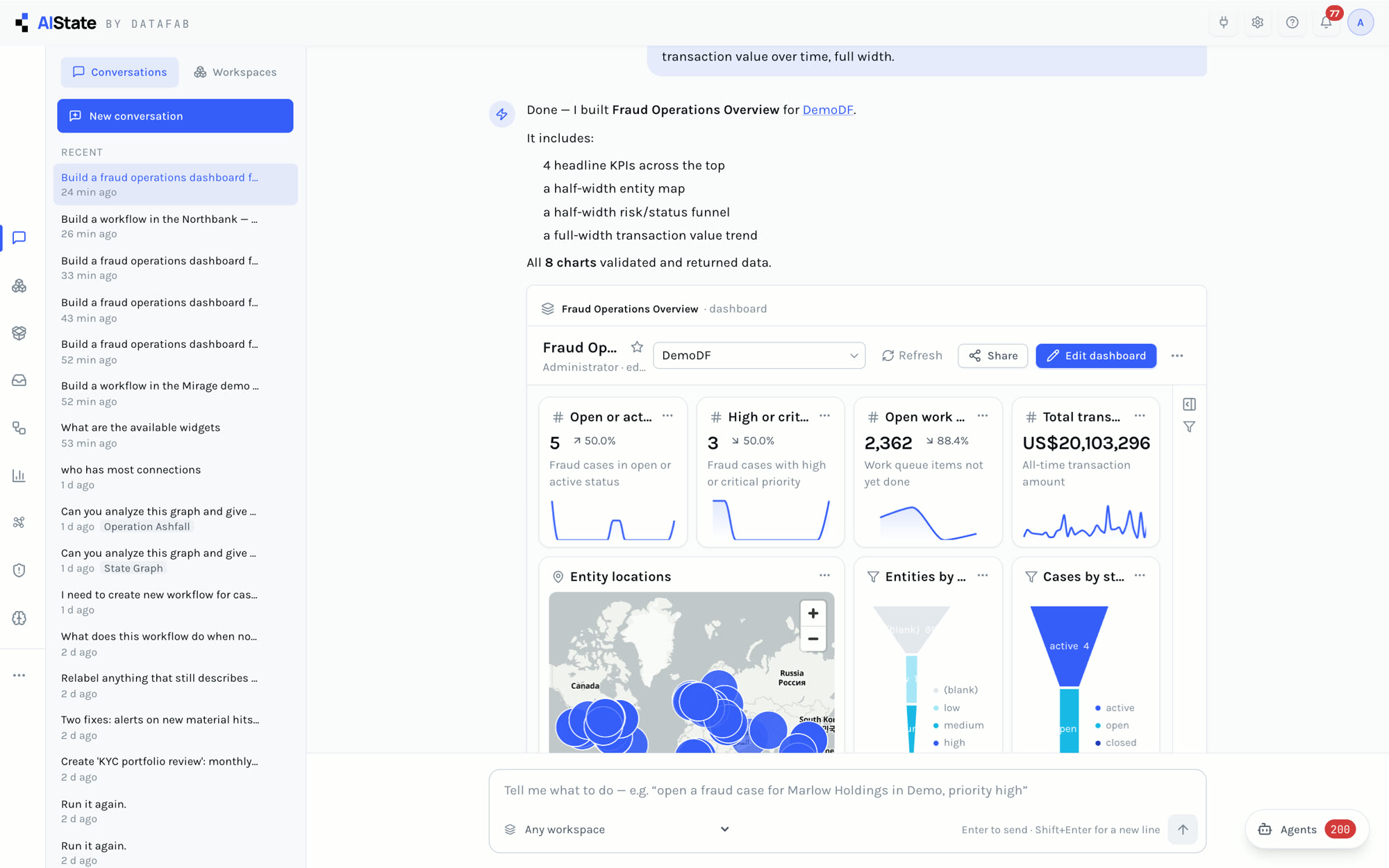
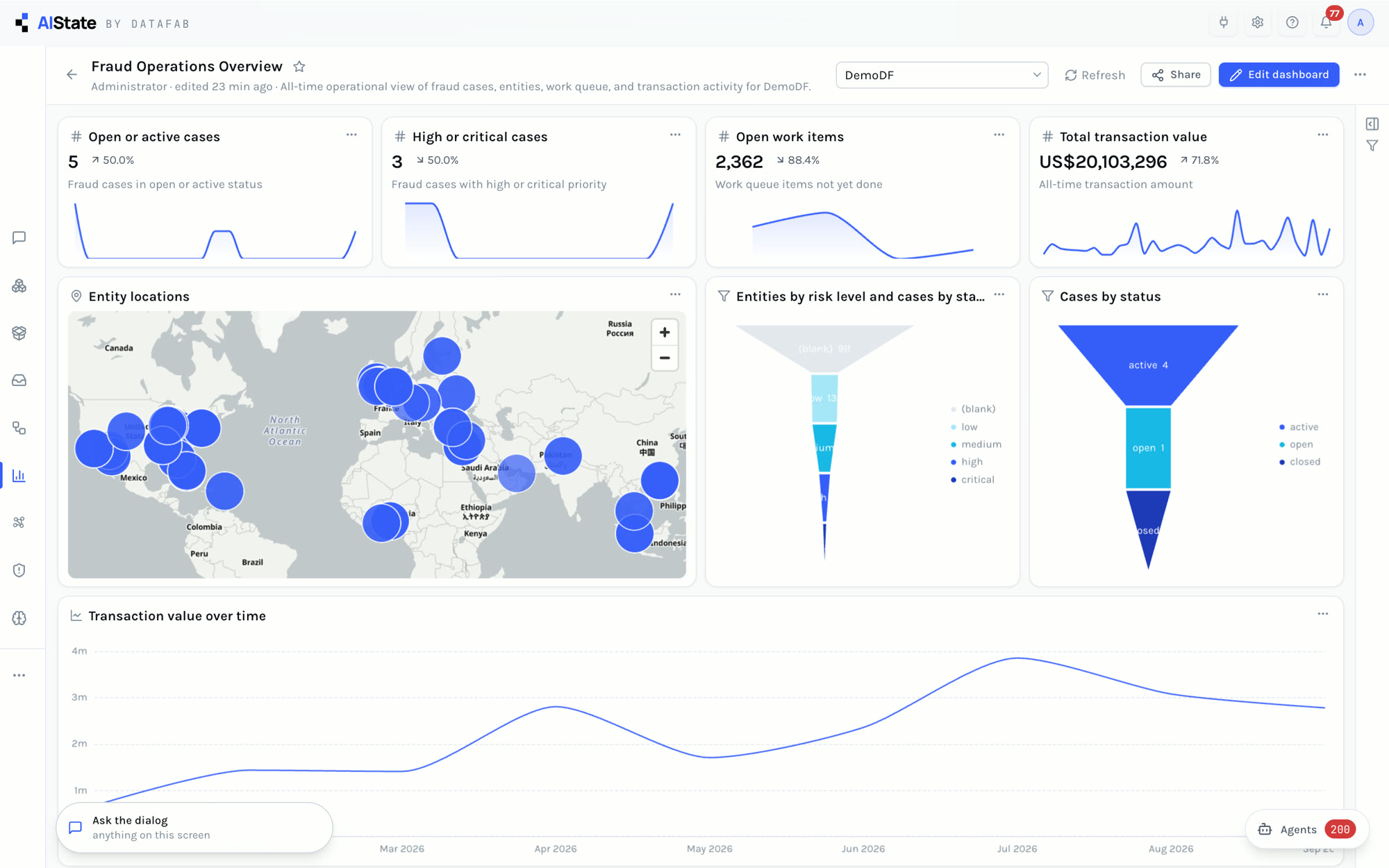
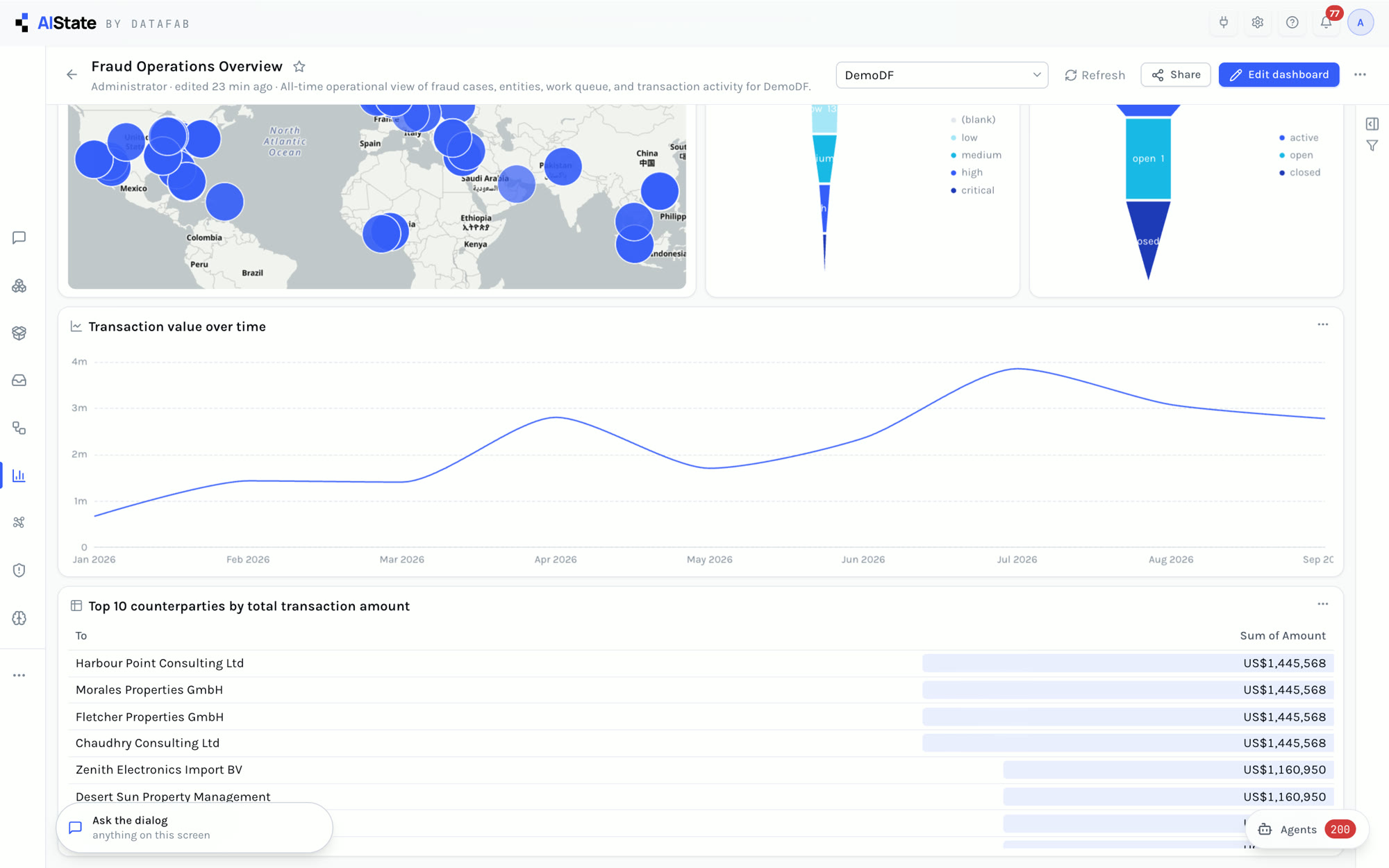
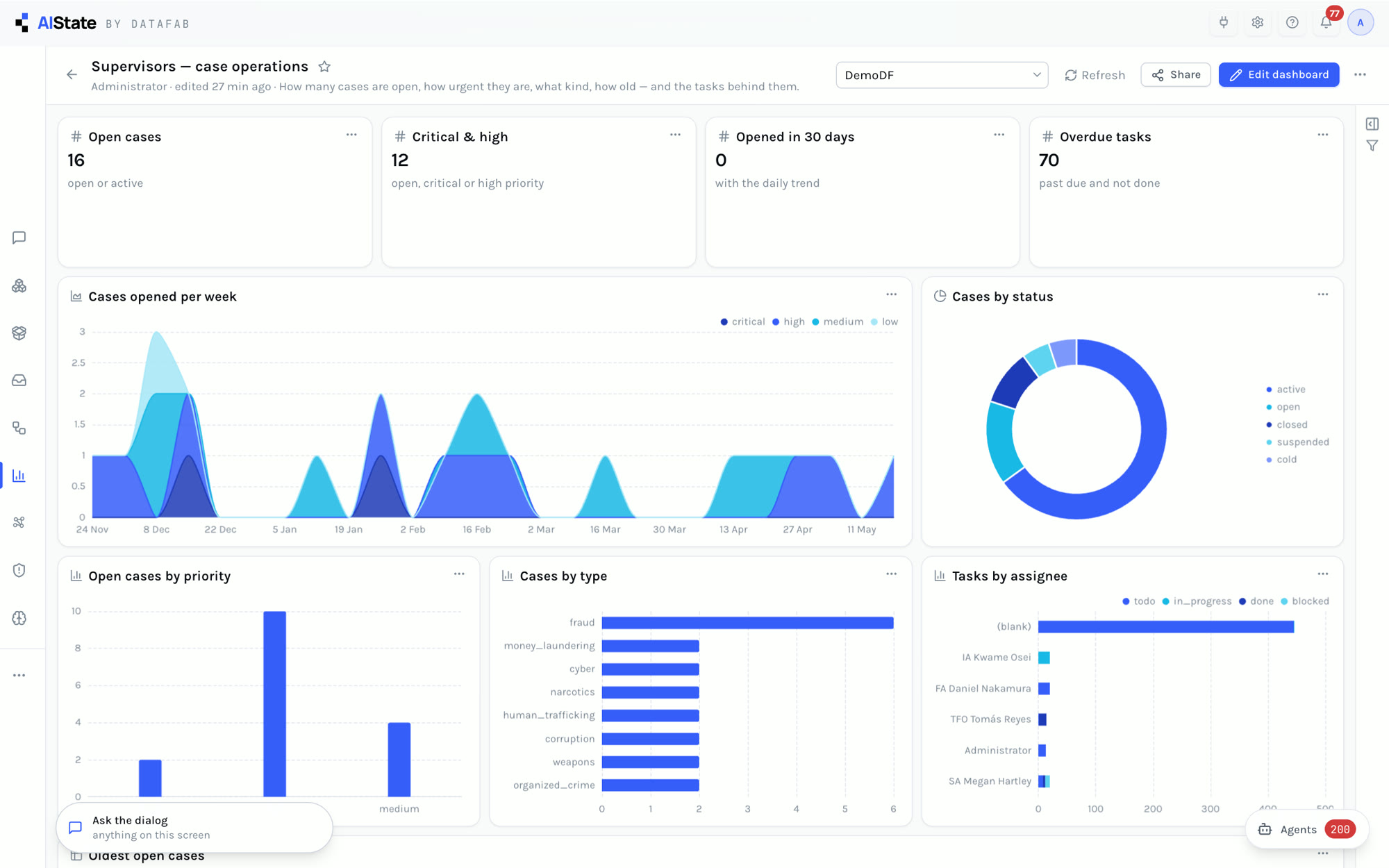
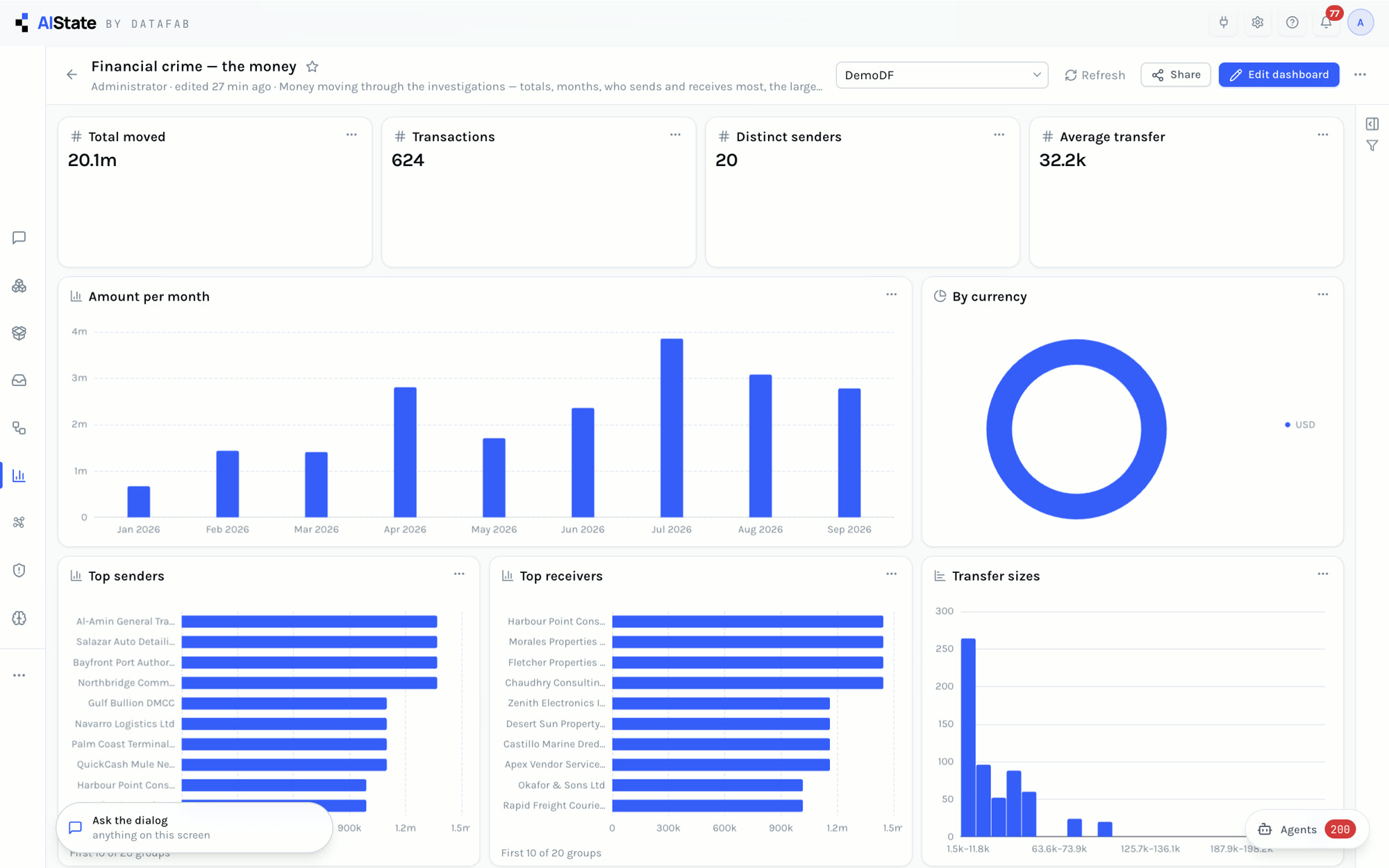
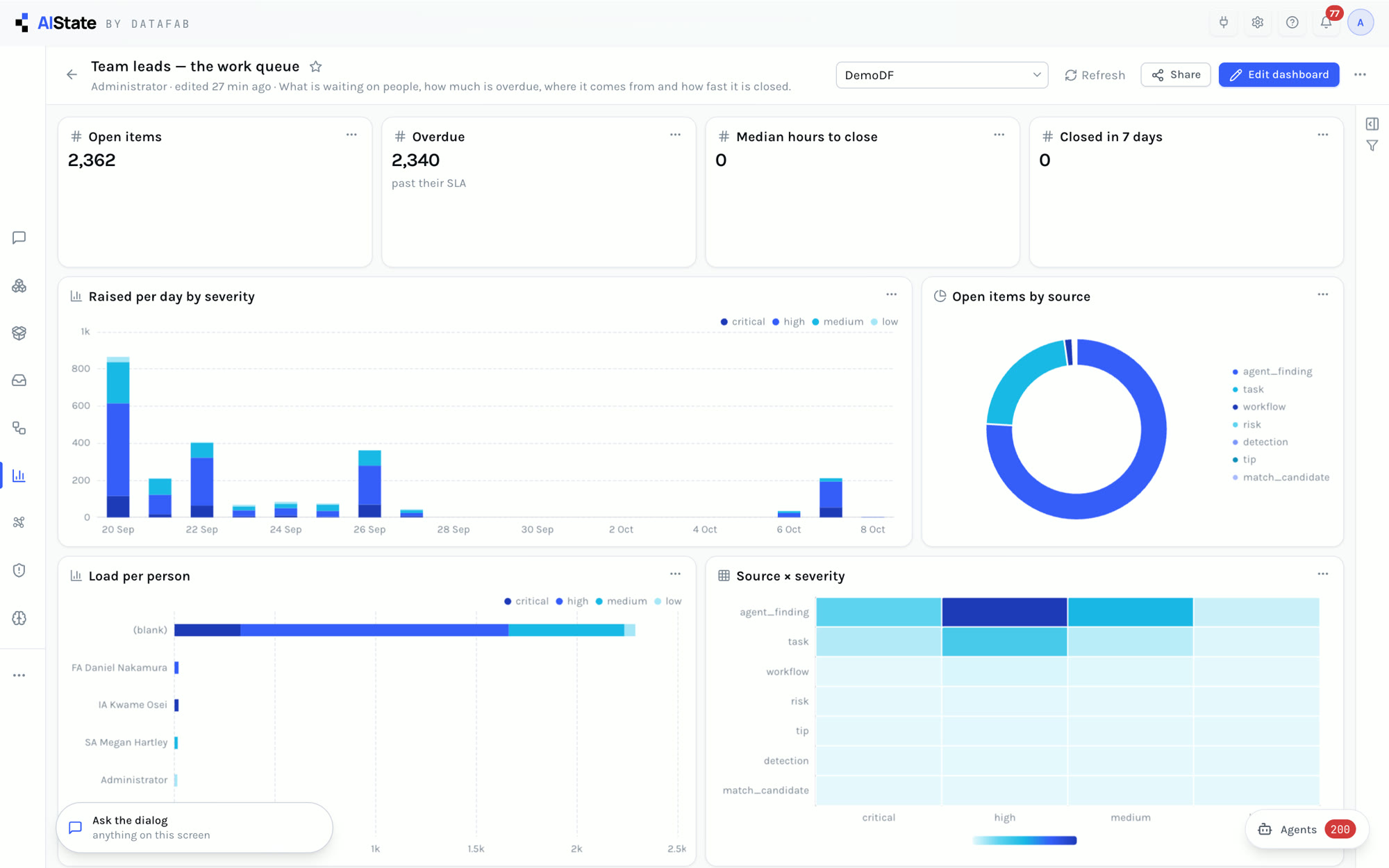
- Built by asking — in the Dialog, or from the dashboard itself; the assistant drafts the whole dashboard, runs every chart as the person asking and reports any that came back empty, so nothing is handed over broken
- Twenty chart types — headline numbers, tables, pivots, bar, line, area, pie, scatter, heat maps, treemaps, funnels, gauges, histograms, sunbursts, sankeys, graphs, radar, timelines, calendars and maps; any chart can also be built by hand
- A 12-column grid — four across, three across or full width; drag and resize in edit mode; headings, notes and dividers; auto-refresh on a timer
- Filters and cross-filtering — by time, value or range across every chart at once, or click a point on any chart to filter the rest
- Governed data — cases, tasks, evidence, legal process, RFIs, the work queue, findings, tips, subjects, transactions, call records, indicators, risk assessments and agency runs, each limited to the records the viewer may see; with the right permission, SQL datasets read in place over the organization's own databases, read-only; the source stays authoritative
- Every team its own view — templates for case operations, the work queue, financial flows, threat intelligence, risk and AI usage give each team a starting point; sharing is per person, department, workspace or everyone
- Sharing gives the dashboard, never the data — every chart runs as the person viewing it, so a restricted case stays restricted on a shared dashboard
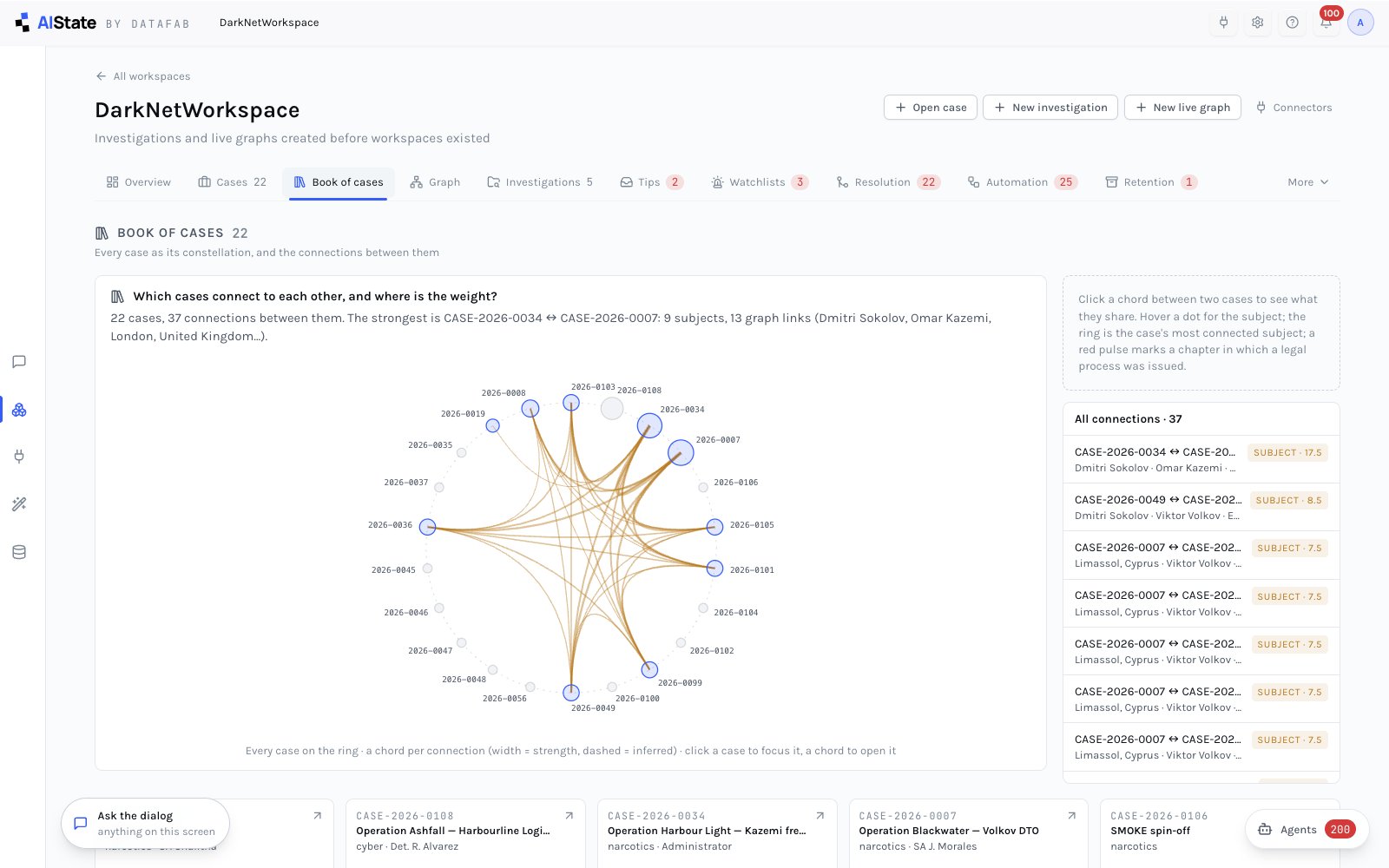
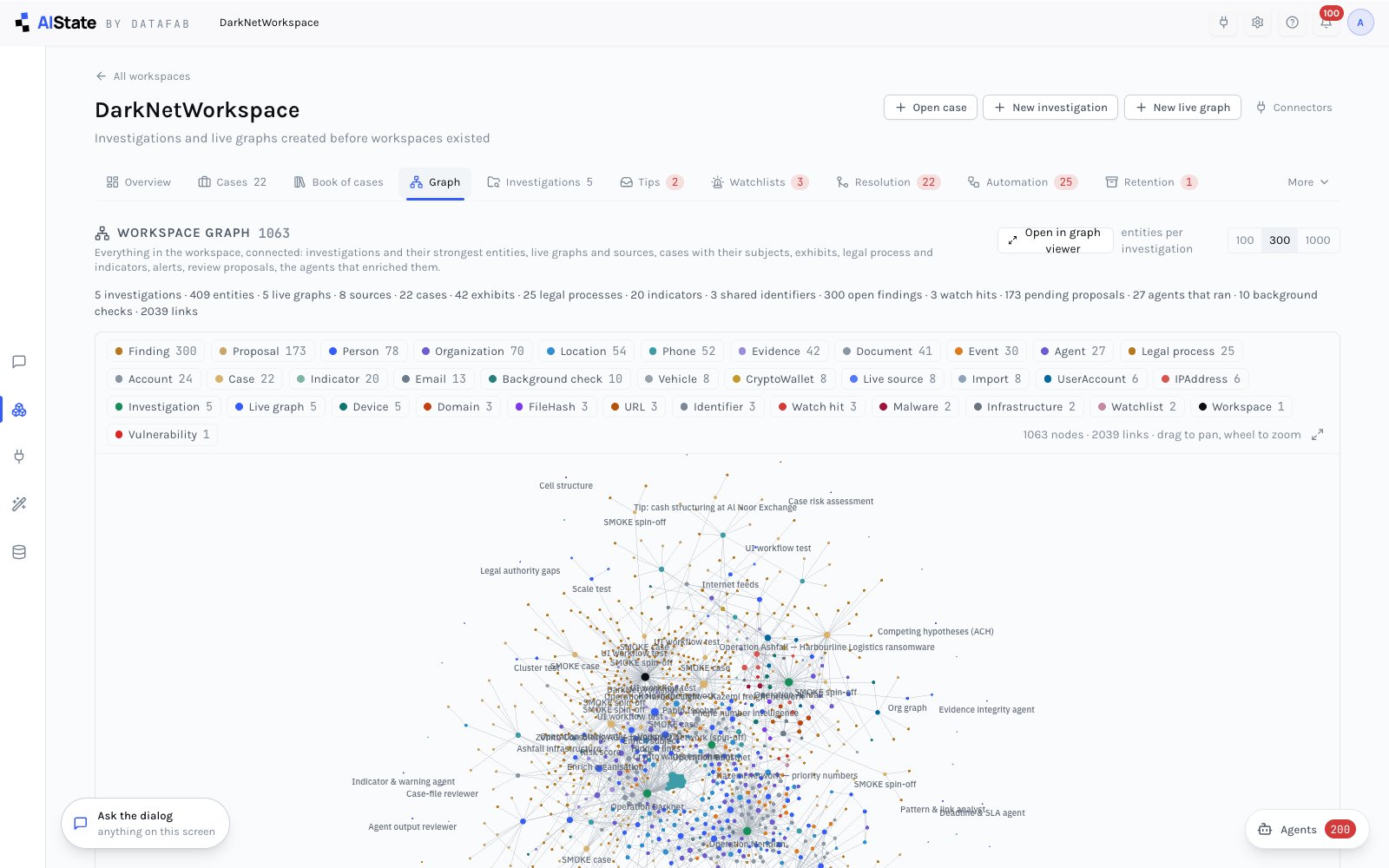
1aBook of cases & the workspace graph
Two ways to see a whole workspace at once: every case as a constellation with the connections between them, and every object in the workspace on one canvas.
1bRecords: imports & analytics
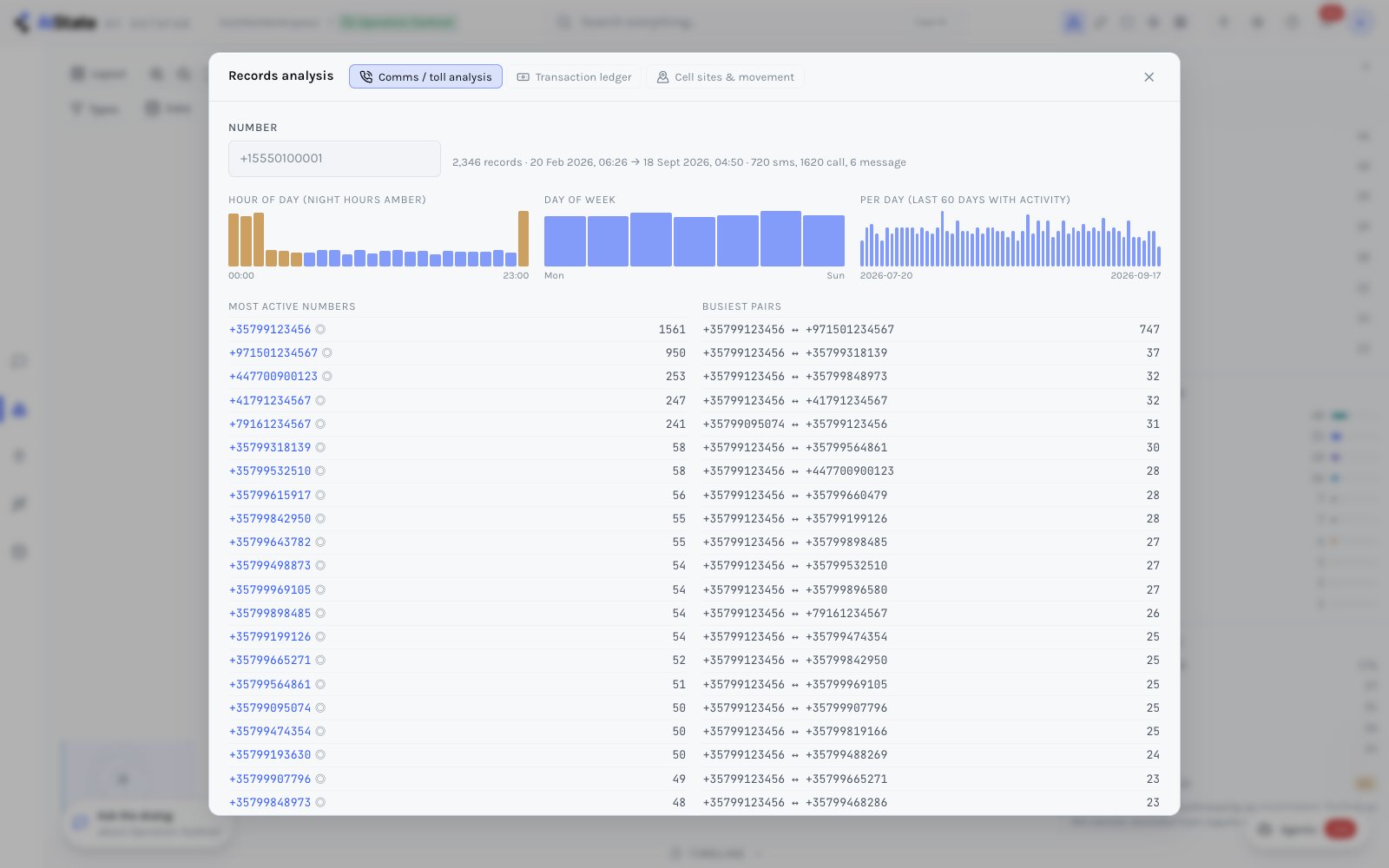
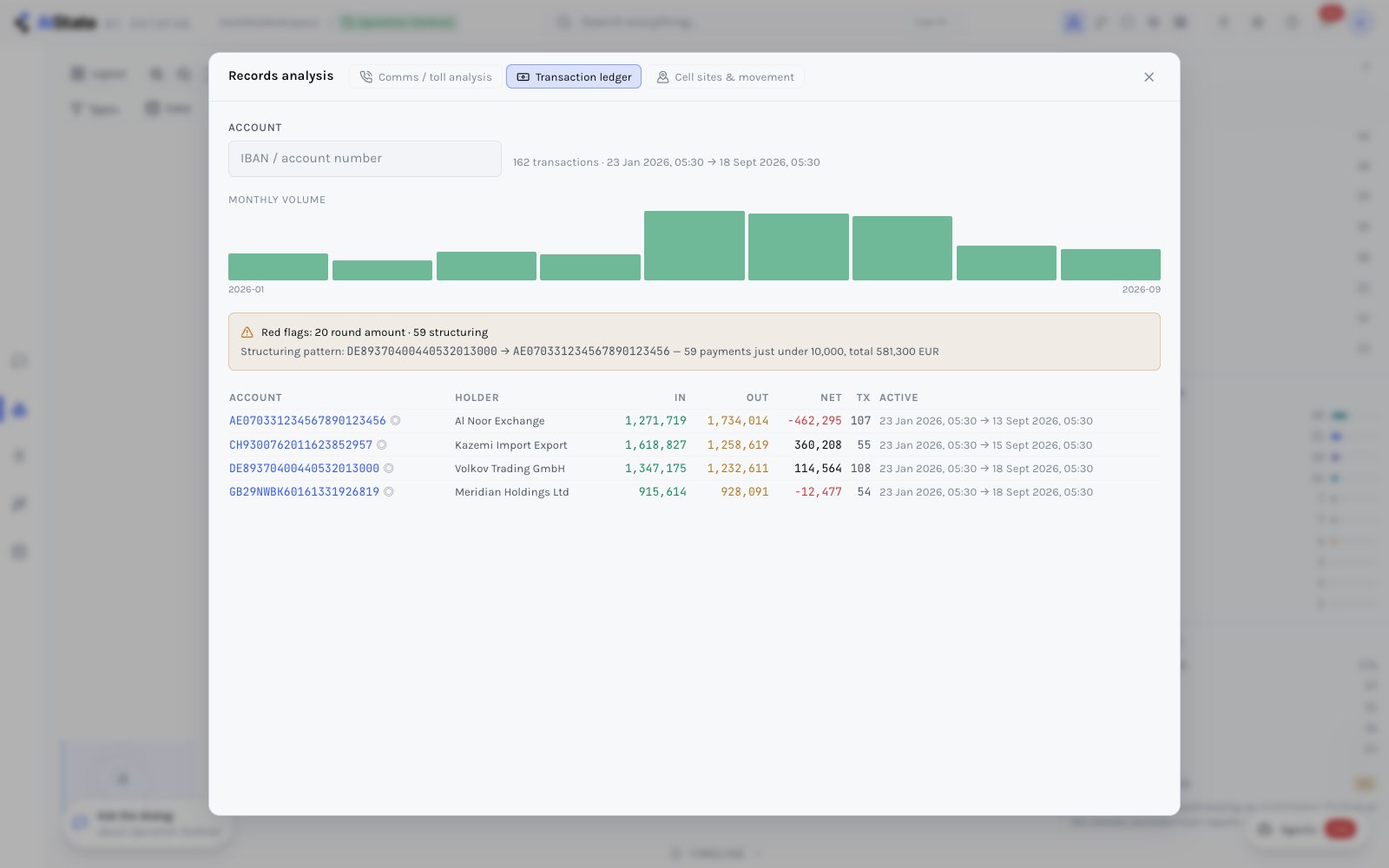
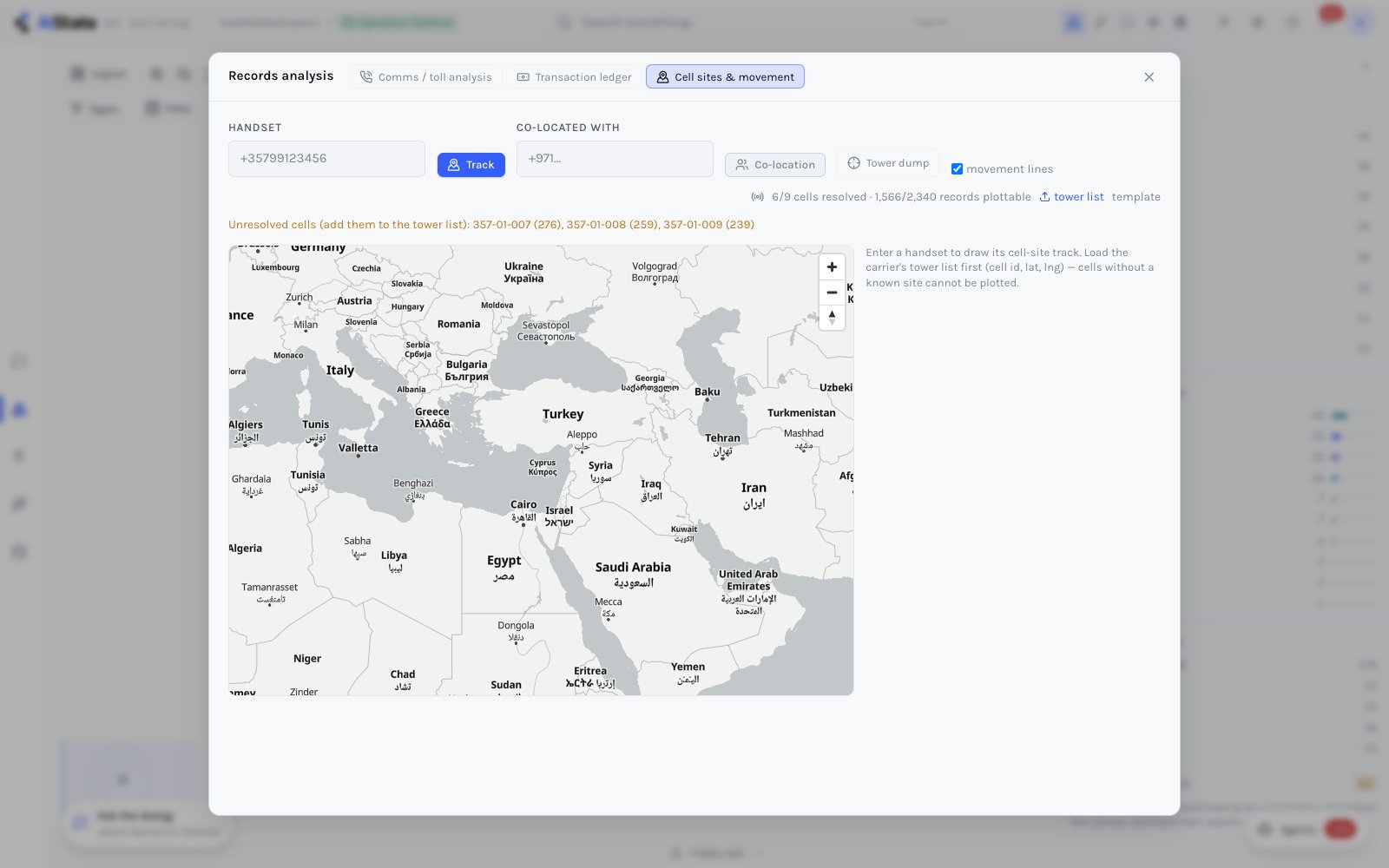
Call detail records, bank returns, device extractions, chat exports and cyber logs become entities and relationships, and the source records are held as case evidence under your key — hashed, analysable, and not a copy of the system they came from. Profiles: generic · CDR · bank · UFED contacts · messages · netlog · access log · mail log · forensic.
- Preview first — the profile and the column mapping are detected and 200 rows are dry-run before anything is written
- Merged, not duplicated — entities merge on type and normalised name (phones to E.164, IBANs upper-cased); edges aggregate count, first and last seen, talk time, amounts
- Every row kept — as a call record, transaction, message or event linked to both ends, never as an entity, so canvases stay clean
- One click undoes an import — everything carries the import id
- Comms / toll analysis — top numbers and pairs, hour-of-day and weekday patterns, per-number contacts with in/out, talk time, night-hour activity, common contacts between two handsets
- Transaction ledger — per account in/out/net, counterparties, monthly series, and flags: structuring (9,000–9,999), round amounts, pass-through within three days, repeated-pair patterns
- Cell sites & movement — tracks, dwell, co-location, who-was-there, from the cell ids already in the records
1cIndicators, watches & sightings
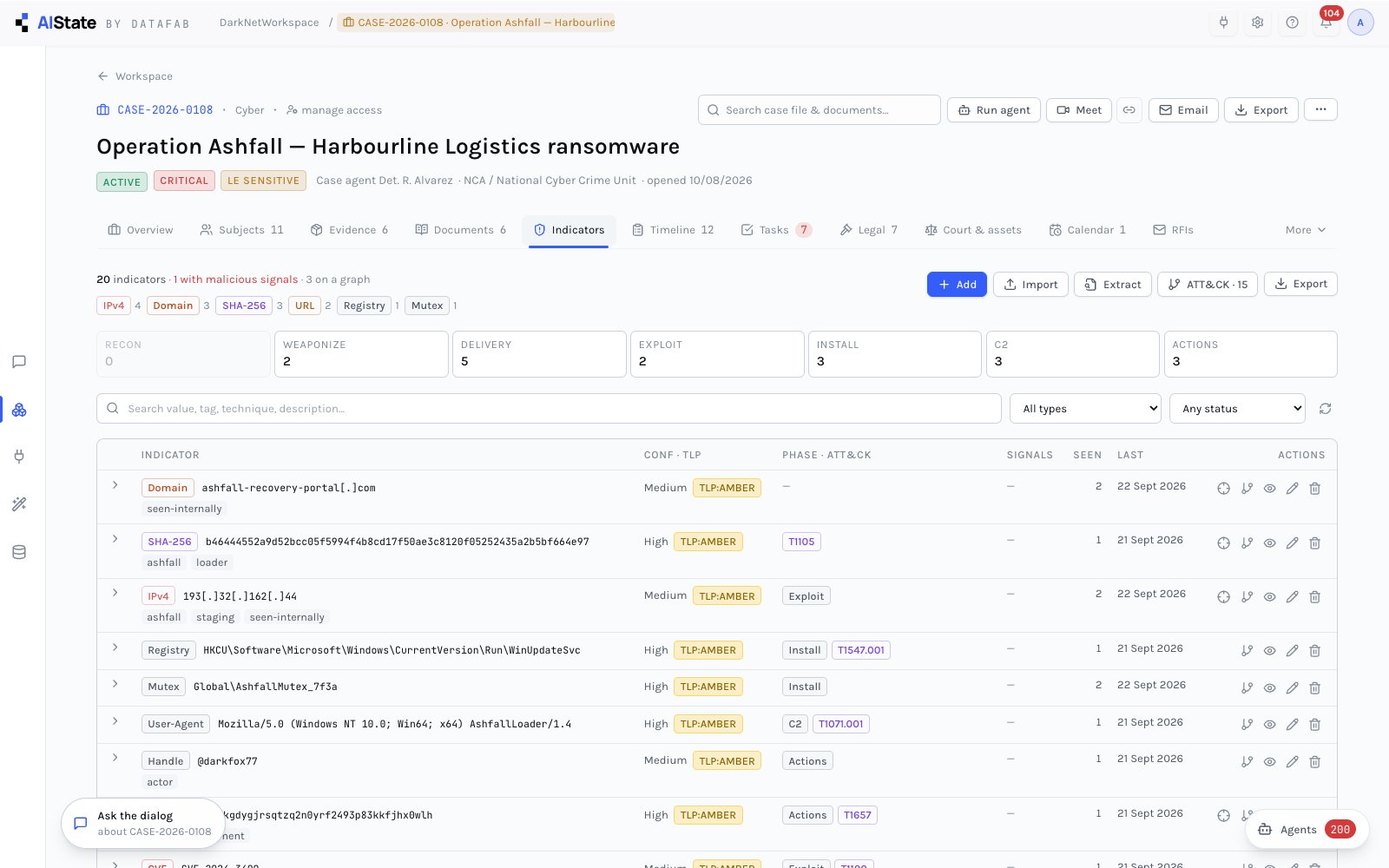
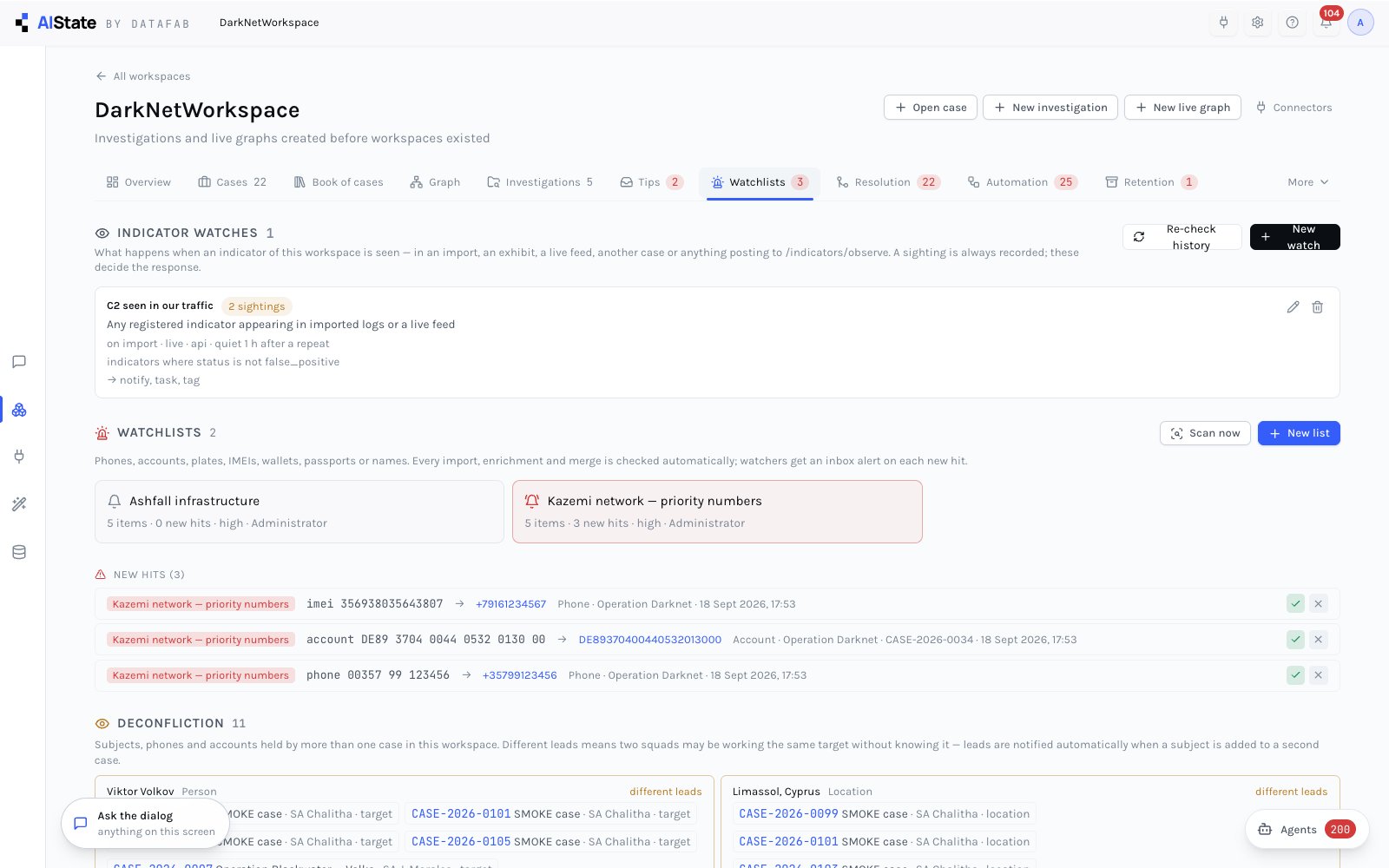
The register is only useful if something keeps looking. Everything the platform reads is checked against it, a sighting is recorded, and the watches you configure decide the response.
1dAI usage
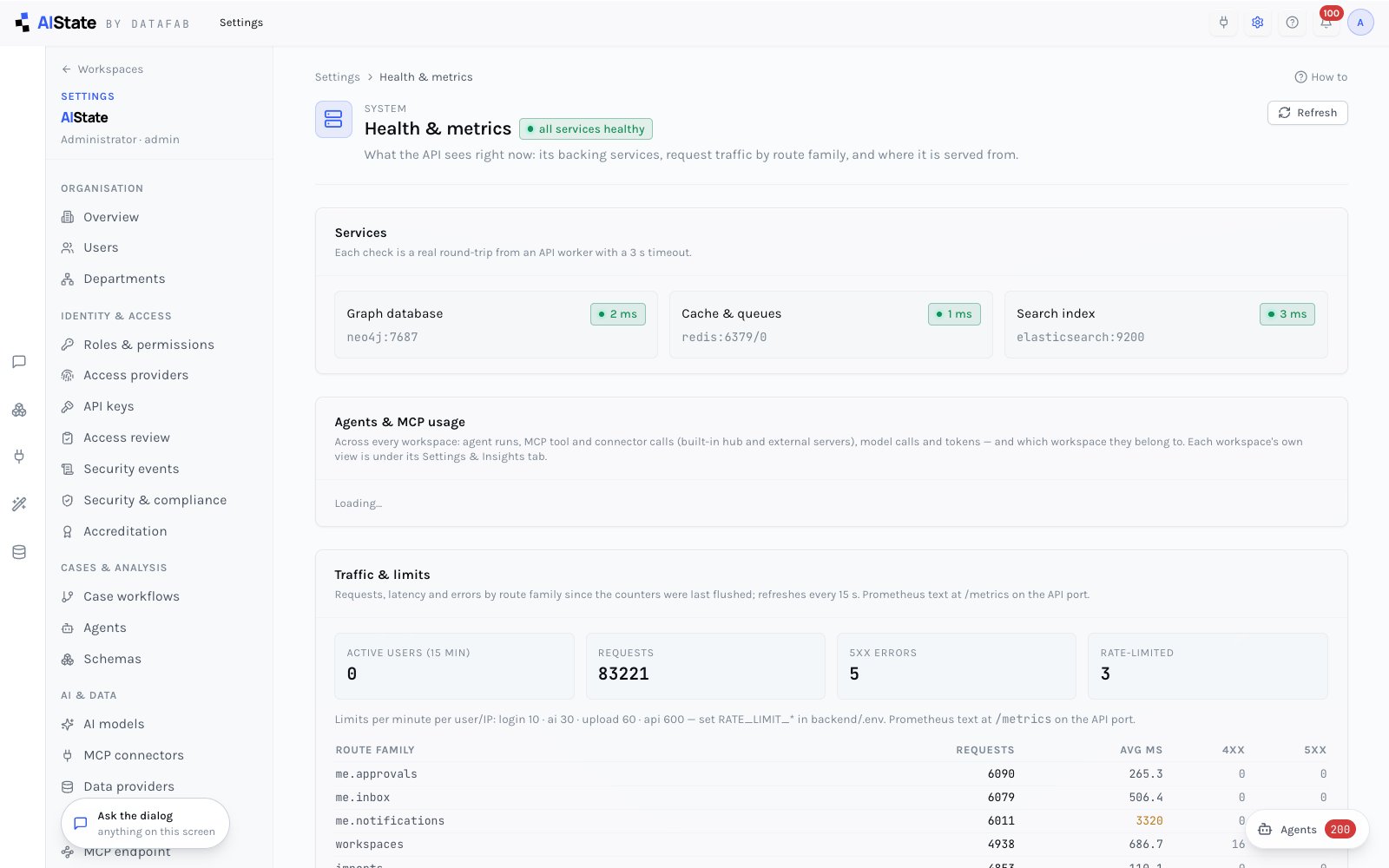
Every model call and every tool call is written to a usage ledger off the request path — so what the AI is doing is measured rather than estimated.
02Workspaces, overview & insights
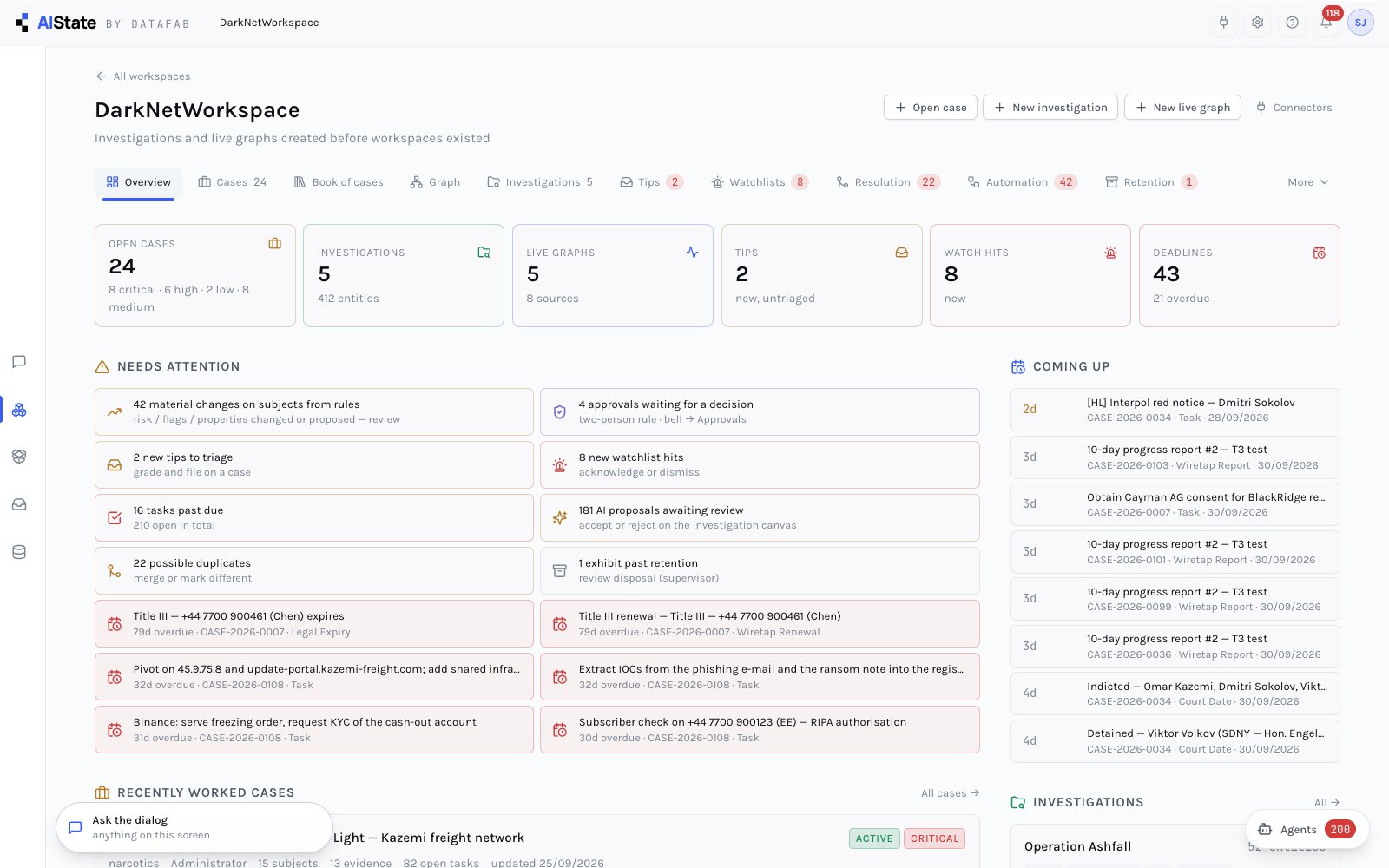
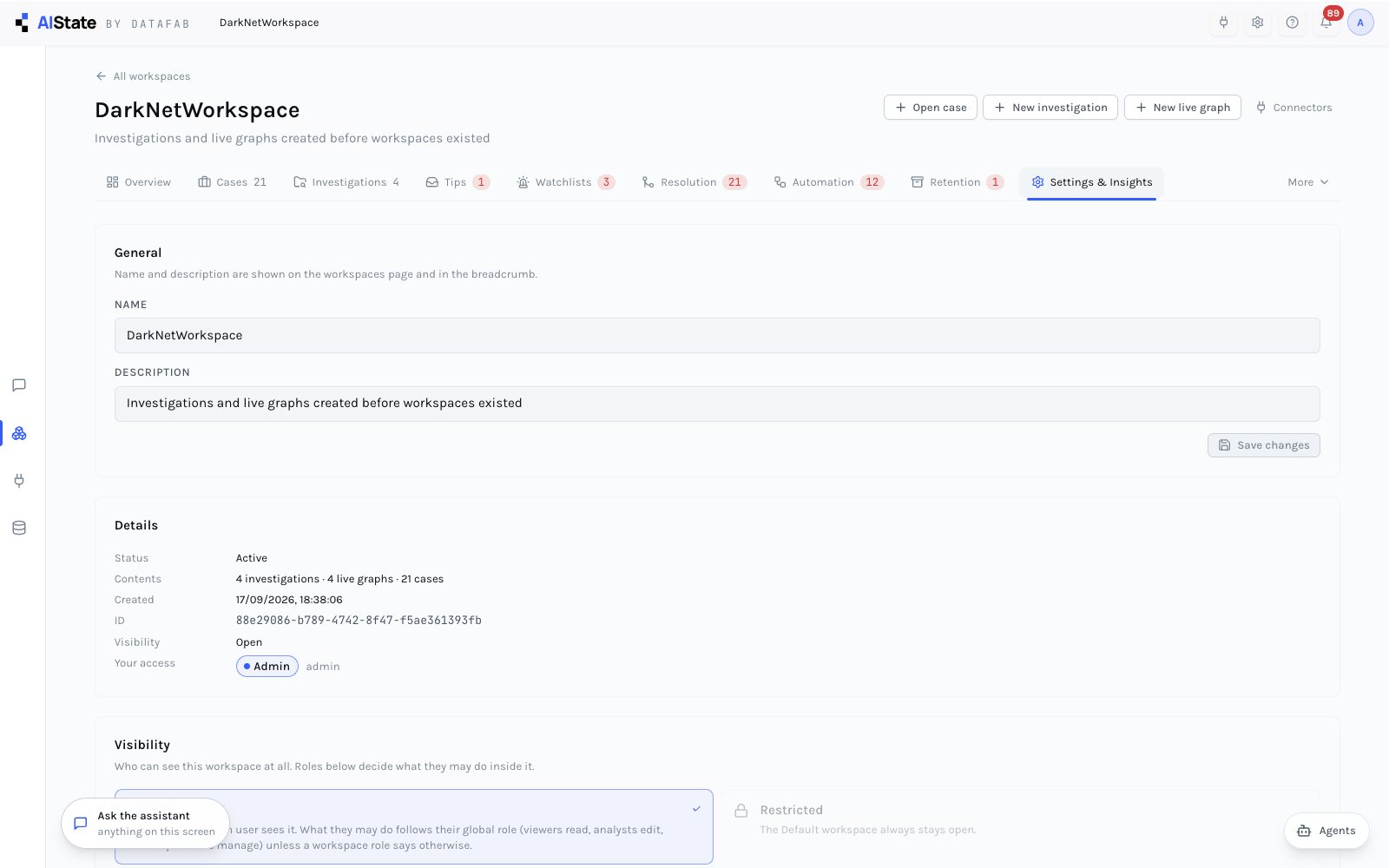
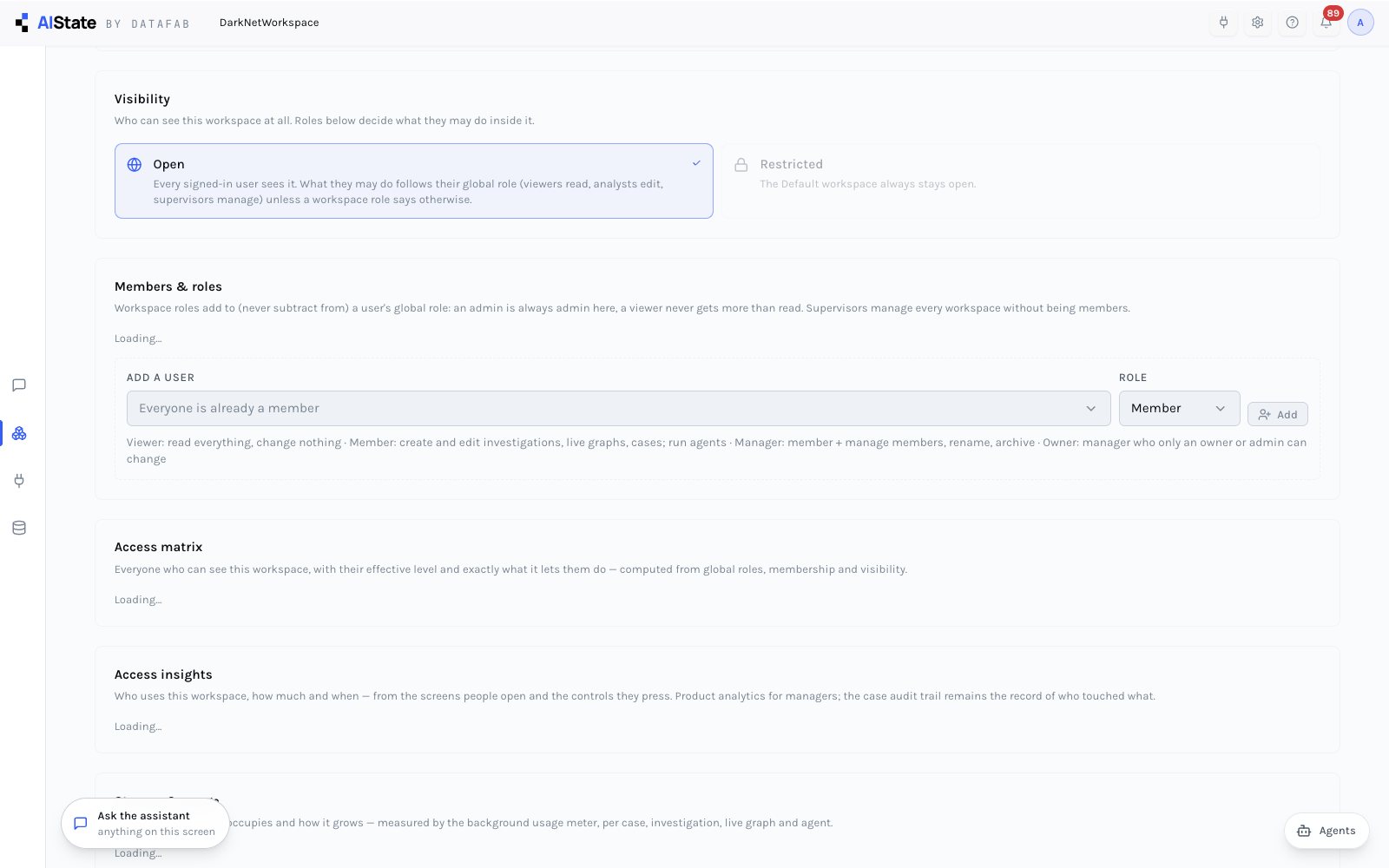
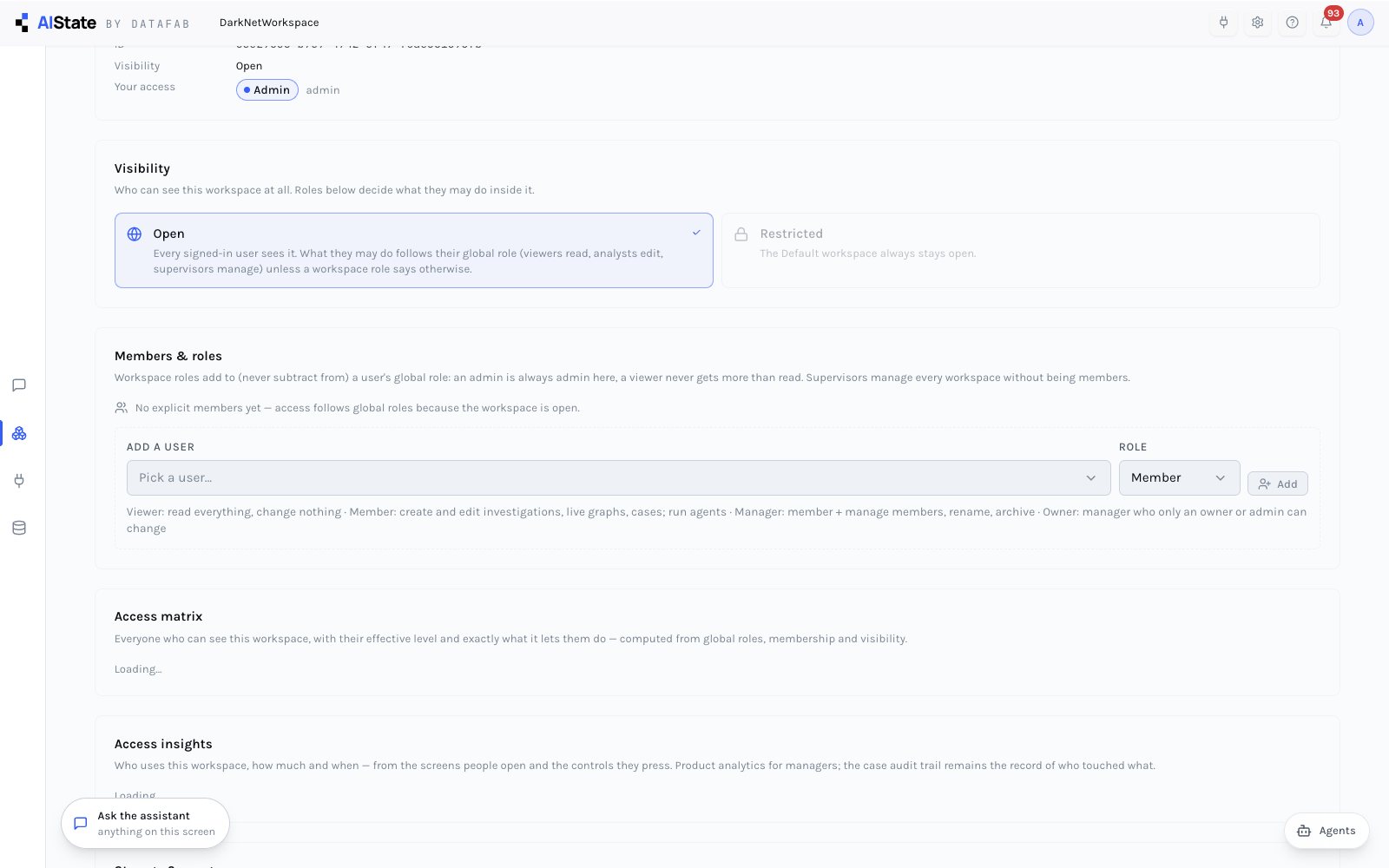
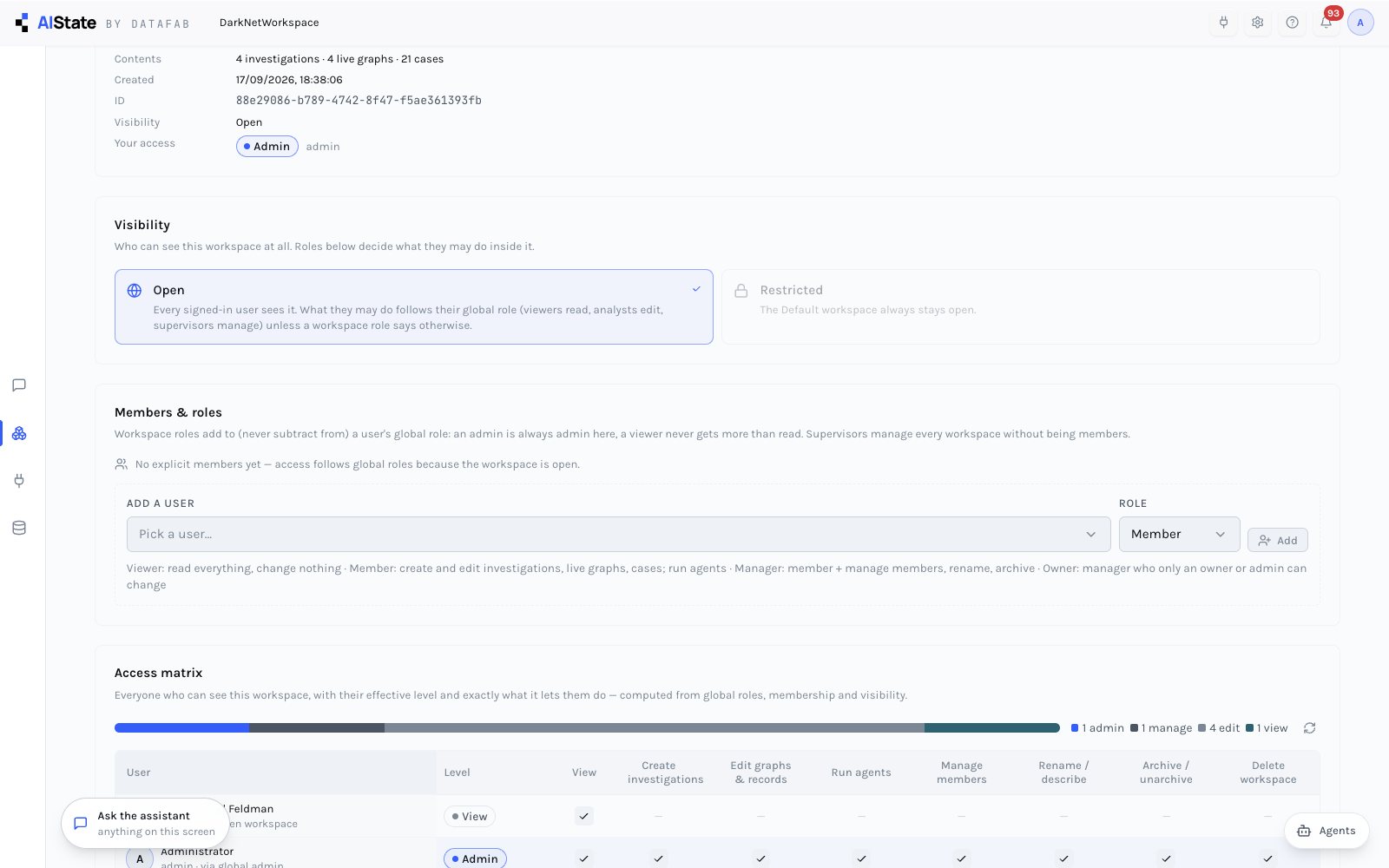
A workspace holds investigations, live graphs and cases. Its overview is one dashboard fed by a single graph query; its settings show who can see it, who actually uses it and what it costs.
CALL {} subqueries.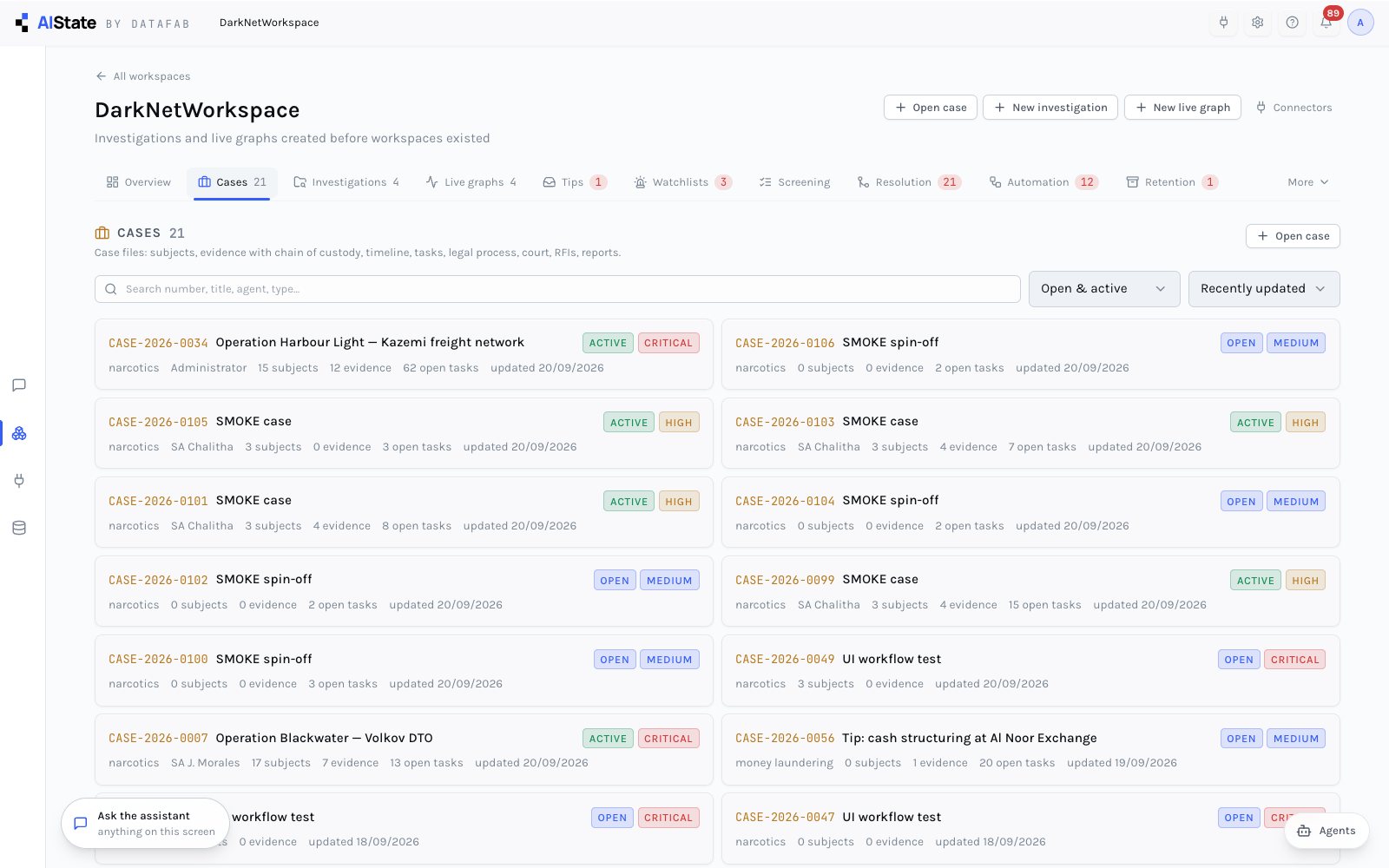
03The investigation graph
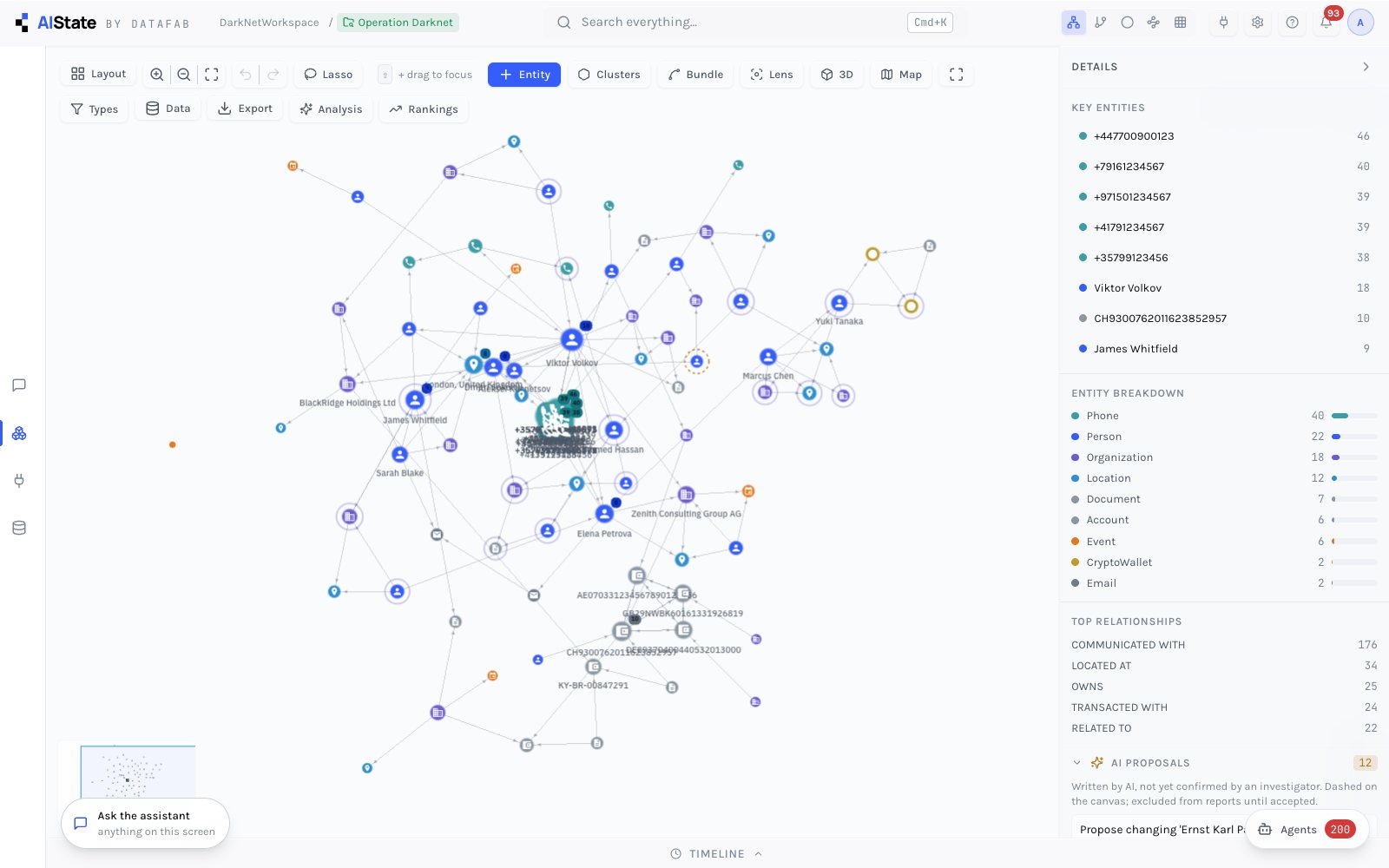
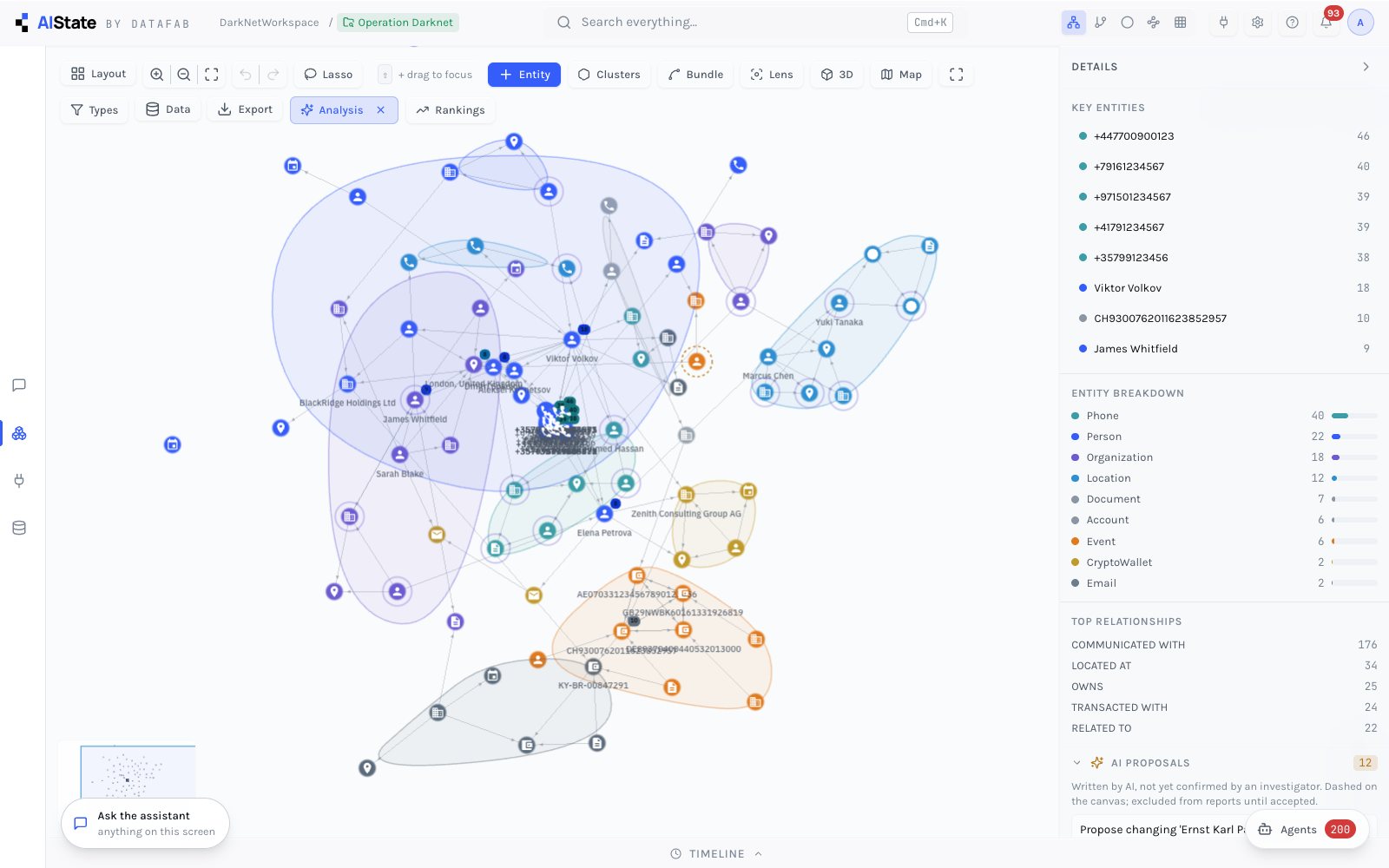
Entities and relationships on a WebGL engine — the same one that renders millions of live nodes. It streams while it loads, persists positions, runs analysis on the canvas and switches to 3D.
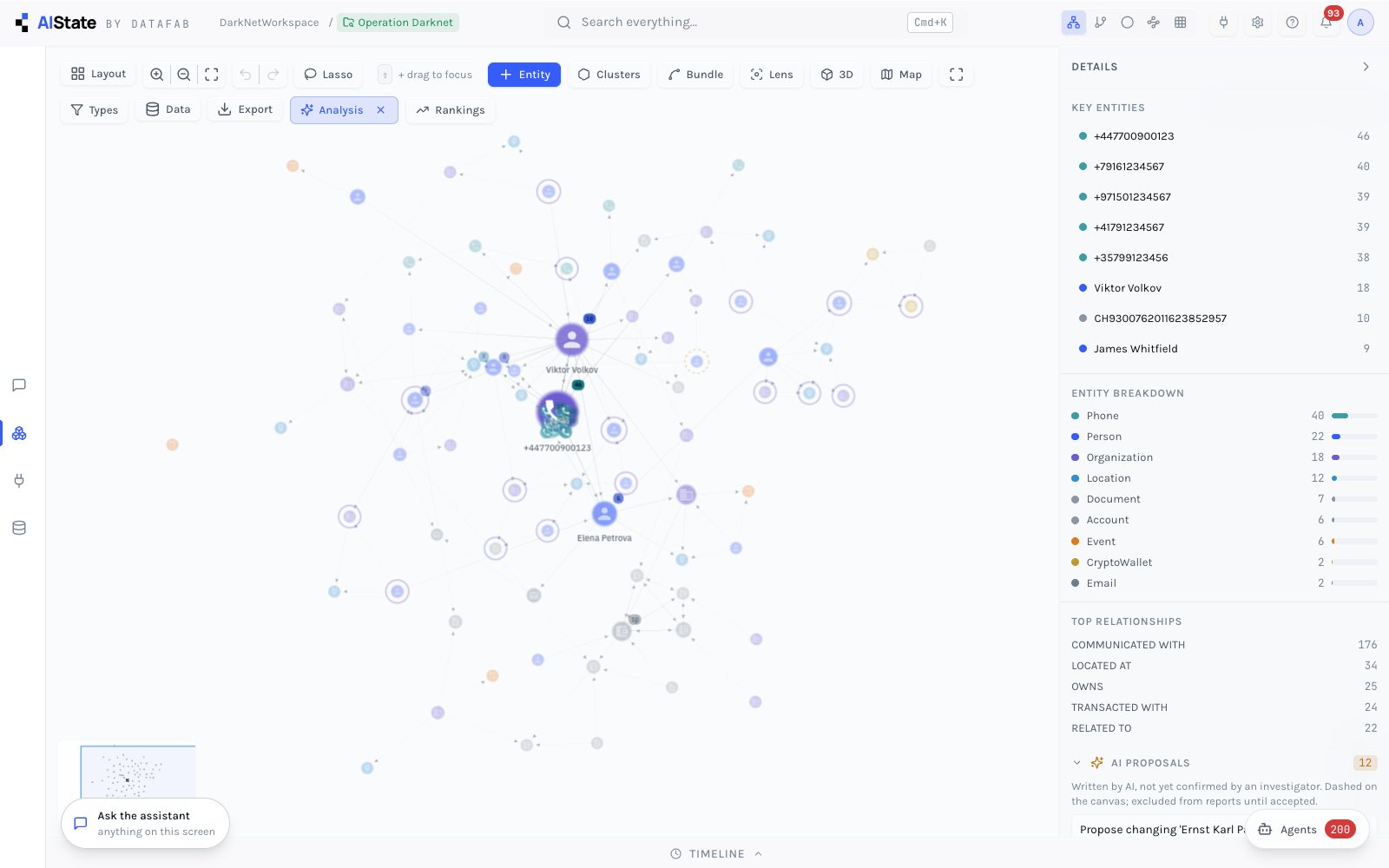
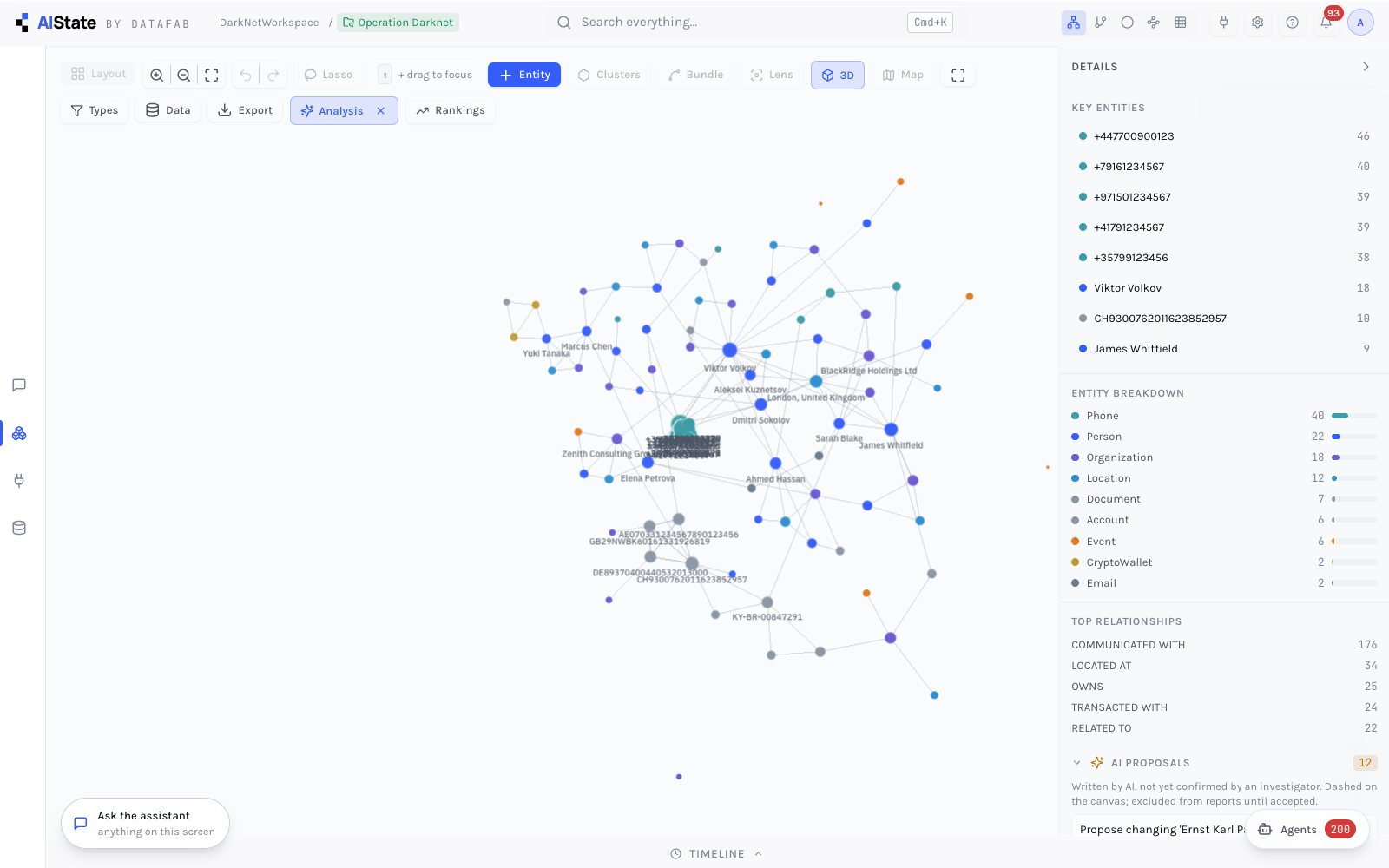
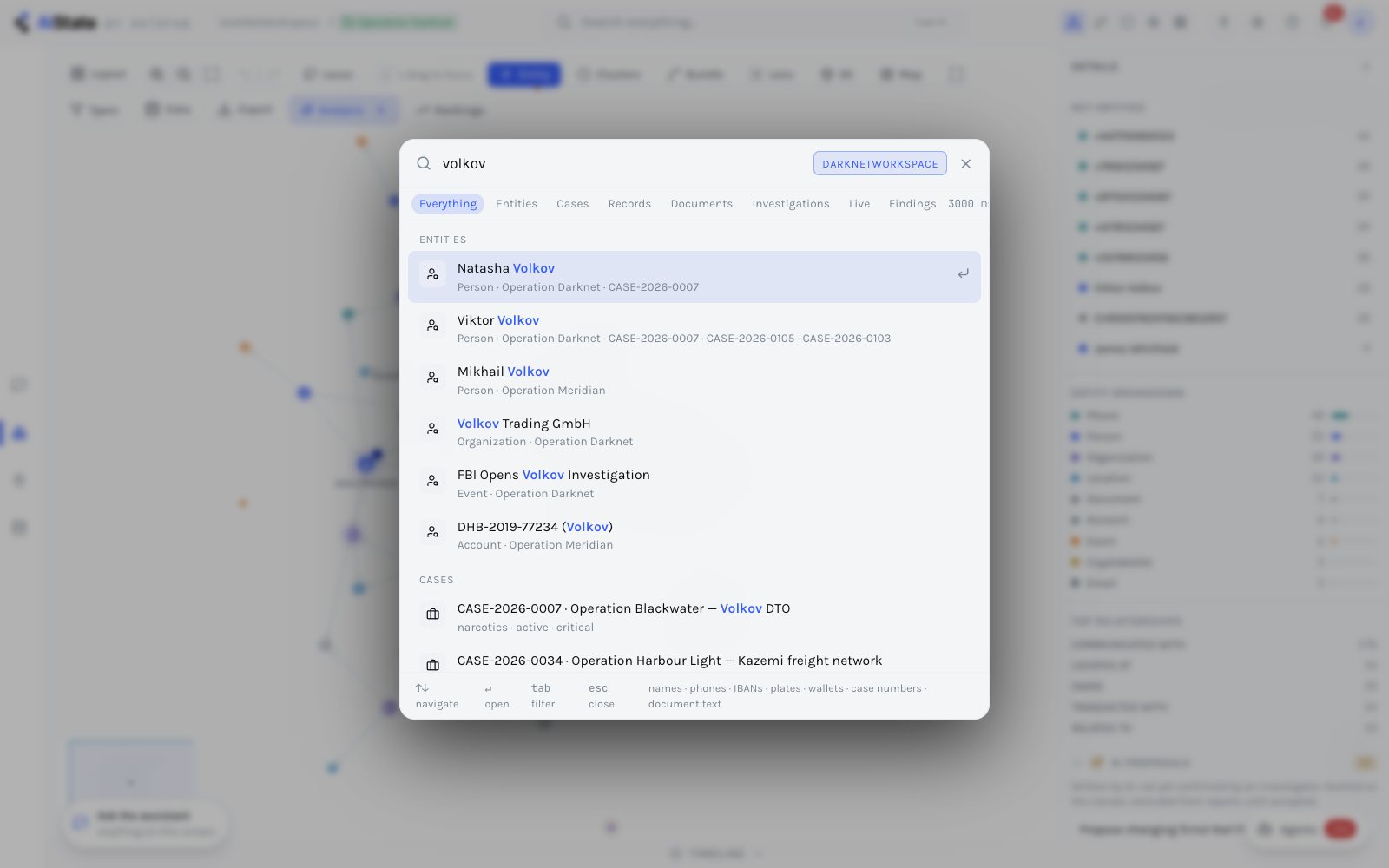
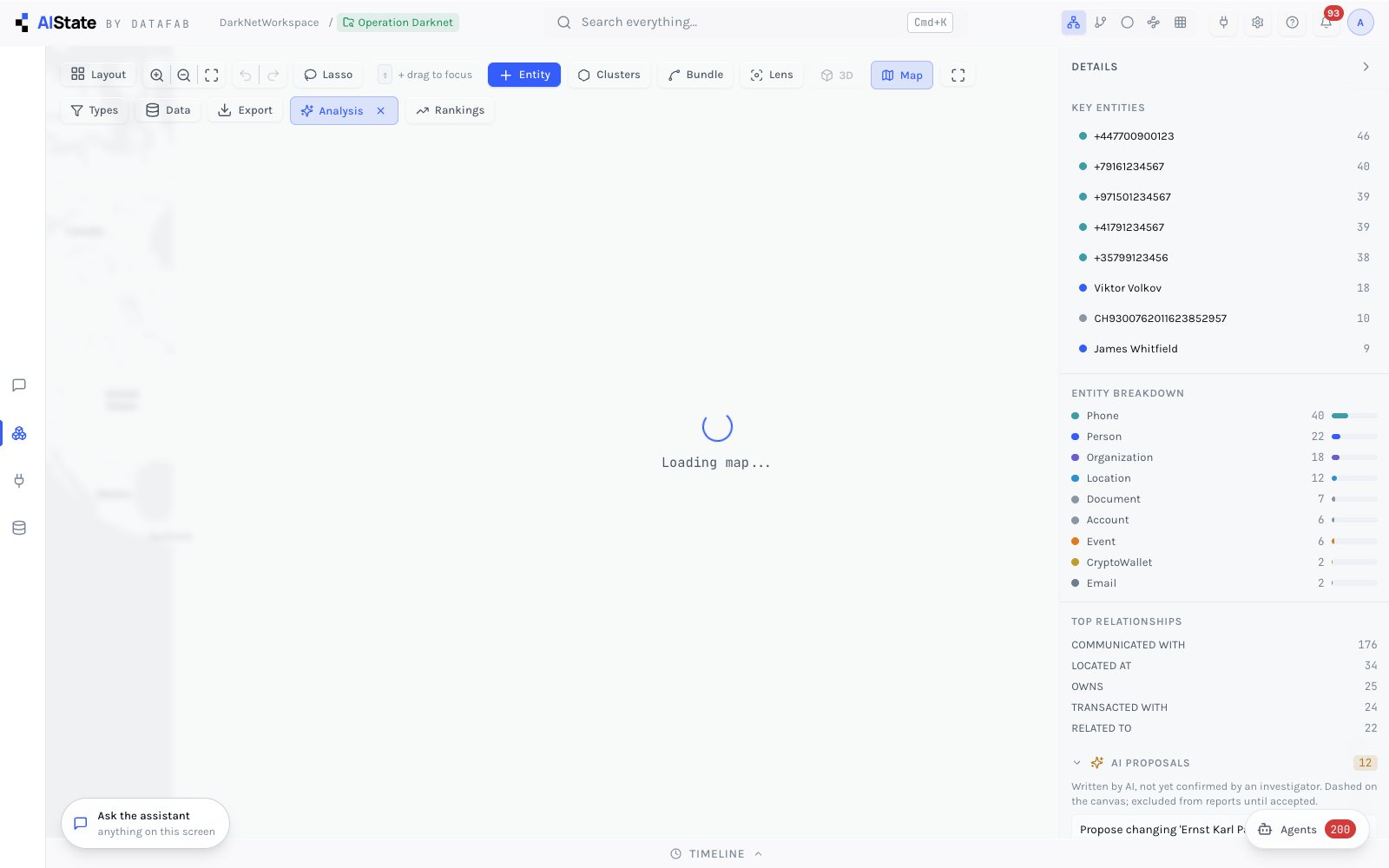
- Streaming load — NDJSON rows appended in batches; slim rows on large graphs, details hydrated on inspect
- Persisted positions — moved nodes saved every 30 s; reloads open settled
- Layout locks when settled — the layout worker decides when the whole graph is done (mean movement below a threshold, or nothing new for 45 s) and freezes every node; nothing drifts on its own again until data, a drag or a re-layout wakes it. A pill shows Settling · Lock now then Layout locked · Re-layout
- Layouts — force, layered (Dagre-style), radial, circular, grid
- Overlays — focus edges with labels and flowing dashes, community and analysis hulls, combos, fisheye lens, minimap, edge bundling on smaller graphs
- Selection — screen-space pick grid, edge picking, brush, lasso, multi-select
- Timeline & export — time slider, image export, undo
05Live event capture
Every input — HTTP ingress, webhooks, MCP, real SSE/WebSocket feeds, polled APIs, simulators, file imports — funnels into one engine that fans events out to every browser and persists them to the graph. The browser renders millions with a custom WebGL2 engine and a physics worker that only moves what changed.
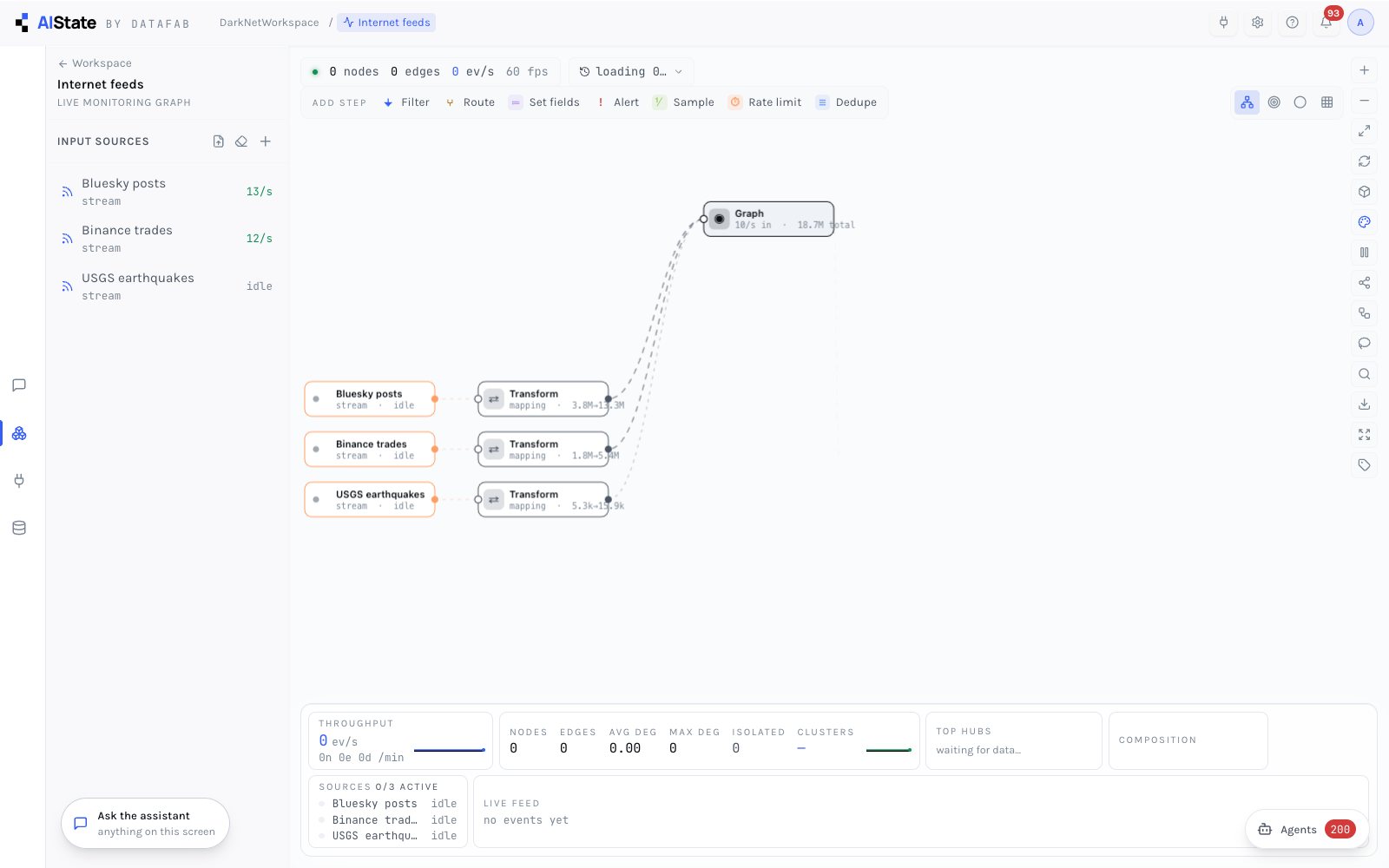
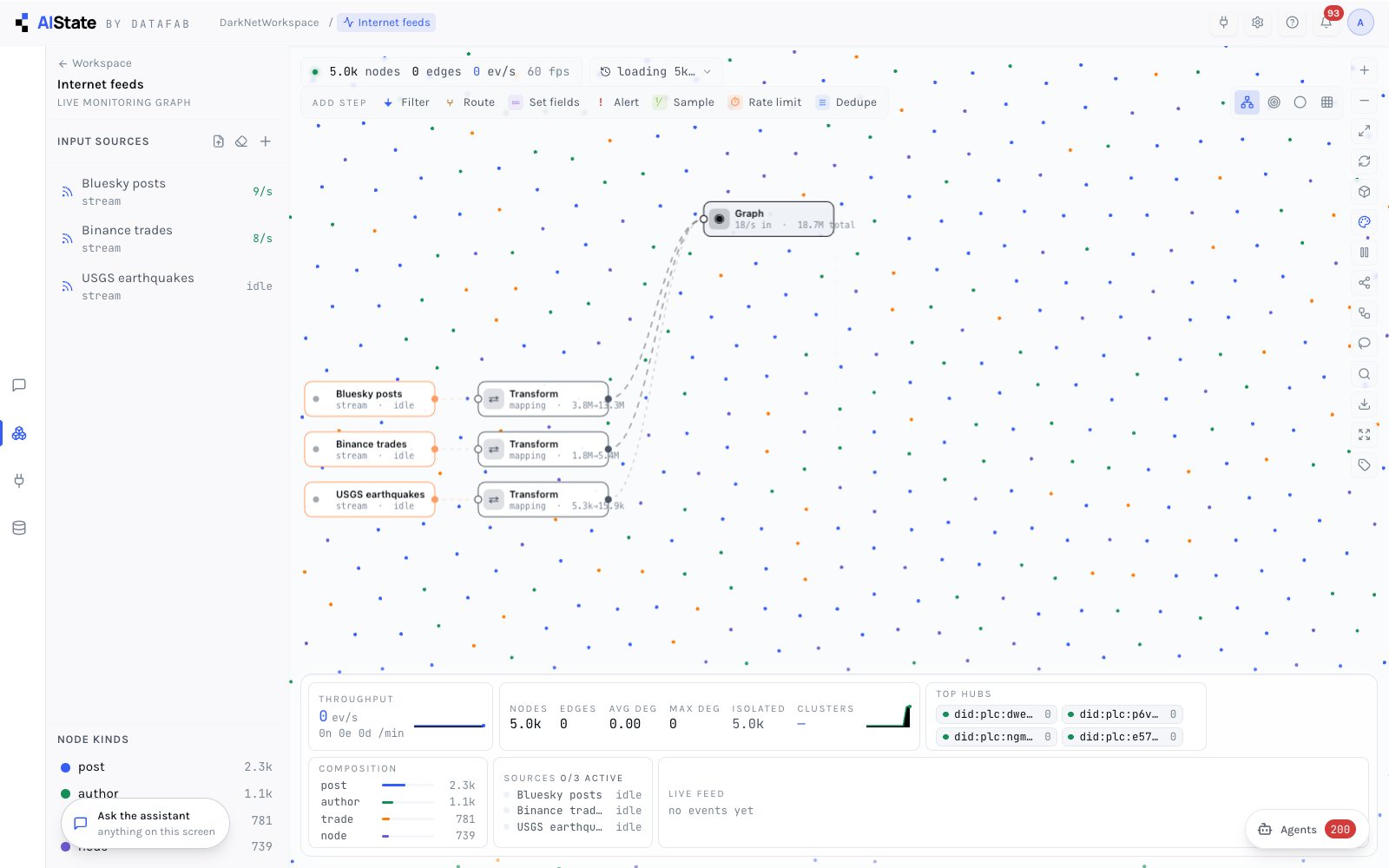
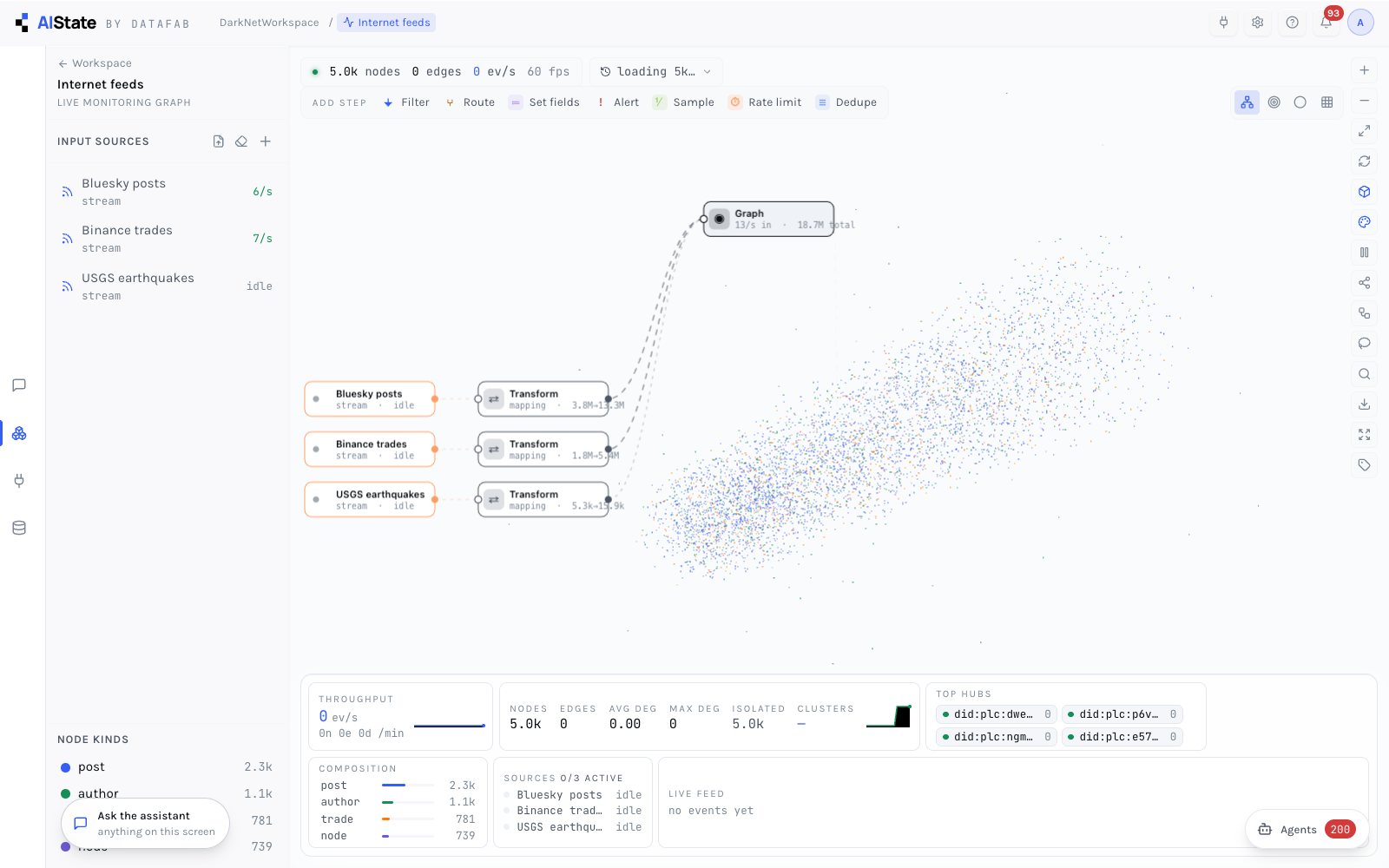
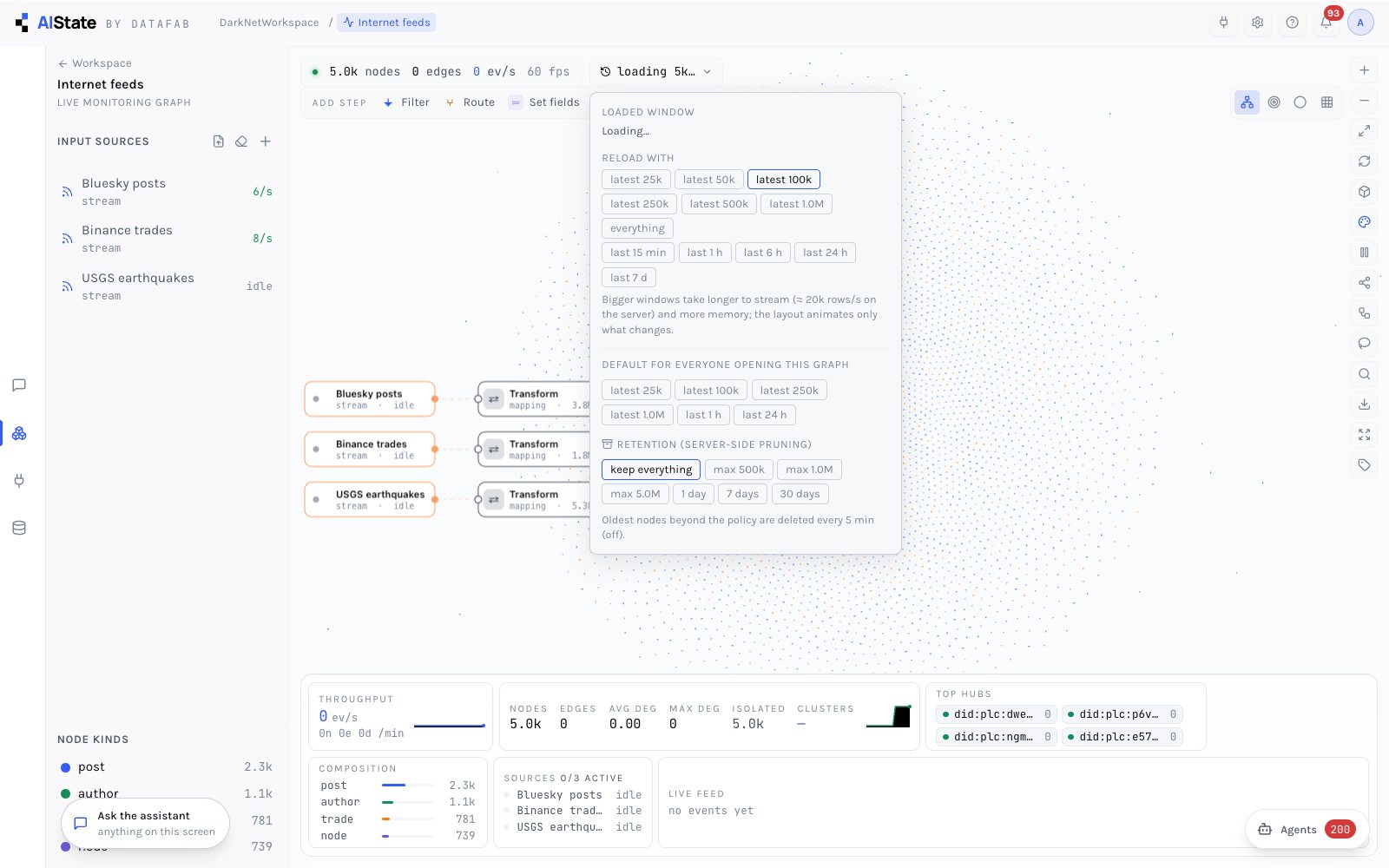
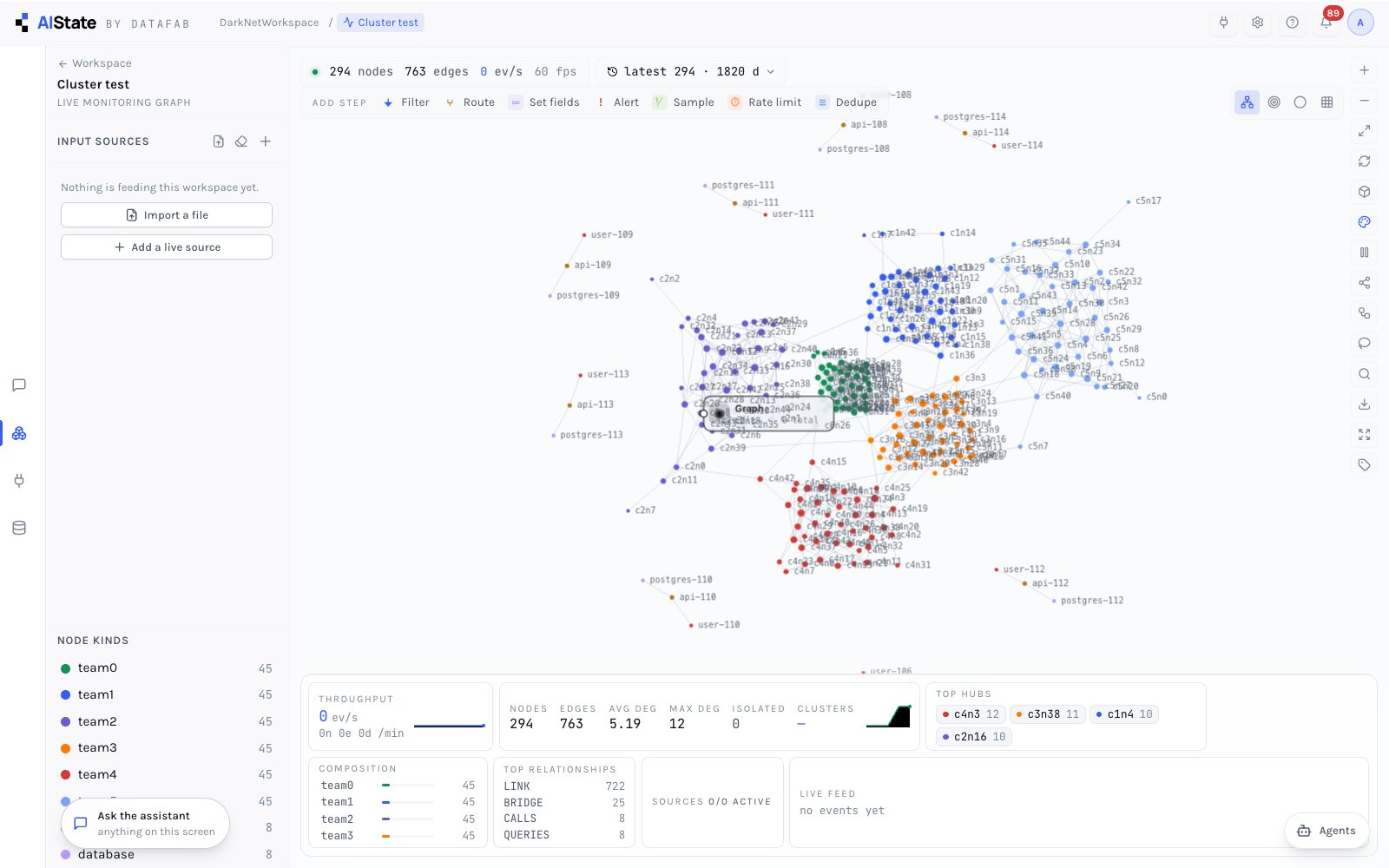
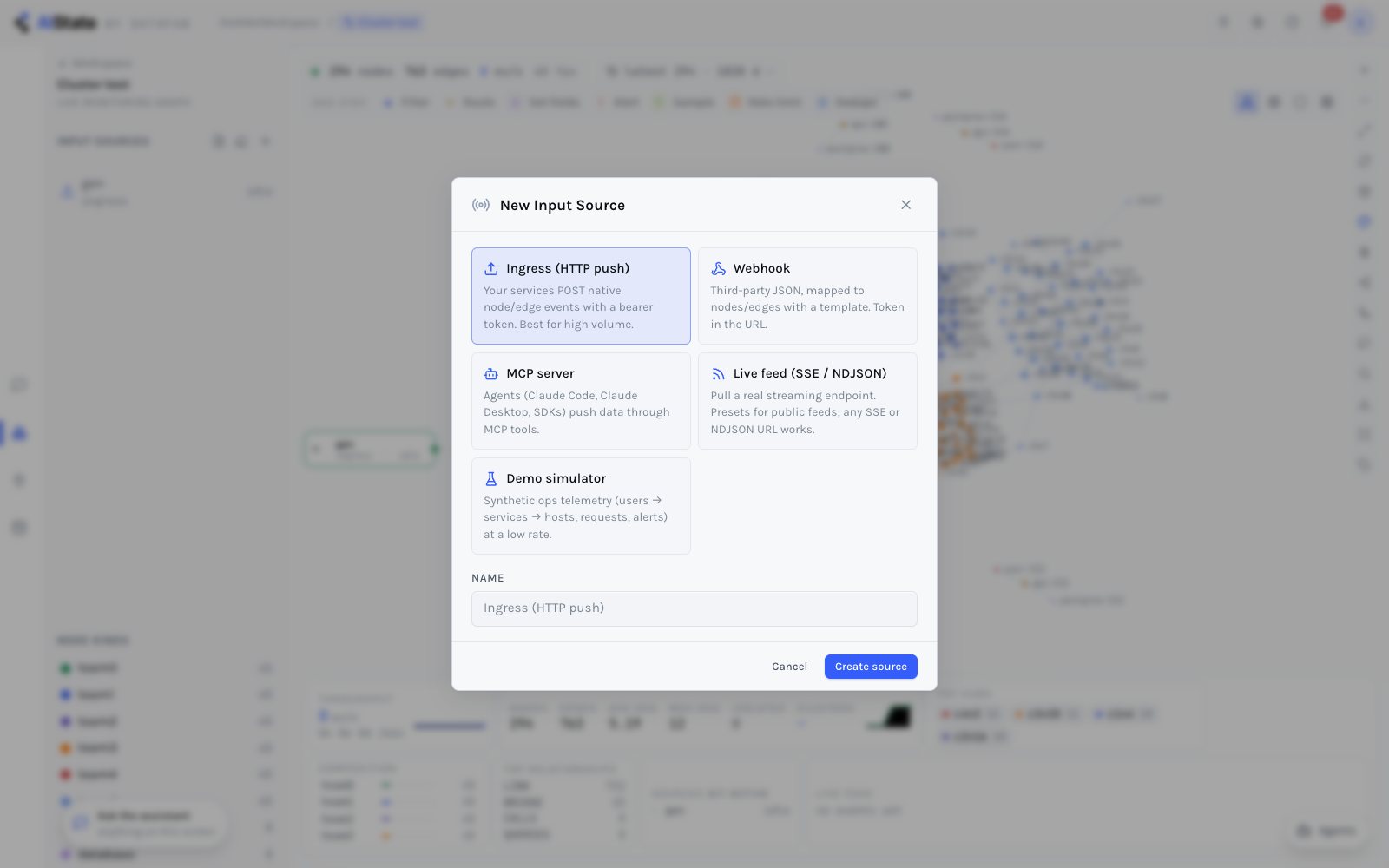
- Pipelines on the server — source → transform → filter · route · map · alert · sample · rate-limit · dedupe → graph, before fan-out and before storage; per-block counters
- Schema sampler — field paths, types and samples per source and stage feed the field pickers and the Transform panel
- Import — CSV / JSON / NDJSON with mapping suggestions, instant or replayed at N rows/s with progress
- Layout persistence — a reload opens settled; only fresh data moves
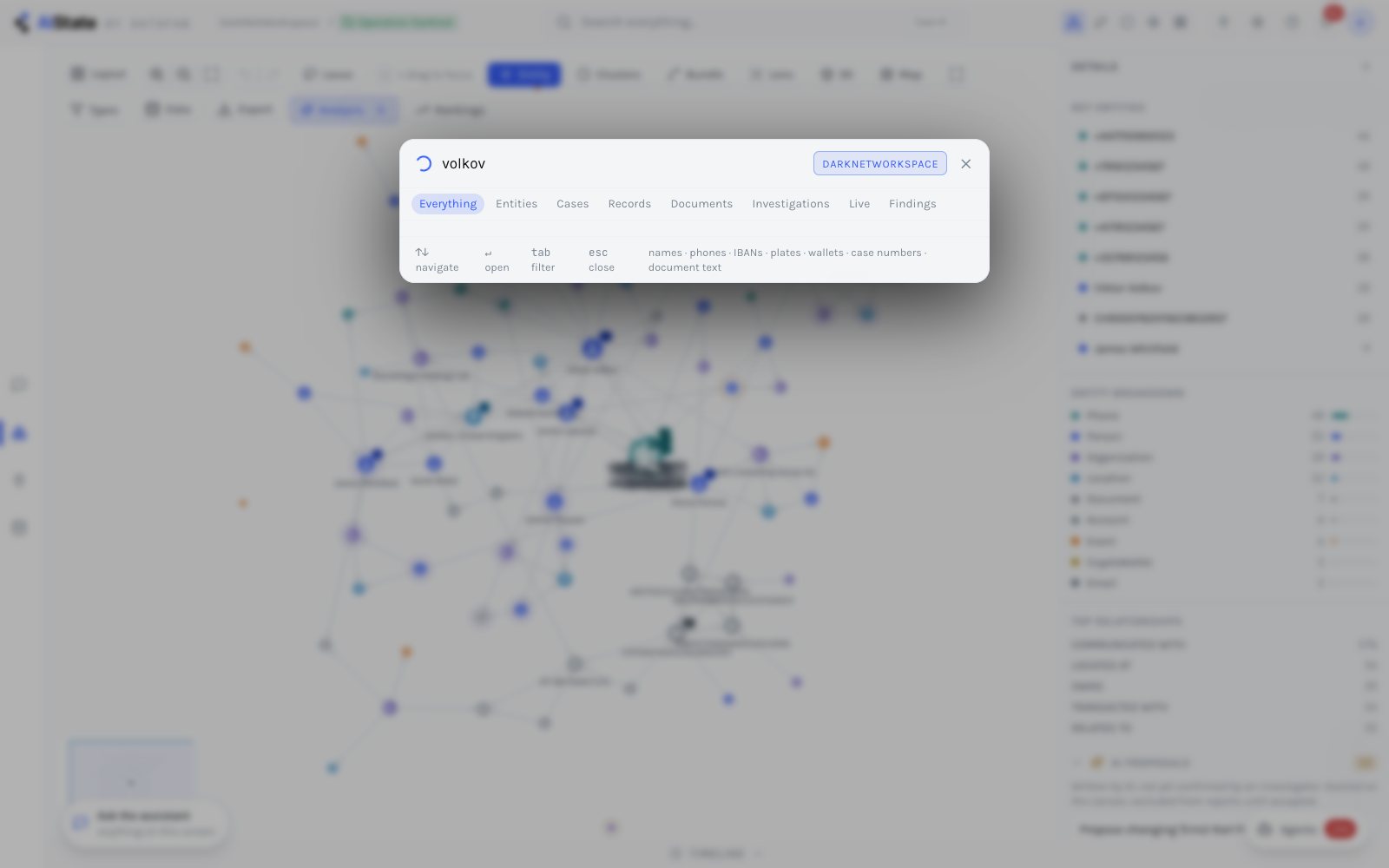
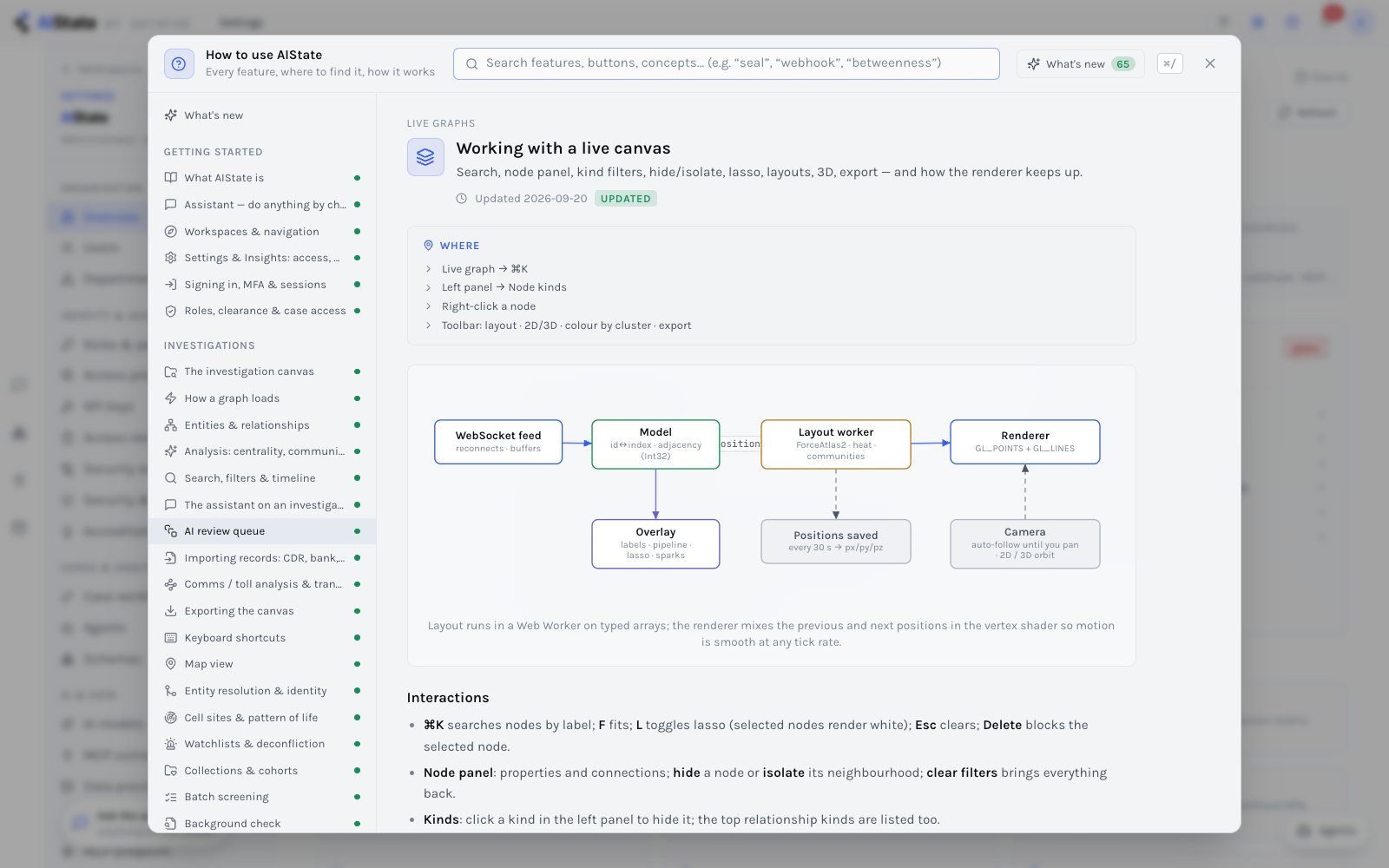
- Native tools — ⌘K search, node panel, kind filters, isolate neighbourhood, lasso, export JSON/CSV, 2D/3D, static layouts
- One runner per source — exactly one per stream or simulator source, however many servers run; restarted on config change
06Entities & agencies
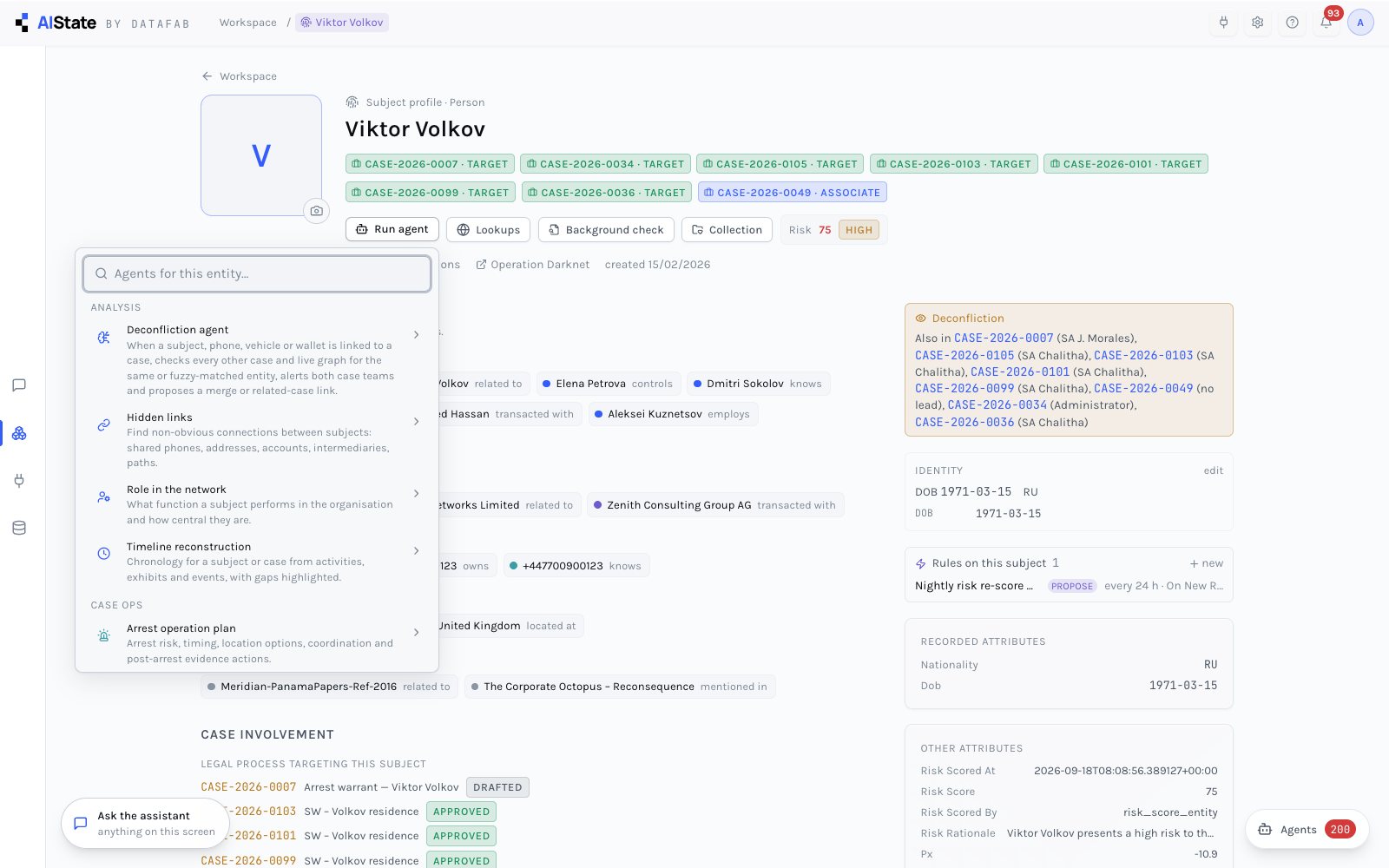
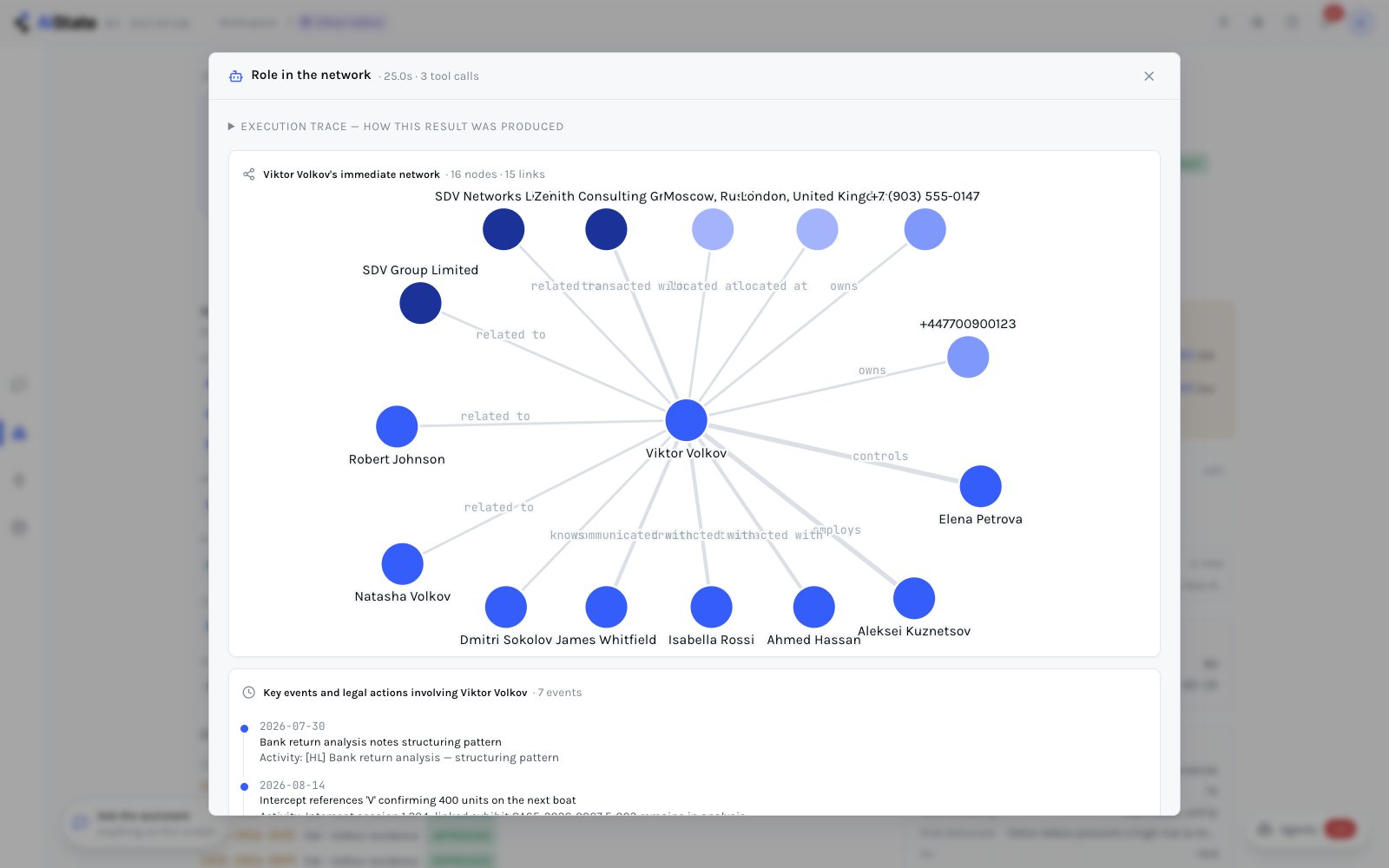
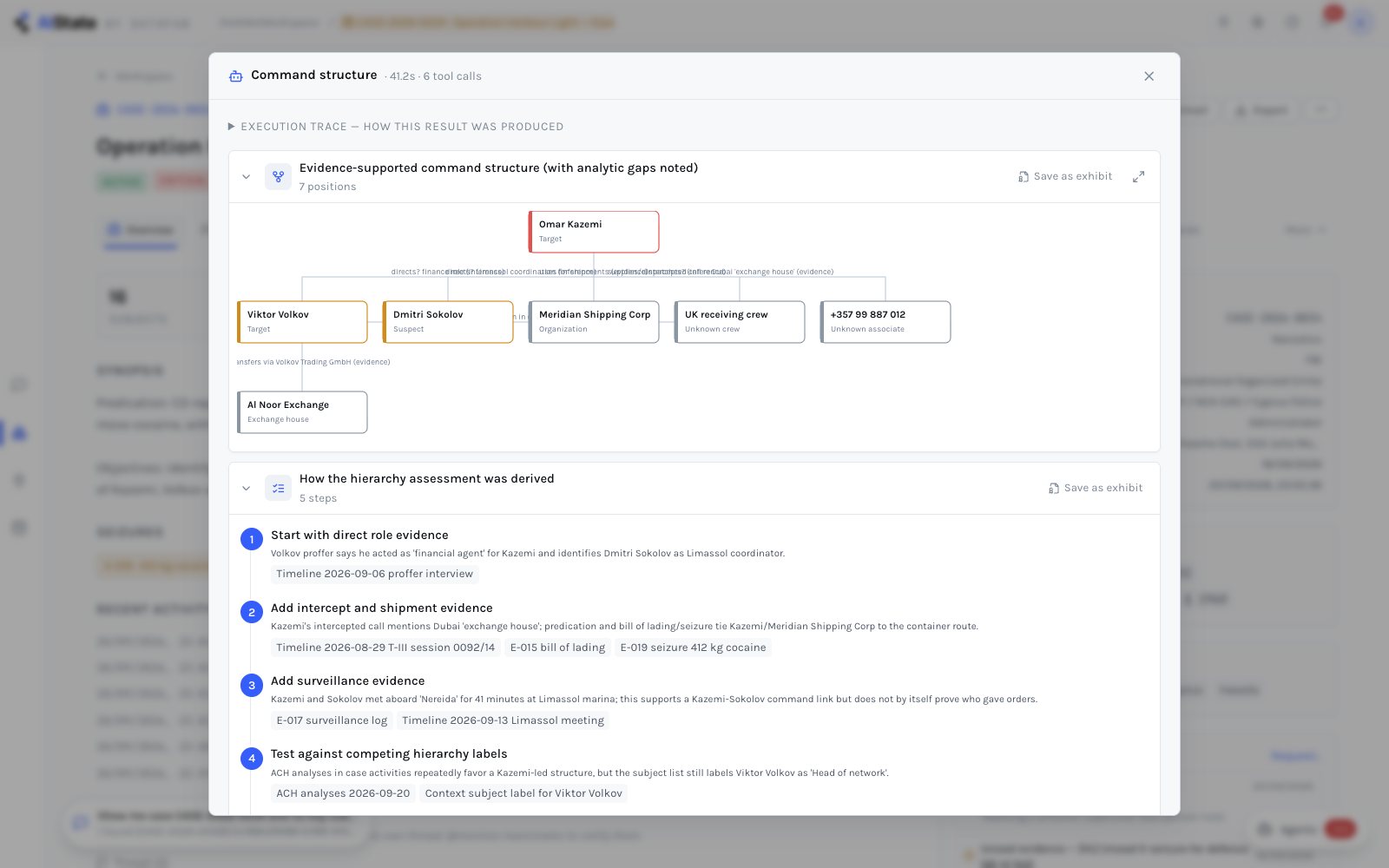
Every subject has one page; every agency is configuration. Effects (risk properties, flags, tasks, activities) apply at the autonomy level you set for the process. Changes you reserve wait in the review queue.
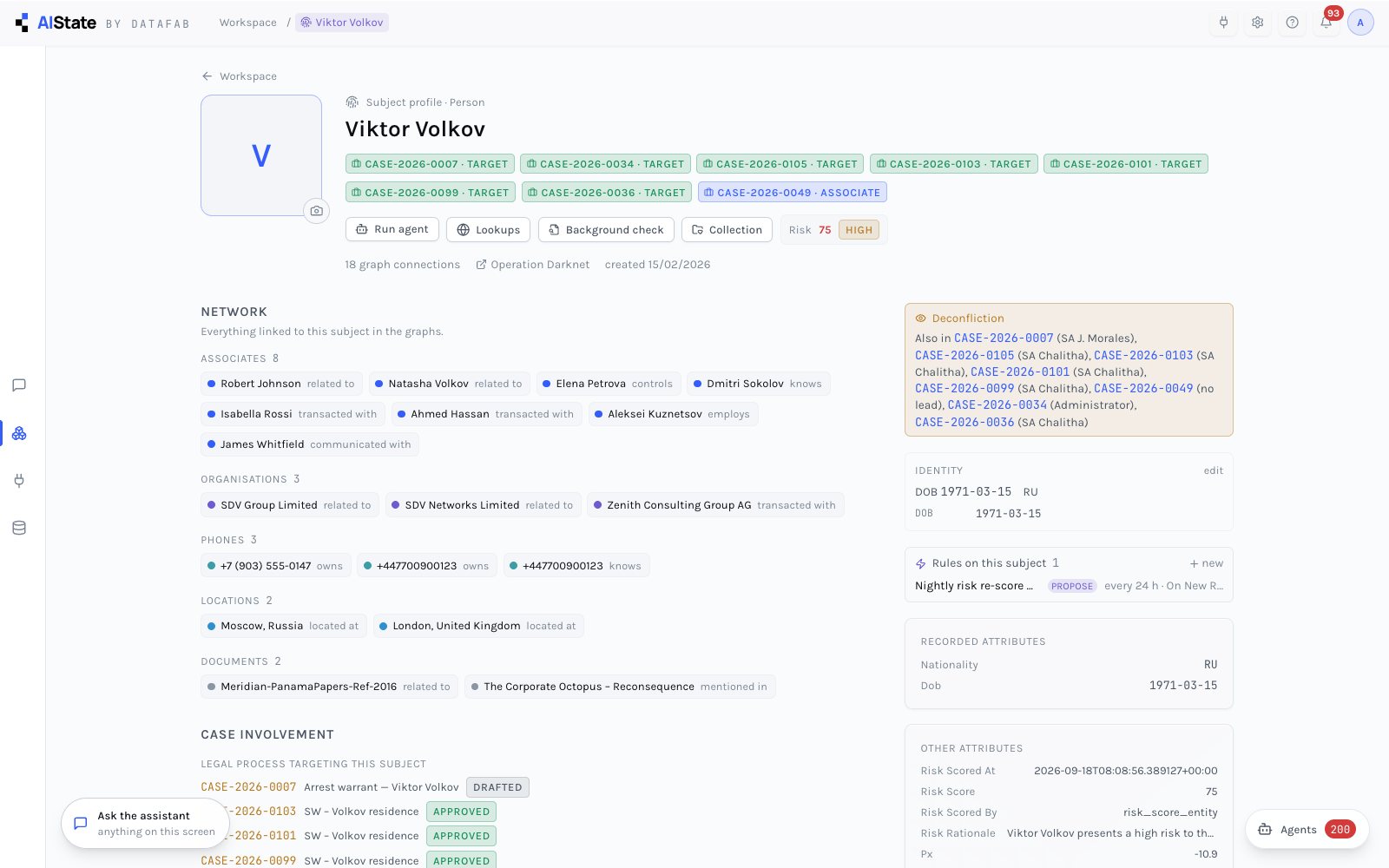
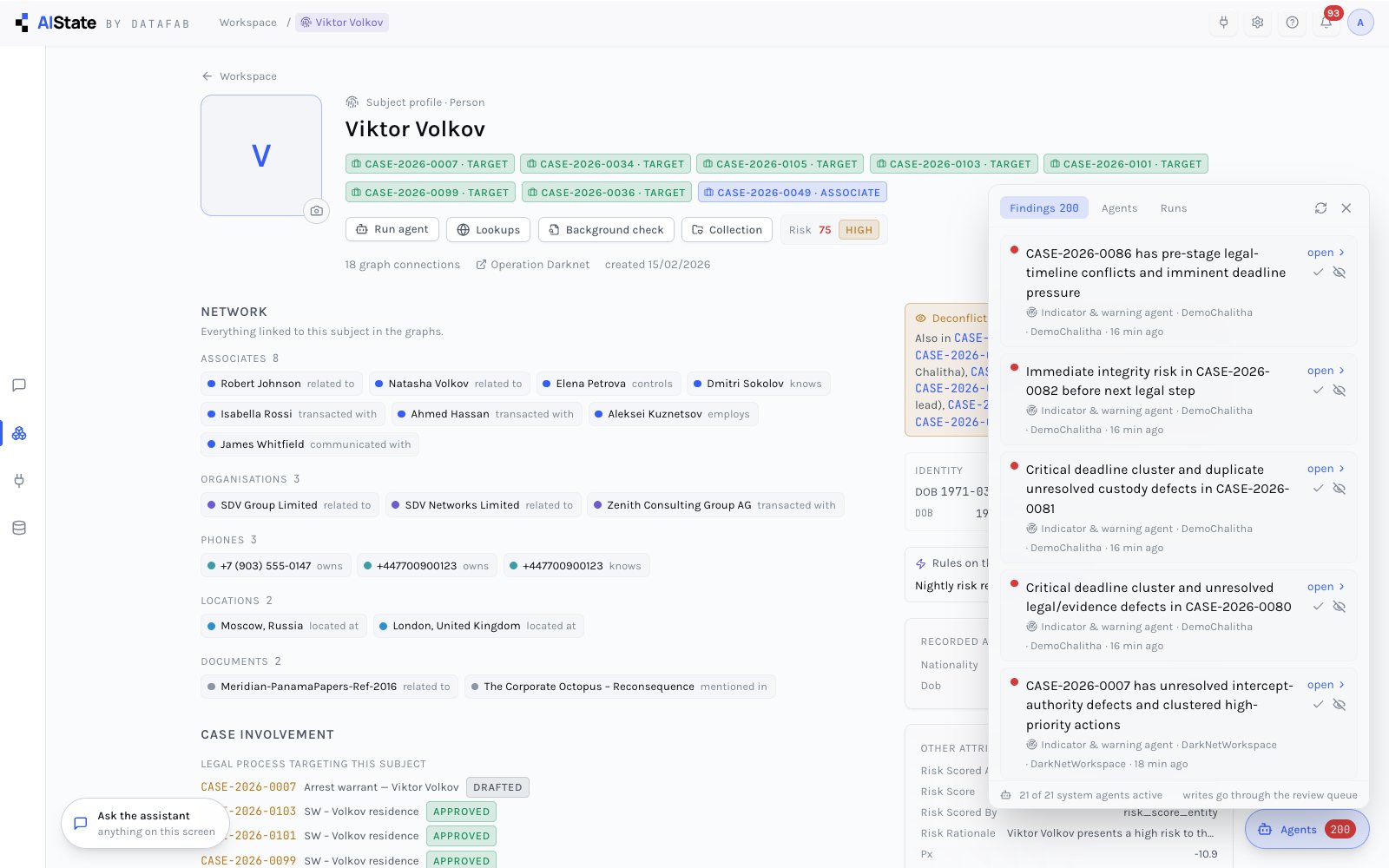
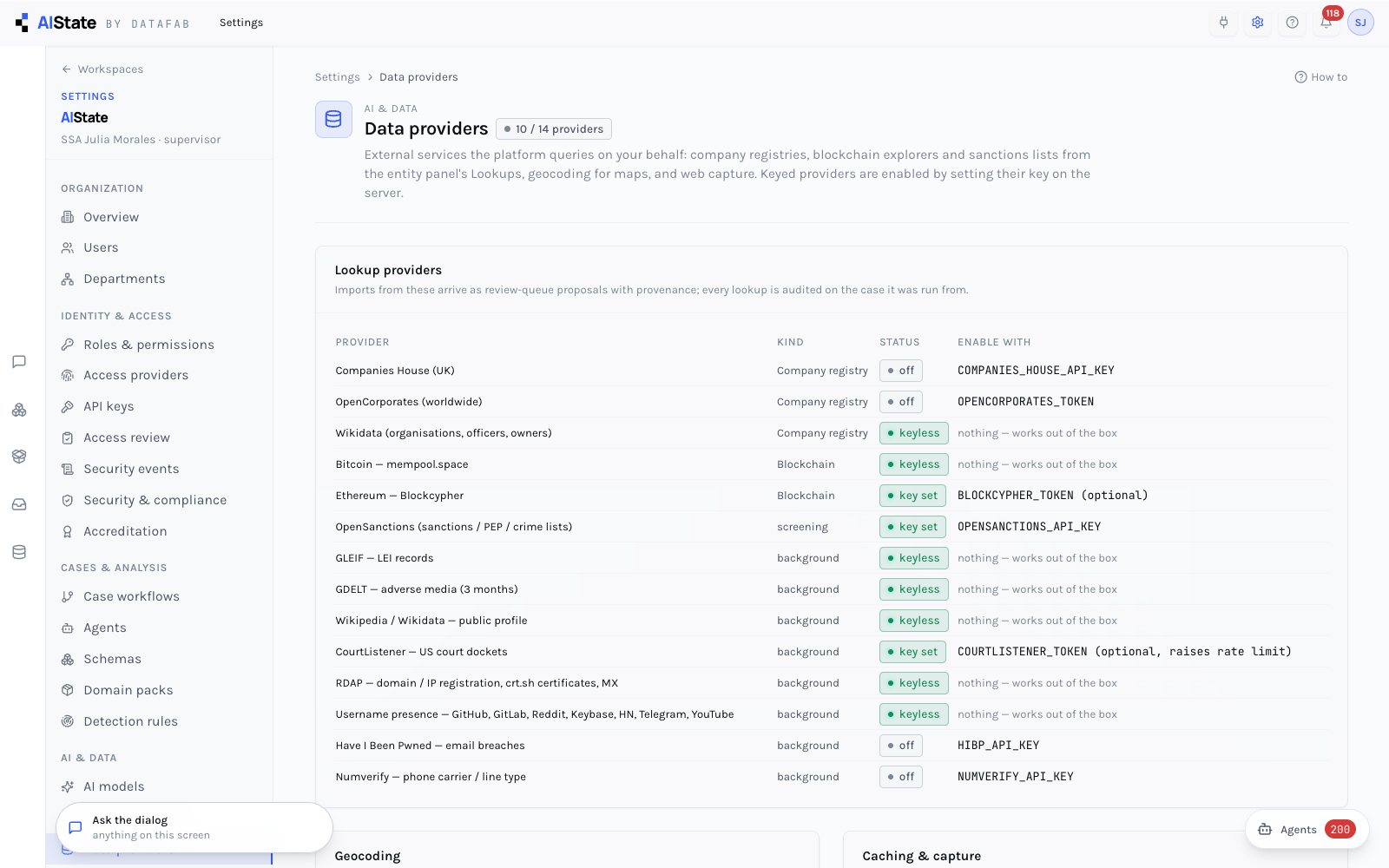
- Background checks — identity, internal, screening (OpenSanctions), registry (GLEIF, Wikidata, company registers), media (GDELT, Wikipedia), courts (CourtListener), digital (RDAP, MX, breaches, crt.sh, username presence, wallets) with a graded report in 20–40 s
- Subject policies — periodic enrichment or risk recalculation per subject/case/role/type; propose or apply; materiality policies decide what must be seen
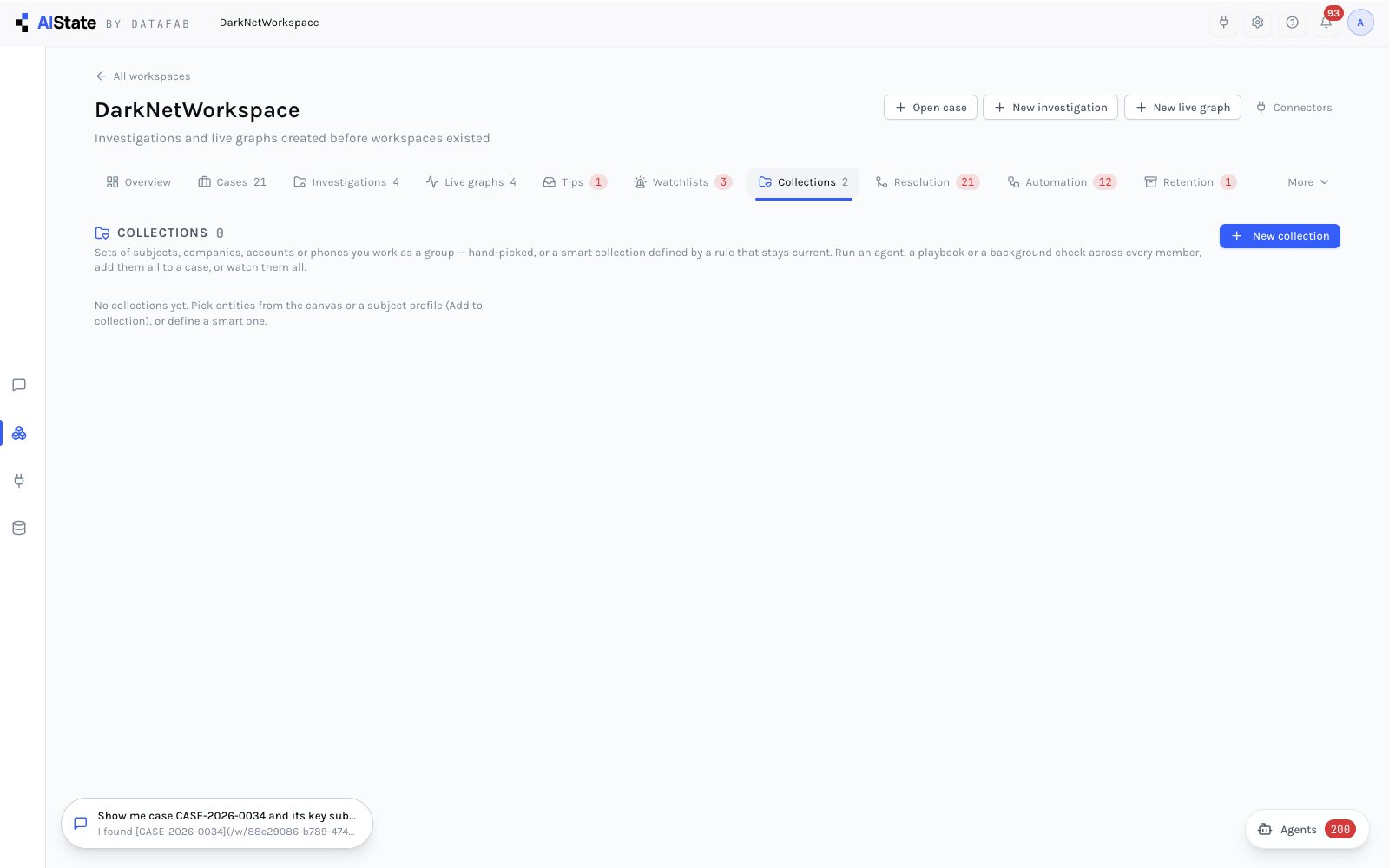
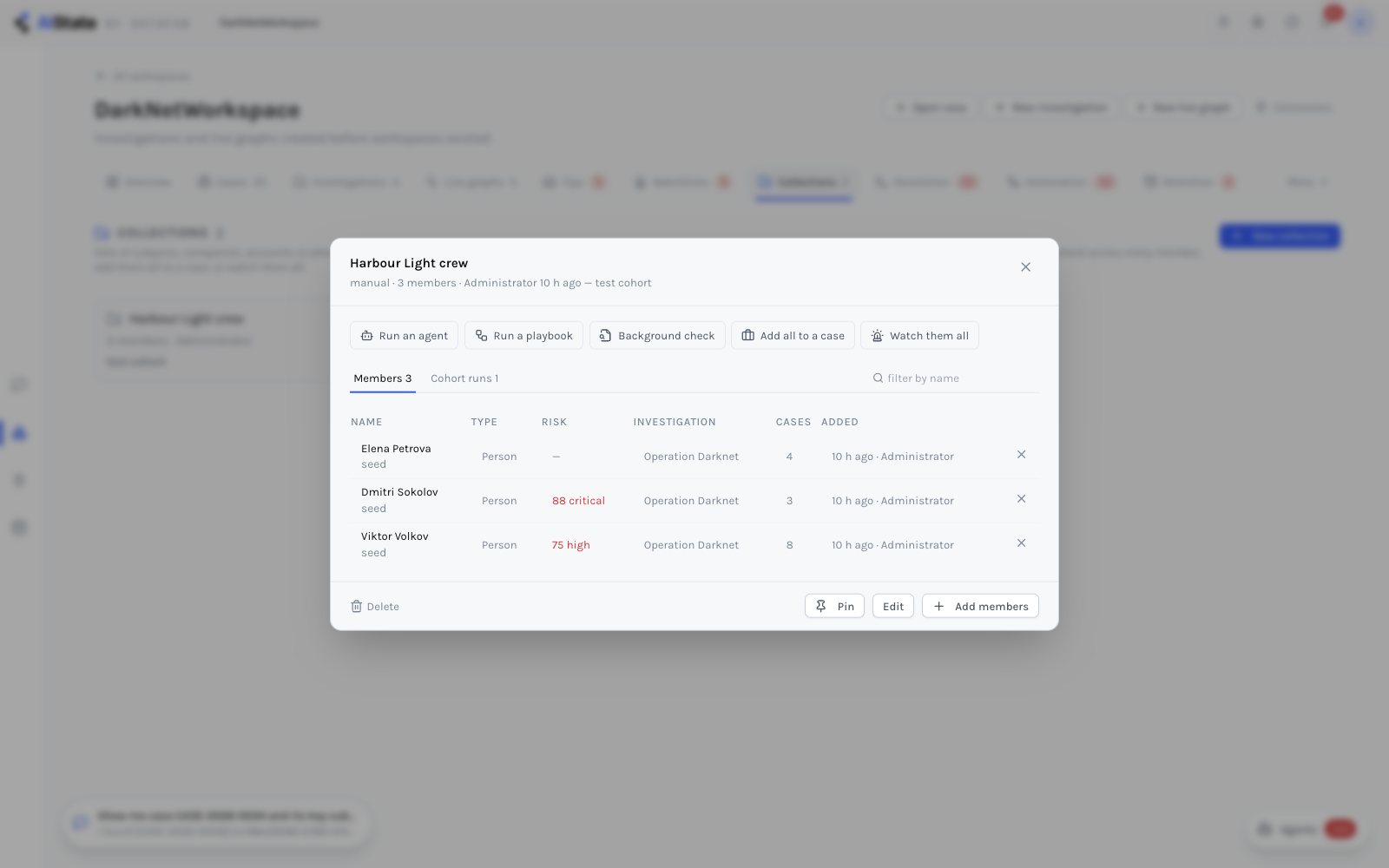
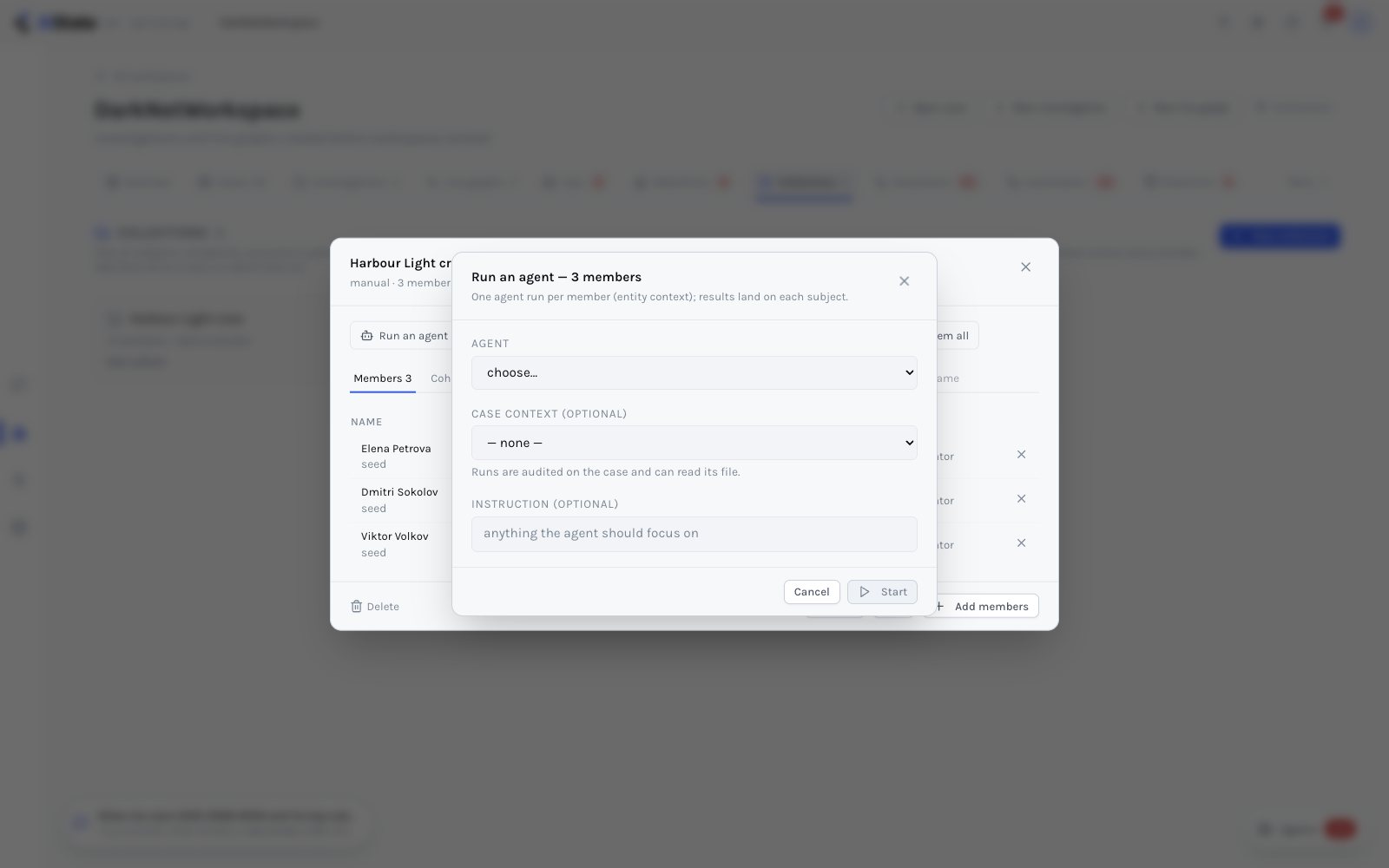
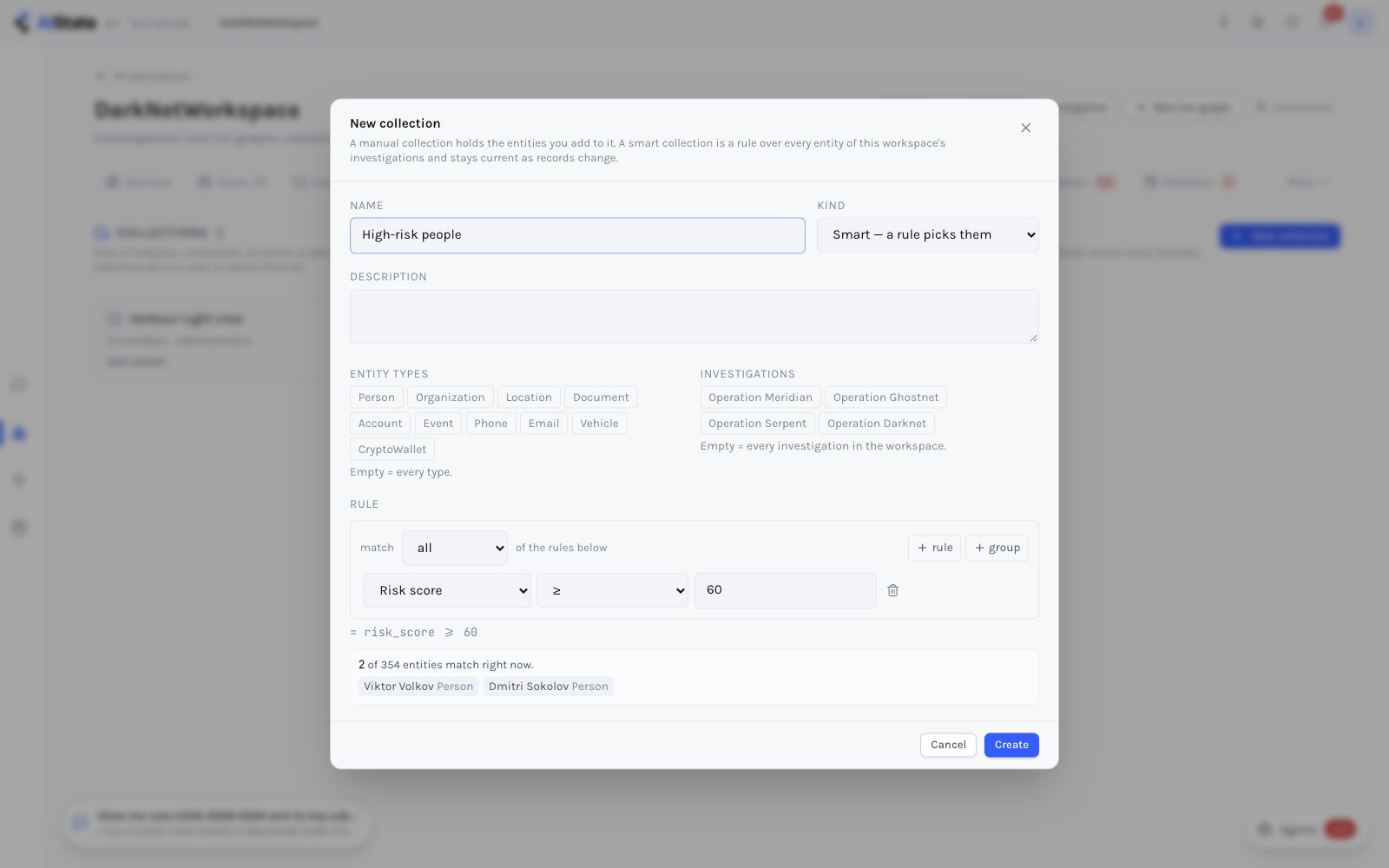
- Collections & cohorts — hand-picked or policy-defined sets of entities; run an agency, playbook or background check across every member, add them all to a case, watch them all (see below)
- Entity resolution — identifiers, folded names and fuzzy name matching; merge, or record that two are not the same
- Watchlists & deconfliction — hits and cross-case notices to the leads
- Lookups — Wikidata, OpenSanctions, mempool, Companies House, OpenCorporates, Blockcypher; results arrive as proposals
- Agency library editor — prompts, tools (glob allow-lists), contexts, output schema and effects; custom agencies; reset to built-in
- Full lists — all 84 library agencies · all 21 system agencies
07Cases
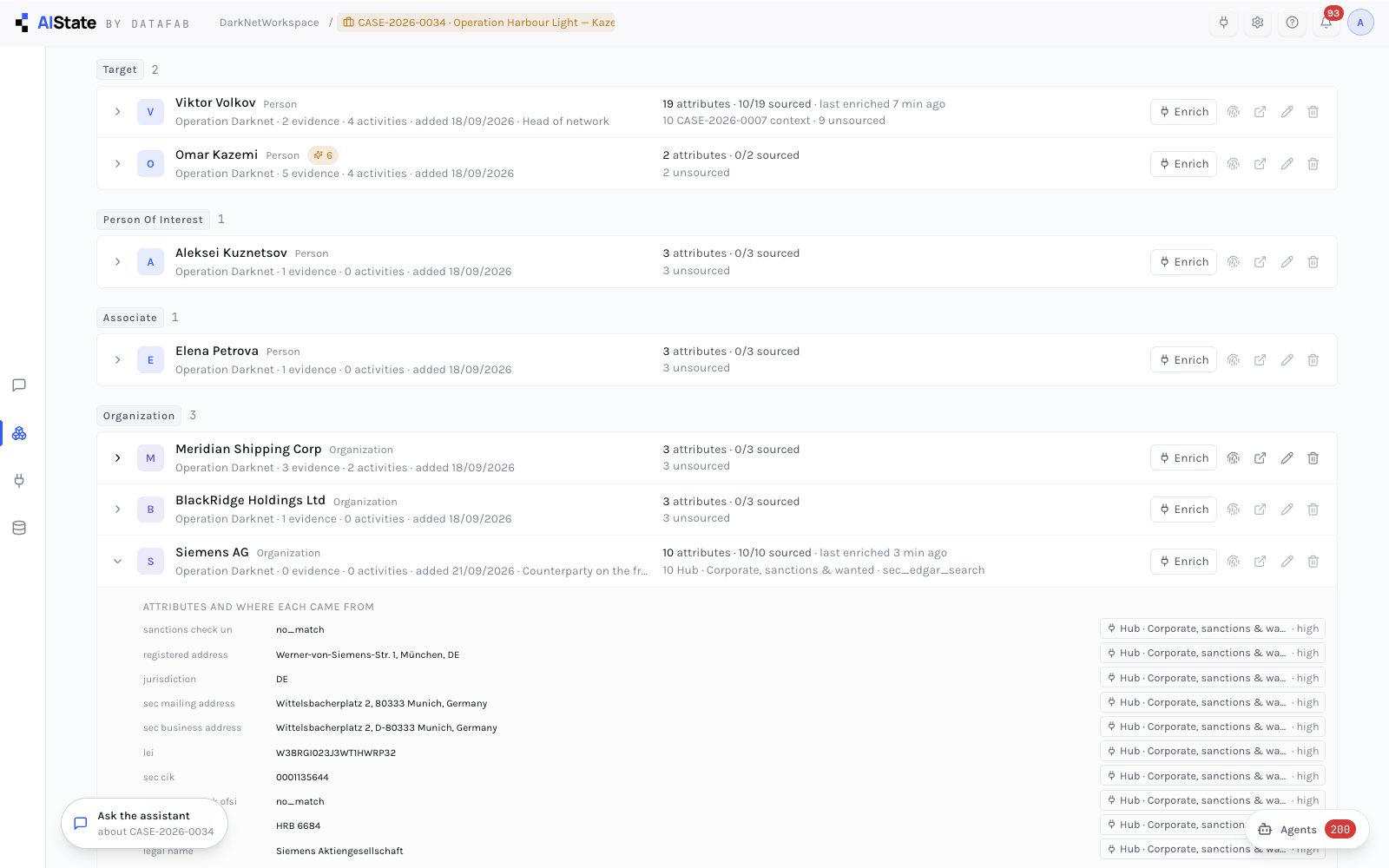
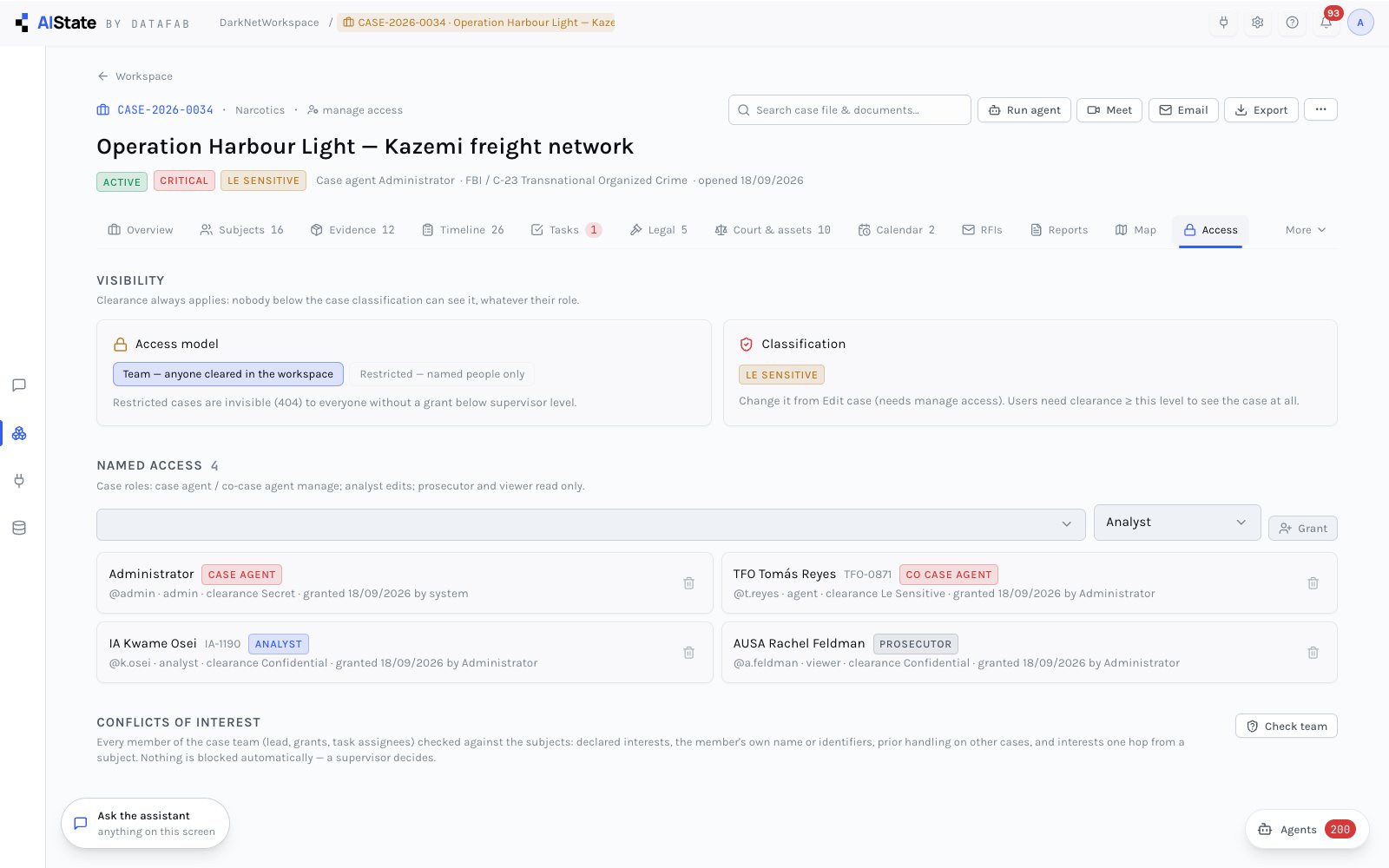
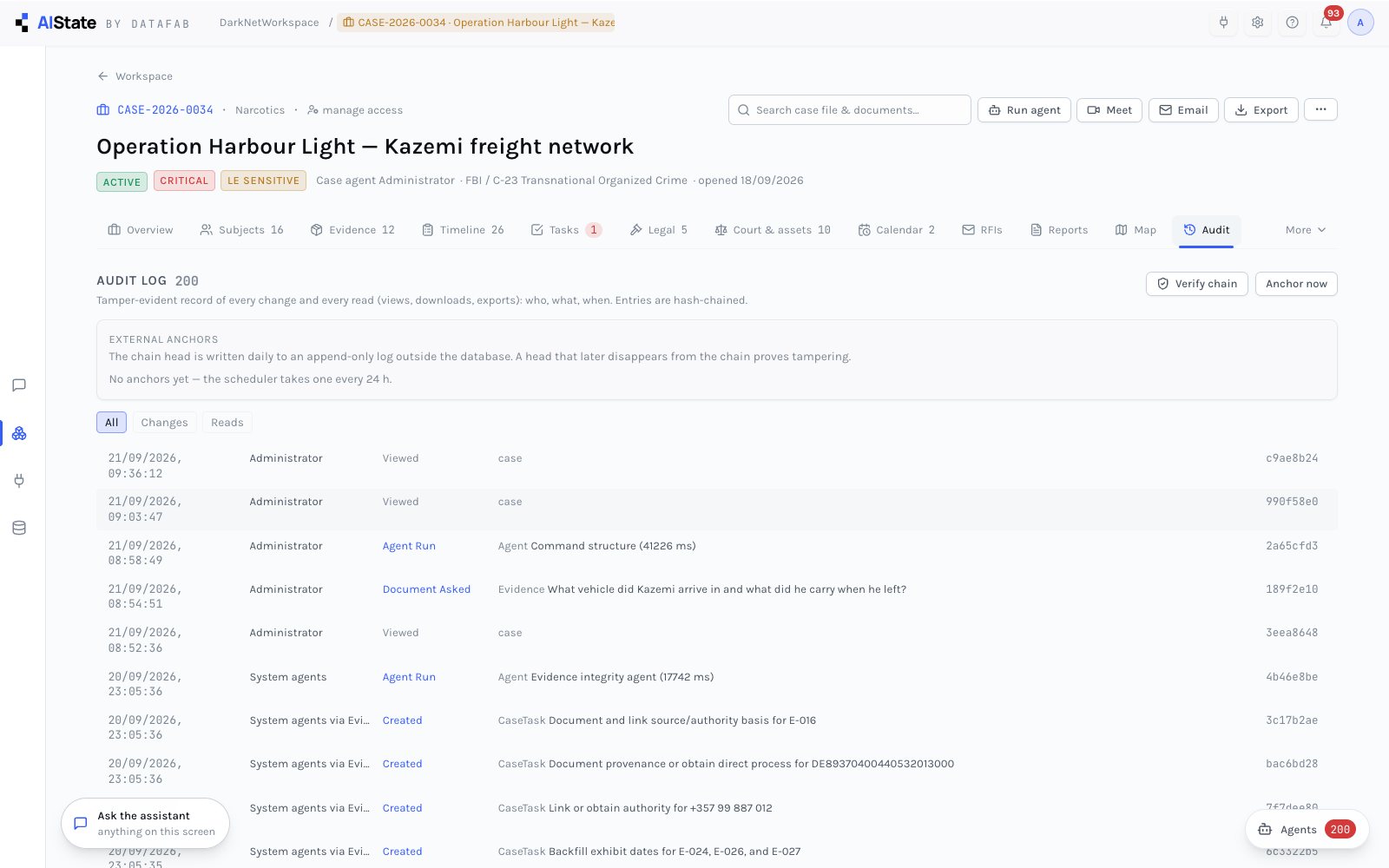
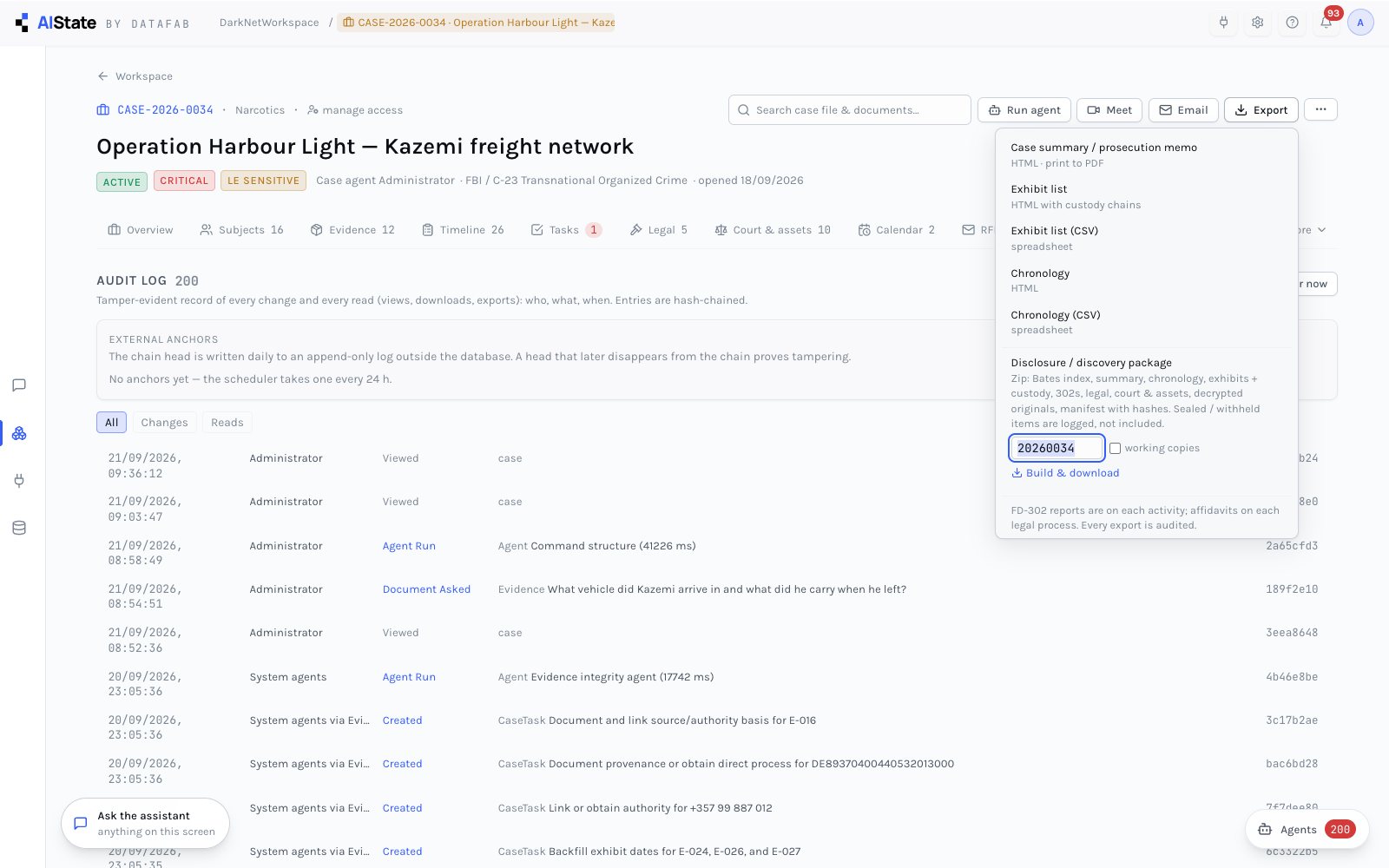
A graph-native case file with an analyst's workflow built in: subjects, evidence, timeline, tasks, regulatory reports, recoveries and holds, restricted sources, map, calendar, BPMN process, whiteboards, access and a hash-chained audit trail — with Meet and Email in the header.
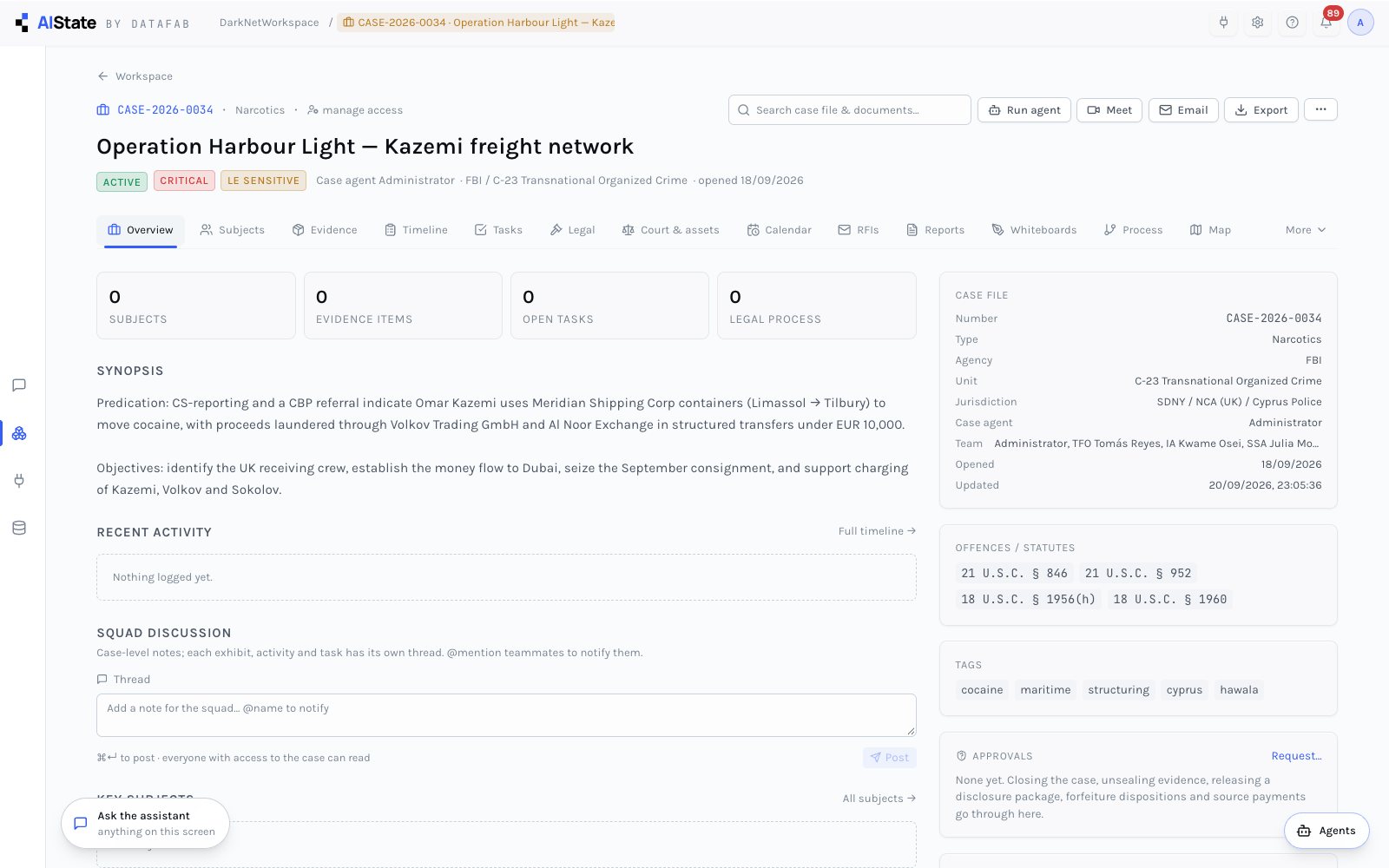
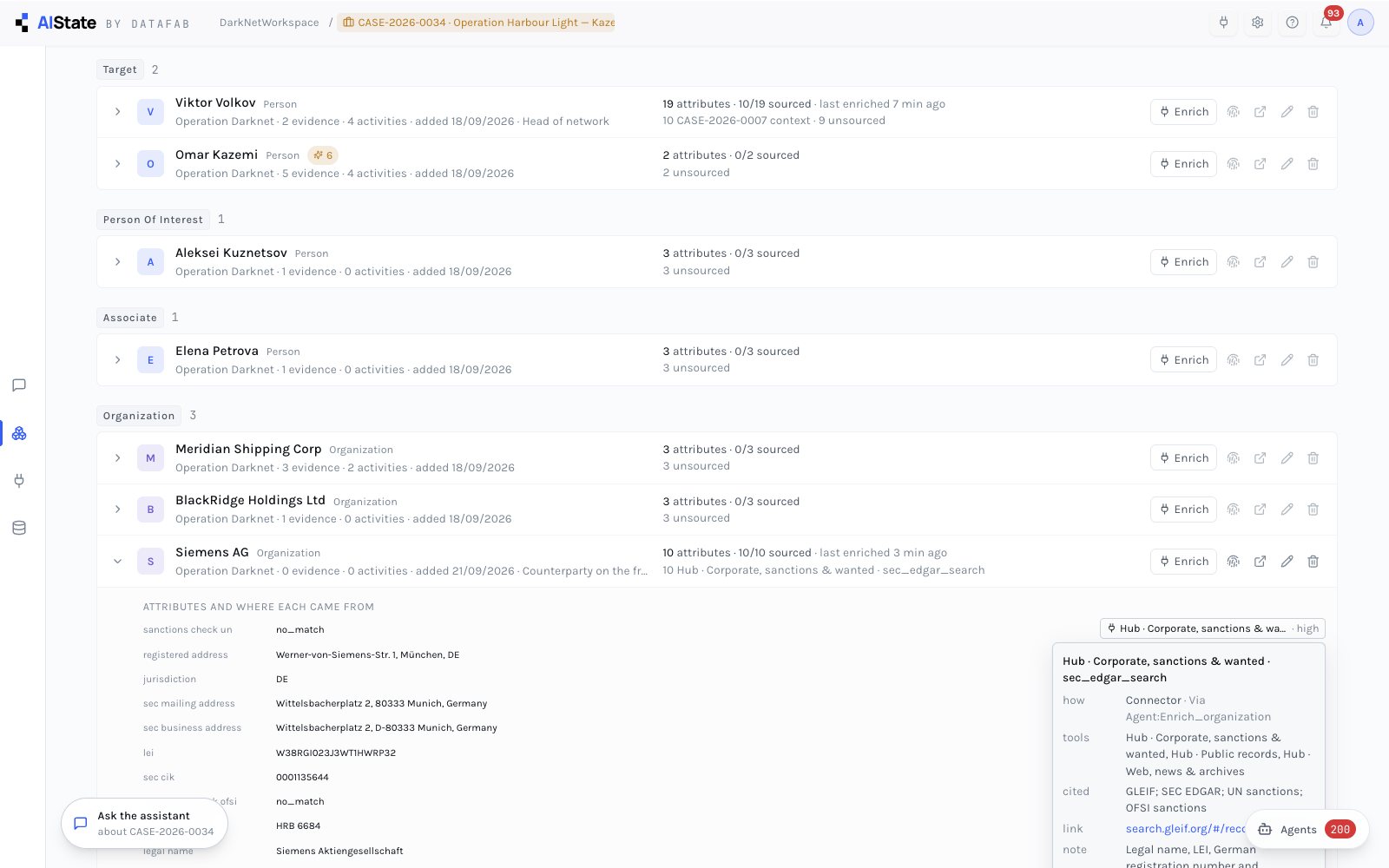
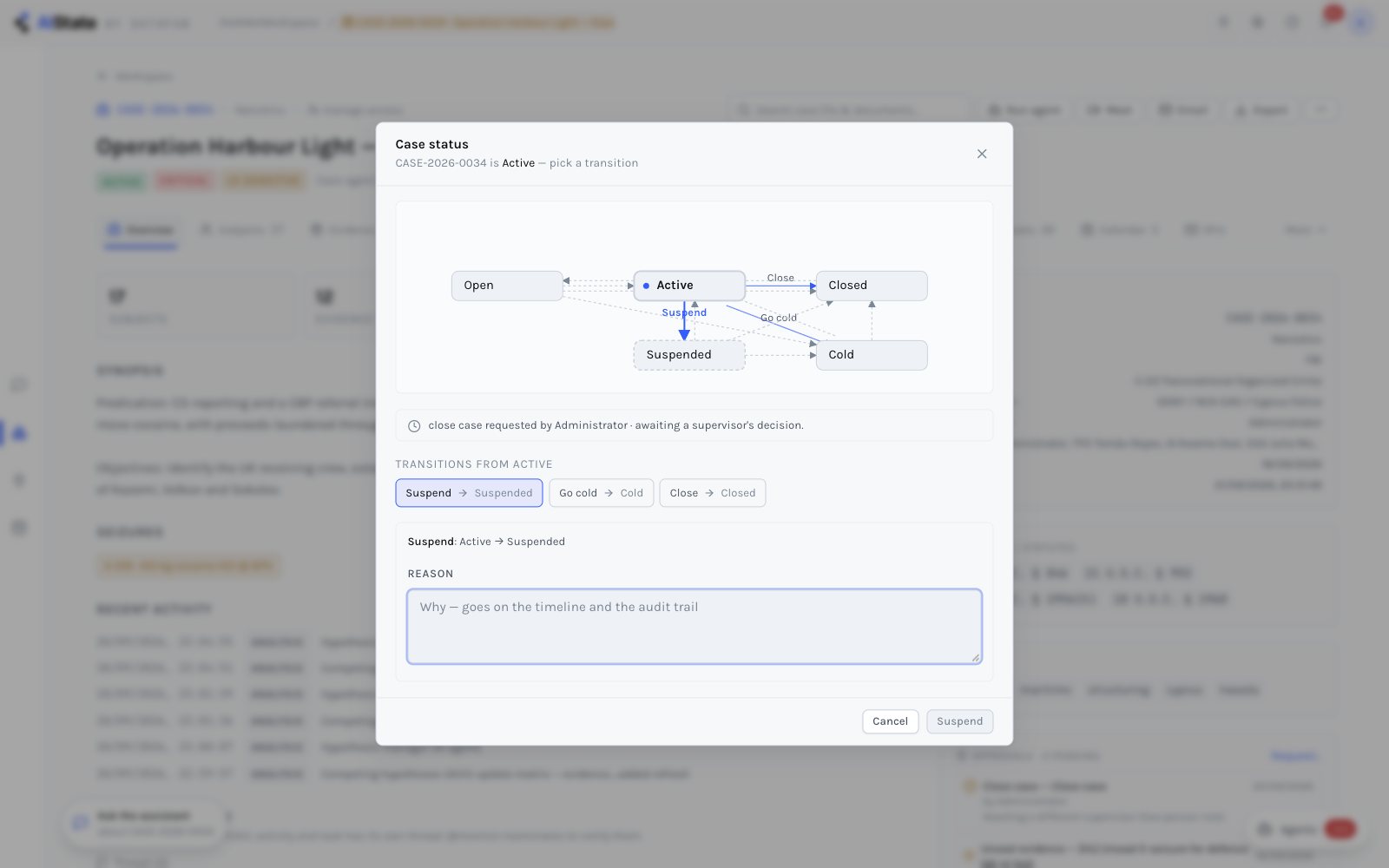
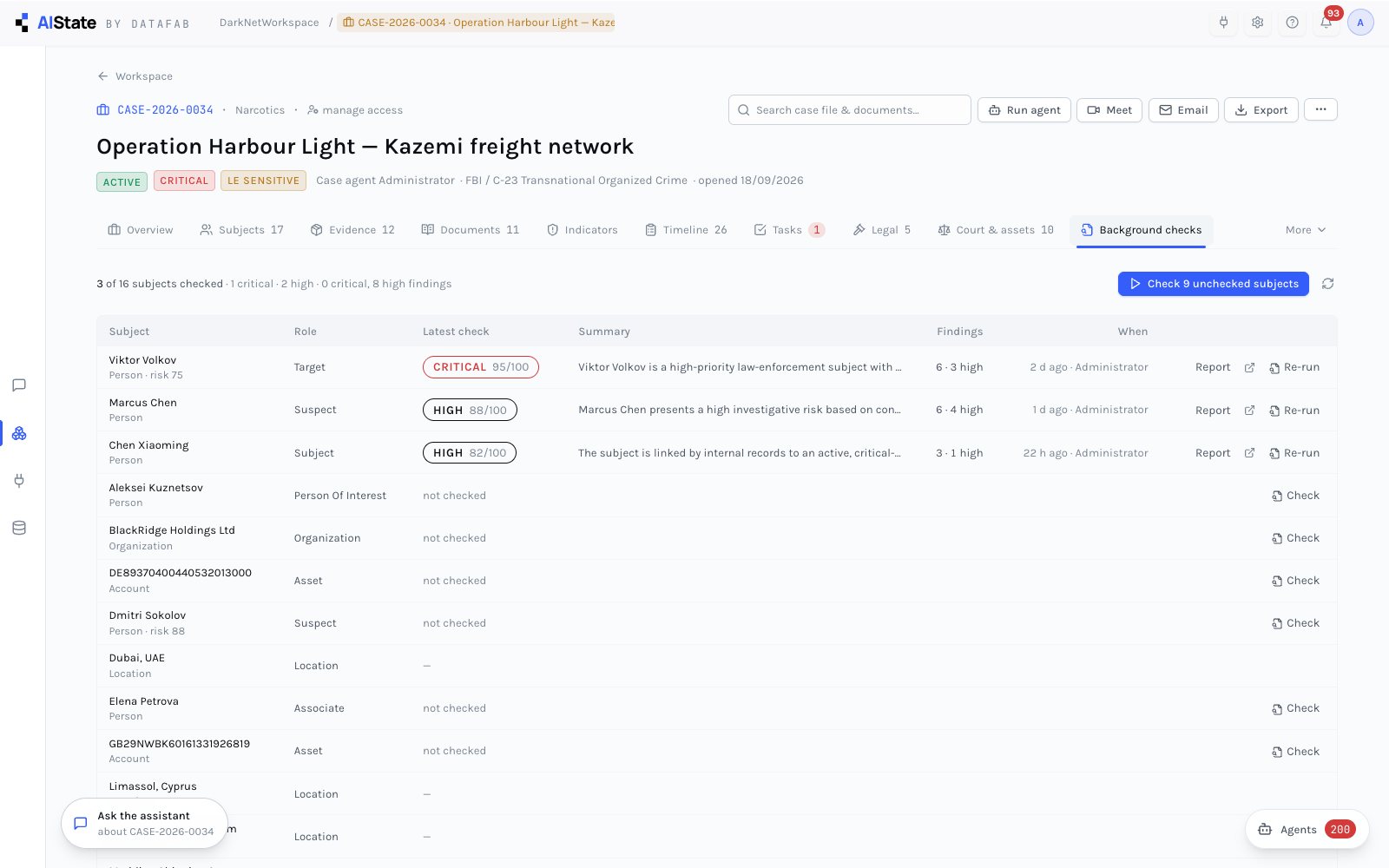
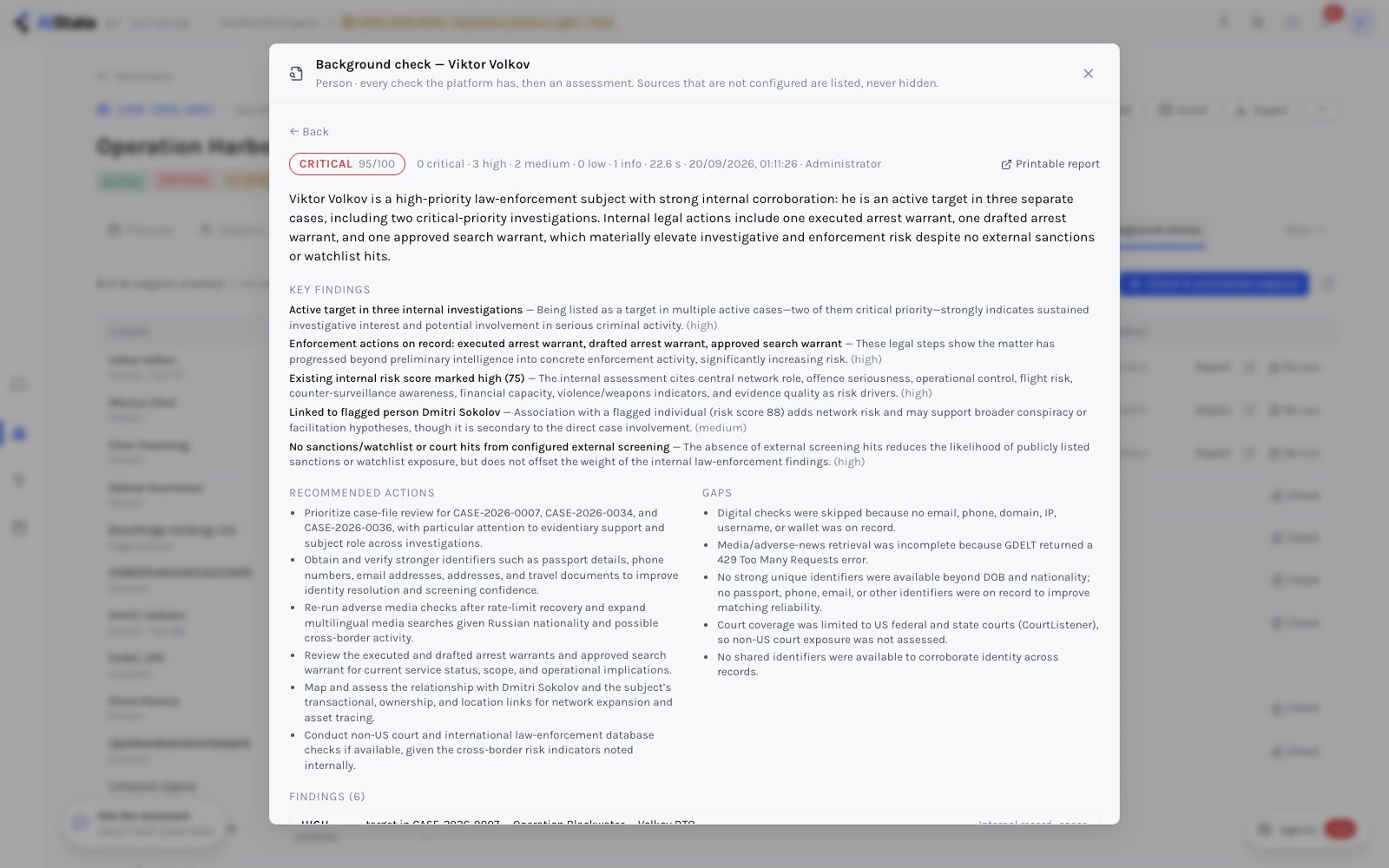
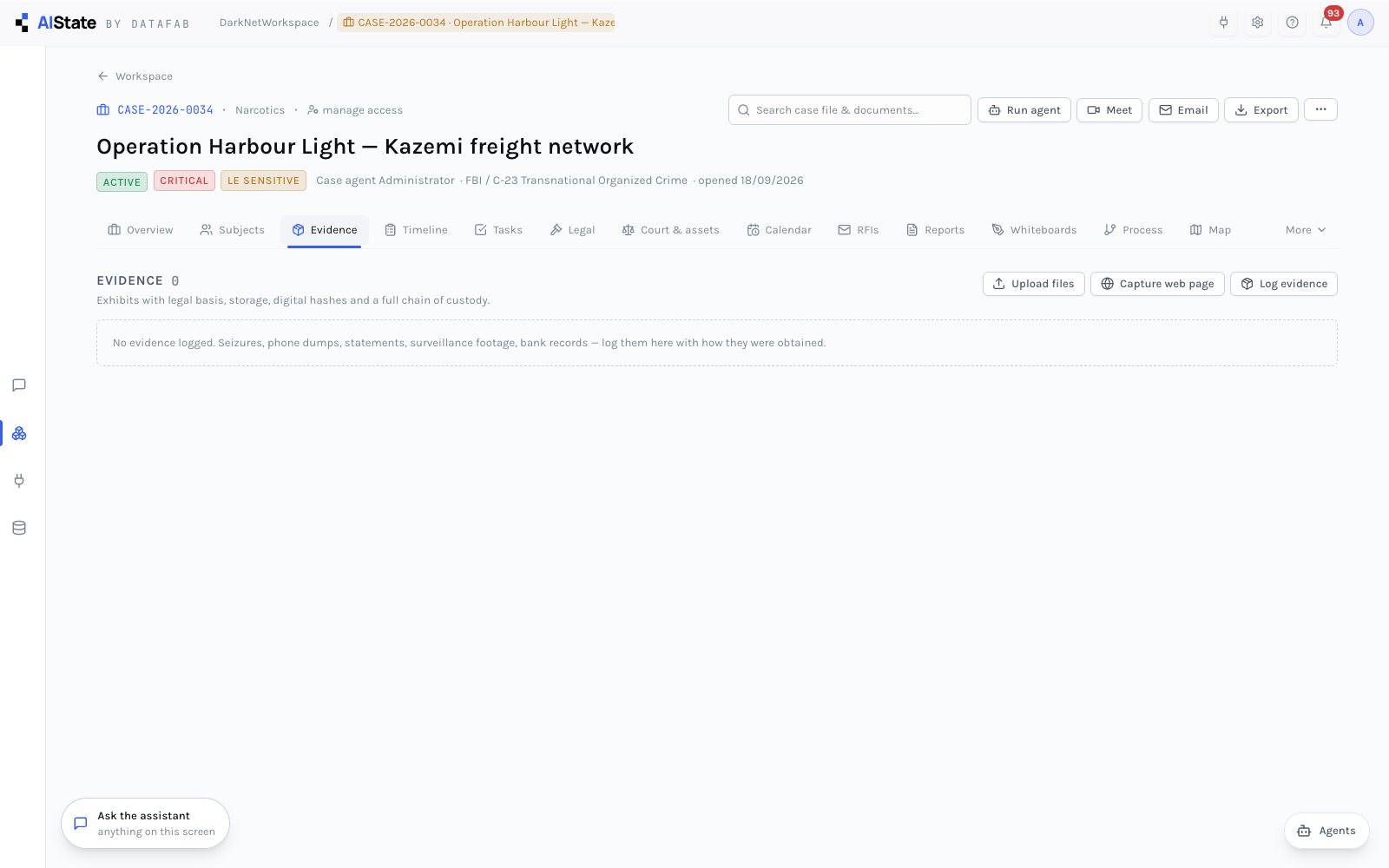
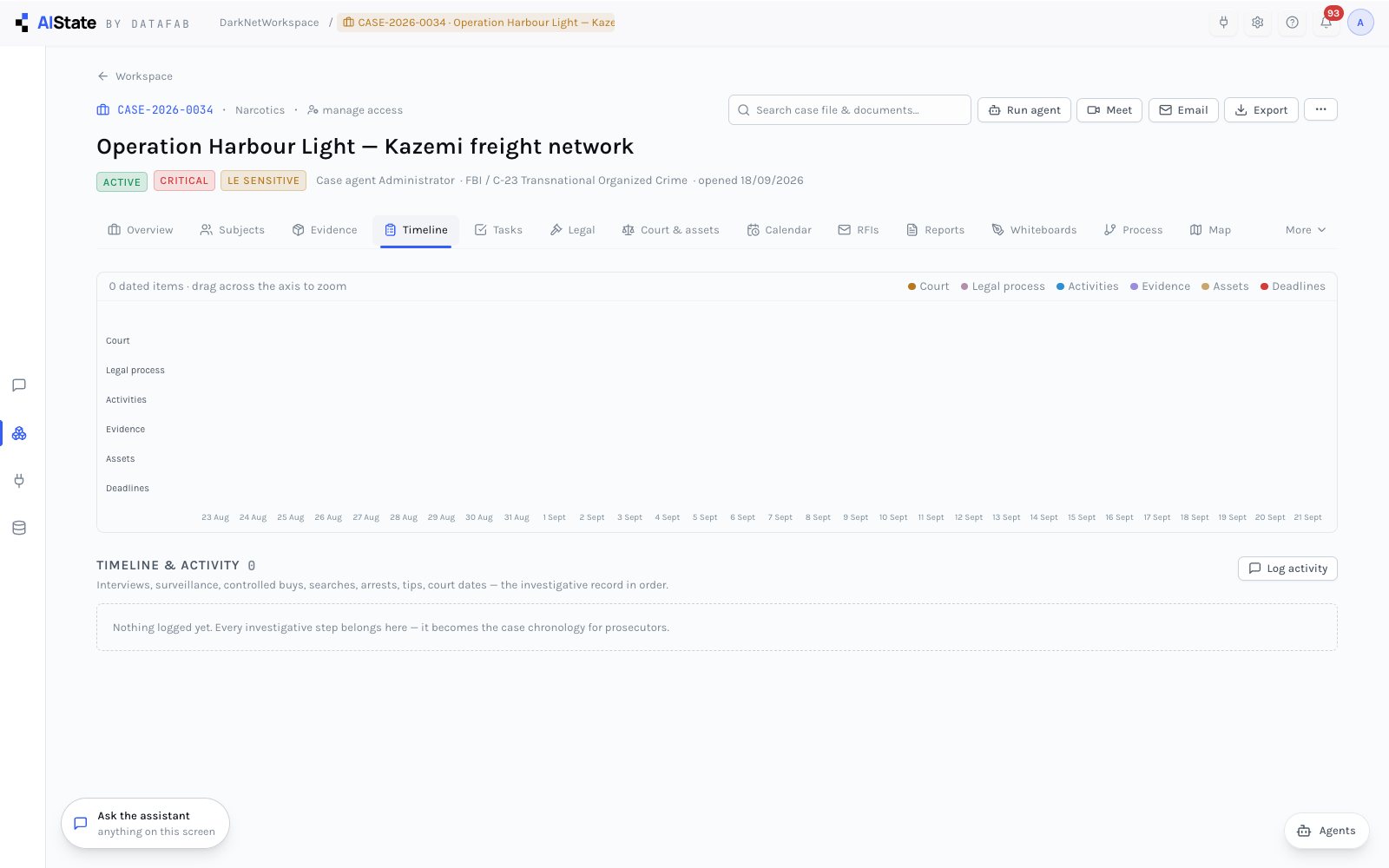
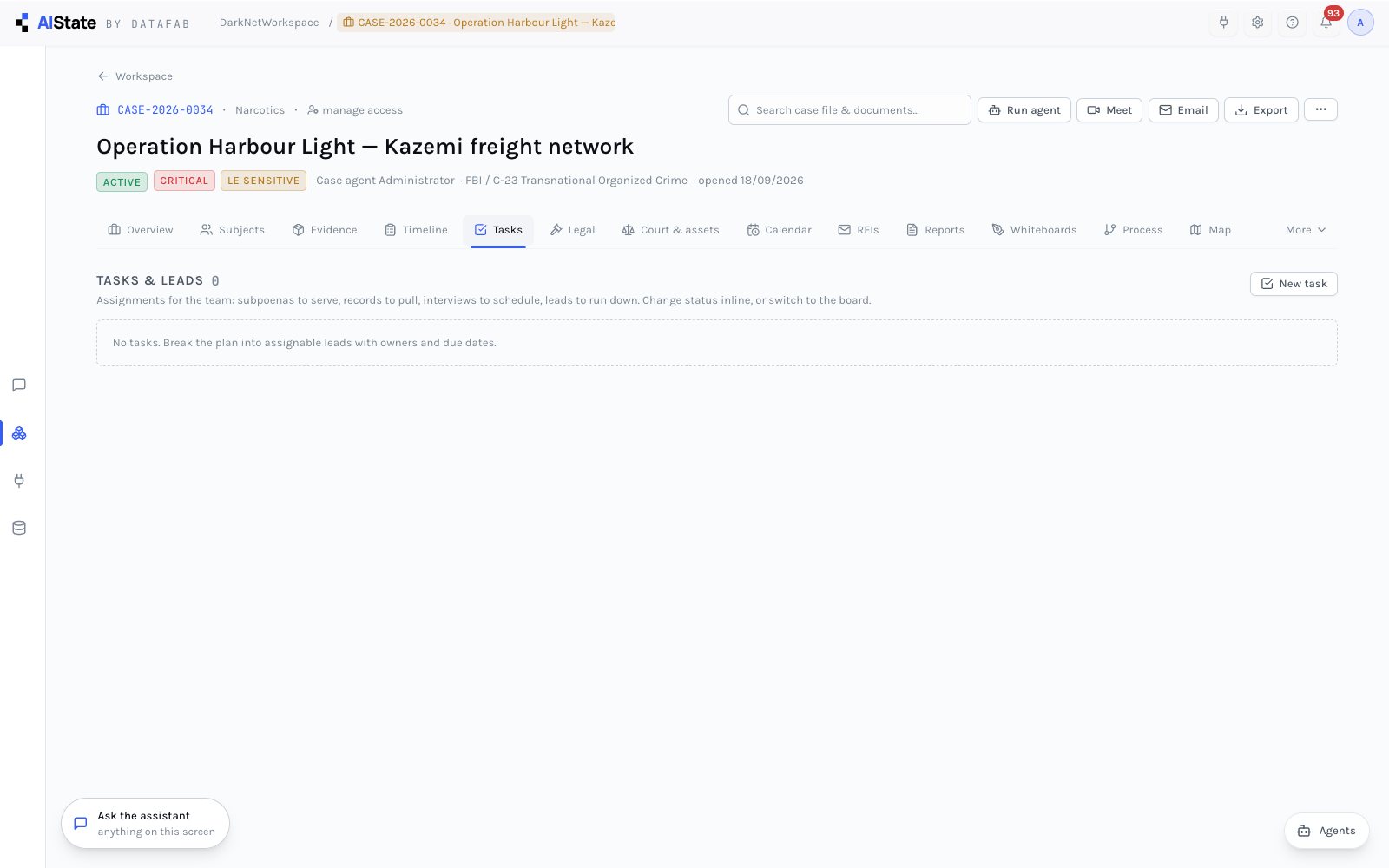
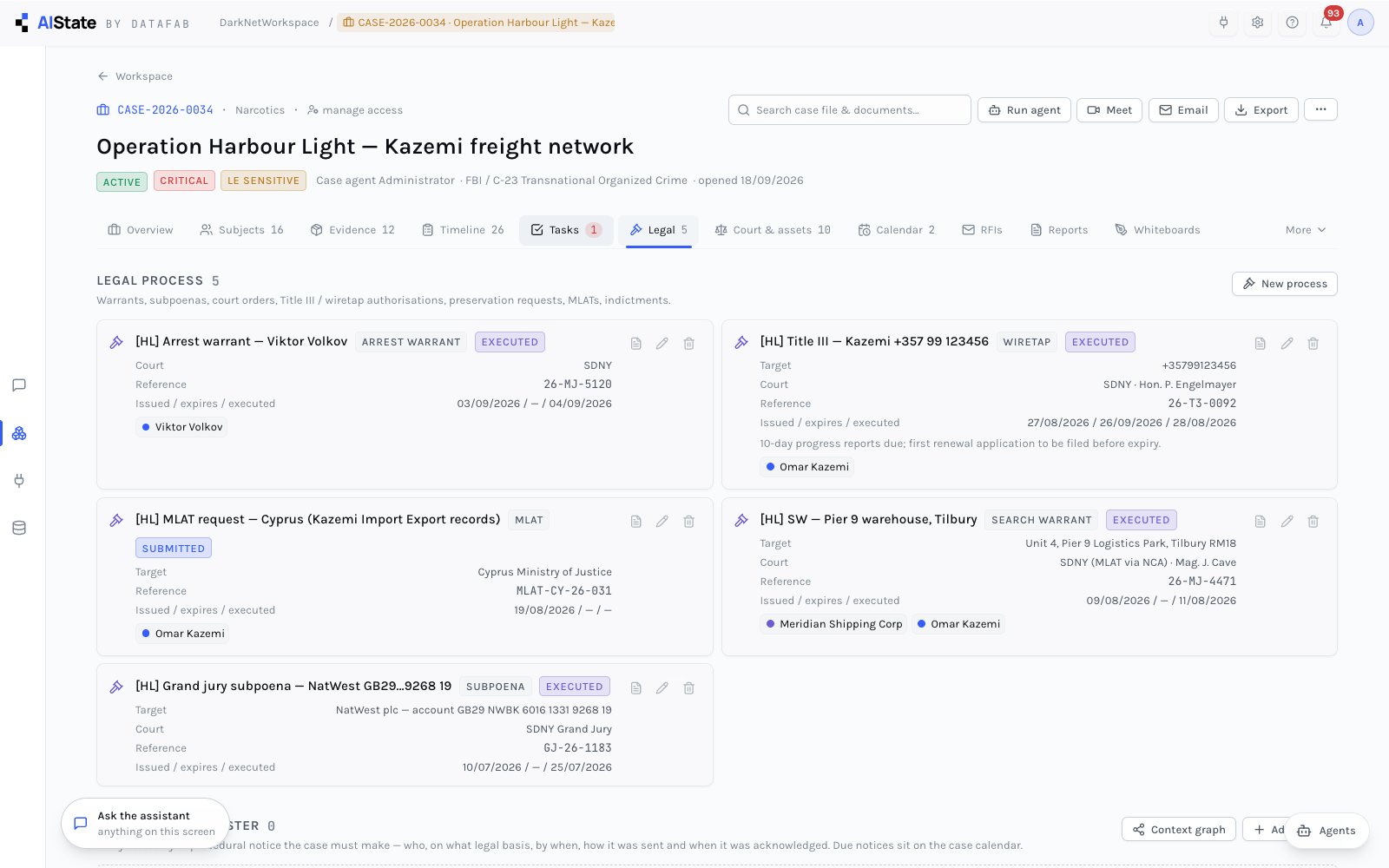
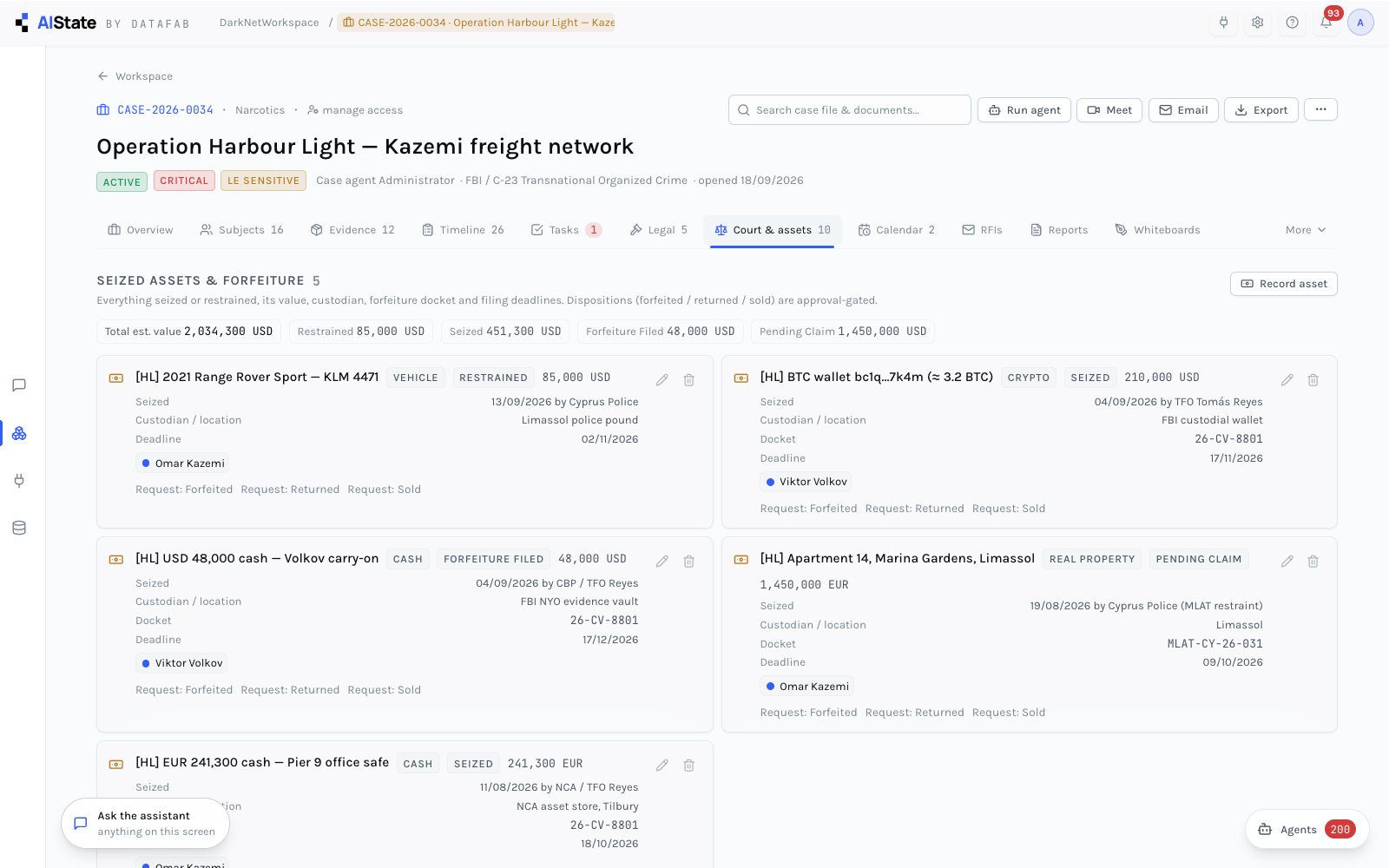
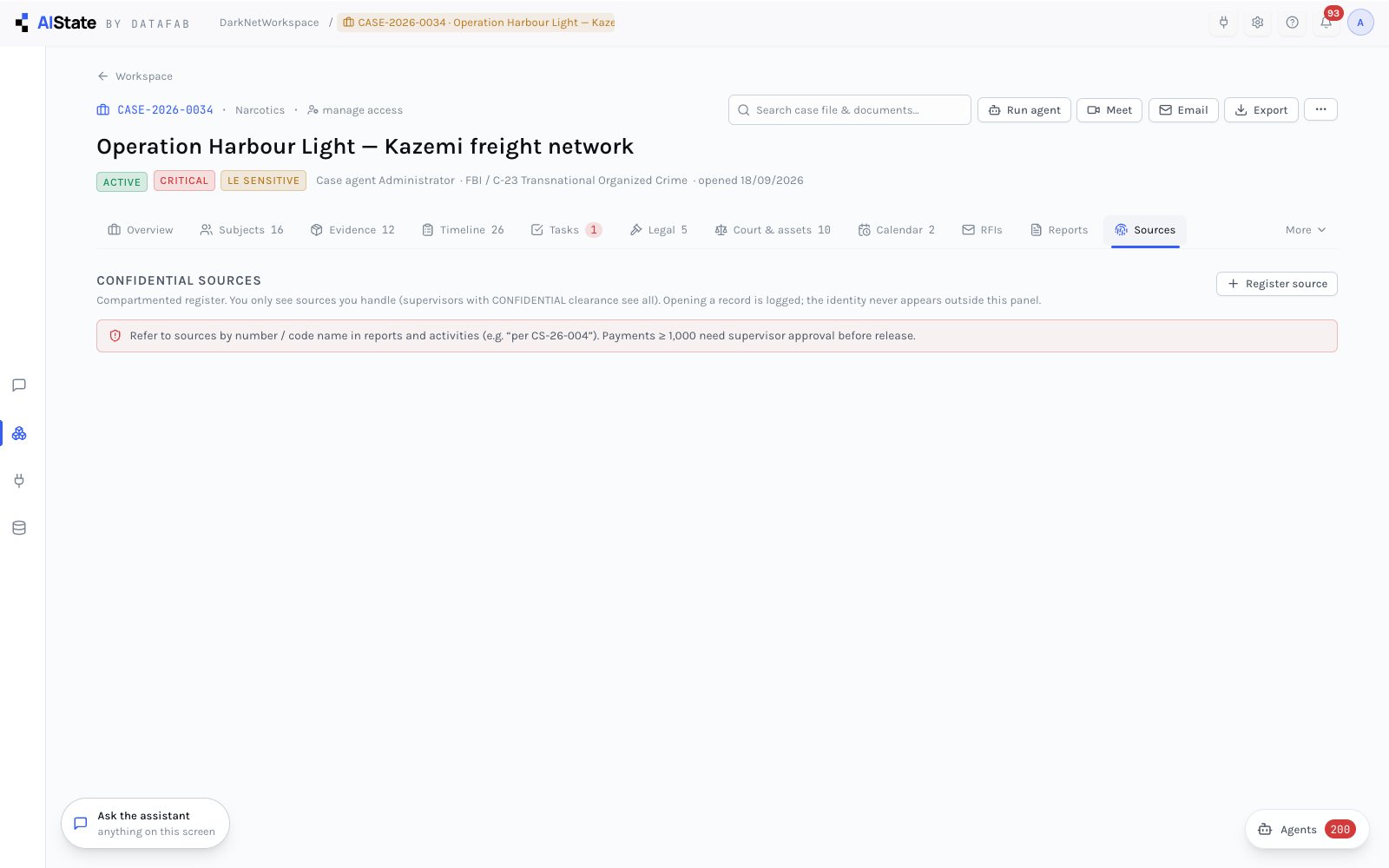
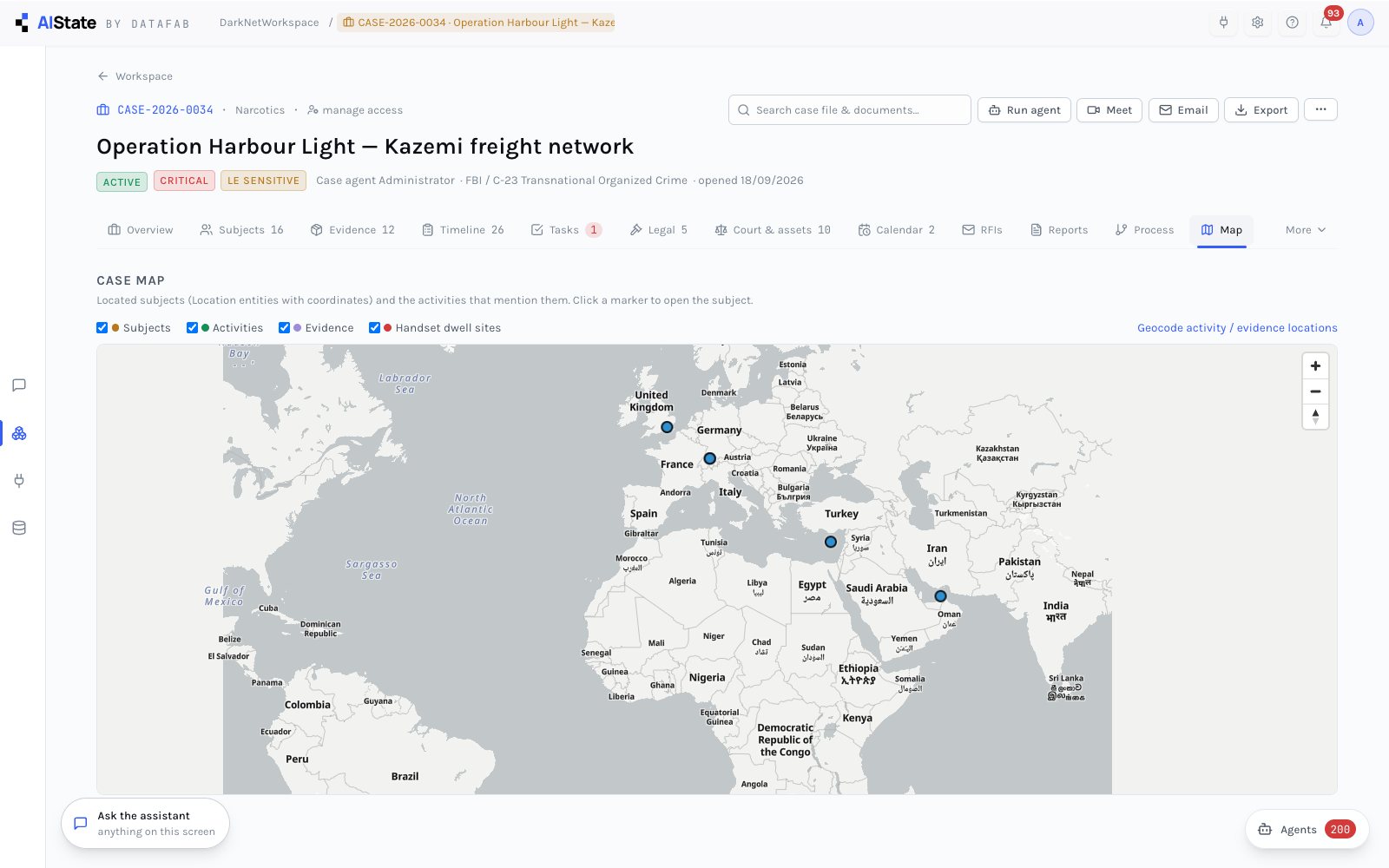
- Comments & @mentions on the case, every exhibit, activity and task; inbox with approvals and deadlines in the bell
- Charts & report builder — server-rendered link charts and timelines attached as evidence; versioned reports rendered to HTML/DOCX; finalise locks
- Importers — CDR, bank, UFED contacts, chat exports, generic sheets; comms analysis and transaction ledger with structuring flags; geo analysis of cell sites
- Automation — playbooks, schedules, RFIs with letters, public tip intake and triage
- Duplicate detection across a workspace with merge that carries case links
- Case search — highlighted snippets across records and extracted documents
- Tags — everyone’s own filing system — a label a person puts on a case, subject, exhibit, investigation, live graph, indicator, agency or chain so they can find it again. Private by default: only the owner sees their tag on a record, and publishing it to the workspace makes it the squad’s, with every application stamped with who made it. Not a status and not a classification — the chip stays neutral and only the dot carries the tag’s colour.
tag:in ⌘K lists what yours are on, grouped by kind, and the home page rolls up everything you have filed - One table everywhere — cases open as a sortable, filterable table by default (cards are a toggle): choose and reorder columns, resize them, select rows for bulk actions, export the view. The same table component is used across the system, and each one remembers your columns and widths
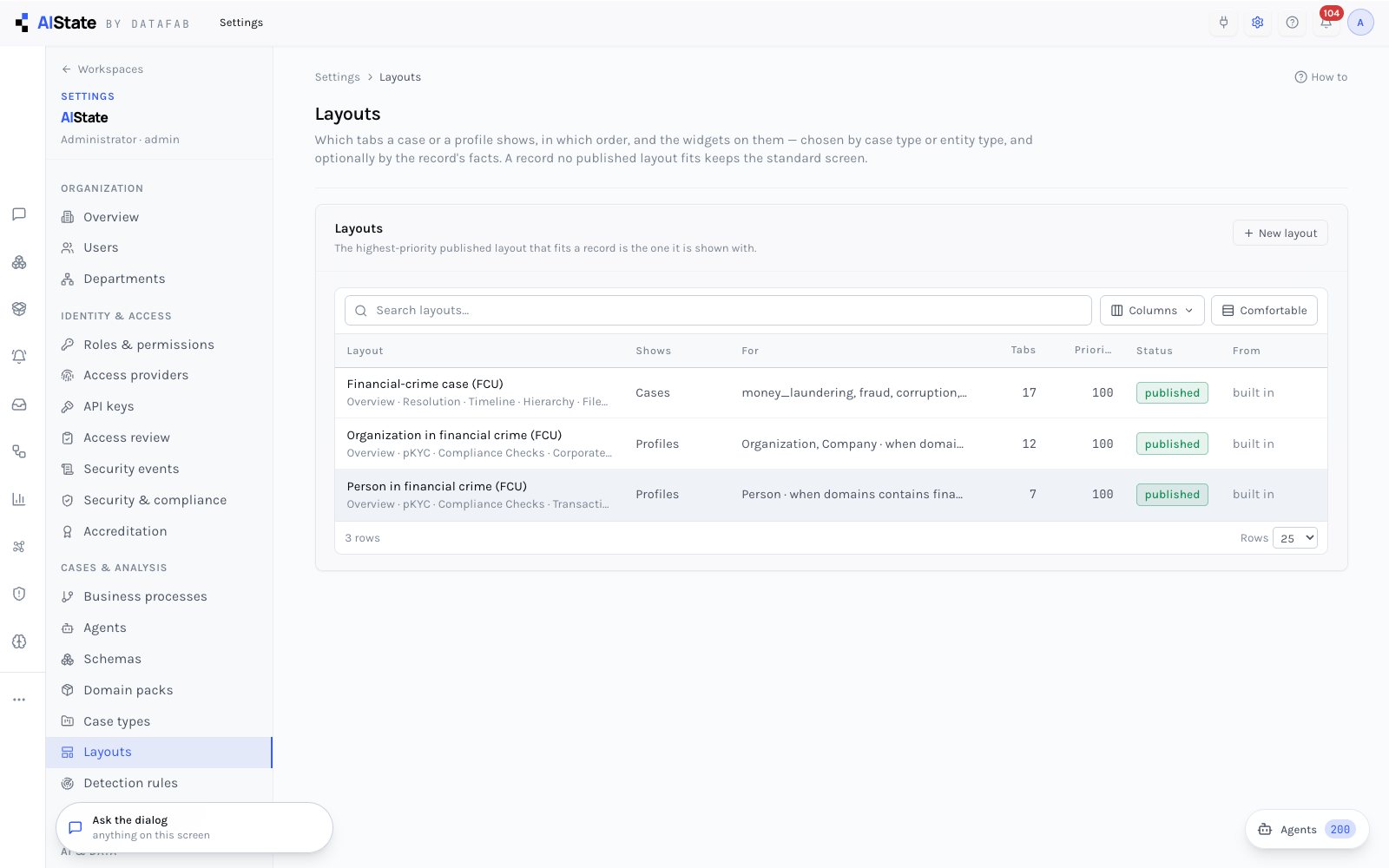
07aCase types & record layouts — the financial-crime case, the KYC case and the company profile
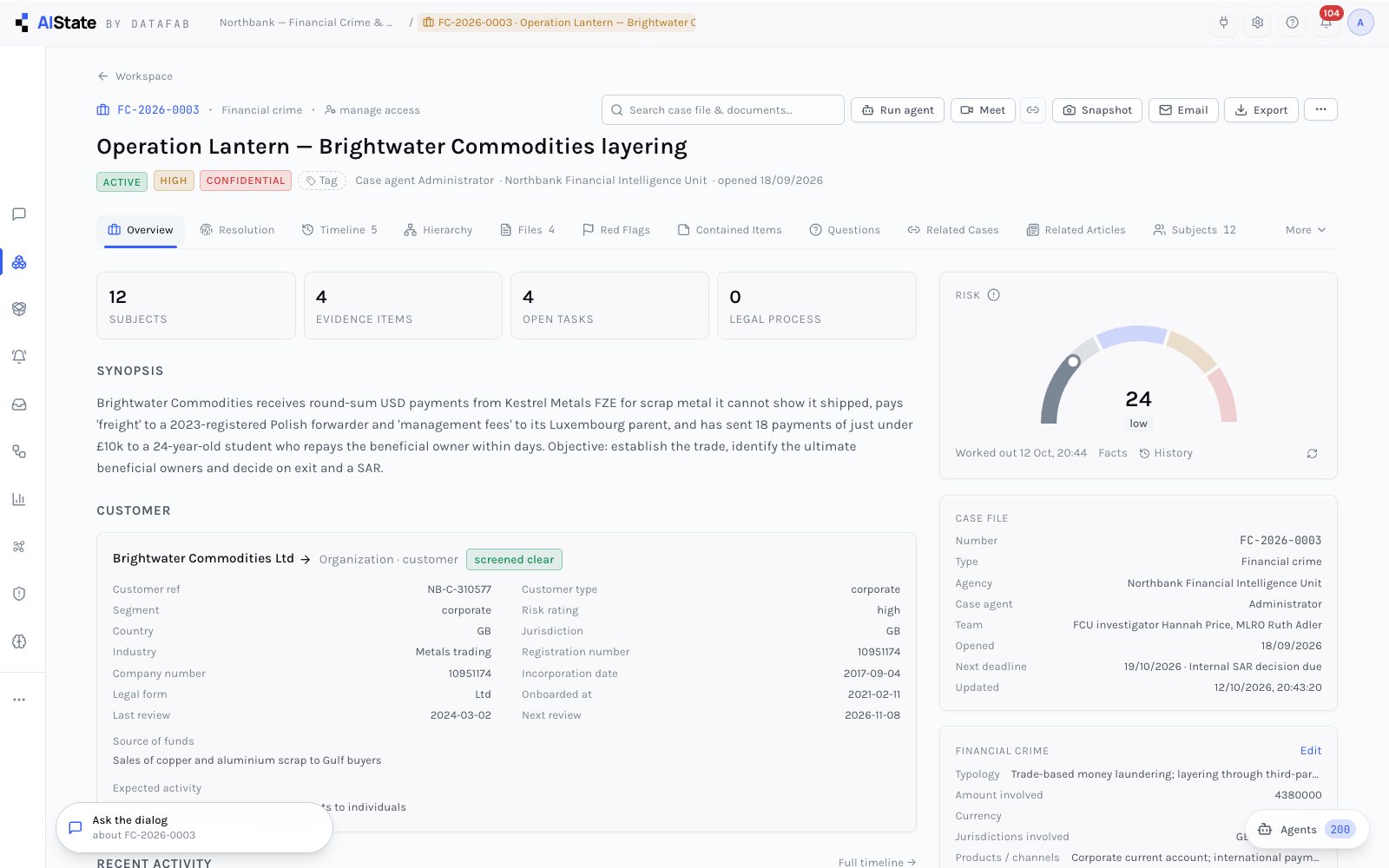
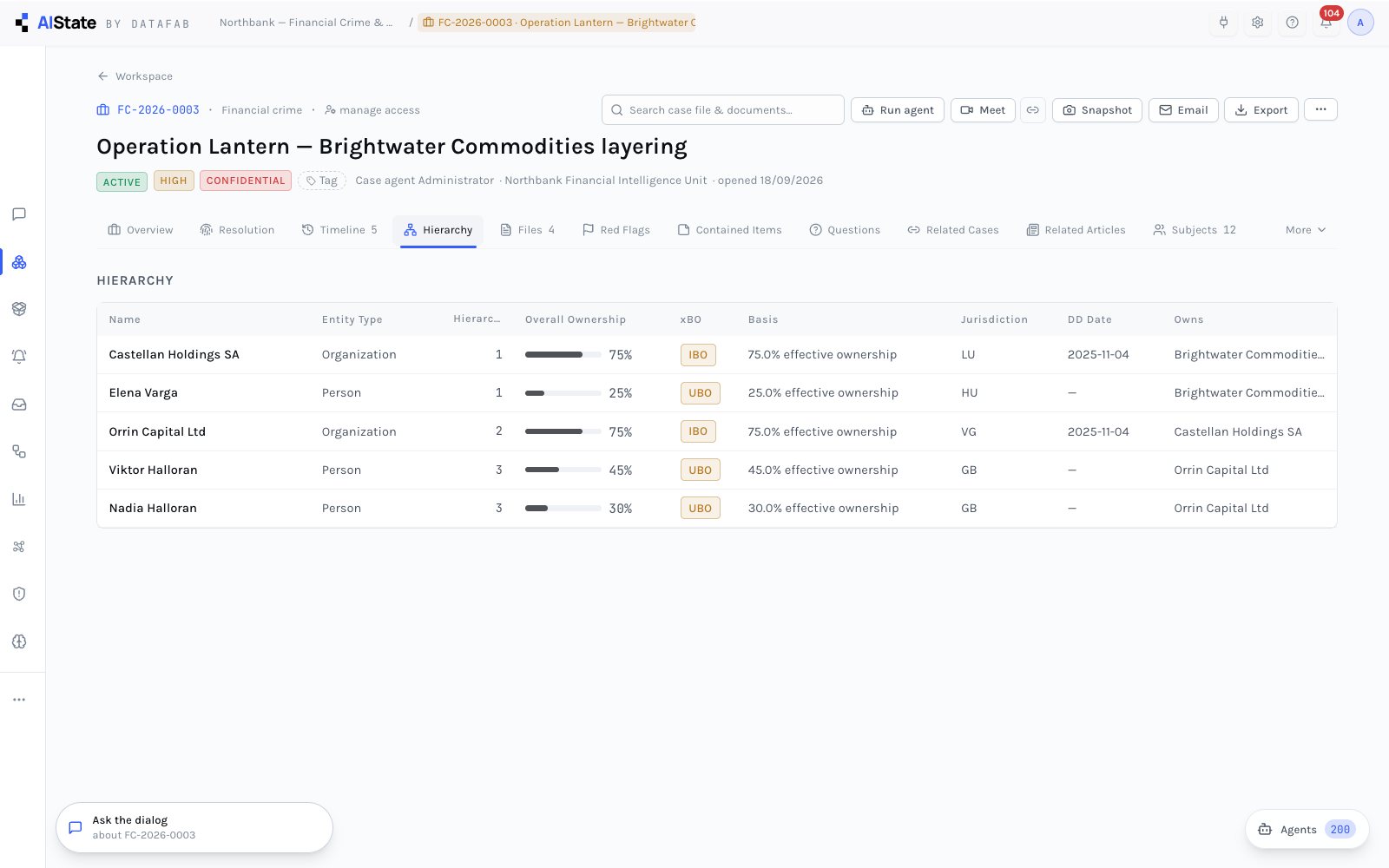
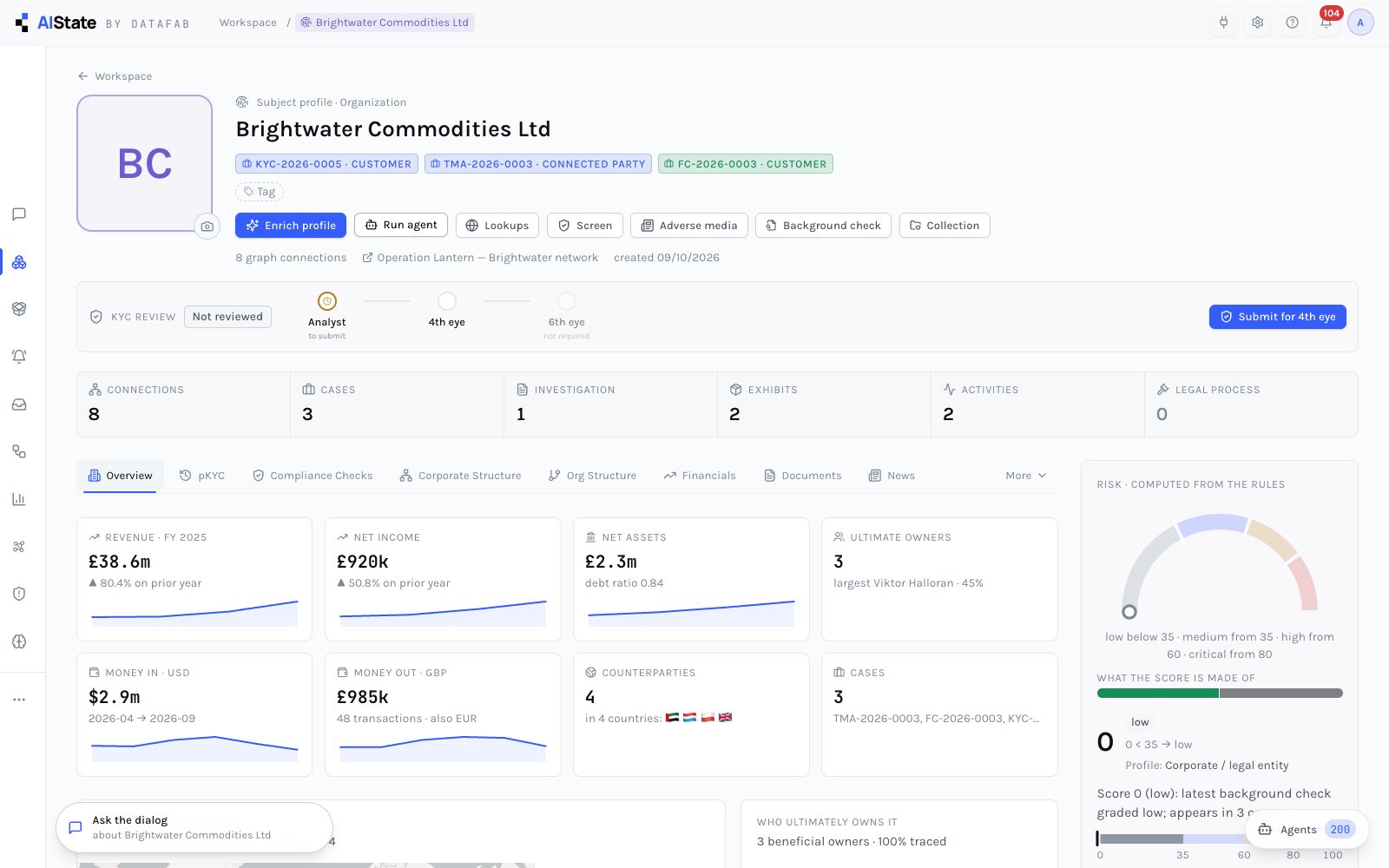
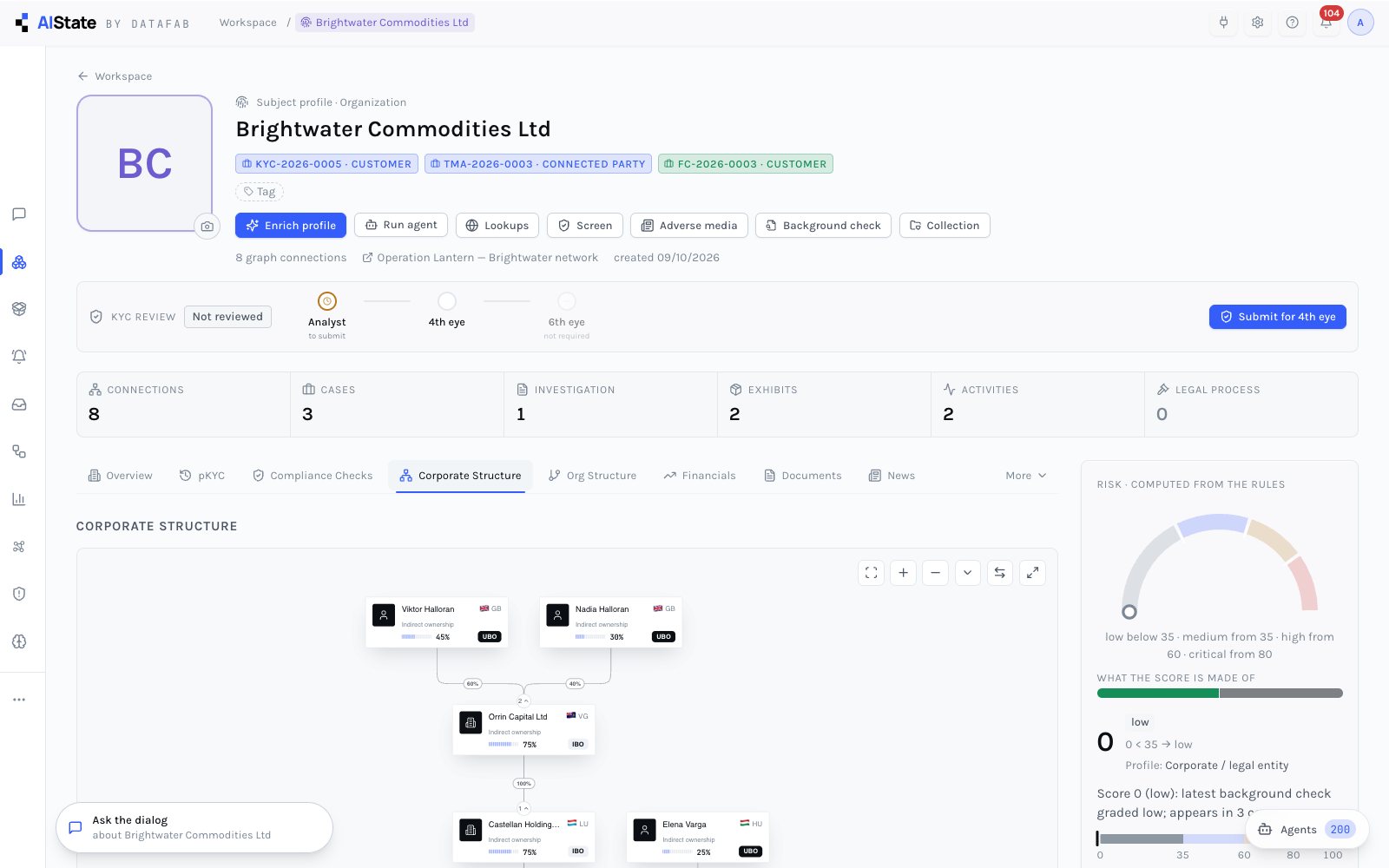
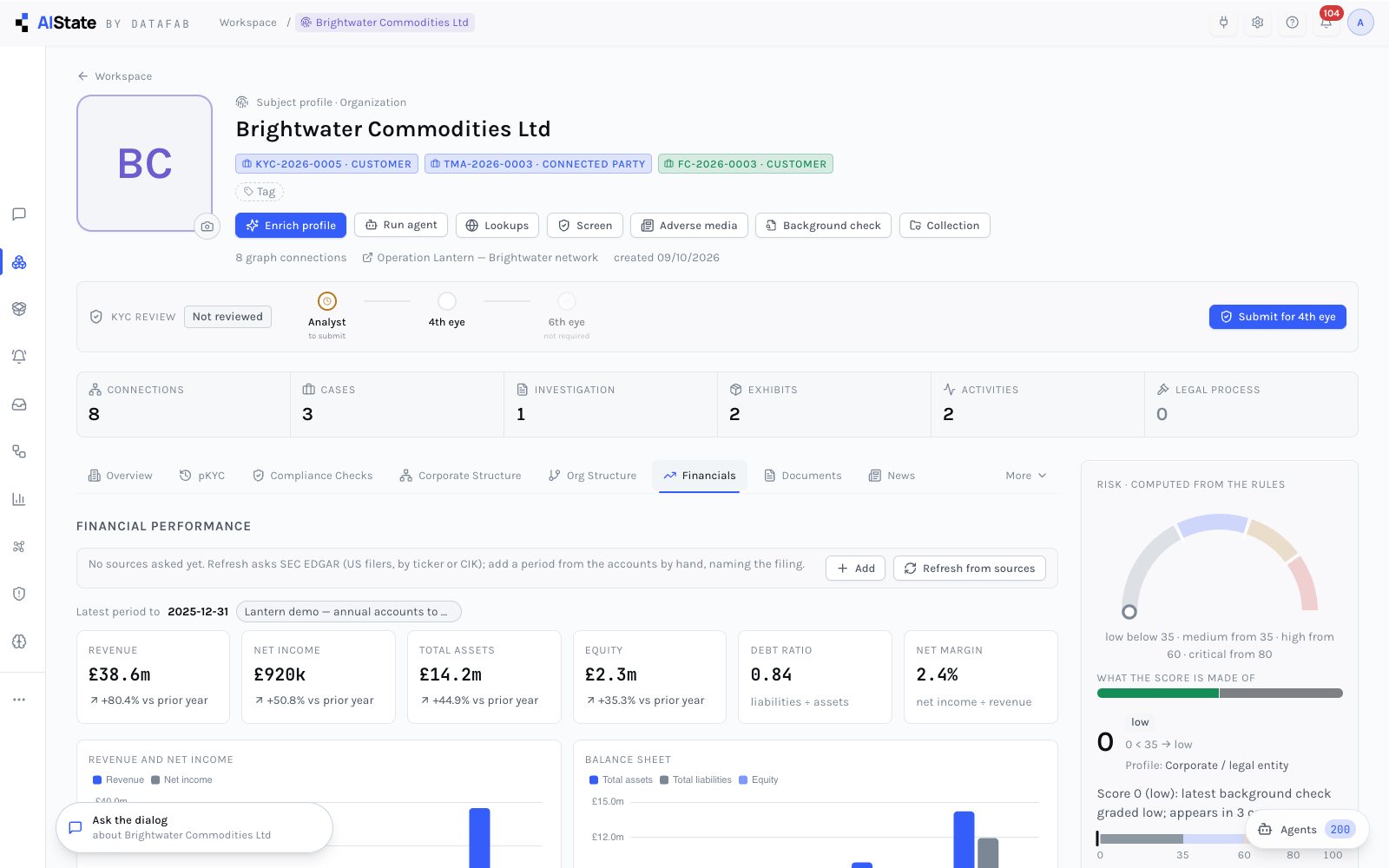
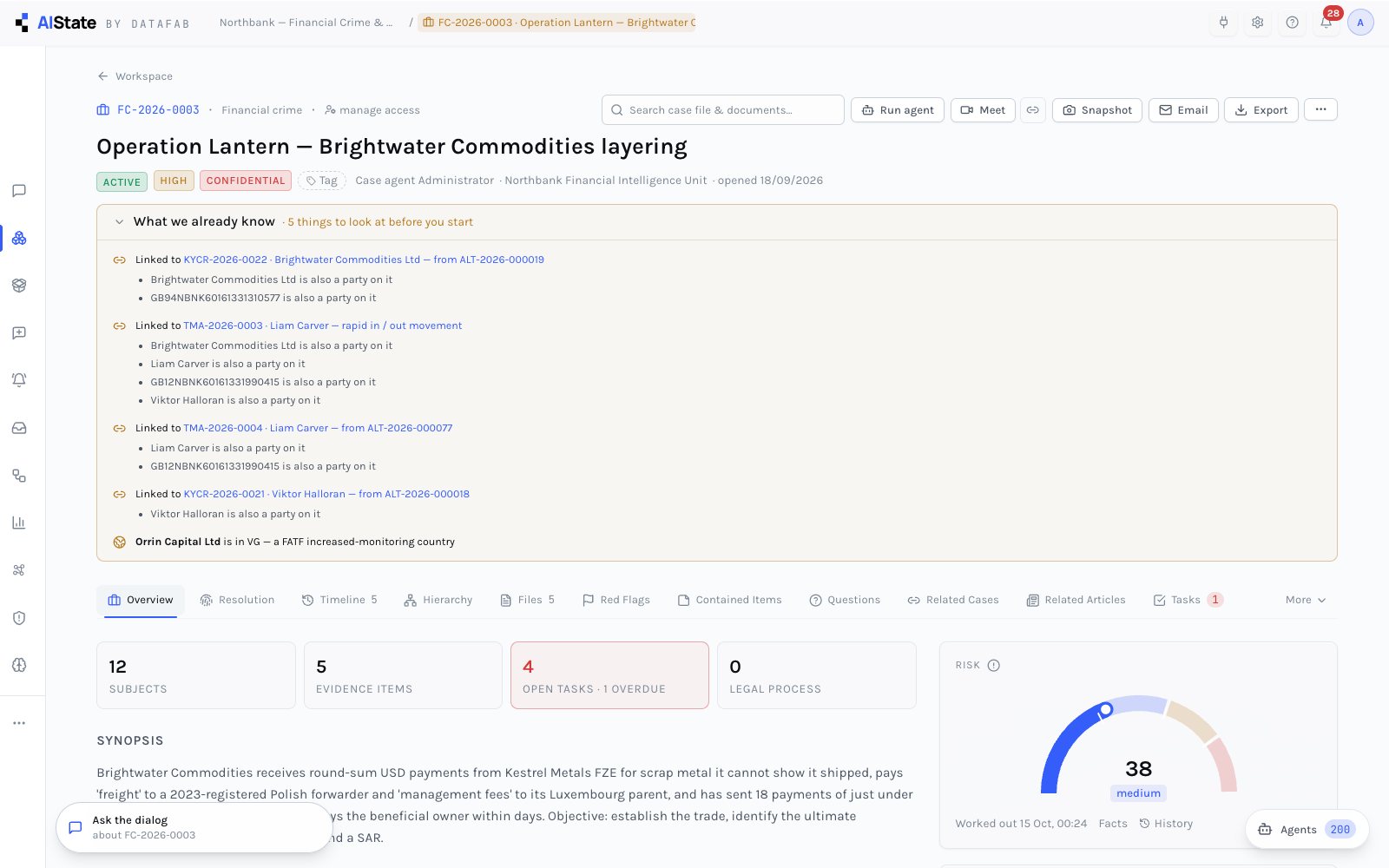
Each case type numbers its own series (FC-, KYC-, CASE-) and carries its own fields, and a record layout decides which tabs a case or a profile shows, in which order, and the widgets on them — chosen by case type or entity type and, optionally, by the record's own risk facts. No layout fits = the standard screen. Shown on the live system on 2026-10-12: Operation Lantern (FC-2026-0003), a trade-based money-laundering case at a demonstration bank, and its customer.
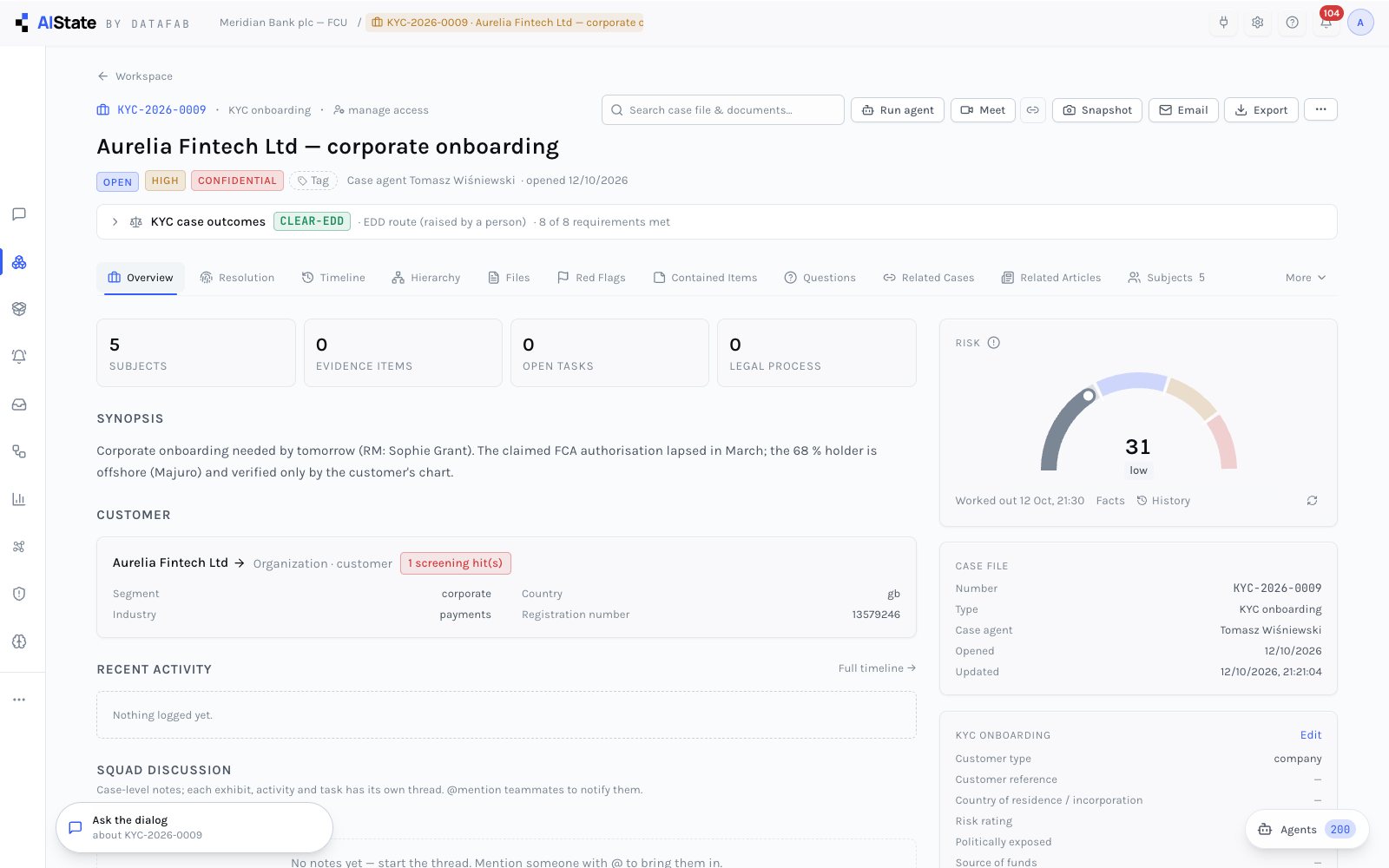
- Case types — each with its prefix, its own fields and roles, and the tabs it shows; a workspace offers a subset and a default
- Record layouts — case and profile screens assembled from built-in tabs and widget grids (facts, risk, customer, KYC, hierarchy, officers, changes, financials, documents, news); a widget only exists when it has both its data and its component
- Company intelligence with provenance — financials, filings and news from named public sources, each row with its source, link and retrieval time
07bCase snapshots — the case as it stood, sealed, and what changed since
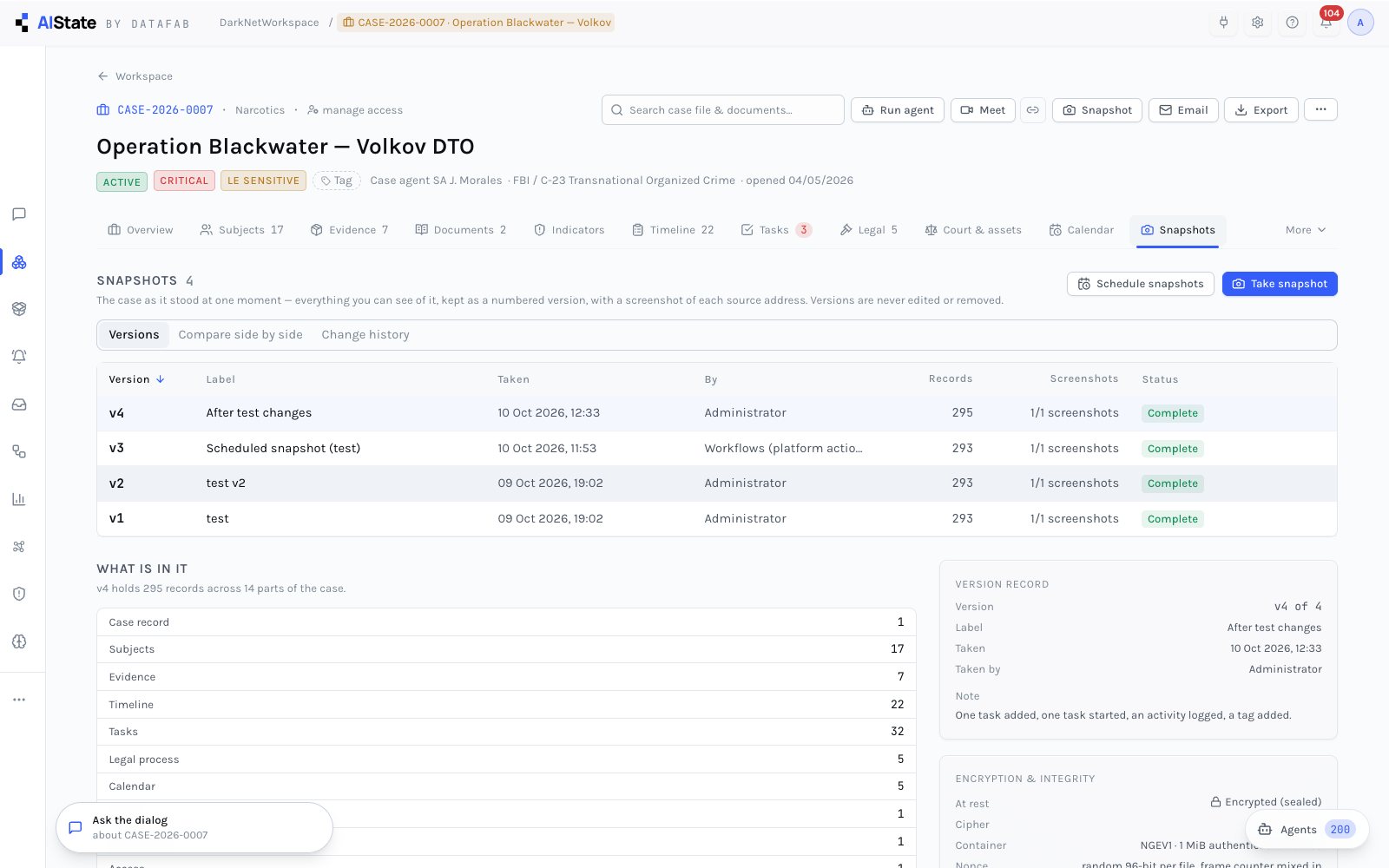
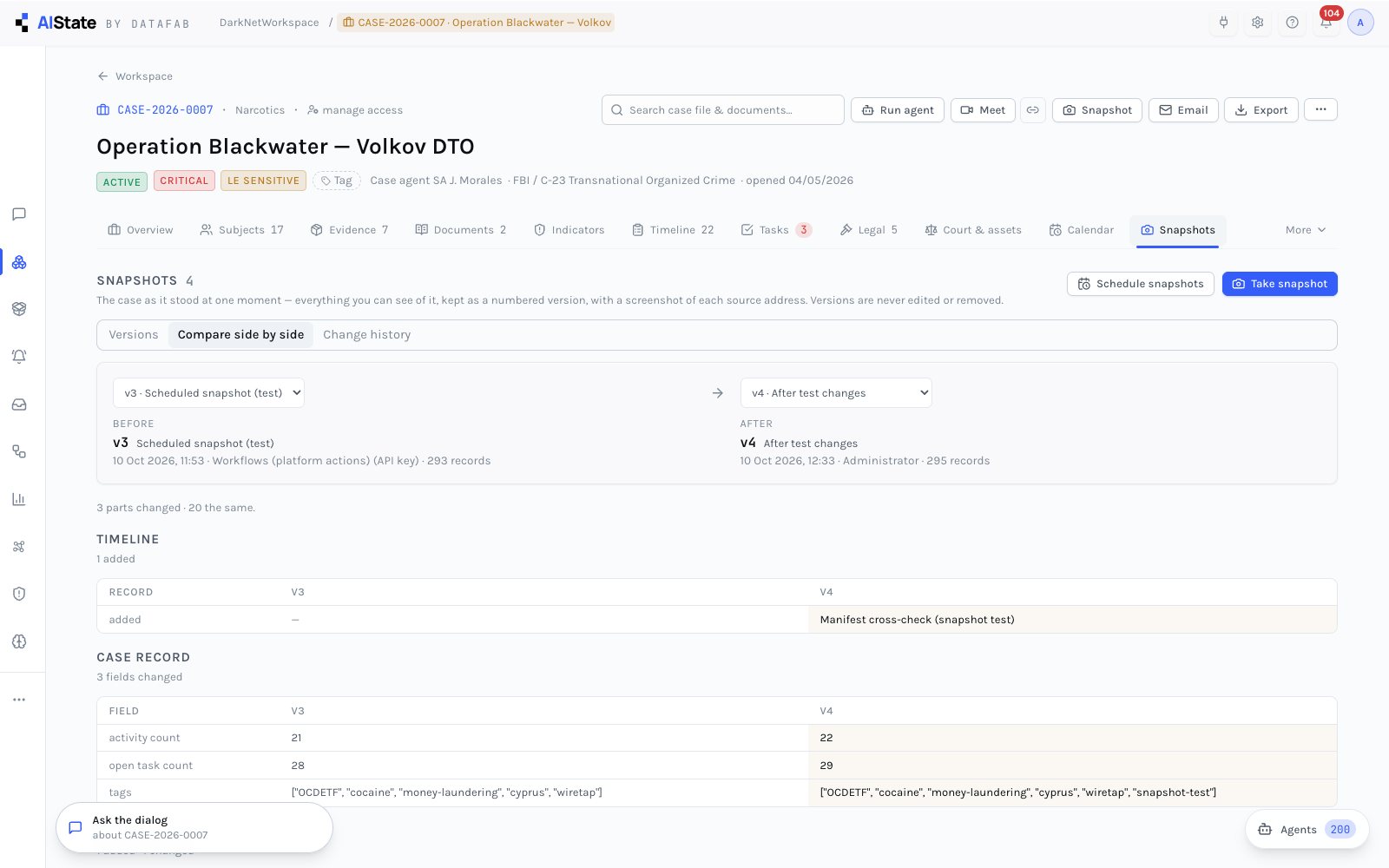
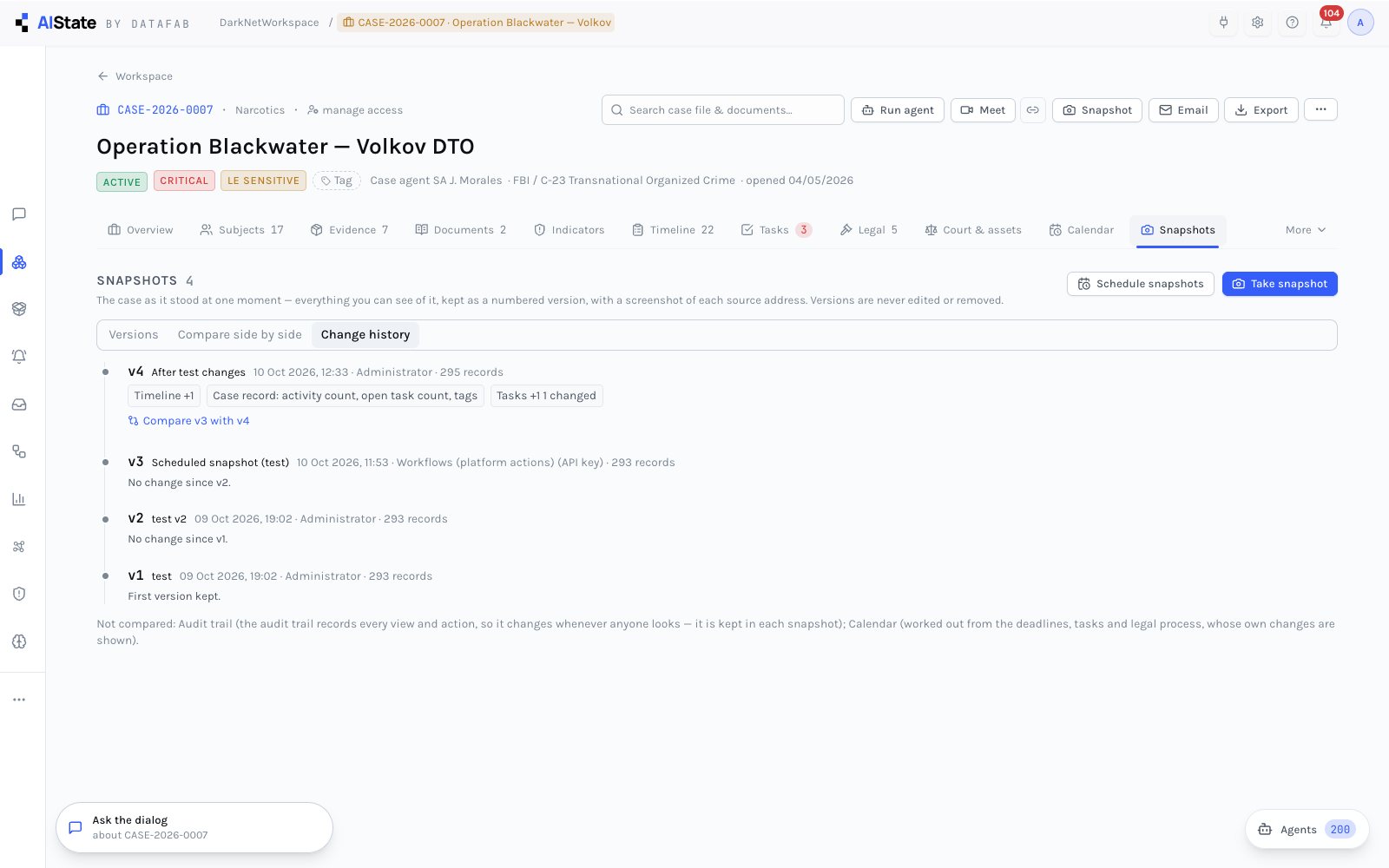
Press Snapshot on a case and everything the person may read of it is frozen as the next numbered version — never edited or deleted — sealed with the evidence key, hashed, and checkable at any time; a separate, isolated service takes a screenshot of every source address the case cites. Snapshots can also be taken on a schedule by a workflow. Shown on Operation Blackwater, 2026-10-12.
07cAlerts, client monitoring & the SAR register
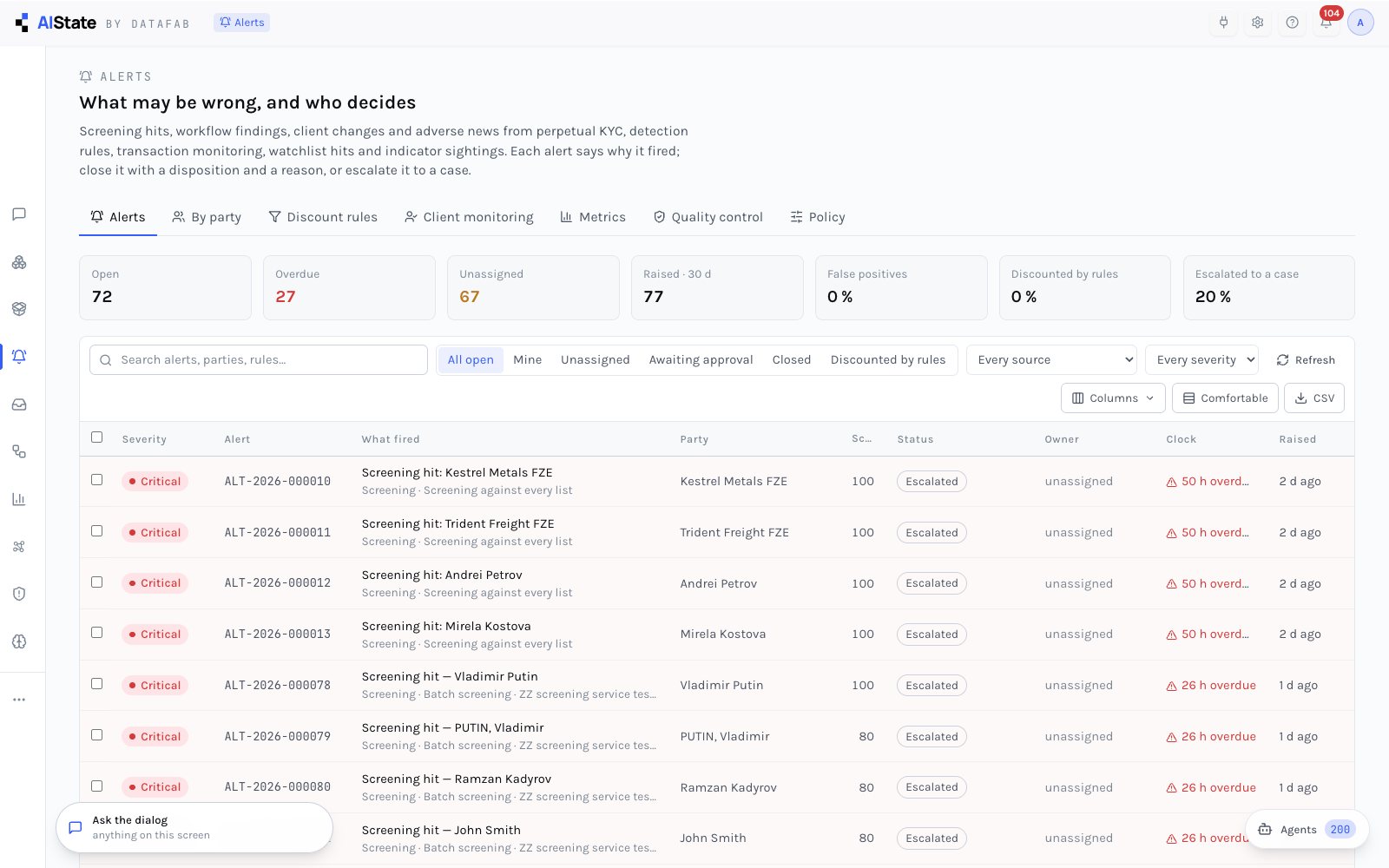
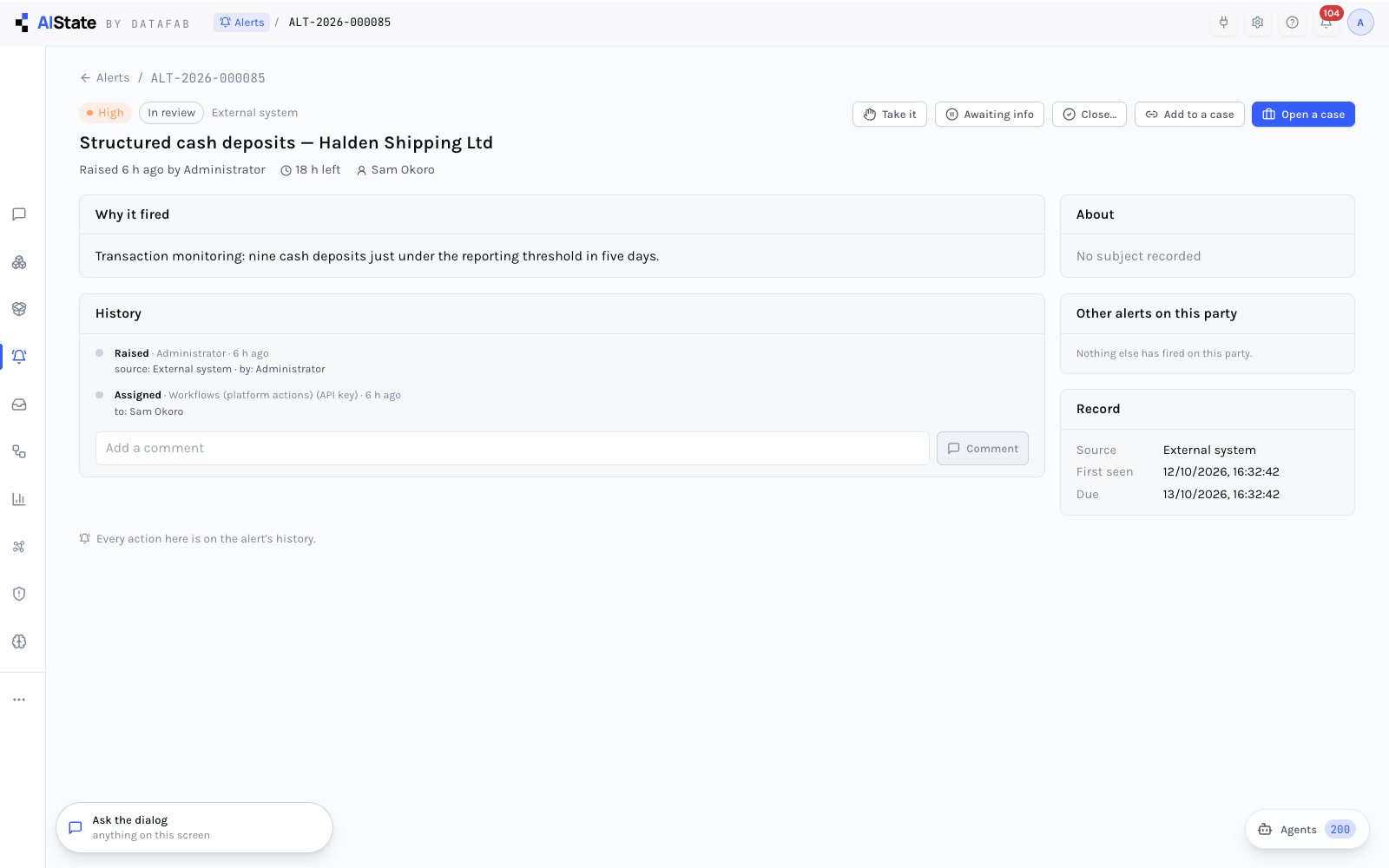
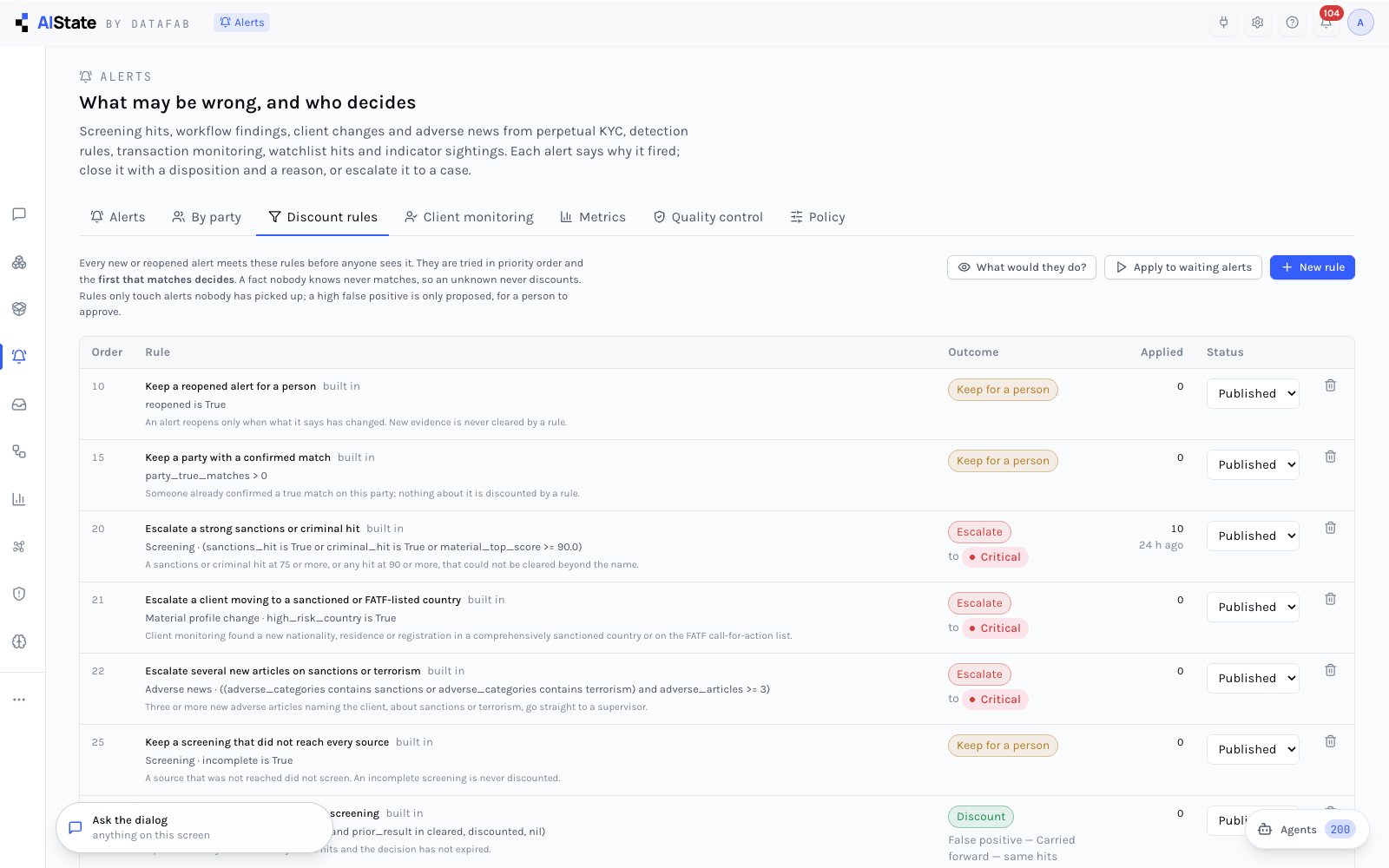
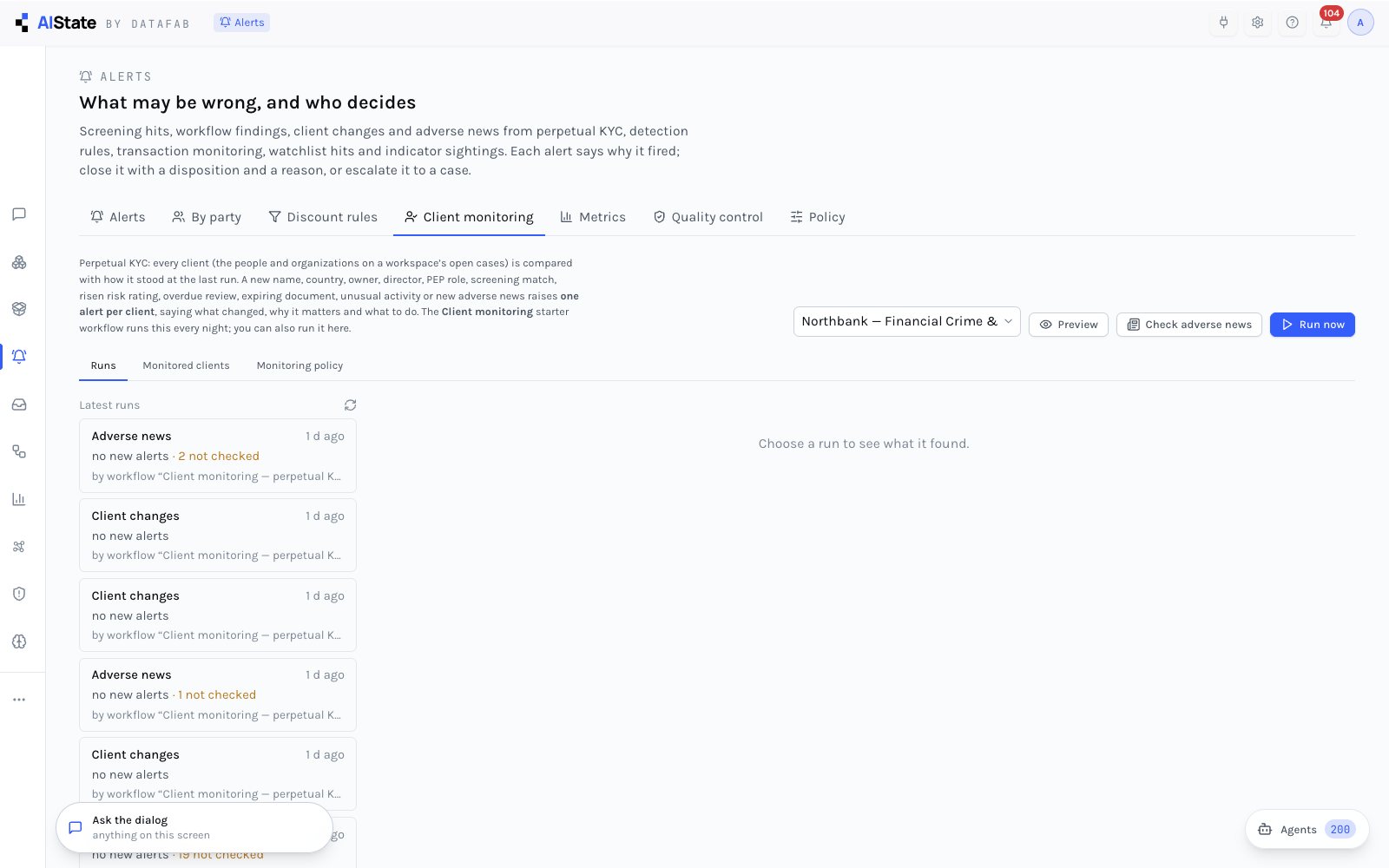
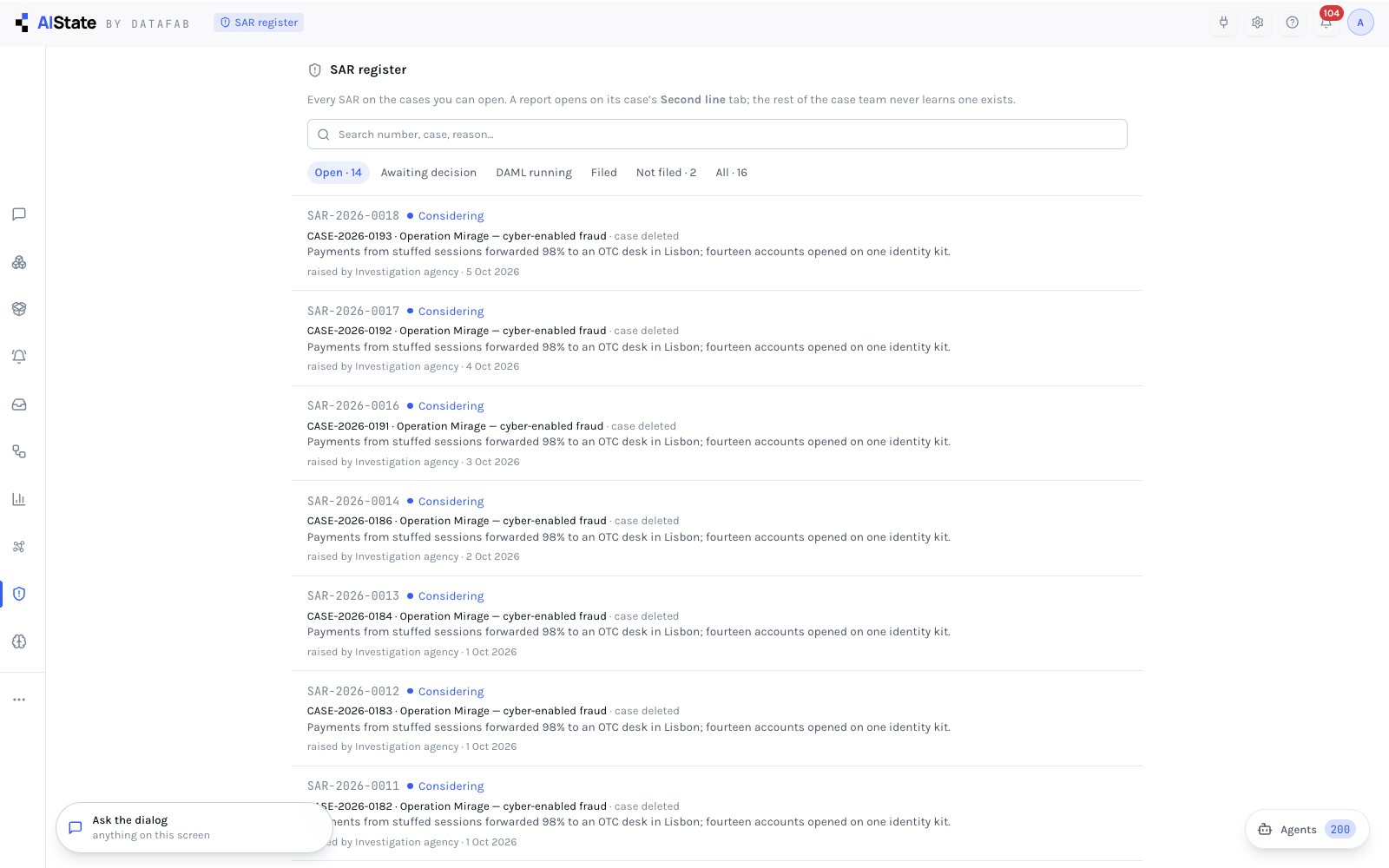
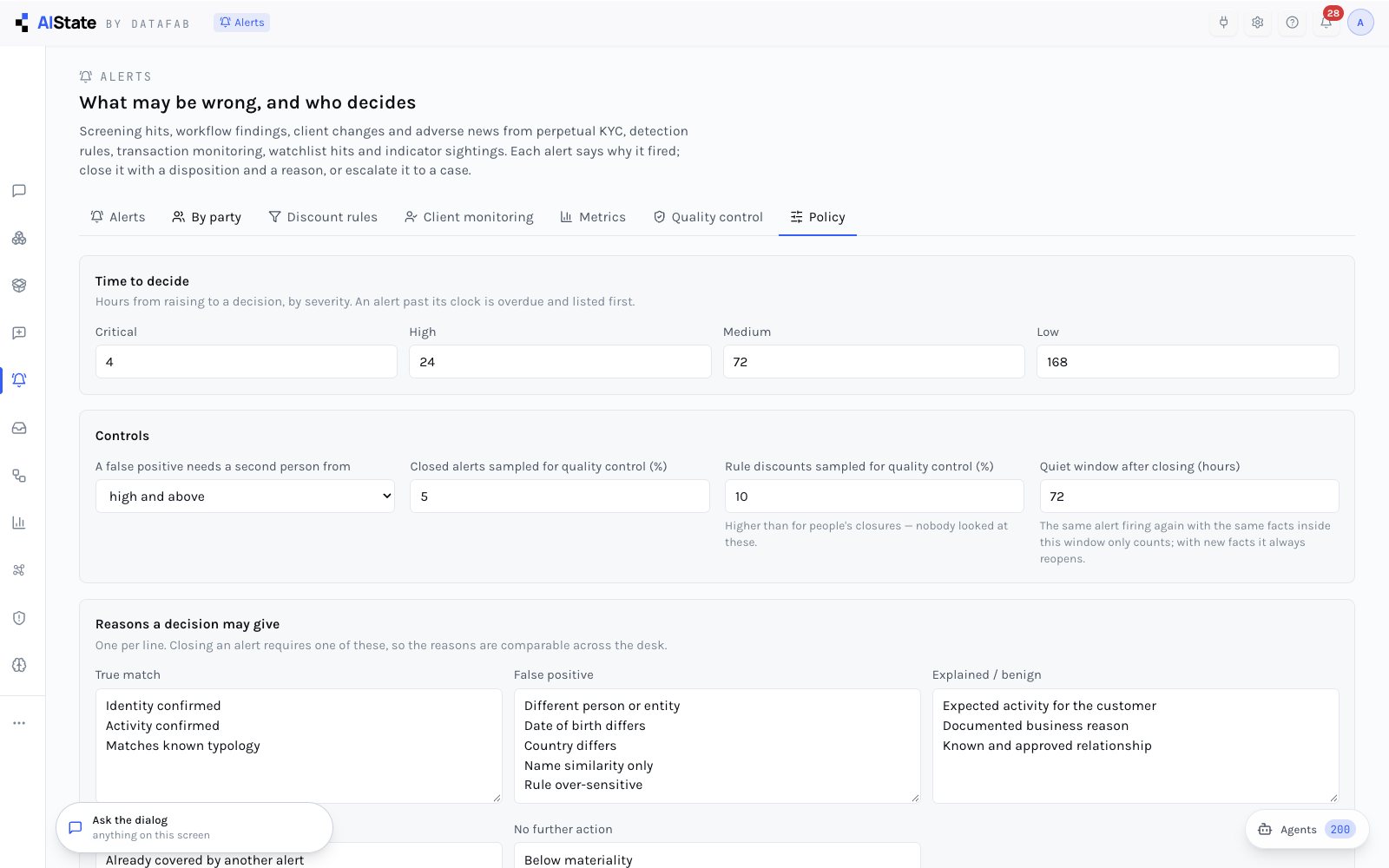
One queue for what may be wrong — screening hits, workflow findings, client changes and adverse news from perpetual KYC, detection policies, transaction monitoring, watchlist hits and indicator sightings — each saying why it fired, closed with a disposition and a reason, or escalated to a case. Discount policies decide the routine ones in the open; perpetual KYC watches every client; suspicious activity reports are kept on a hash chain.
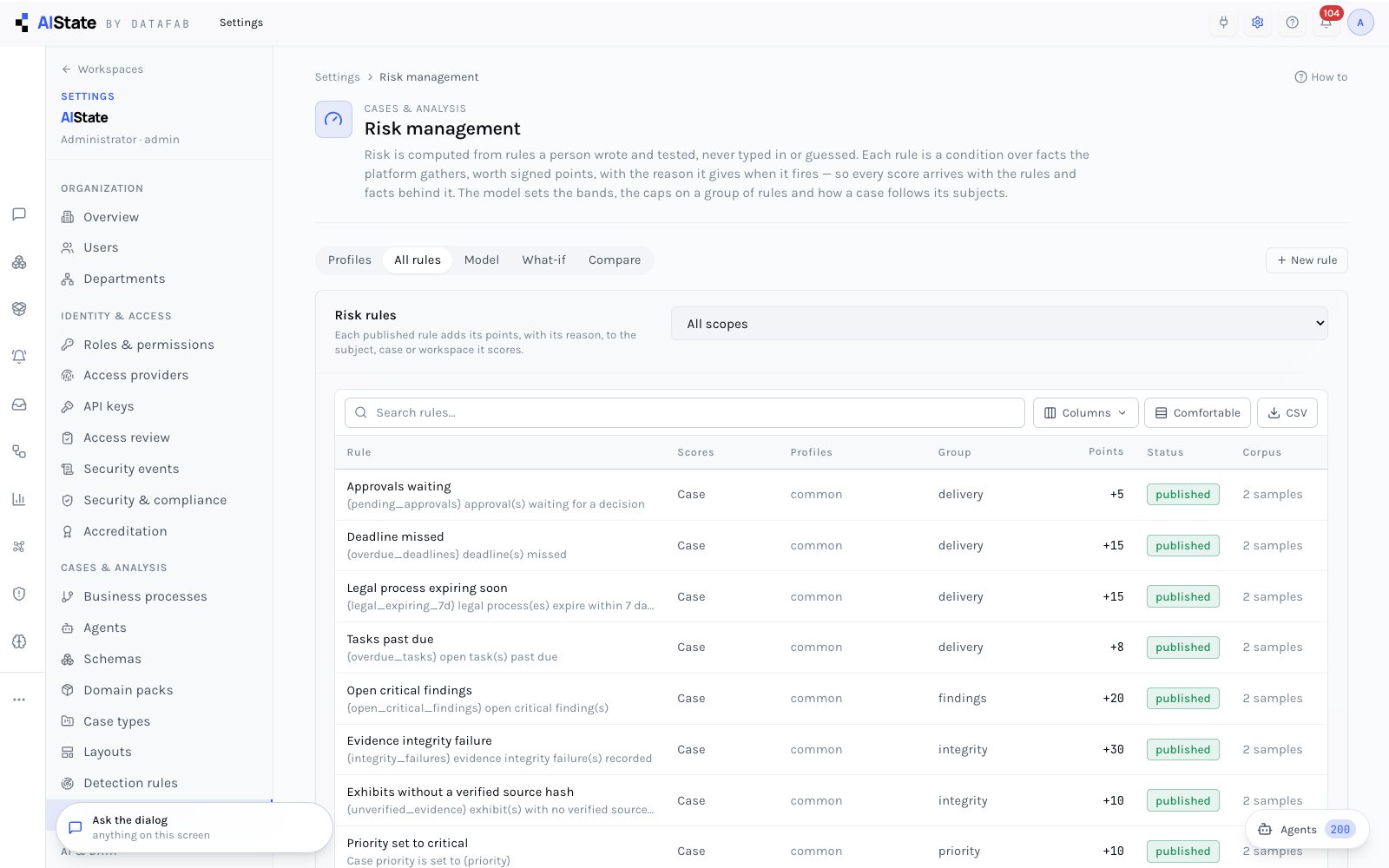
07dRisk scoring — policies, reasons, no guesses
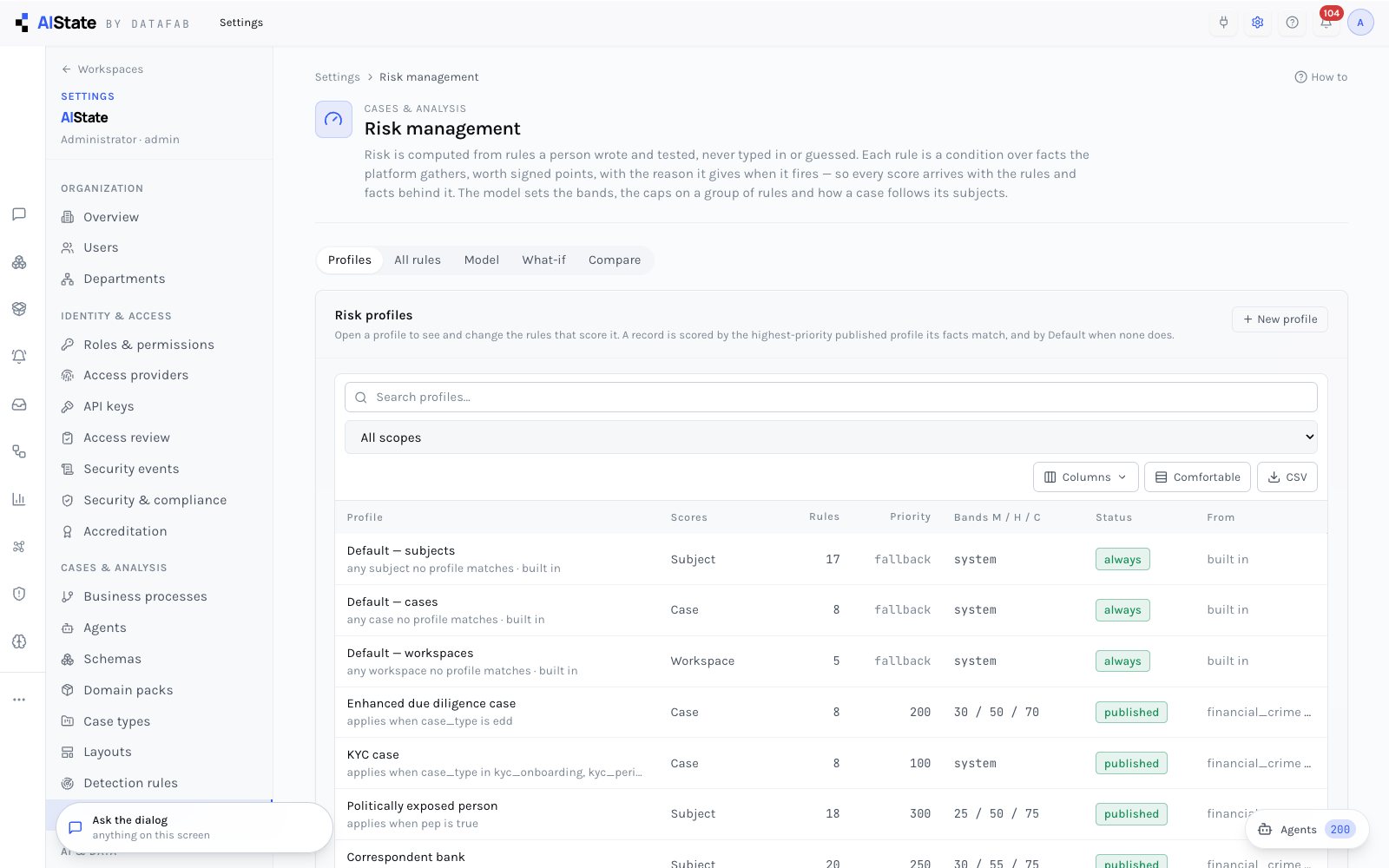
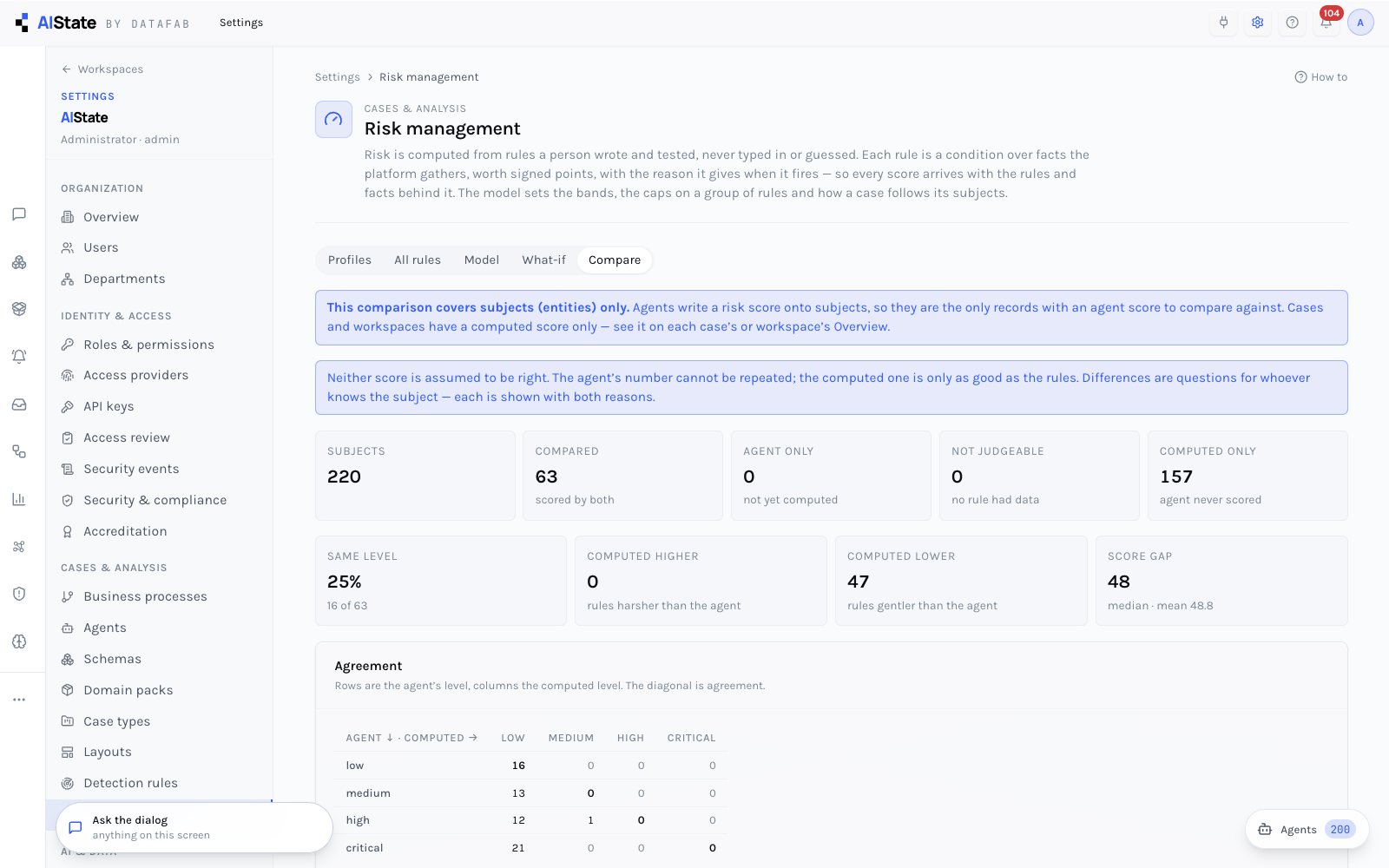
Risk is computed from policies a person wrote and tested, never typed in by an agency, and the score always equals its explanation. A policy cannot be saved without a reason, and publishing it runs its own test samples first; facts nobody has checked are not evaluated, never "low". Profiles give each segment its own model, and a comparison report shows where the computed score and the agencies' scores disagree.
07eAdverse media & news relevance — is this article about our customer?
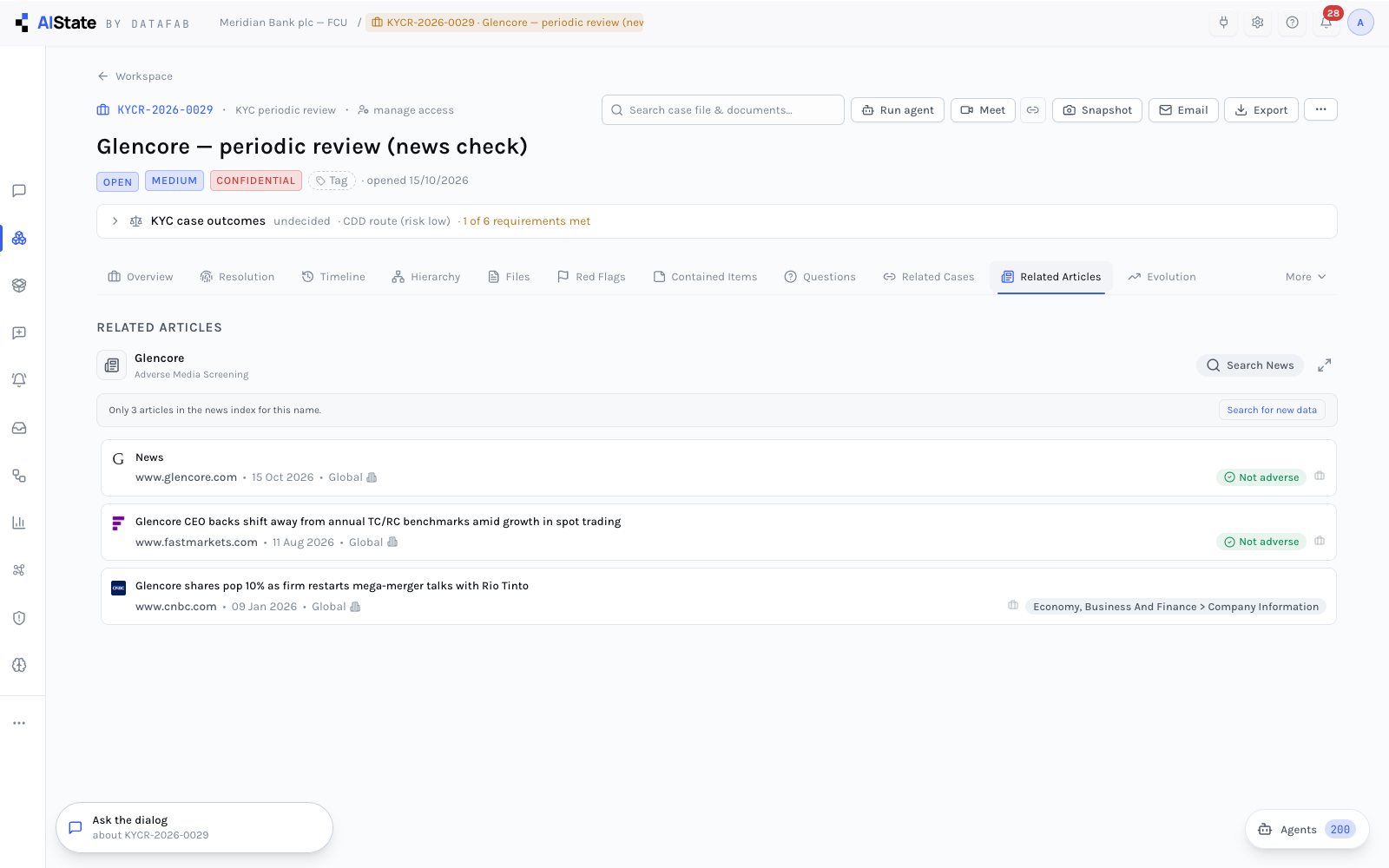
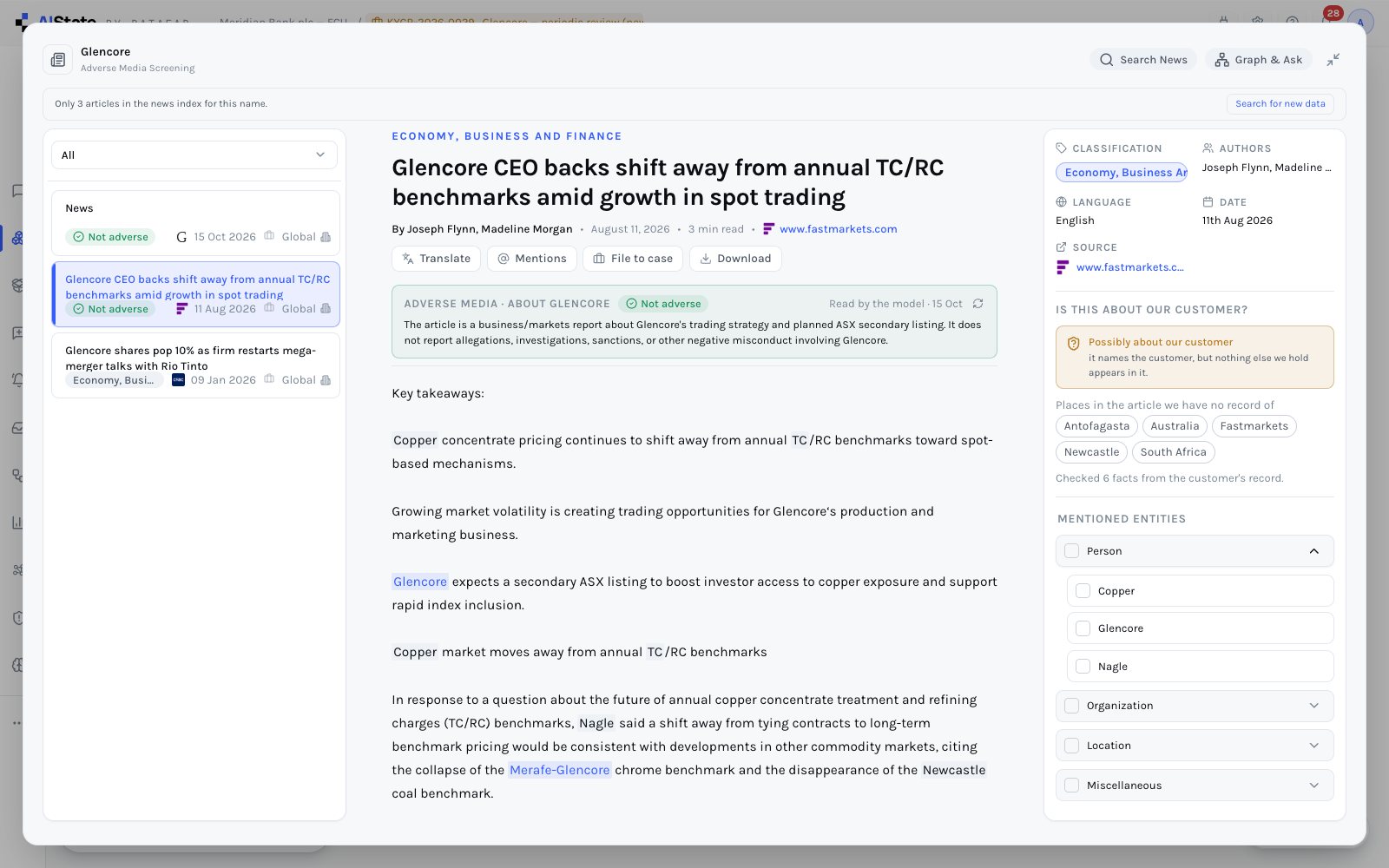
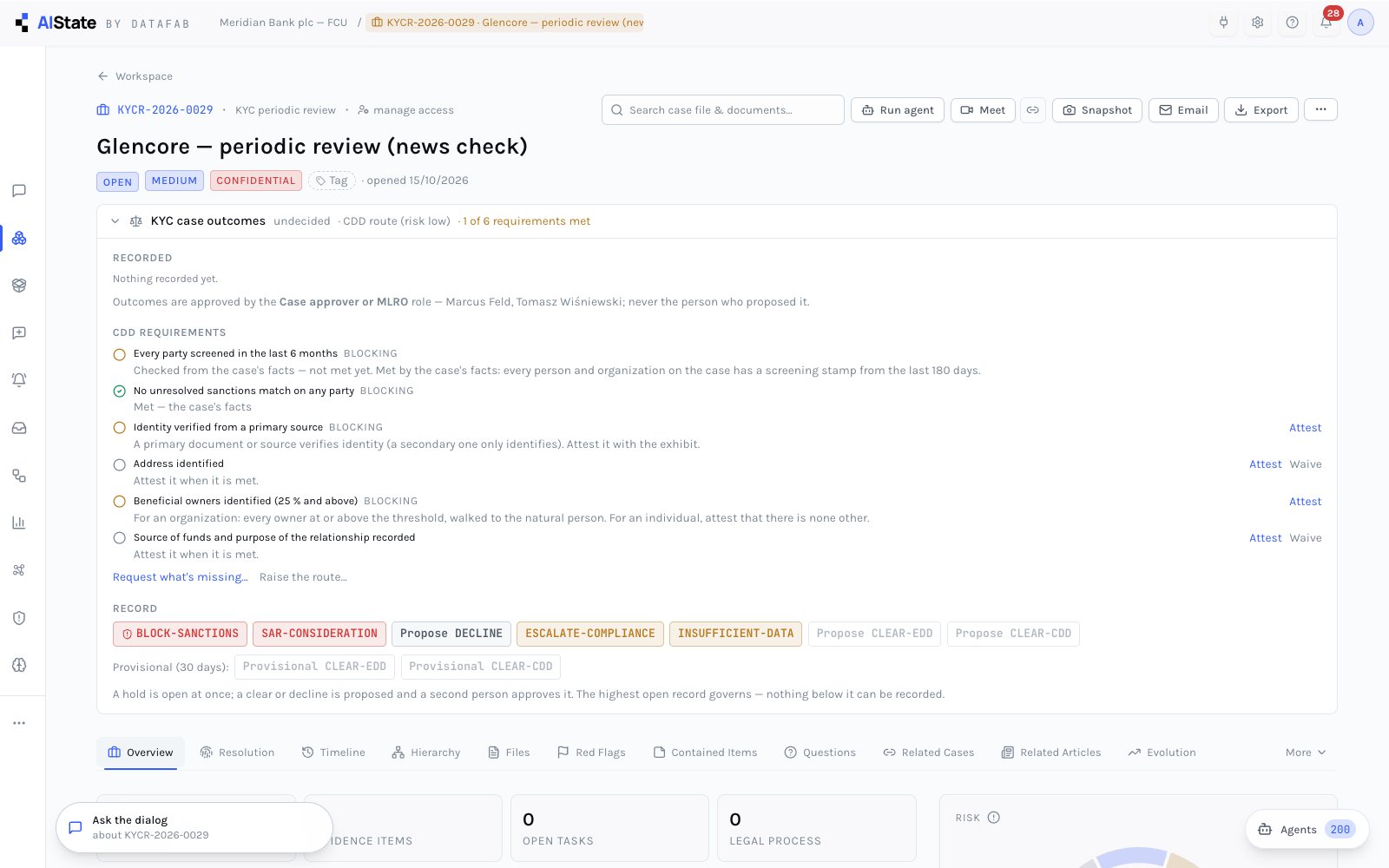
A name search returns everyone with the name. Opened from a case, an article is read against what the case already holds — the customer's record, the people, companies and places linked to it on the graph, and what document understanding read out of the case's own documents — and gets a verdict that only counts what matched: likely, possibly, probably someone else or cannot tell. The model marks each article adverse or not, coverage can be filed to the case as a hashed exhibit, and nothing opens outside the platform. Shown on a periodic review of Glencore, 2026-10-15.
07fDocuments — read, mark up, ask, compare, version, and one graph across them
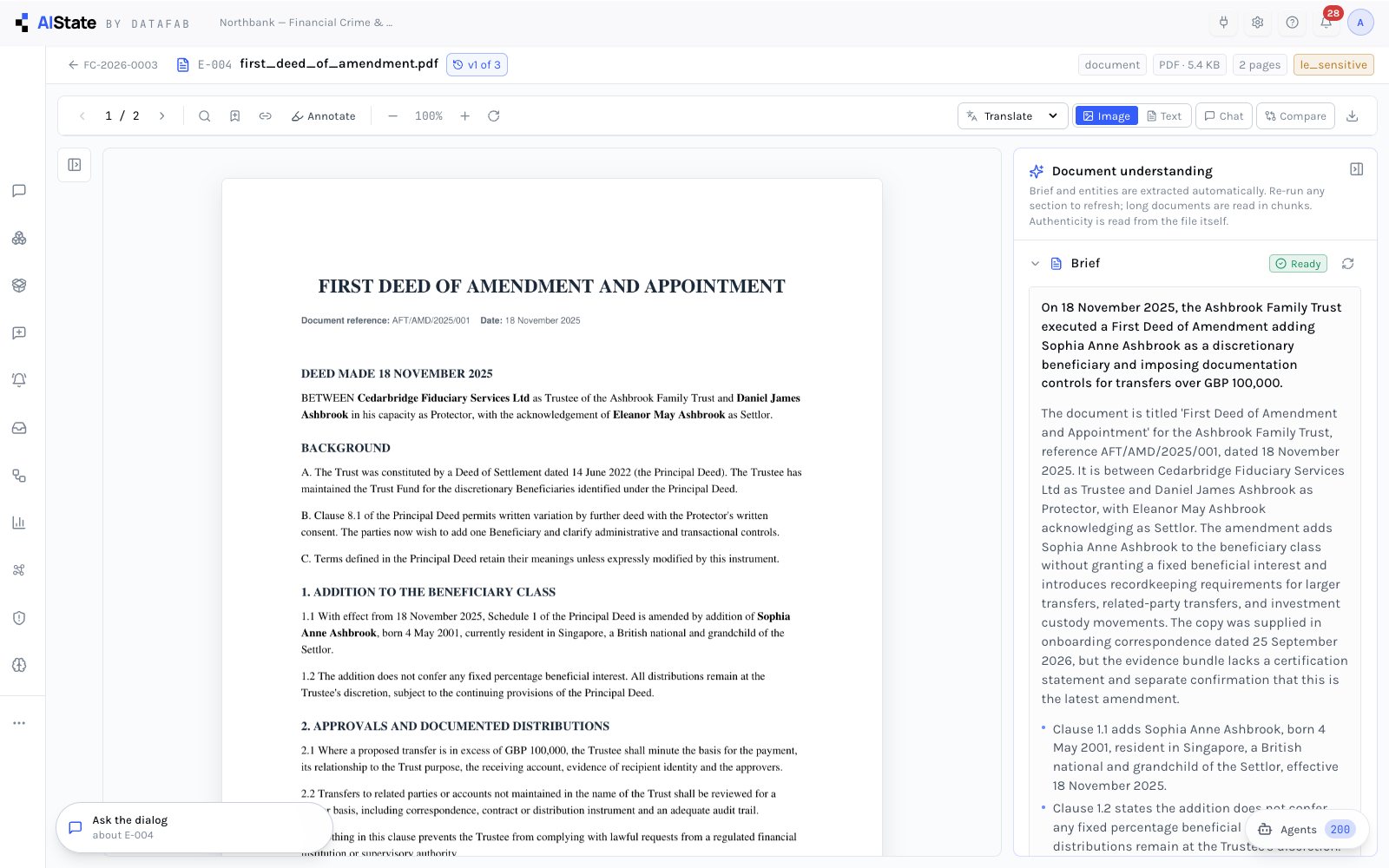
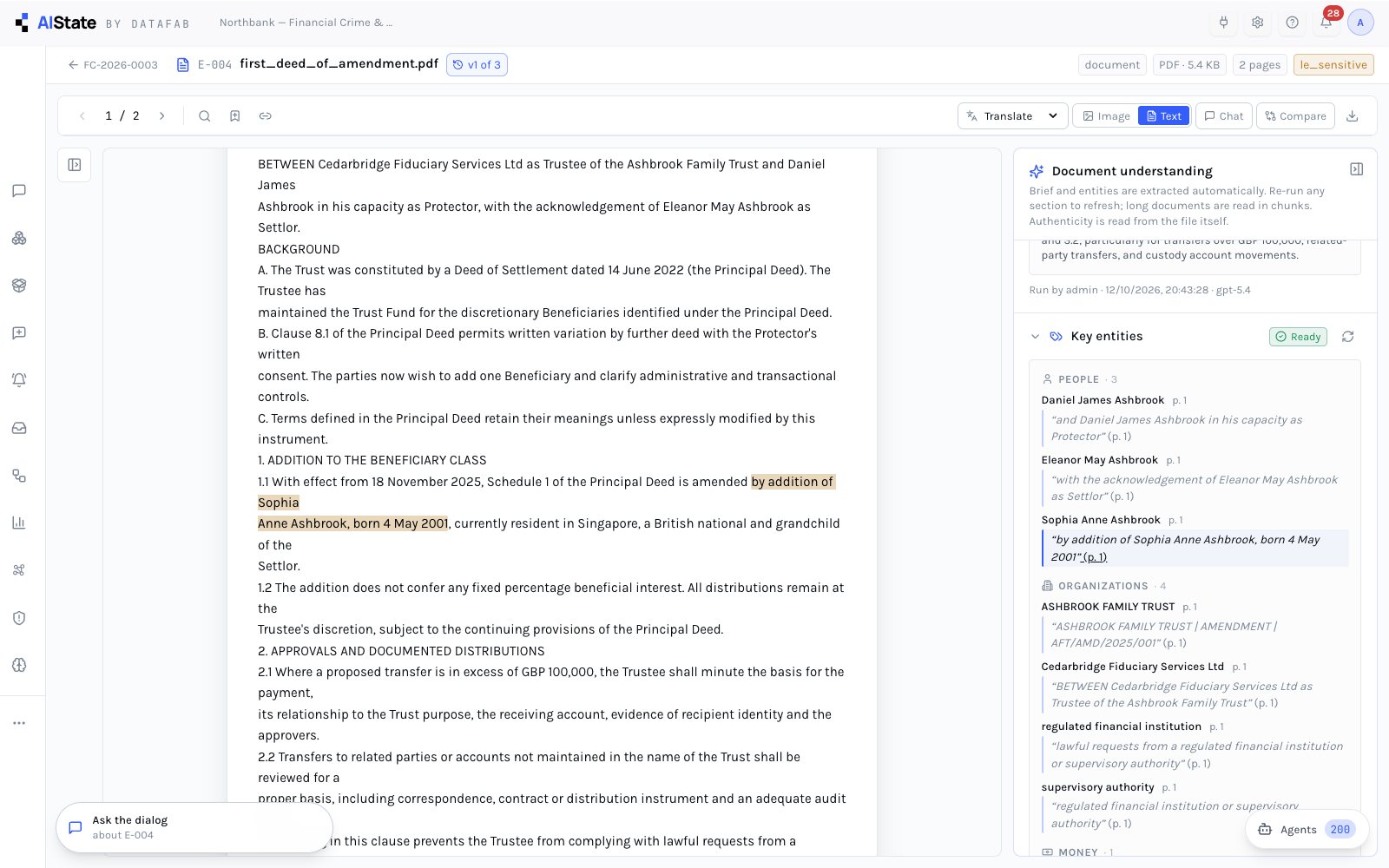
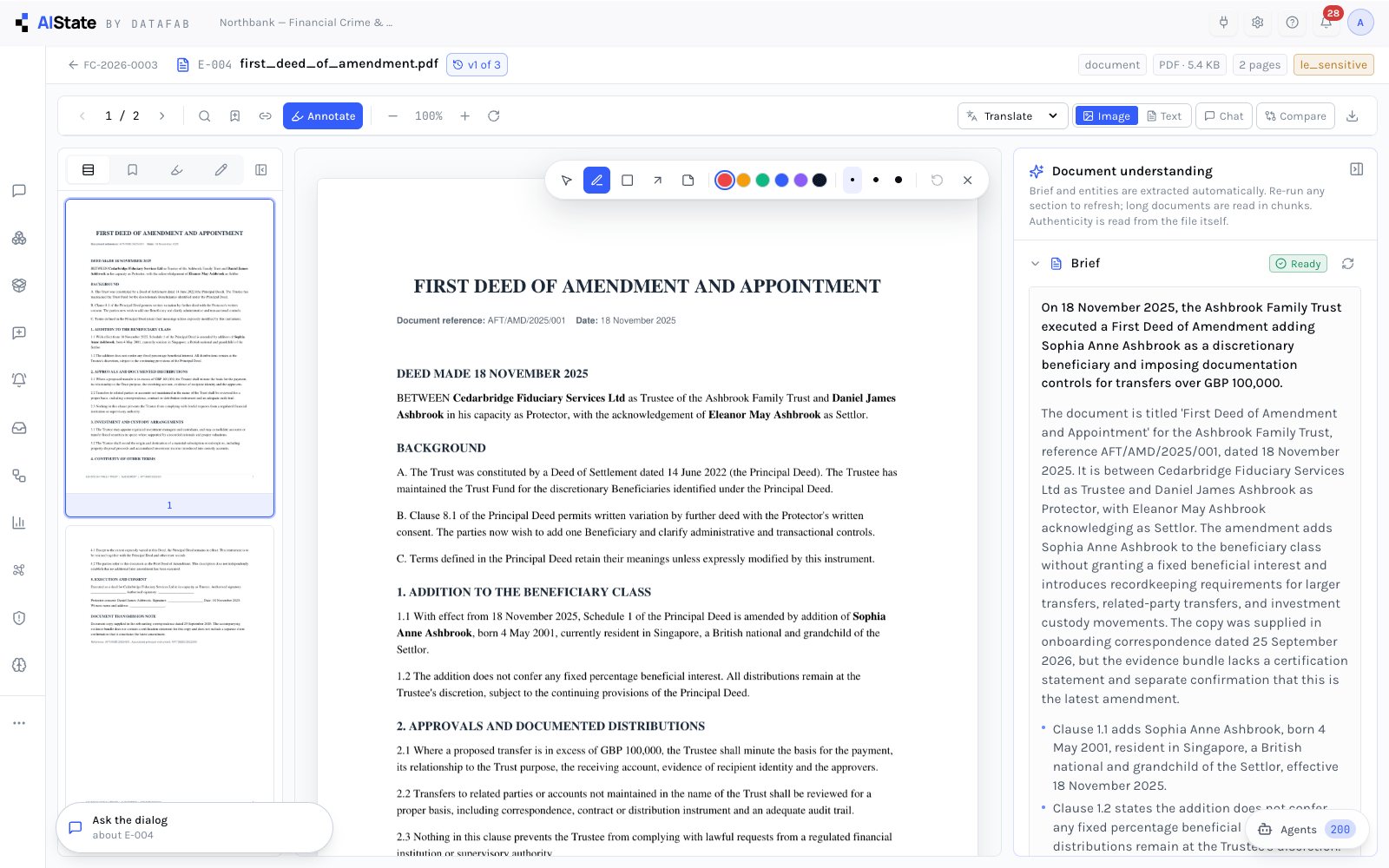
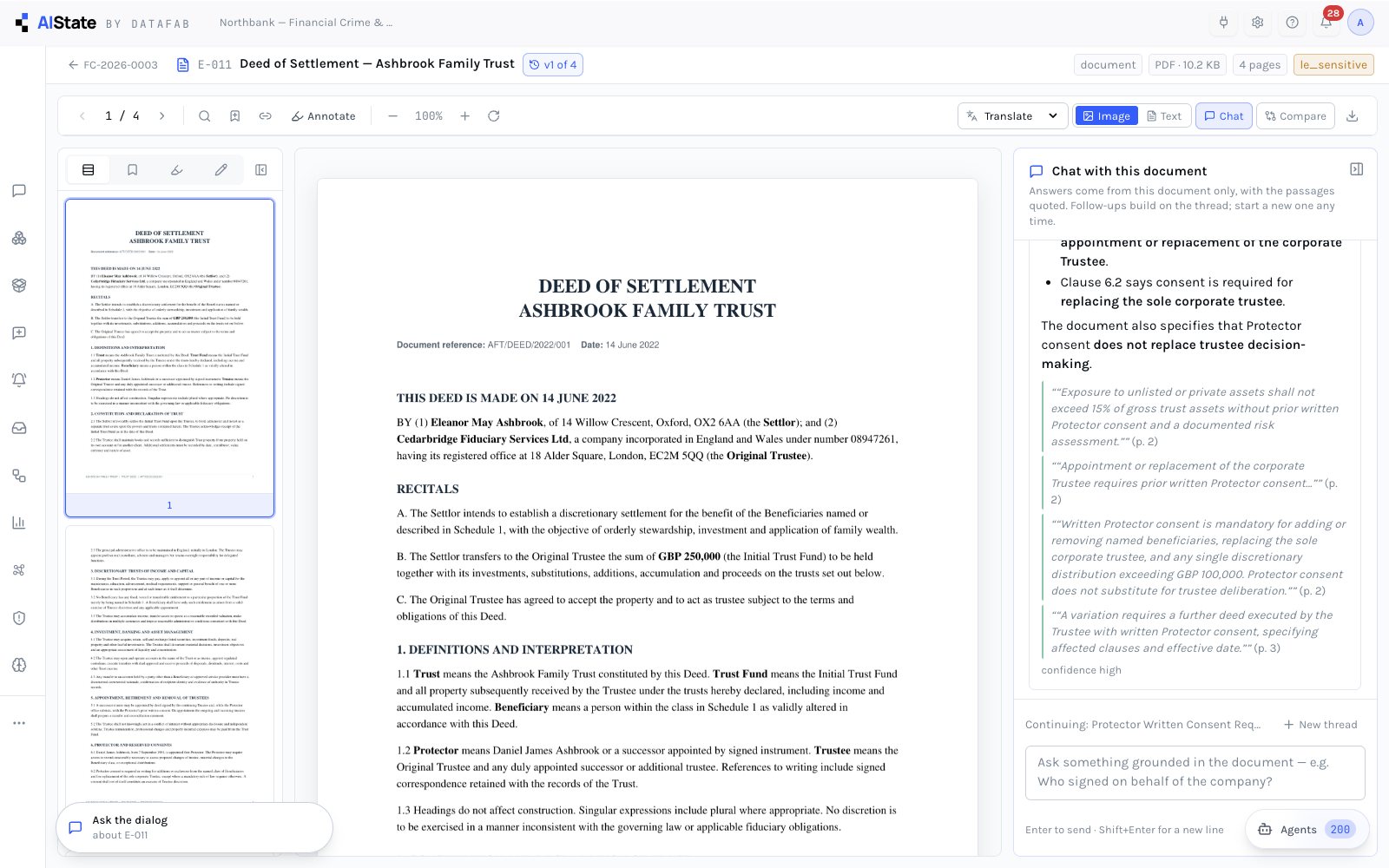
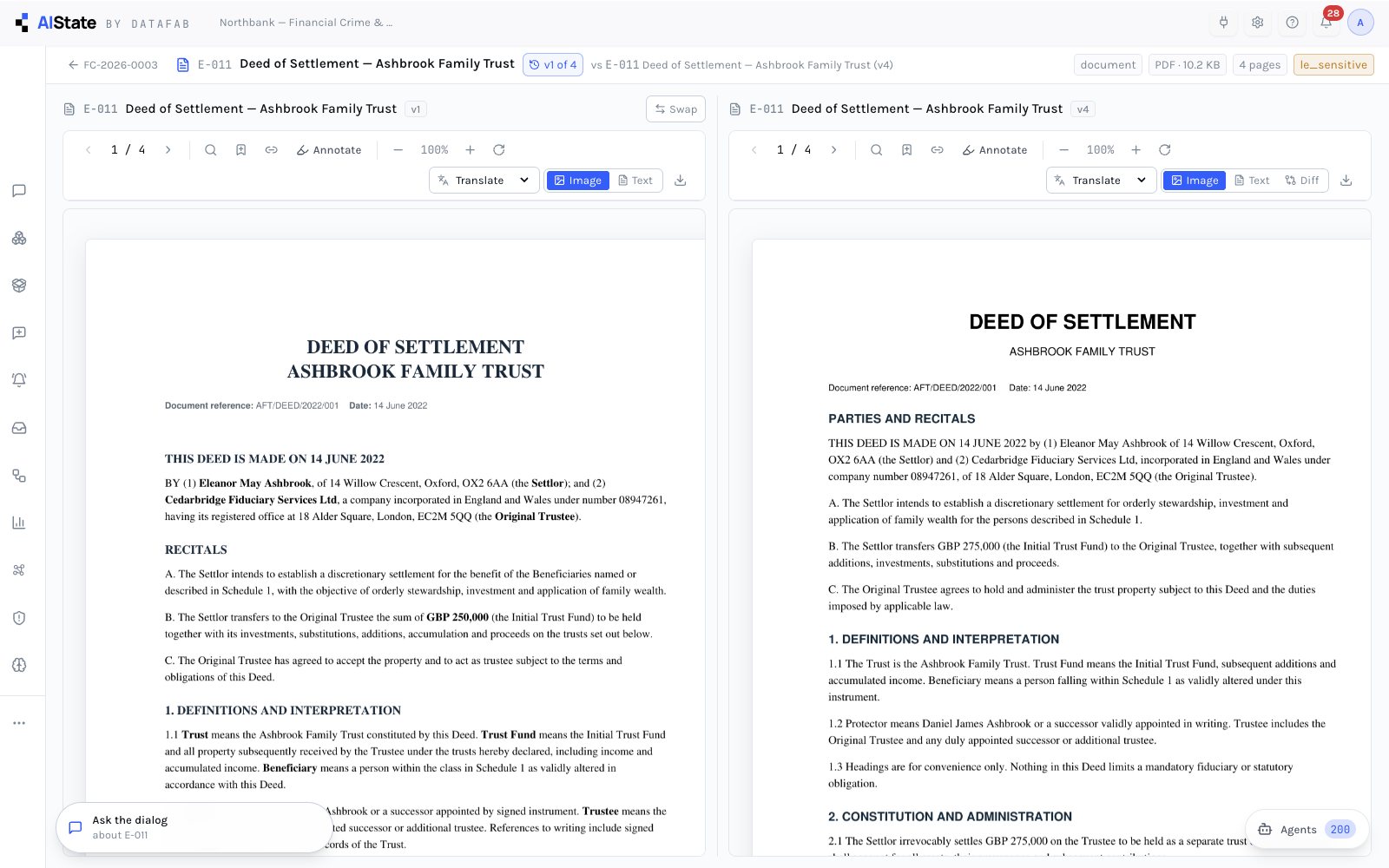
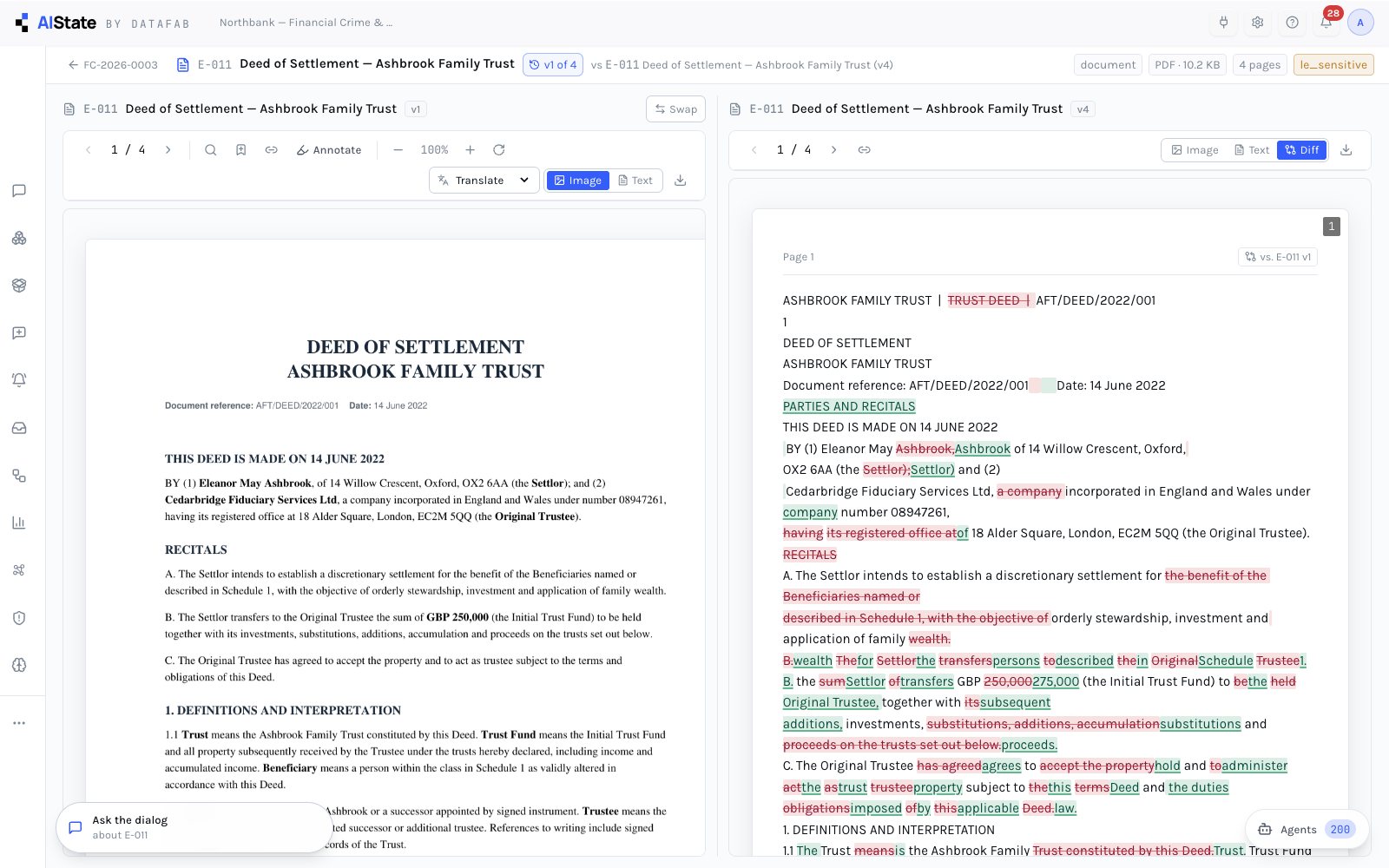
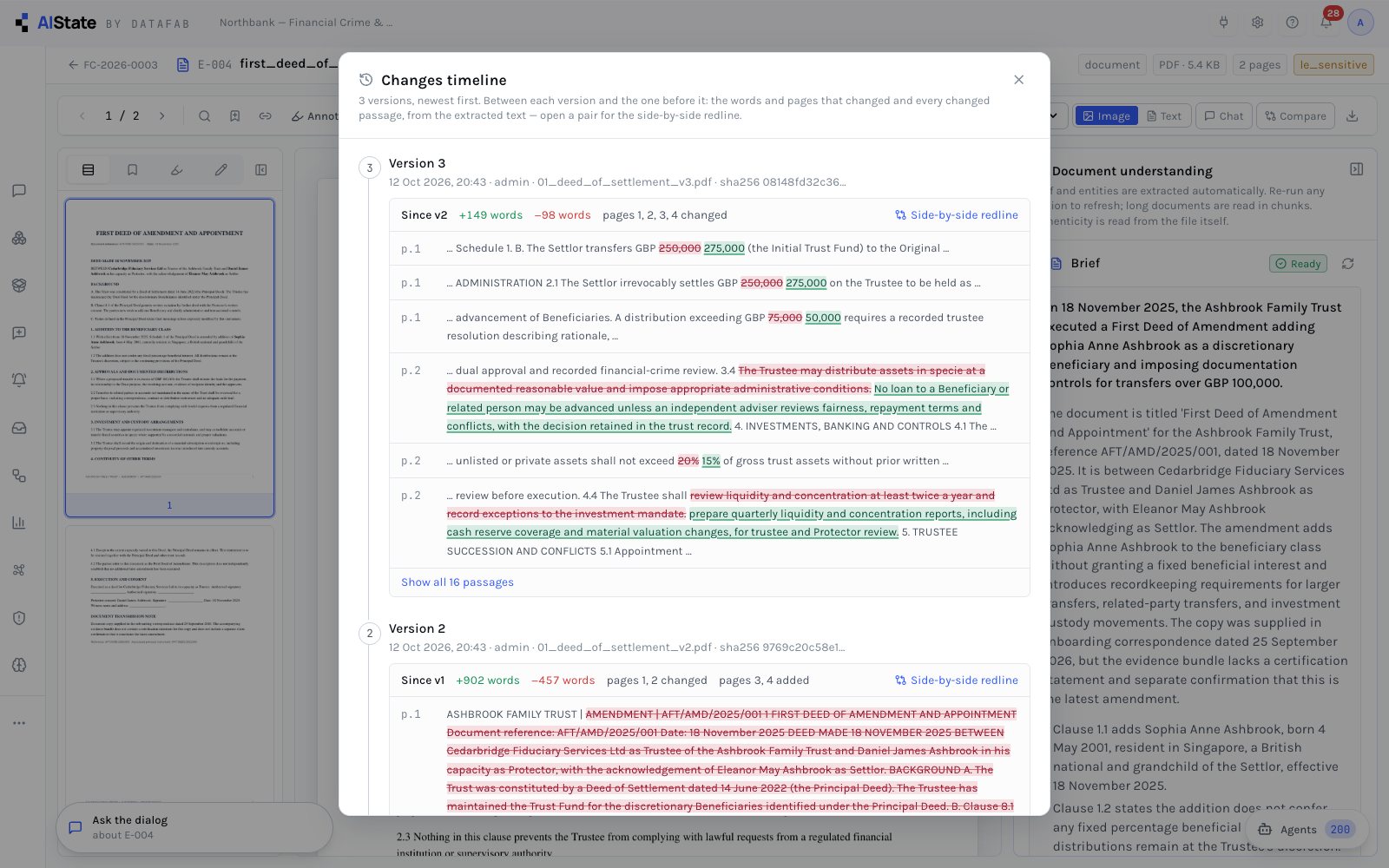
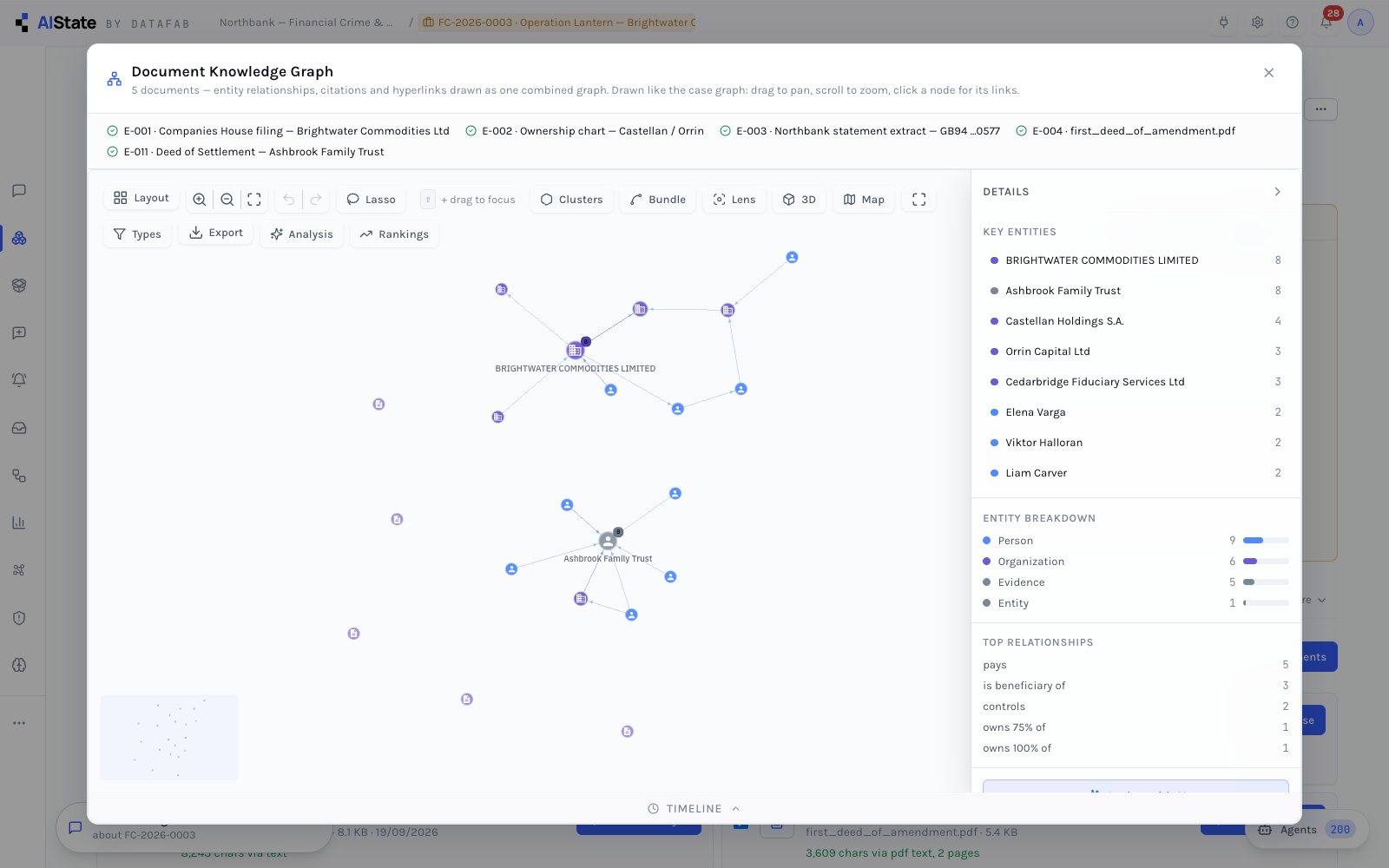
Every exhibit with a file opens on its own screen, page by page — PDFs and images as the pages themselves (scanned pages read by OCR), Word, spreadsheets, e-mail and text as pages of their text — with Image and Text views, find, bookmarks, a link to any page, translation, and download of the original or the version open. Four AI readings quote the page they come from; a chat answers from the document alone; any two documents, or two versions of one, open side by side with a word-level redline. Authenticity is read from the file itself, not by AI — every save still inside a PDF with the program that made it, digital signatures checked, dates set by hand, redactions not applied, the edit history of Word files and images — with a verdict of signs of alteration, worth checking or no signs found, never "authentic". The original is version 1 and immutable; later versions are hashed, encrypted and scanned like it. Every mark-up, question and version is shared with the case and audited. Shown on Operation Lantern, 2026-10-15.
07gChange detection — what changed, and what we already know
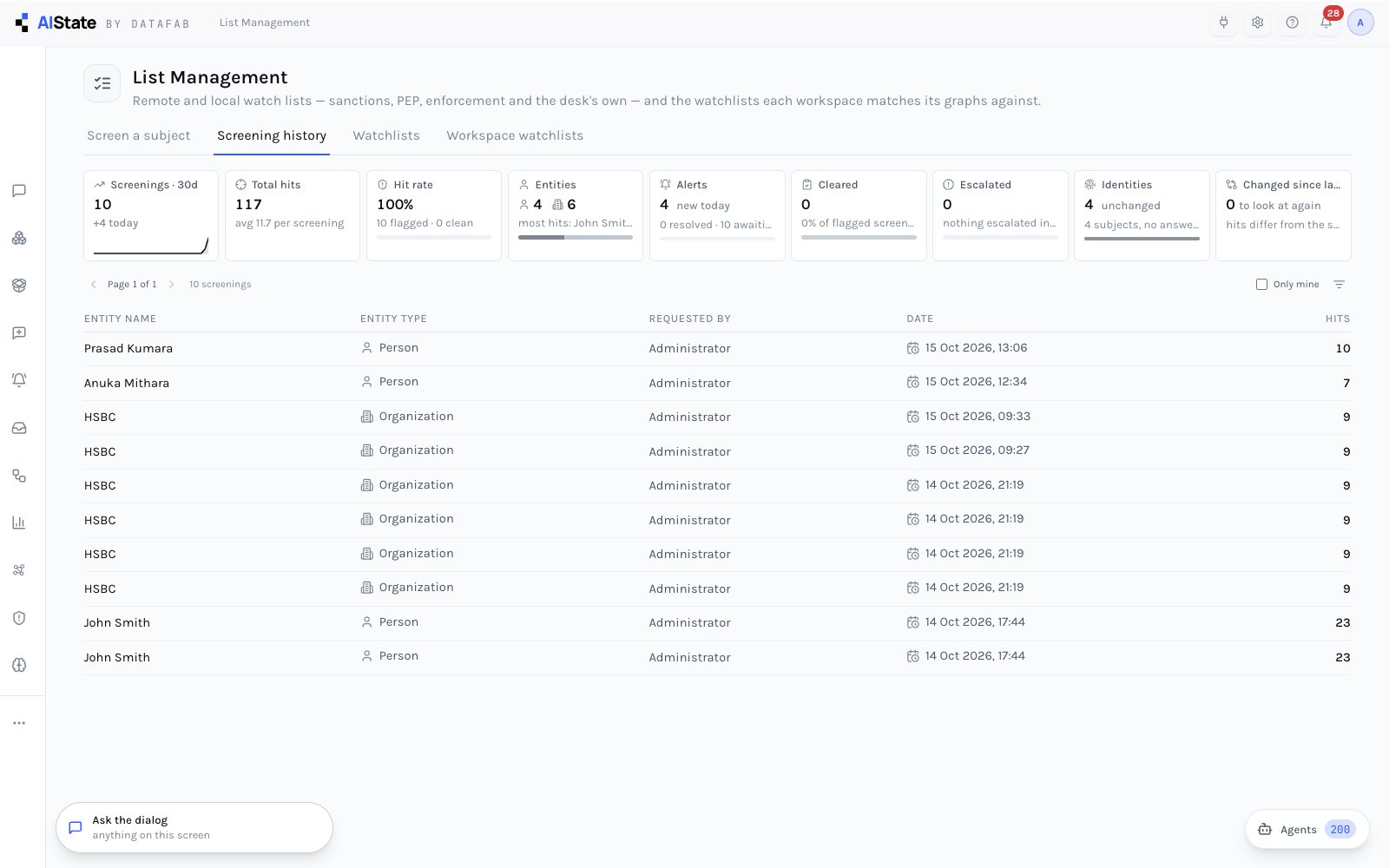
Nothing changes quietly. A document's versions are compared word by word; every screening is kept, so a subject whose answer differs from last time is listed; perpetual KYC compares each client with how it stood at the last run (alerts); a case can be compared with itself as it stood (snapshots); and every update to a case records which fields changed, from what to what, on its hash-chained audit trail. On opening a case, the platform first says what it already knows about the parties.
07hFour eyes, six eyes — decisions a second person makes
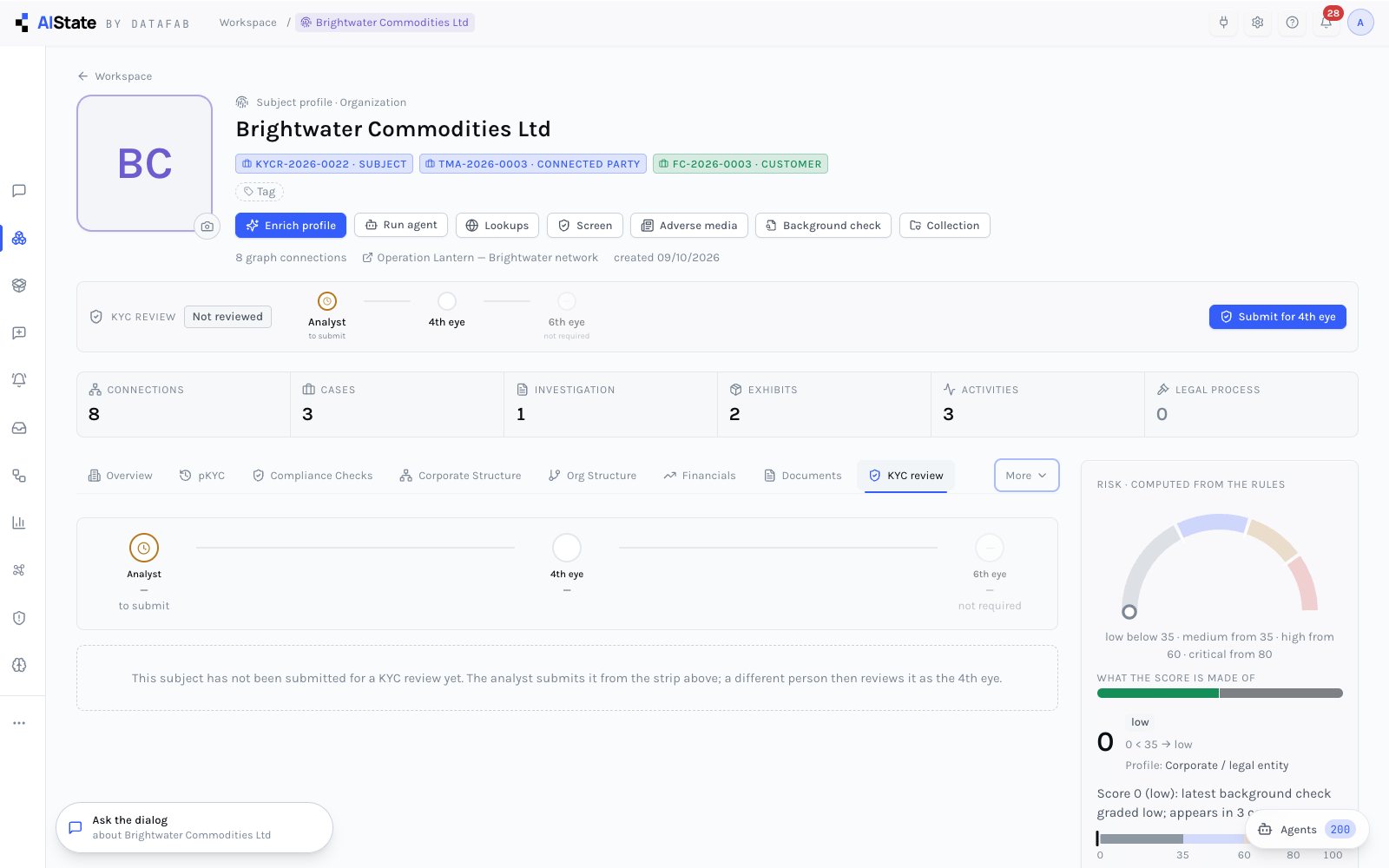
Where a decision matters, the platform — not the screen — makes sure a different person takes it, and nobody signs twice, administrators included. Every step is kept with who and when, and every step that is waiting is an item on the work queue for the people who can take it.
08Registers, boards, meetings & email
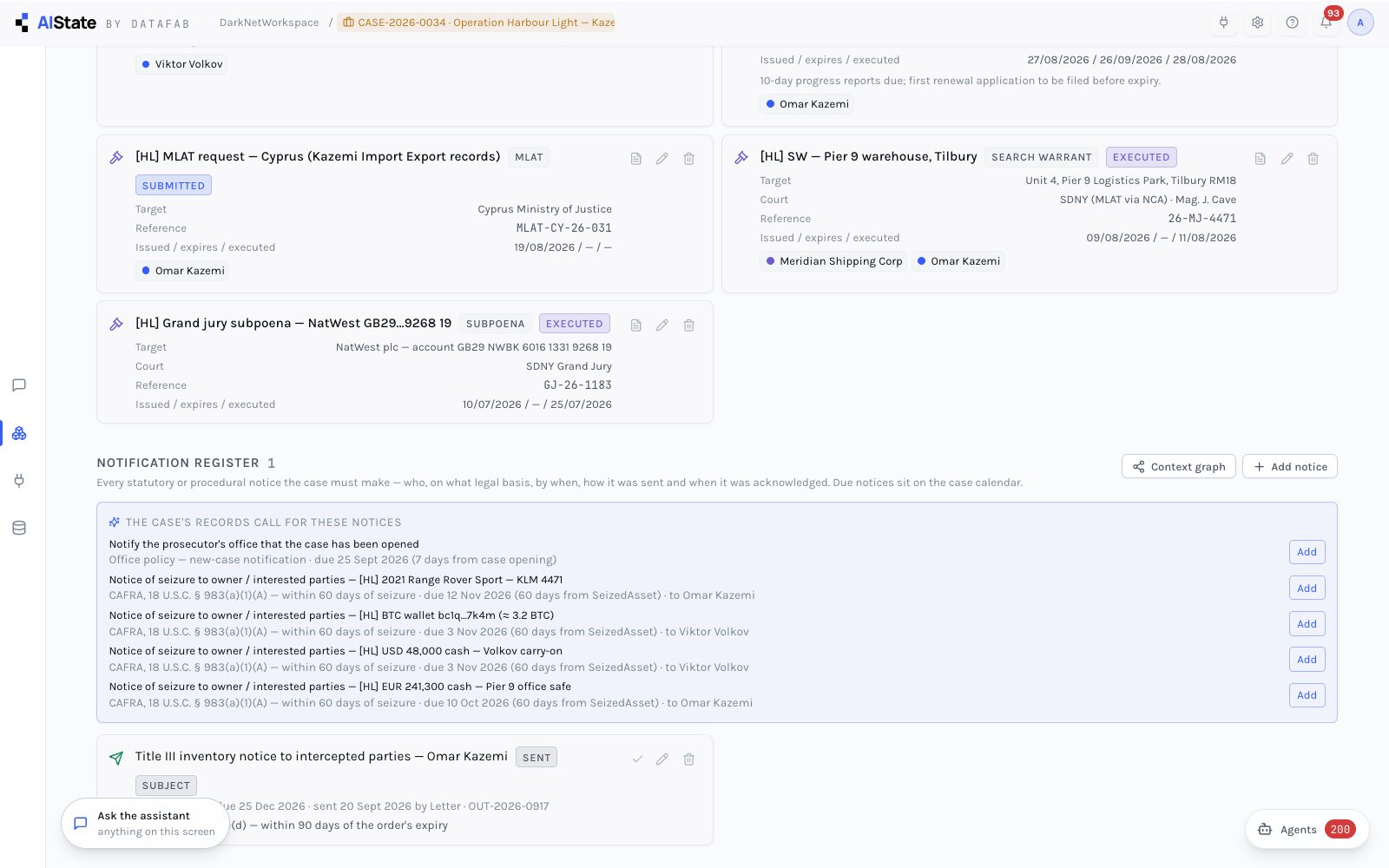
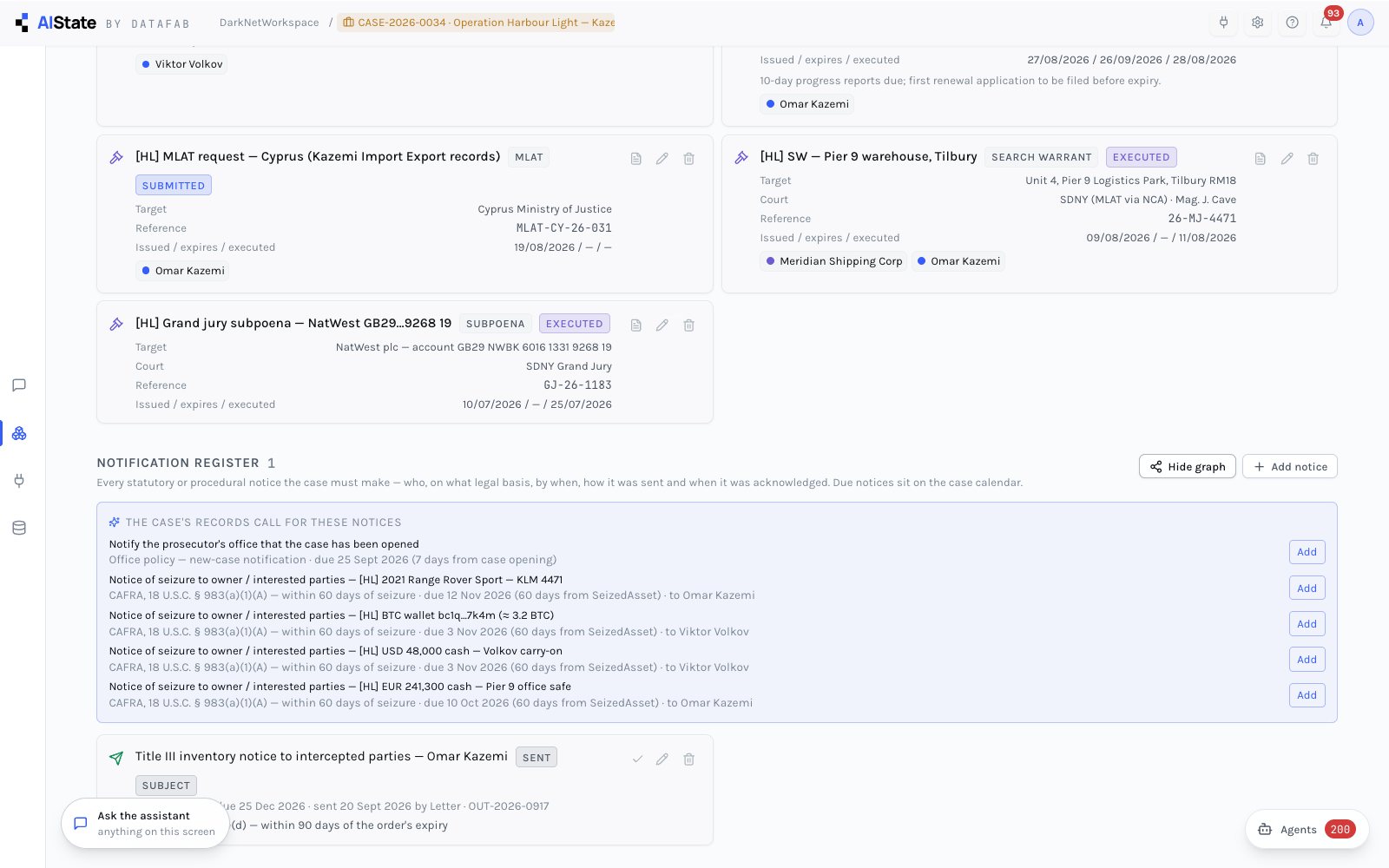
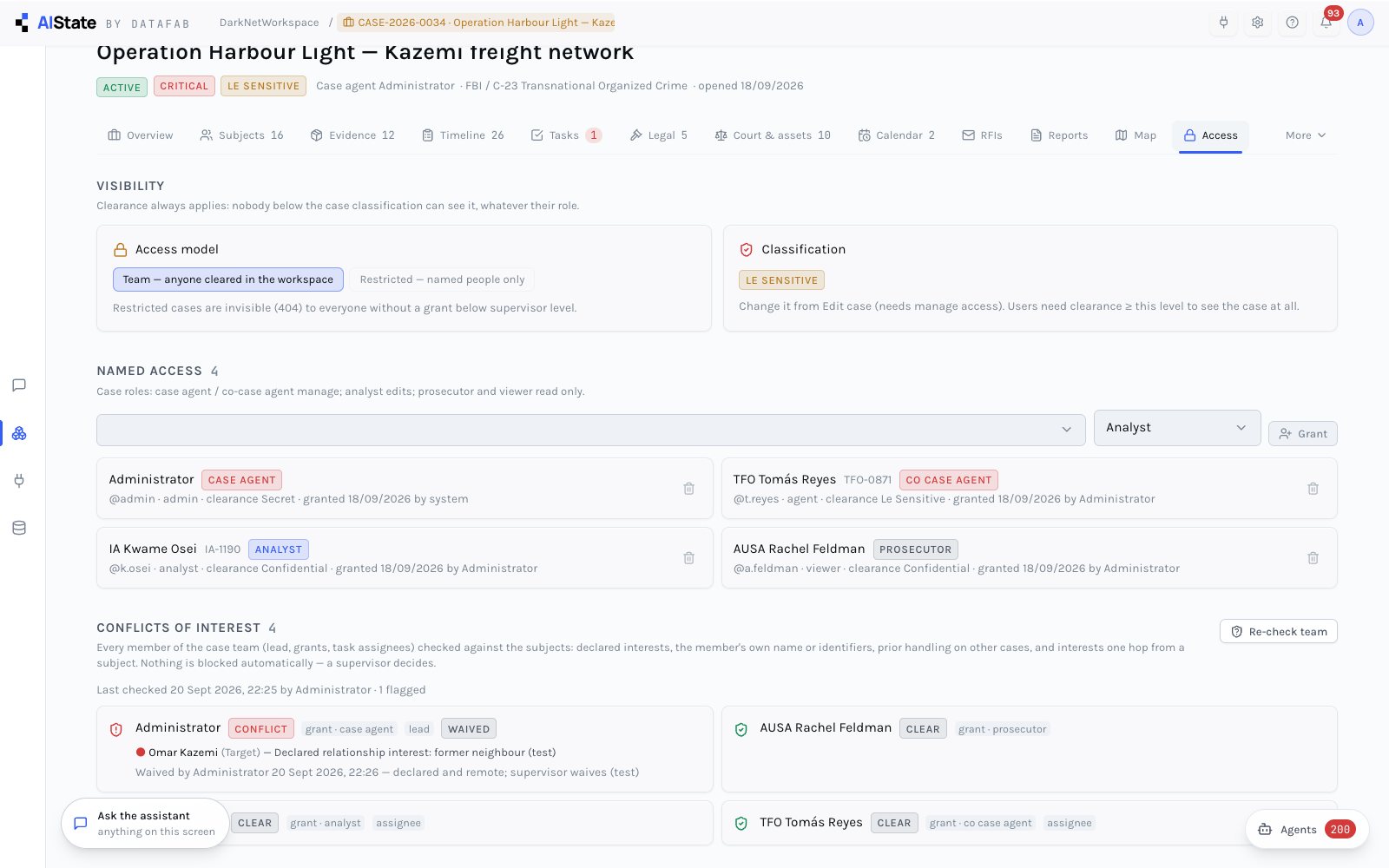
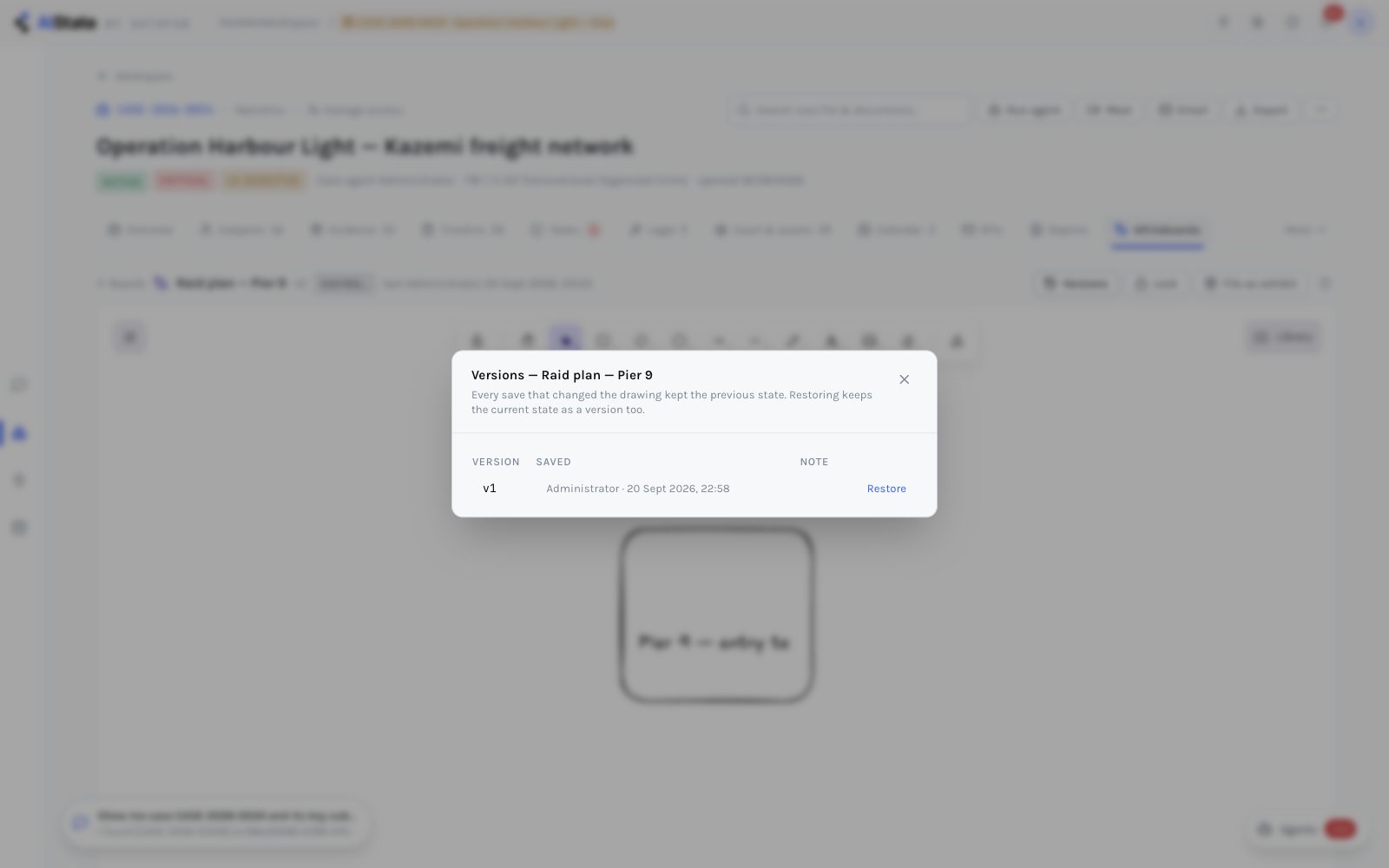
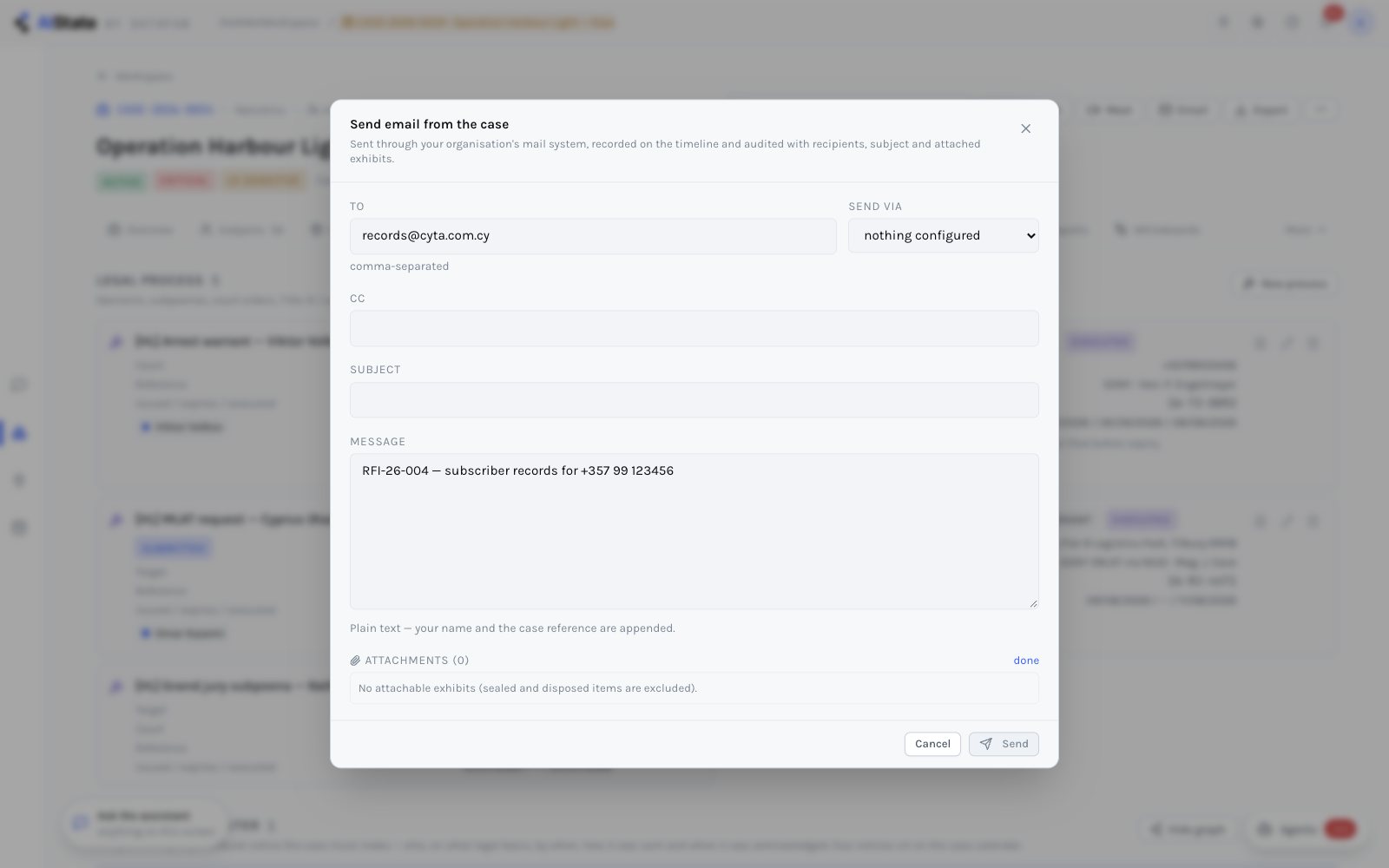
The parts of an analyst's day that usually live in a notebook and an inbox: the notices the law requires, who on the team should not be on the case, the briefing-plan sketch, the call with counsel, the letter to the bank.
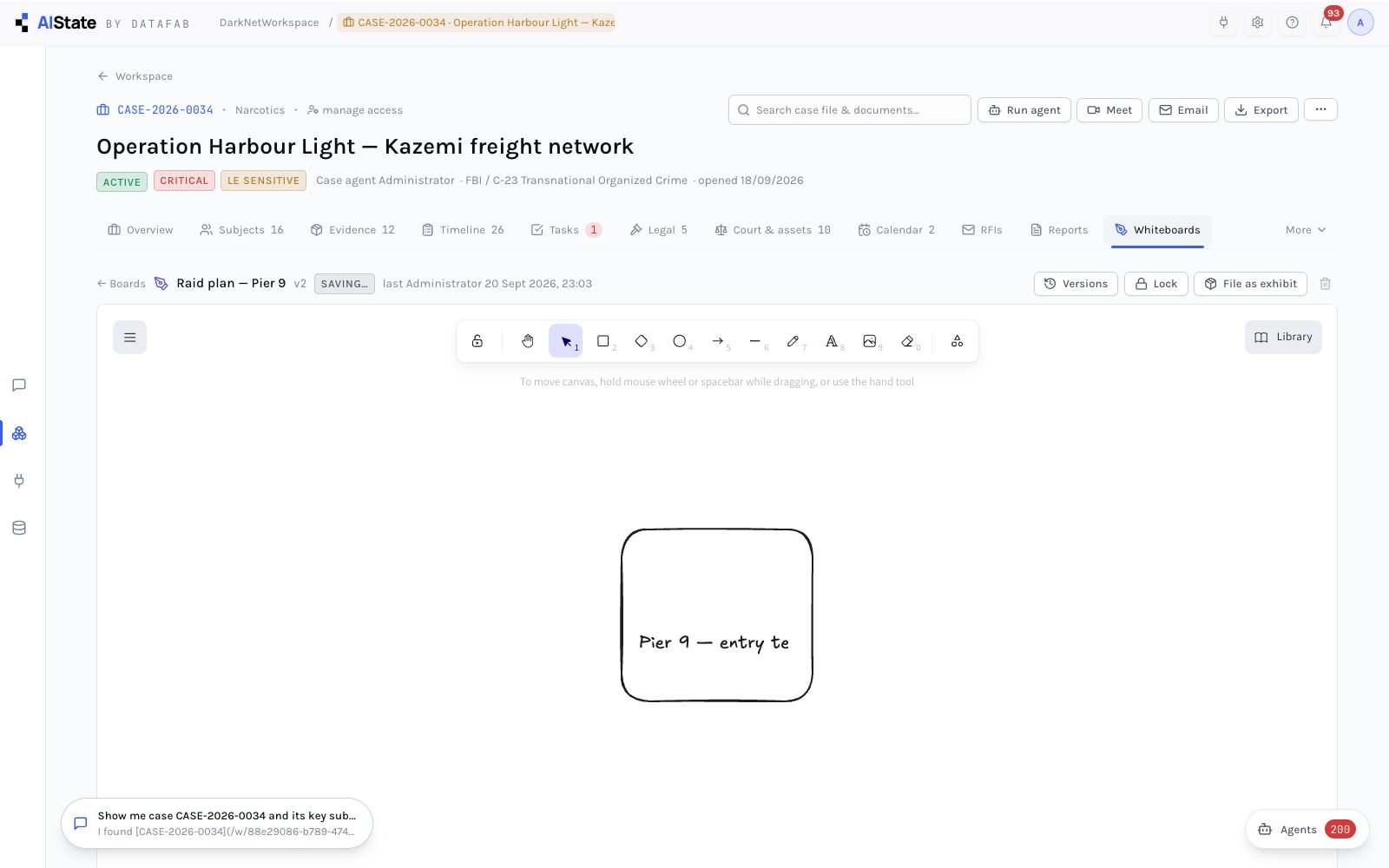
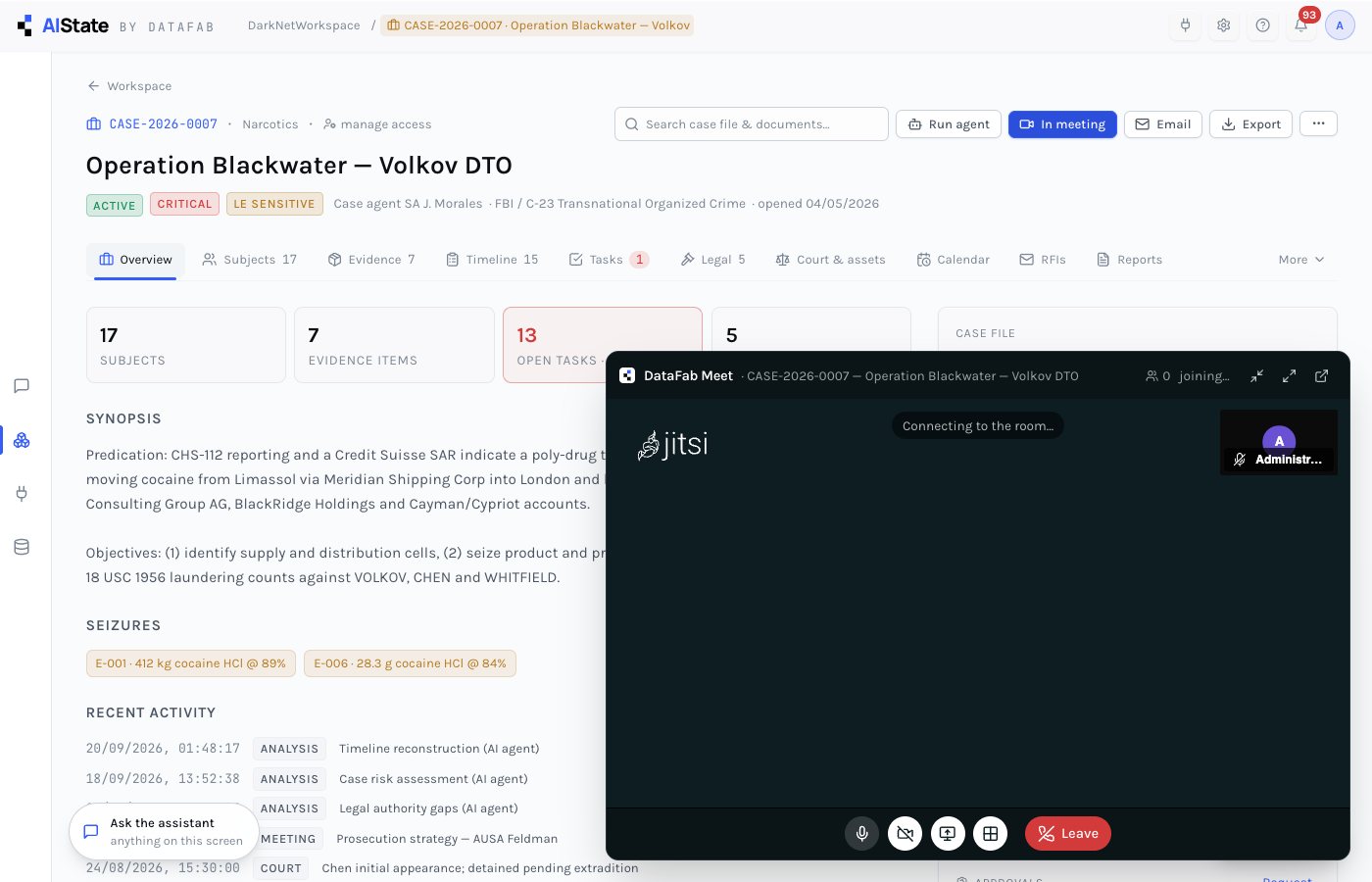
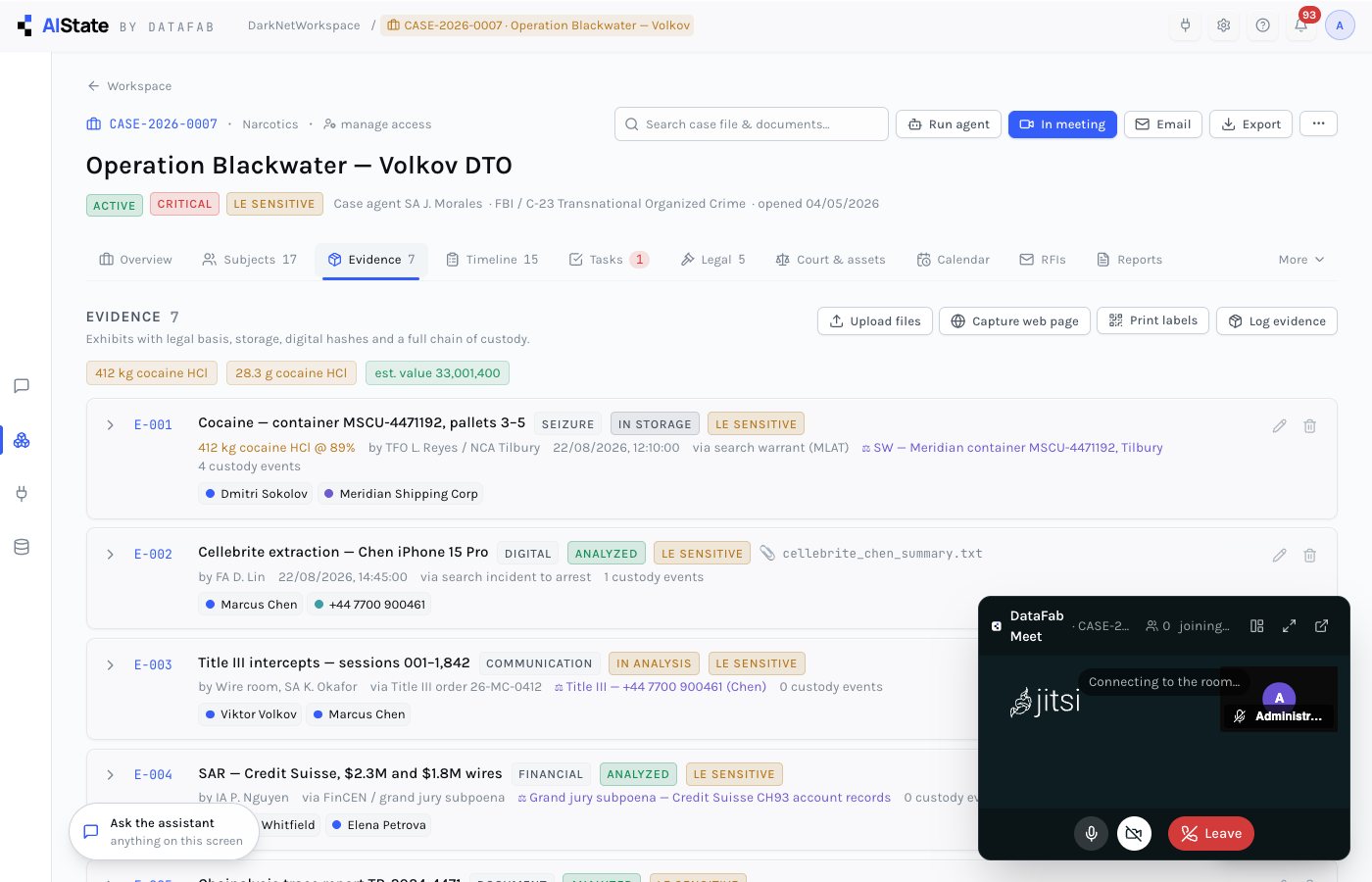
- Meet — a stable, unguessable room per case on DataFab Meet, your own conferencing instance; media is never relayed through DataFab. Reading the link and joining are separate events on the audit trail, so copying a link to invite counsel does not read as having attended
- Invite the other side — the room link opens in any browser with no account or install. The share panel sets a room password, holds guests in a lobby until the host admits them, copies the invitation text, or sends it through the case’s own mail path so the invitation is filed on the timeline and audited like every other message sent from a case
- Record it into the case file — one button captures the meeting and files it as an exhibit: hashed, encrypted at rest, chain of custody, audit entry. System audio and the microphone are mixed by default and a live meter shows the level, so a silent recording is caught while it is happening rather than afterwards; a share that carries no audio is refused with the reason. Leaving without pressing stop still files the recording — every exit path stops the recorder and uploads
- Calendar & bell carry due notices as
notification_duenext to warrants, tasks and retention - Nothing is blocked automatically — a conflict is a record for a supervisor to decide, not a lock-out
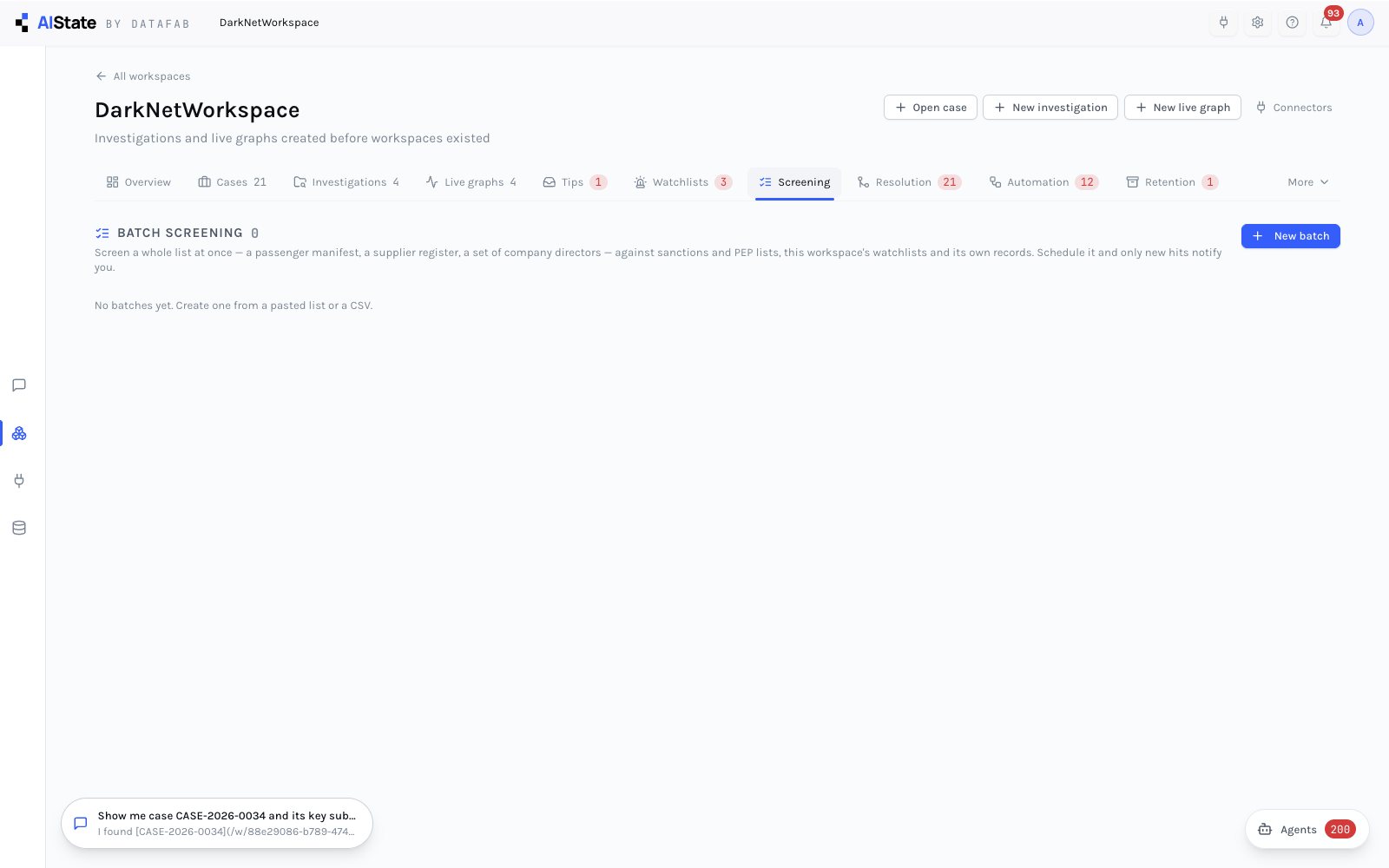
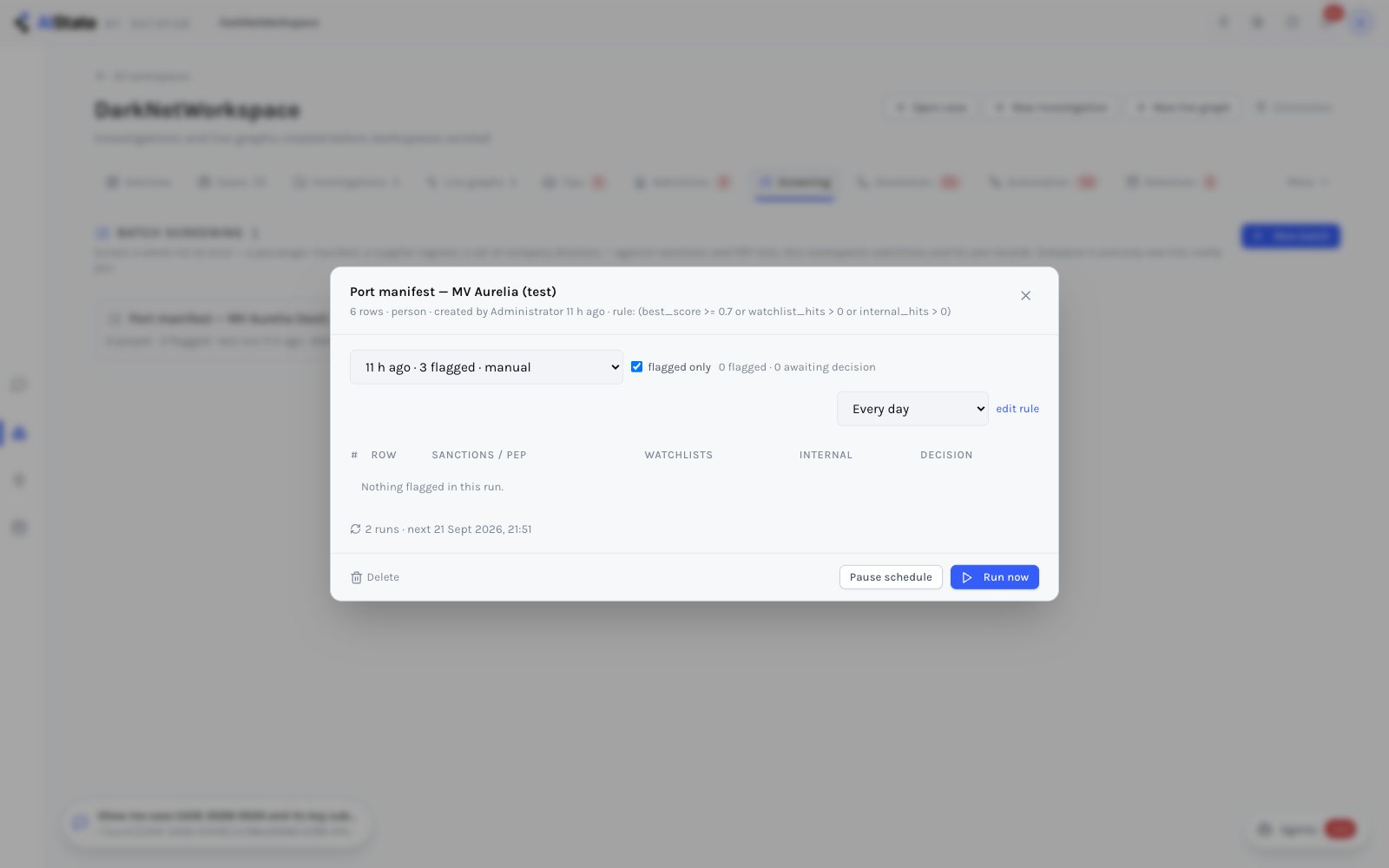
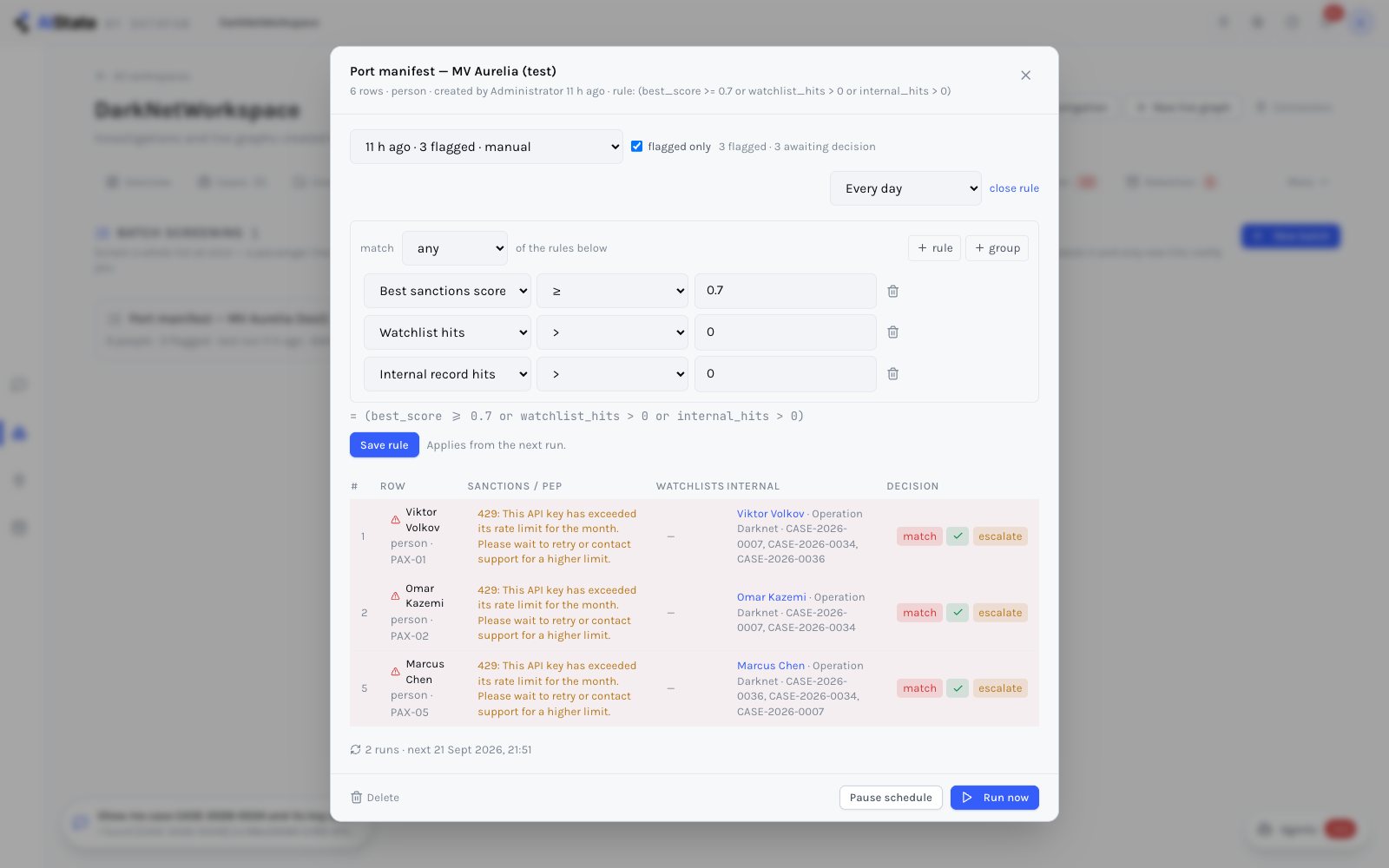
09Batch screening, document workspace & collections
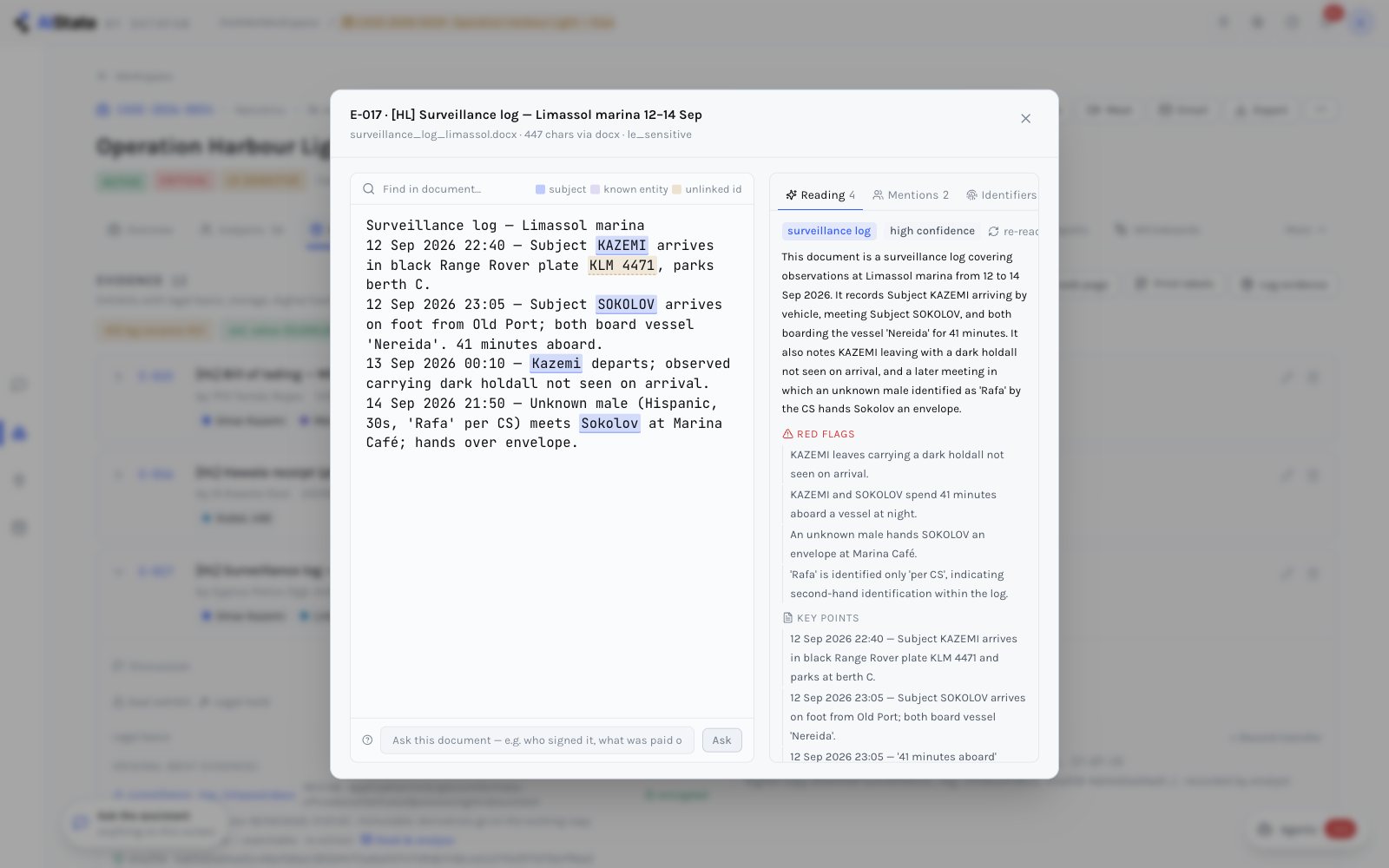
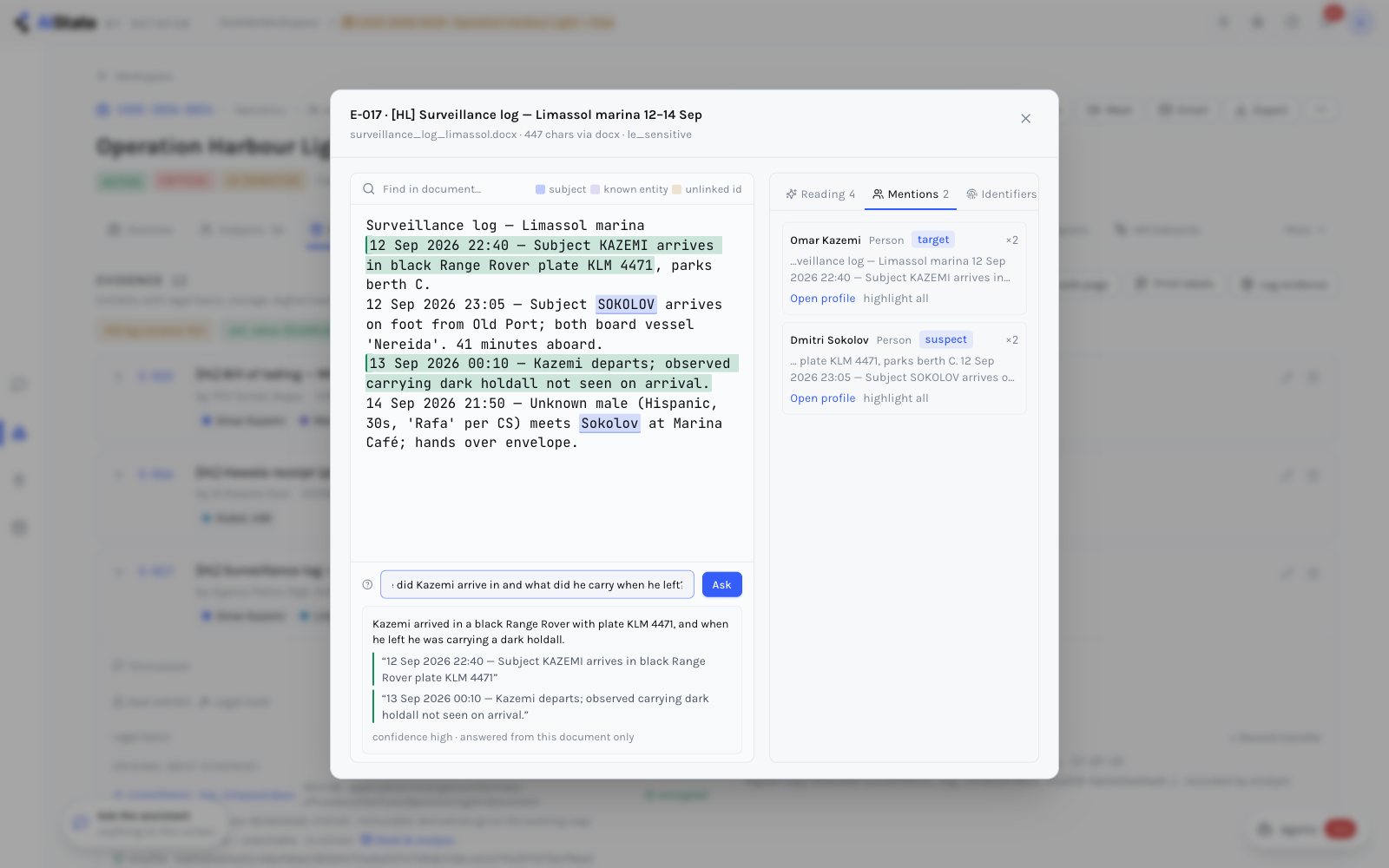
Working lists instead of one name at a time: screen a manifest, read an exhibit with everything the case knows laid over it, and act on a set of subjects as a cohort.
10Evidence integrity & encryption
Evidence that stands up to scrutiny: encrypted at rest, hashed on the way in, re-verified on the way out, sealed and held when it matters, never silently altered.
- AES-256-GCM per file — chunked (1 MiB), per-file nonce,
NGEV1container; the key lives only in the server's env file, never in the image or browser - sha256 on upload, re-hashed on every download —
X-Integrity: verified; a mismatch is a 409 and anintegrity_failureaudit entry - Immutable originals — derivatives go on a working copy; bulk upload; inline previews
- Audio and video become readable evidence — an uploaded recording, body-cam file, voice note or meeting capture is transcoded to an MP4 every browser plays inline on the case, levelled to the EBU R128 broadcast standard so a quiet microphone is audible, and transcribed; the transcript goes through the ordinary extraction path, so it is indexed for case search, readable in the document workspace and scanned for indicators exactly like a PDF. The original stays byte-for-byte as collected — the playable rendition is the working copy. Speech-to-text runs on a local command inside an air-gapped boundary, or an OpenAI-compatible endpoint; with neither configured the exhibit is marked
needs_transcriberrather than silently left empty - Sealing blocks edits, deletes and file changes (423); unseal needs a supervisor and a reason; legal hold on a case or exhibit
- Hash-chained audit per case, reads included; daily anchoring of head hashes to an append-only file and optional external webhook; anchor verification
- Antivirus on upload, text extraction & OCR (PDF, Word, Excel and scanned images) indexed for full-text search
- Web capture — server-side fetch with SSRF guards, raw body as immutable original, provenance (final URL, IP, headers, timestamps, optional Wayback)
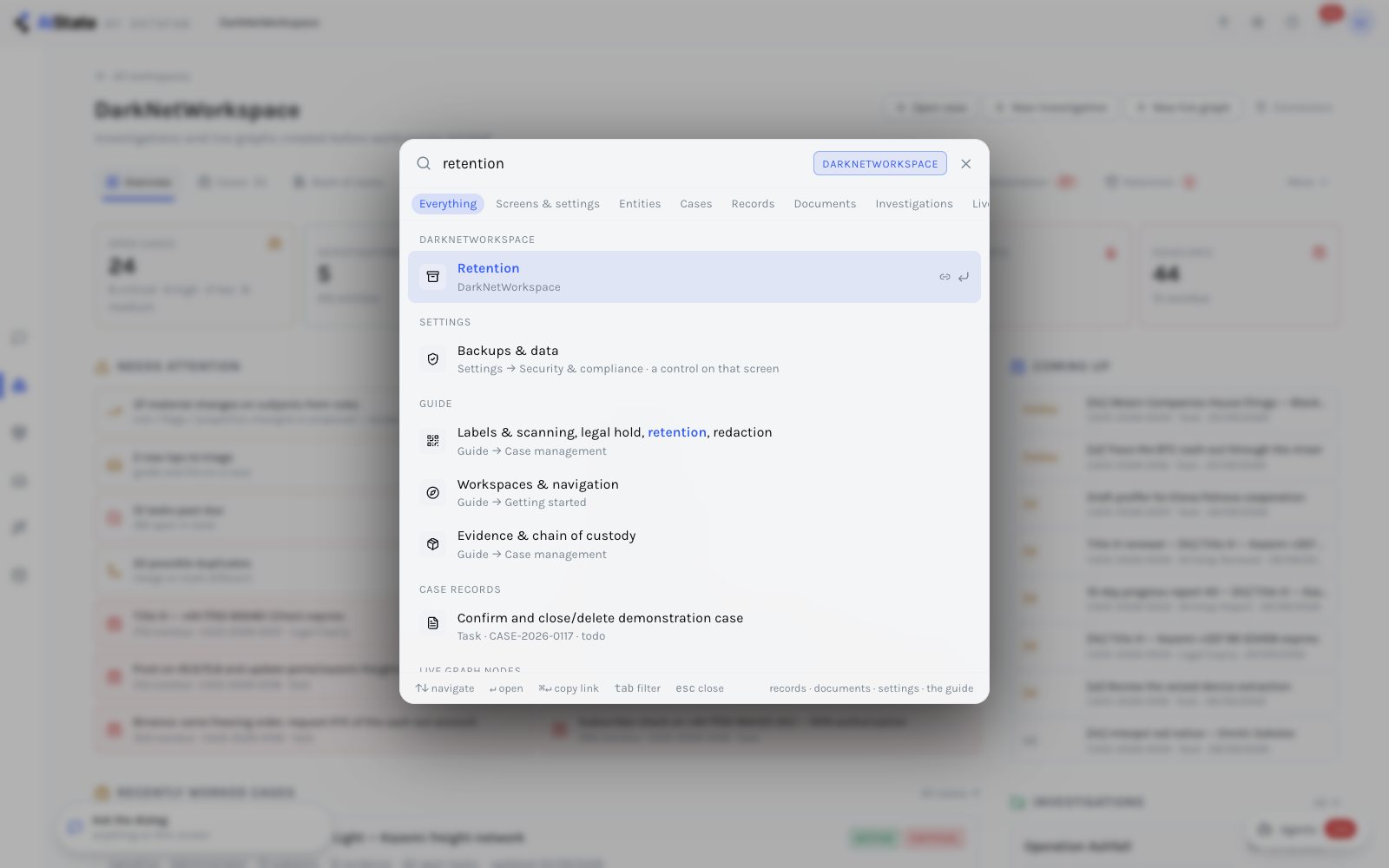
- QR exhibit labels & phone scan page for custody; redaction burned into a rasterised working copy; retention review and disposal that keeps the record
- Disclosure package — Bates-numbered zip with per-file hashes, audit head, last anchor and a privilege log for sealed / withheld / over-classified items
- Passwords bcrypt or PBKDF2-HMAC-SHA256 (FIPS mode), sessions HMAC-SHA-256 JWTs with revocation, API keys stored as sha256
11Knowledge Fabric — the data-estate catalogue
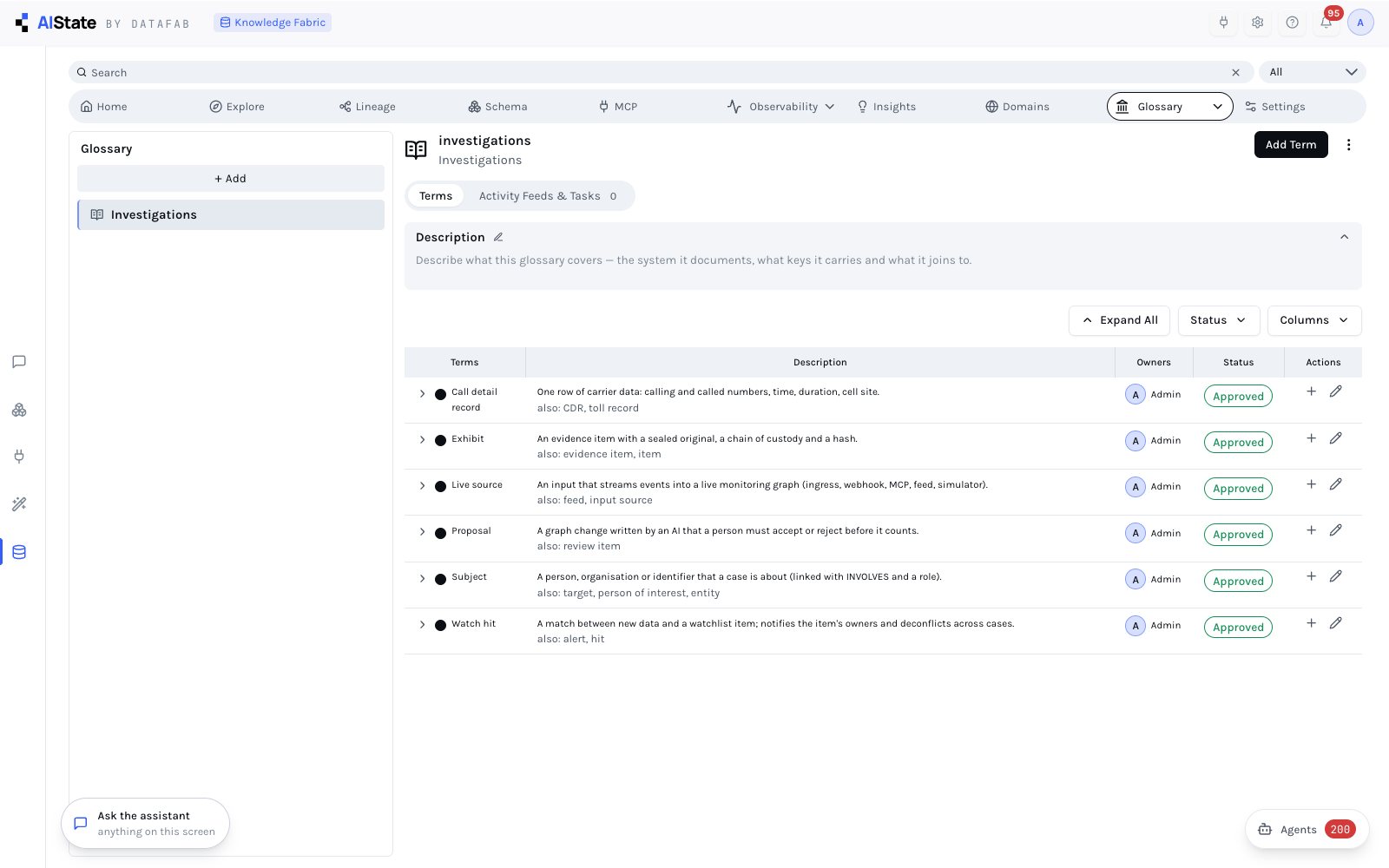
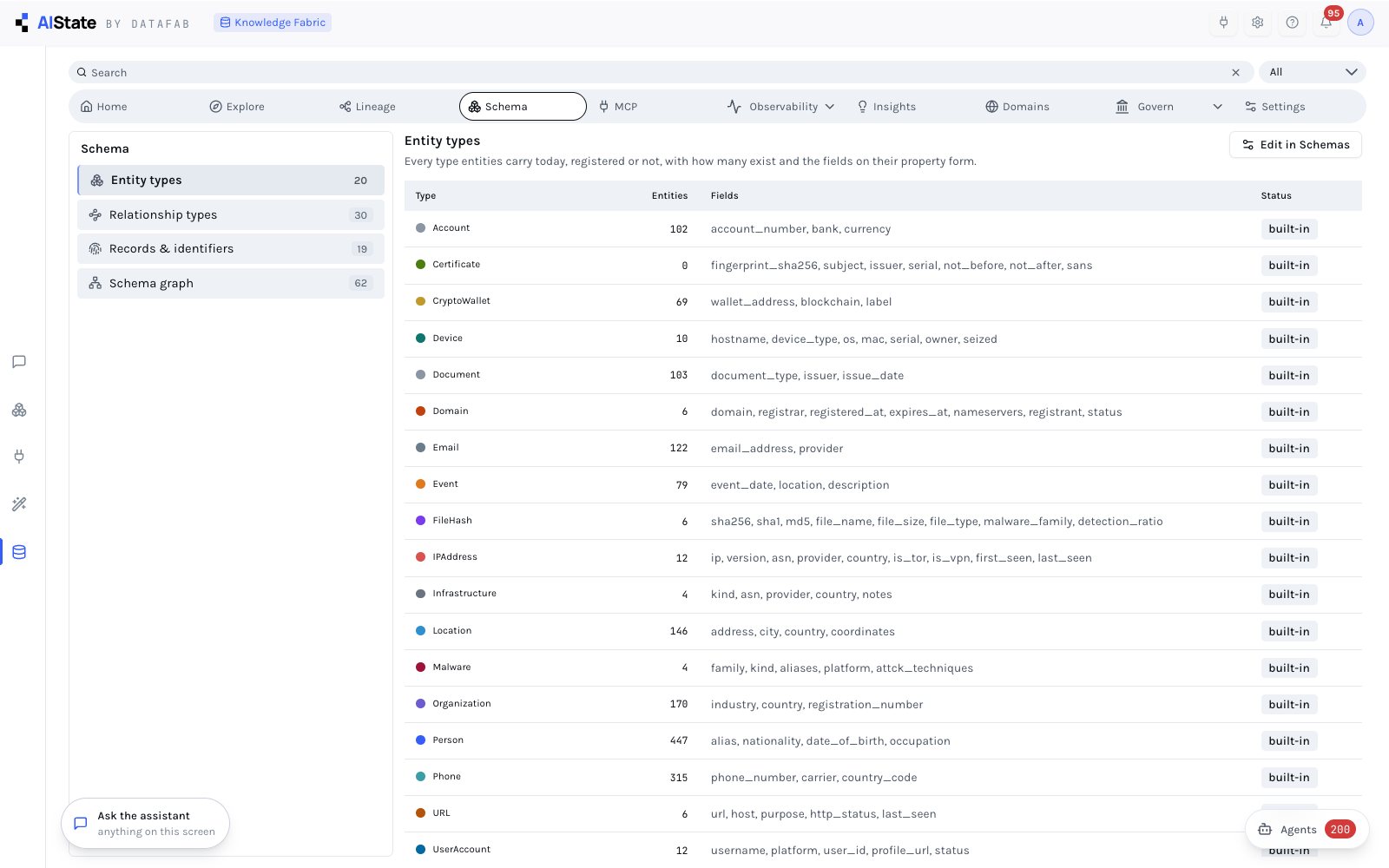
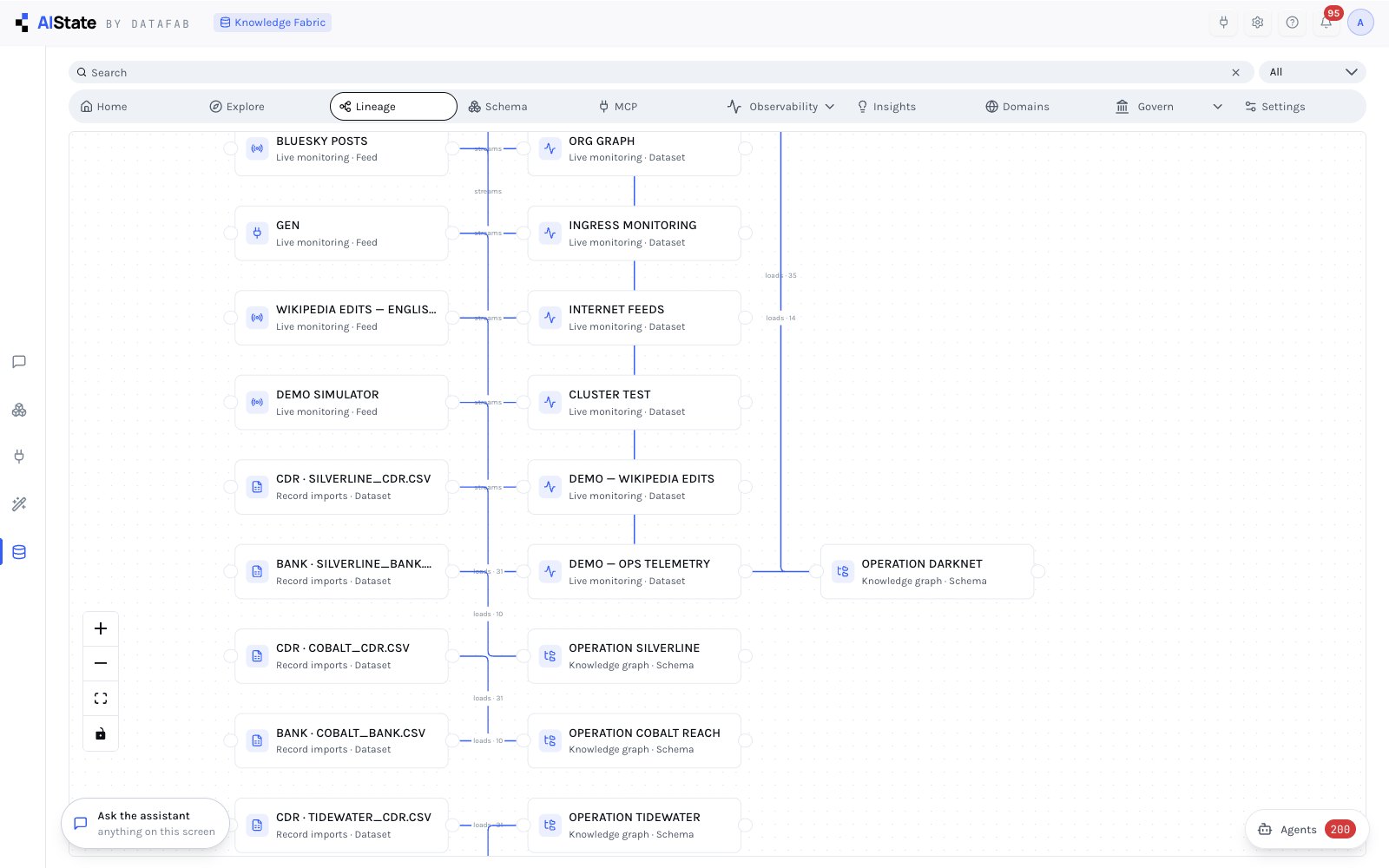
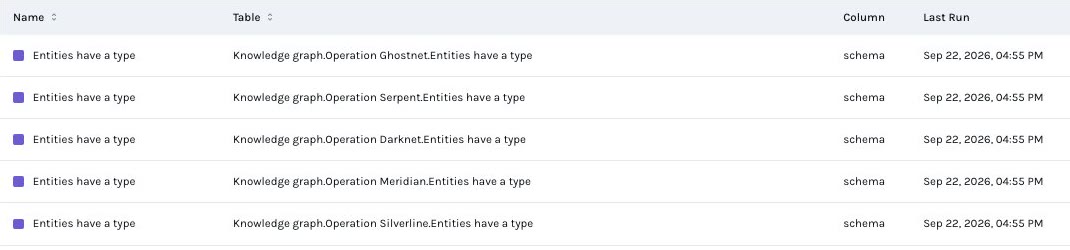
What a catalogue is to a warehouse, with two differences: the catalogue copies nothing, and nothing stays flat. Every store, feed, dataset, index and integration is discovered automatically — then described, owned, classified, checked and traced — and what those systems hold is resolved into one knowledge graph, where flat rows become multi-dimensional: an object carries its relationships — explicit and inferred — rather than waiting for a join.
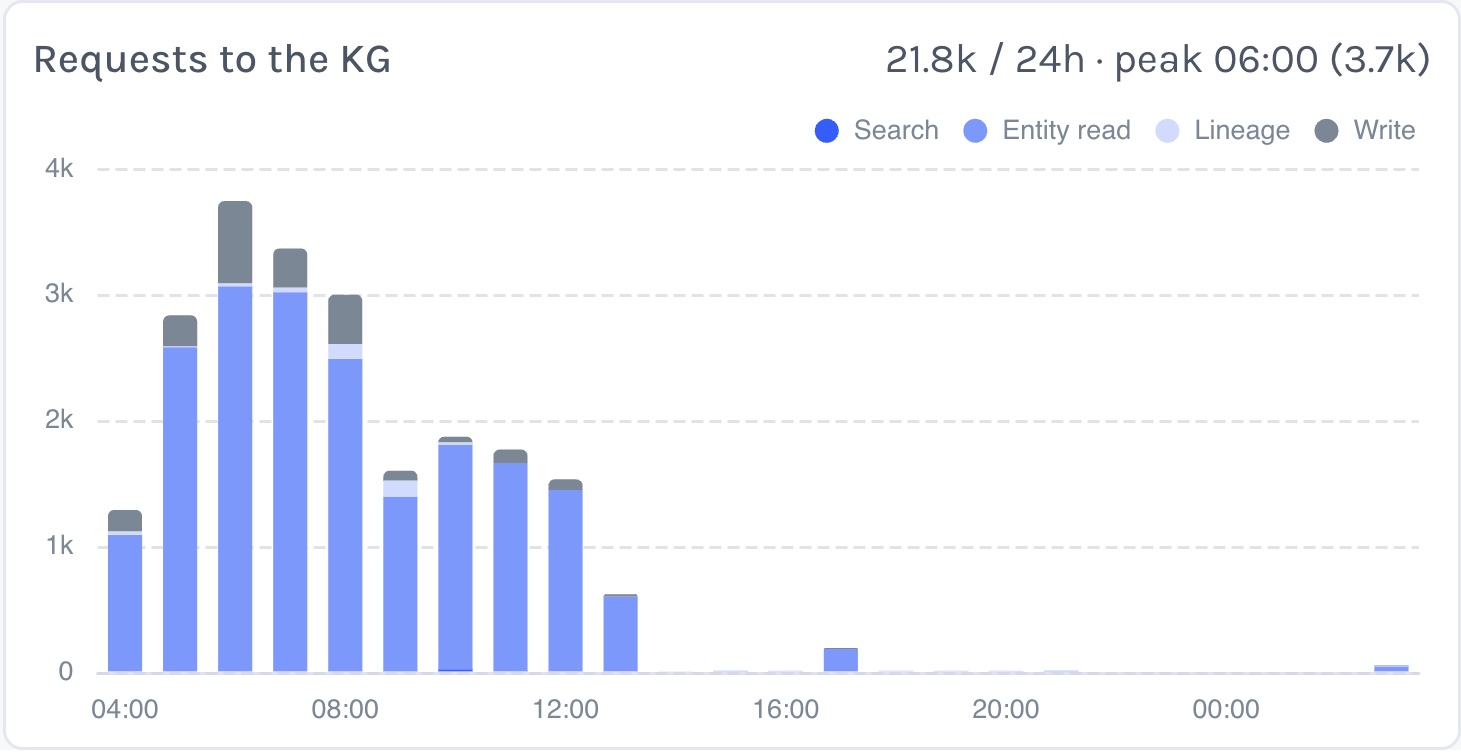
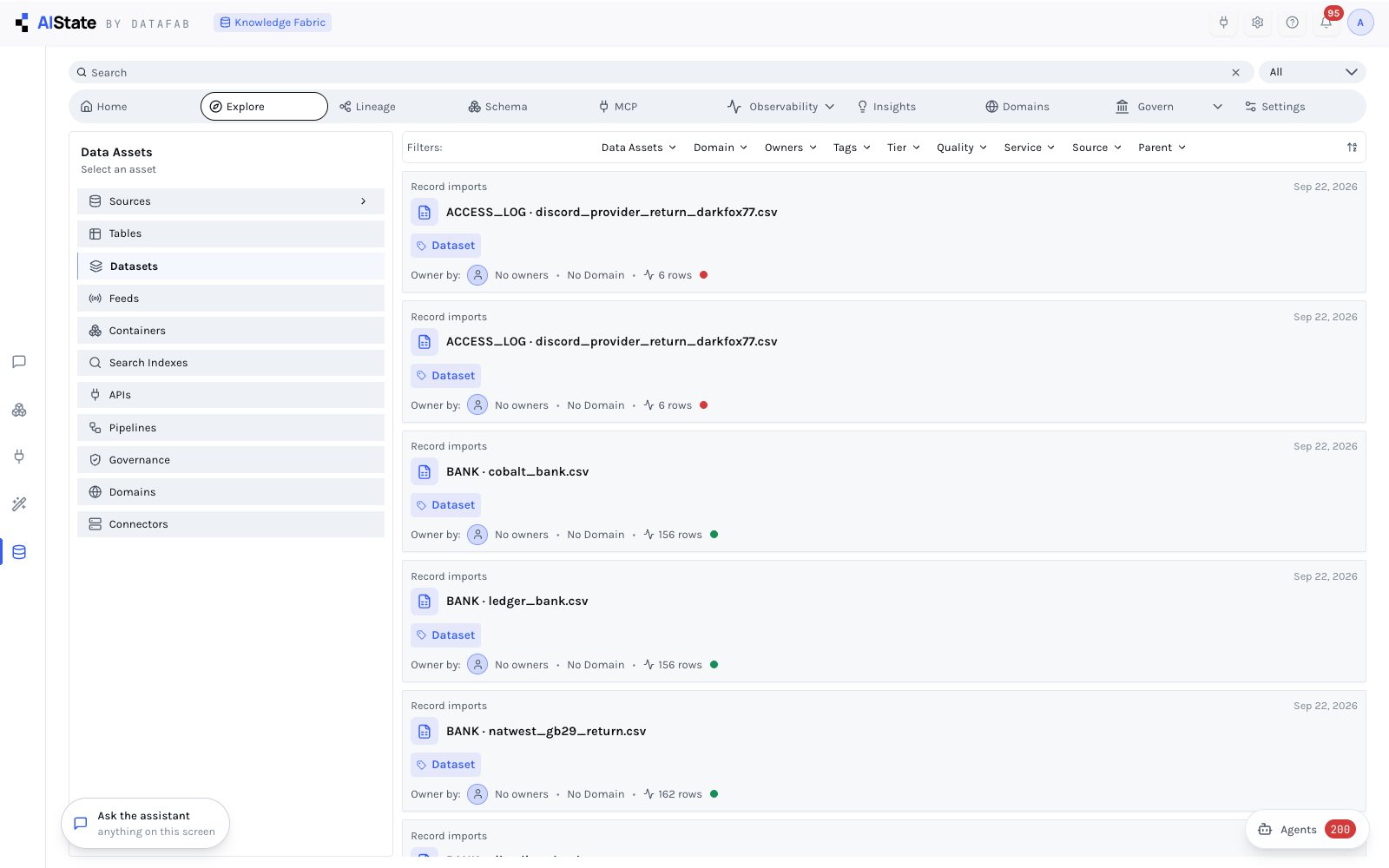
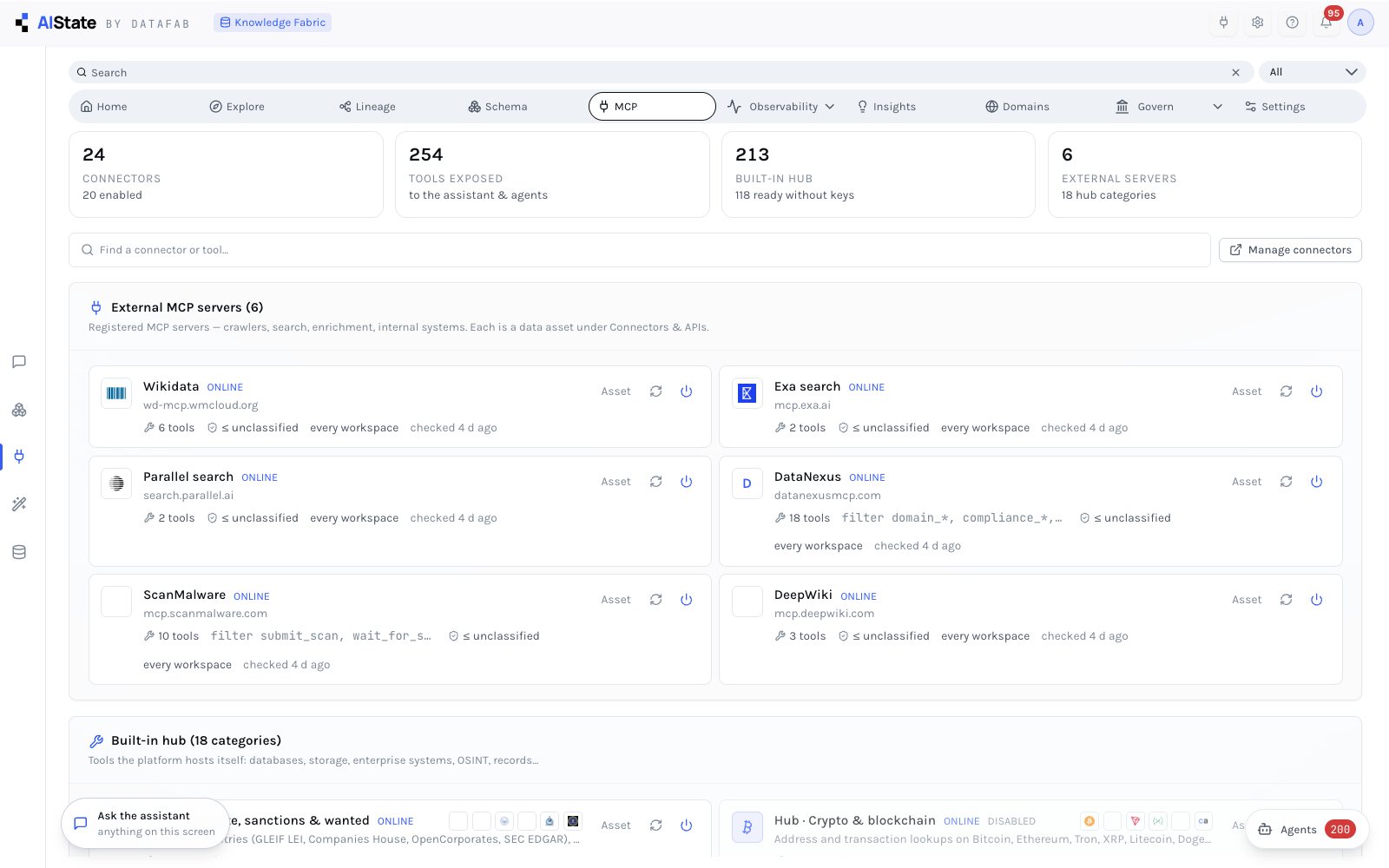
connectors.ext.* — never their secrets.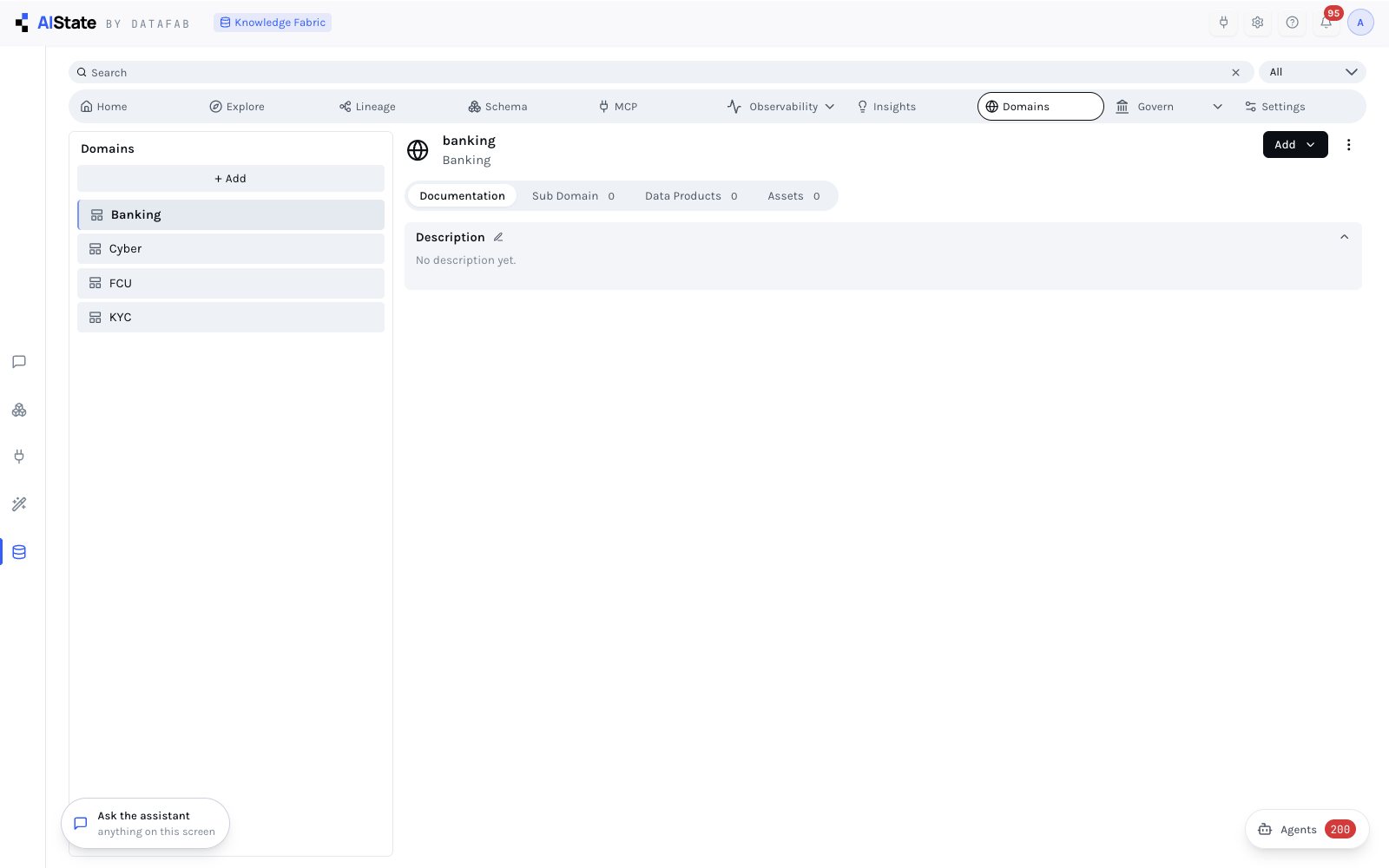
12MCP: built-in hub, connectors & server
AIState is an MCP client (any external server becomes tools for the dialog and agencies), ships 217 tools of its own — 151 for investigation and 66 read-only connectors into your own databases, object stores and enterprise systems — and is an MCP server for live-graph producers.
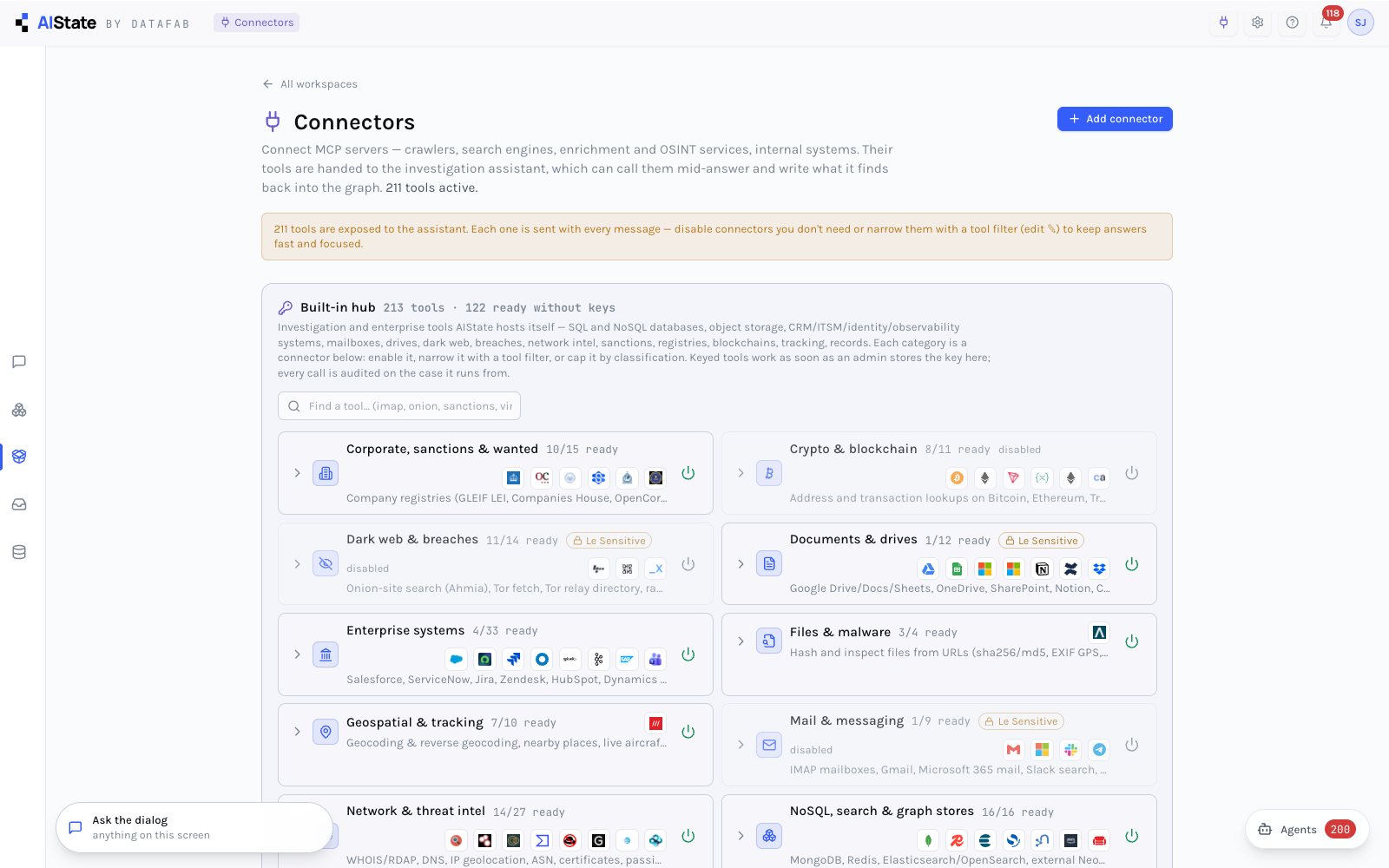
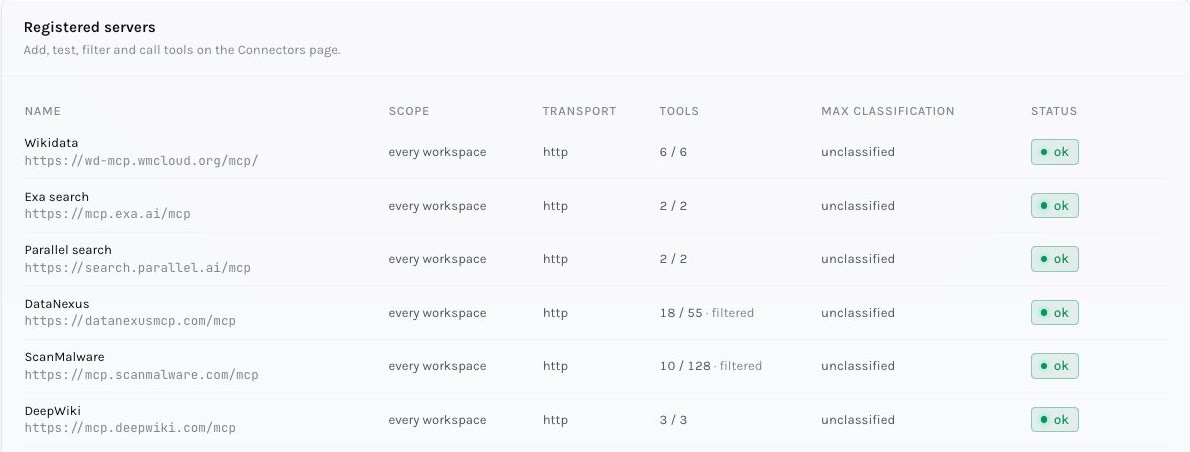
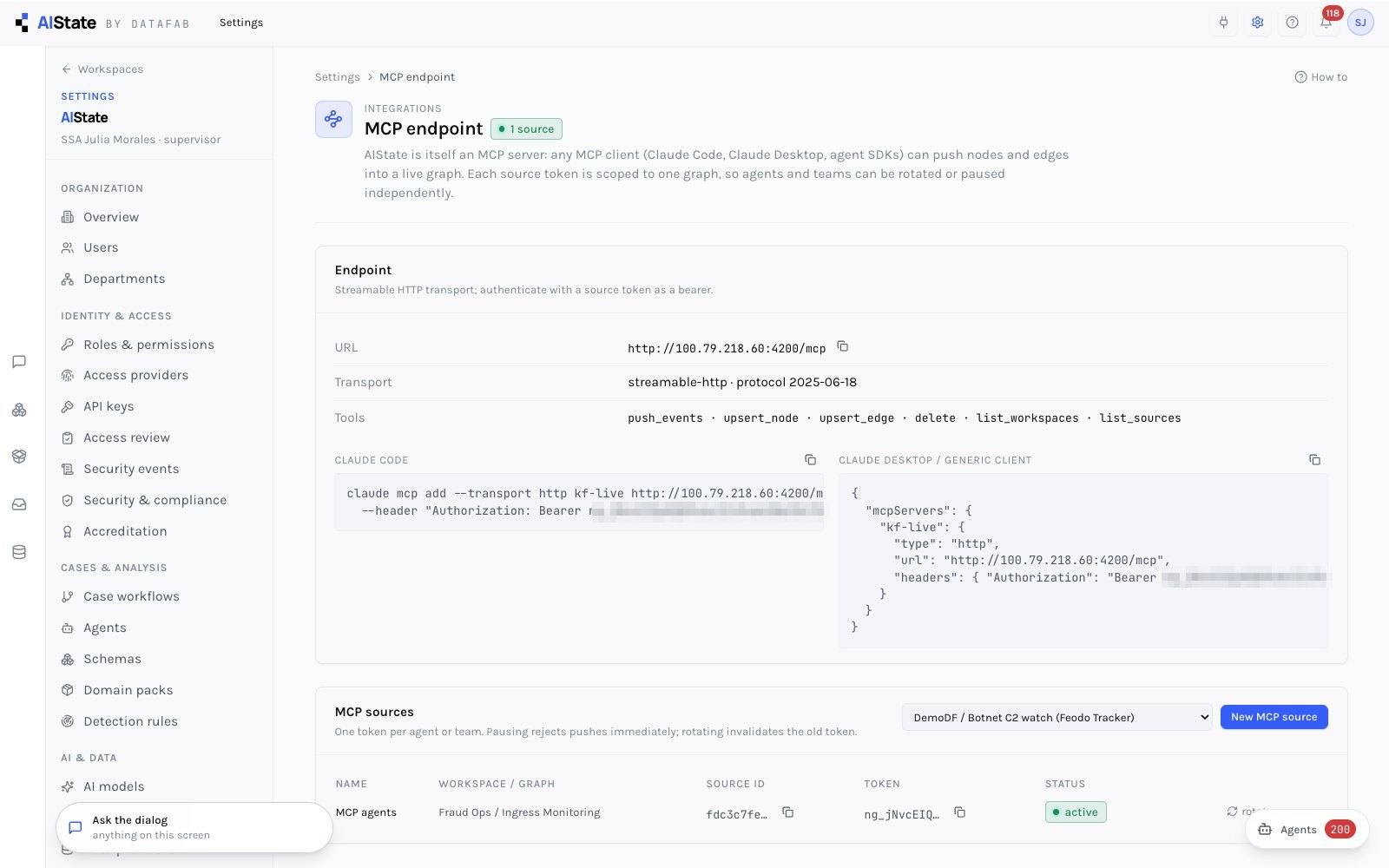
POST /mcp with client snippets: producers push events, upsert nodes and edges, delete — with per-source tokens.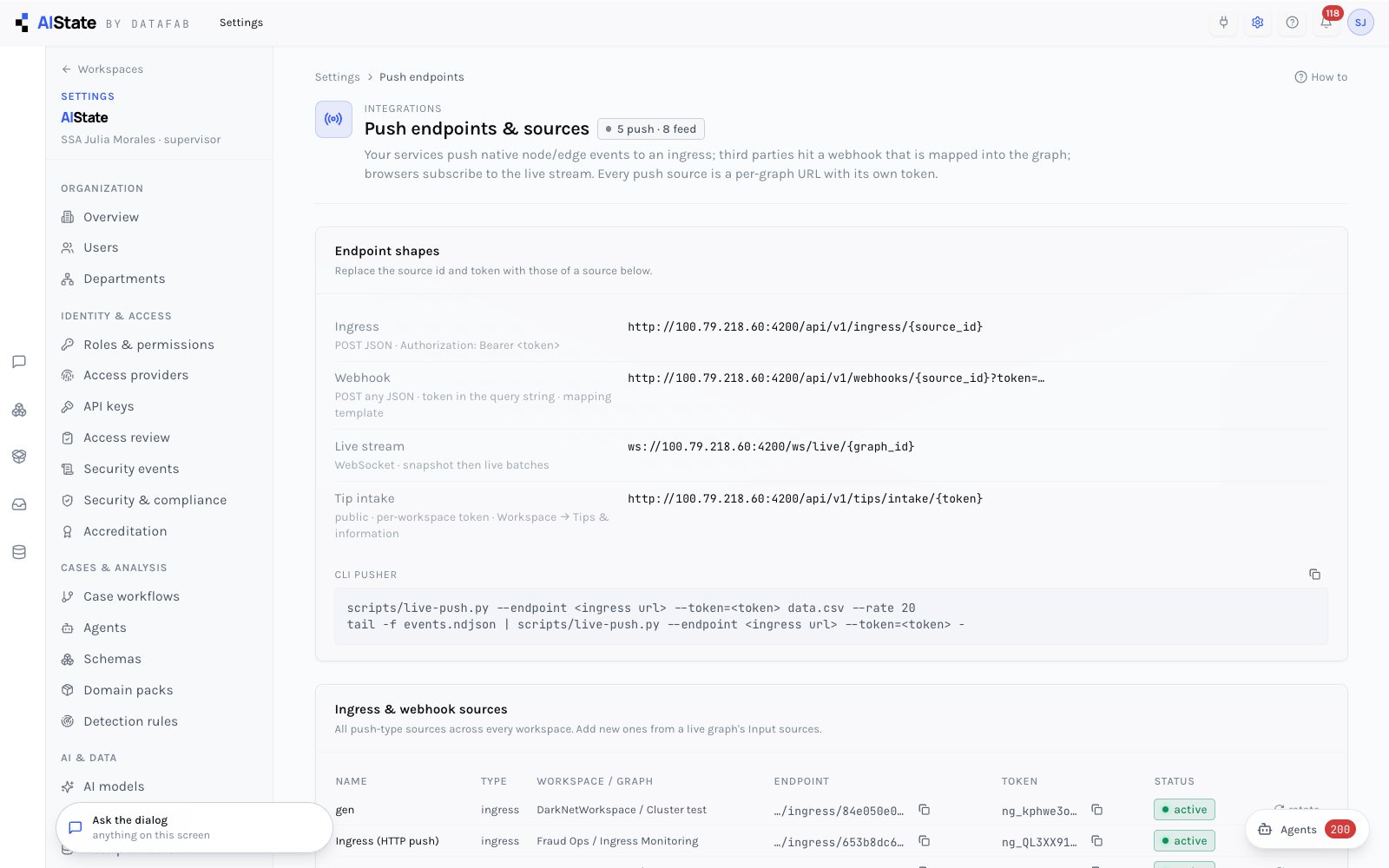
- Transports — Streamable HTTP (JSON or SSE bodies, session ids) and legacy HTTP+SSE, auto-detected; stdio servers via a bridge
- Governance — classification ceiling per connector, data-boundary egress checks, keys never reach the browser
- Test, refresh, call — probe a server without saving, refresh its tool list, call a tool by hand
- Dialog integration — every enabled connector's tools appear as
<connector>__<tool>; connector-only batches run concurrently
13LLM providers & the data boundary
Any model behind one interface, and one deployment-wide switch that decides where case data may go.
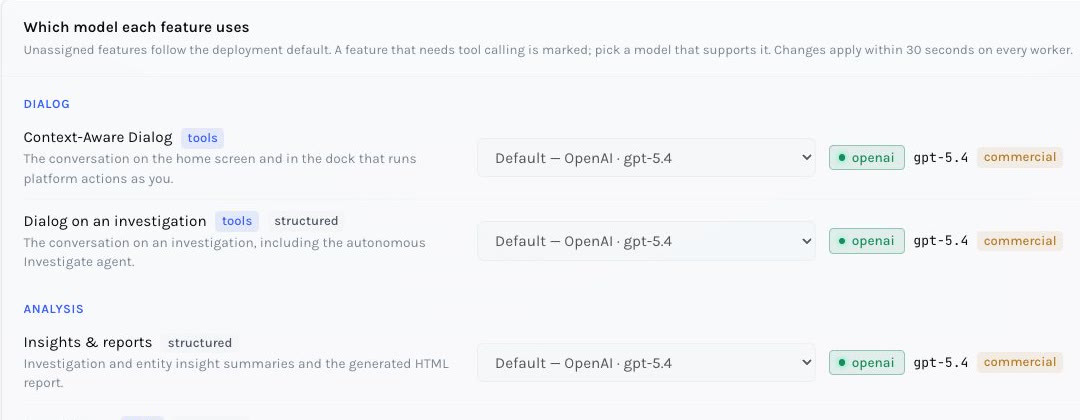
- Local inference — any Chat-Completions-compatible server inside your own network (vLLM, Ollama, TGI and the rest); a local-model sidecar ships with the stack behind
--profile local-llm - Your government cloud — the Azure and AWS government regions (FedRAMP High / GovCloud), where a model you already hold a contract for runs inside your accreditation boundary
- A commercial API — when your policy allows it: any Chat-Completions endpoint, the Anthropic Messages API, or a managed model on your cloud provider
- One interface — the same tool loop, trace and review queue whichever you choose; swapping a model changes nothing else
- Data boundary: open, government or air-gapped — government refuses commercial APIs; air-gapped allows local inference only and refuses every outbound call not on the allow-list (connectors, hub tools, web capture, geocoding, lookups)
- Never a silent fallback — a provider outside the boundary is never selected; the server serves no AI rather than the wrong one
- Every AI graph write names the model that made it and follows the same policy, trace and review queue, whichever provider you choose
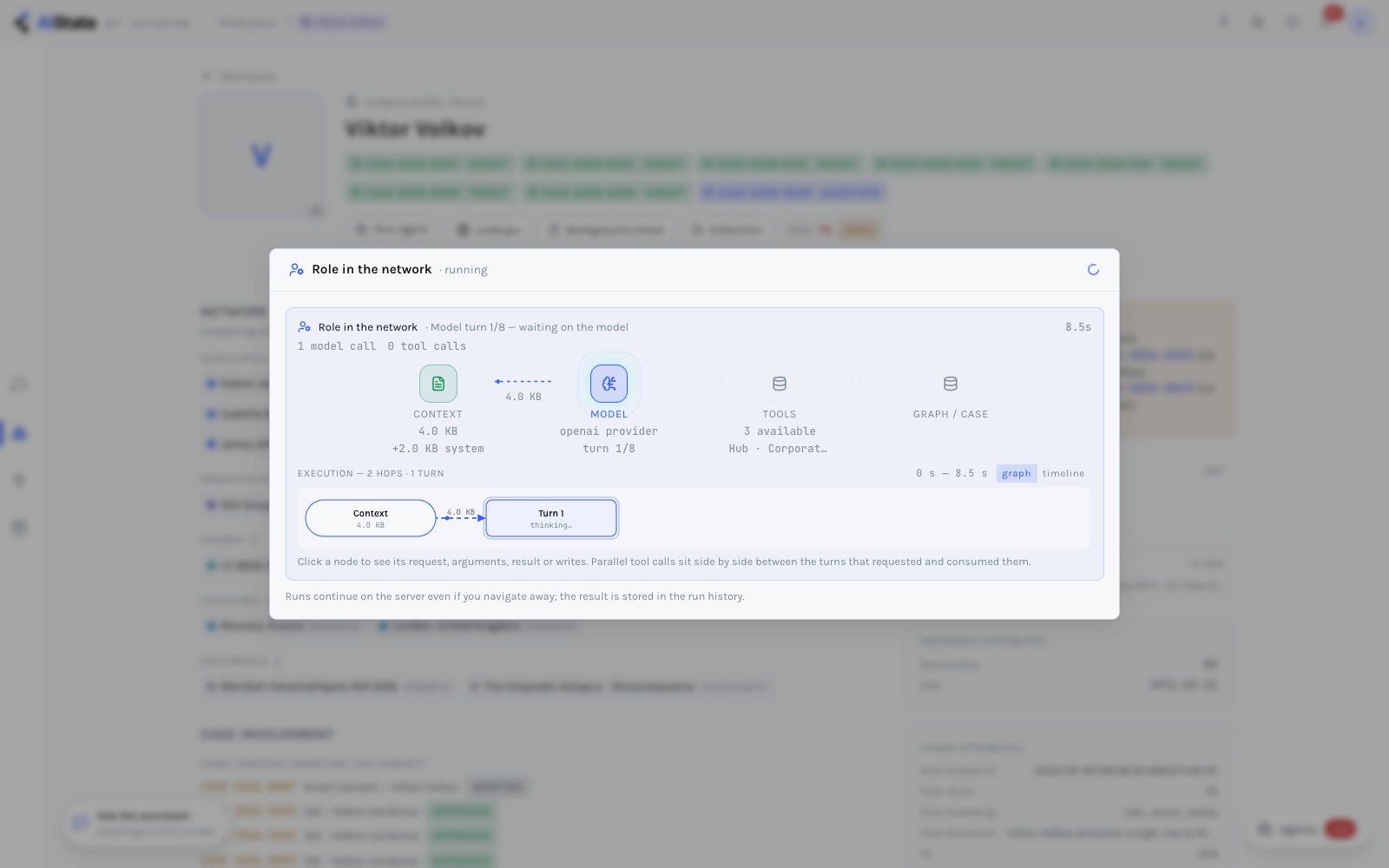
- Live execution trace for every dialog turn and agency run; AI calls rate-limited per user
14Your infrastructure: storage, databases and keys you control, with the models you choose
Four editions: Foundation, Professional, In-tenant and Sovereign. Foundation runs single-tenant, DataFab-operated, in the region you choose. From Professional upward the data plane runs in your own cloud or on your own hardware, under your keys — no vendor bucket, and no raw data in the control plane. In-tenant runs the control plane inside your own subscription; Sovereign has no external connectivity at all.

- Storage you own — evidence files, working copies, subject media and audit anchors live in storage locations you choose; point them at your SAN, NAS or encrypted disks
- Databases you run — the graph database, cache and search index on your private network, with credentials generated for your deployment; the app never needs internet to operate
- Keys you hold — evidence key, auth secret, provider and hub keys in one env file on your host; backups keep
secrets.envapart from the archives - Models you choose — local, government cloud or commercial, enforced by the data boundary
- Backups you keep —
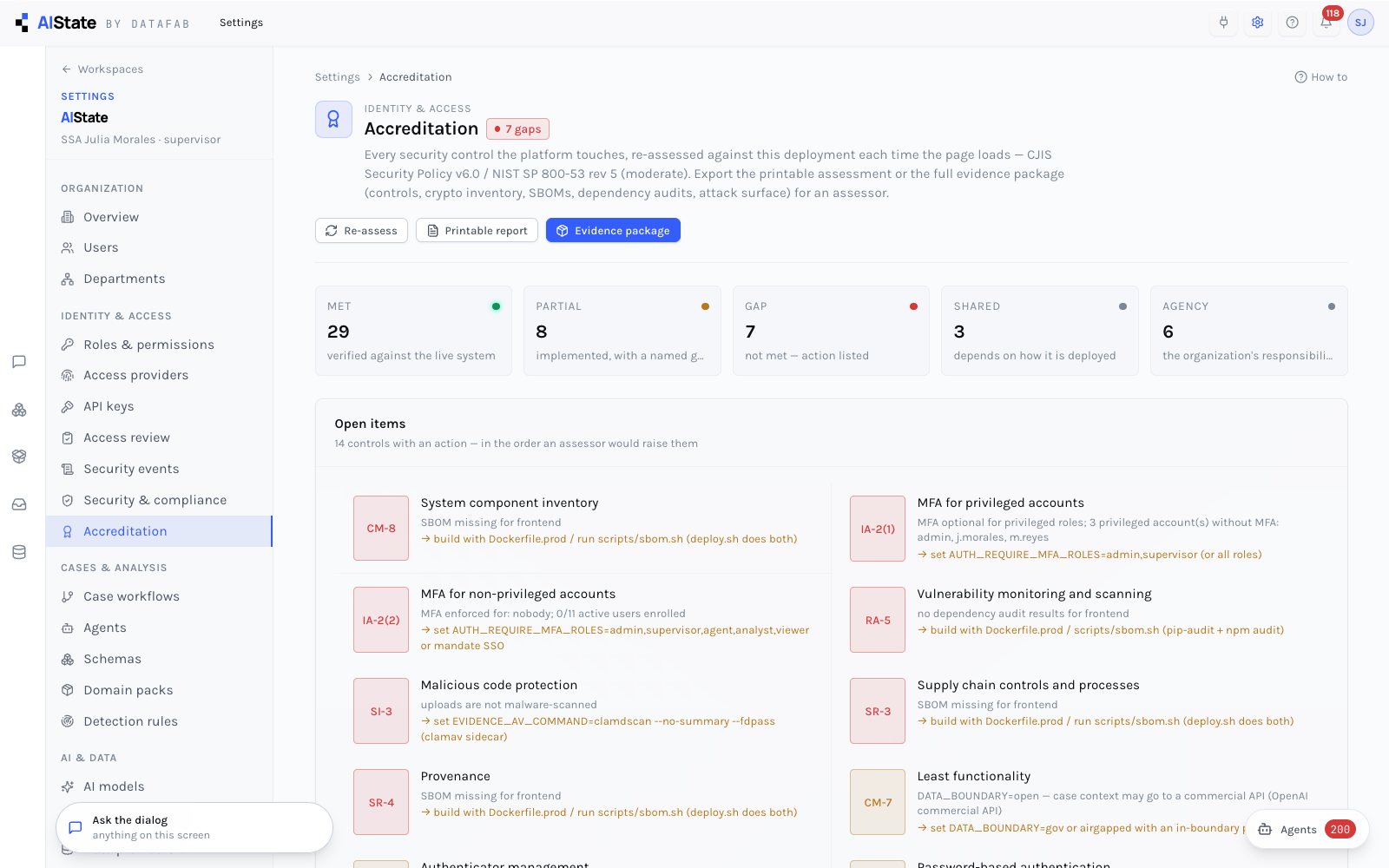
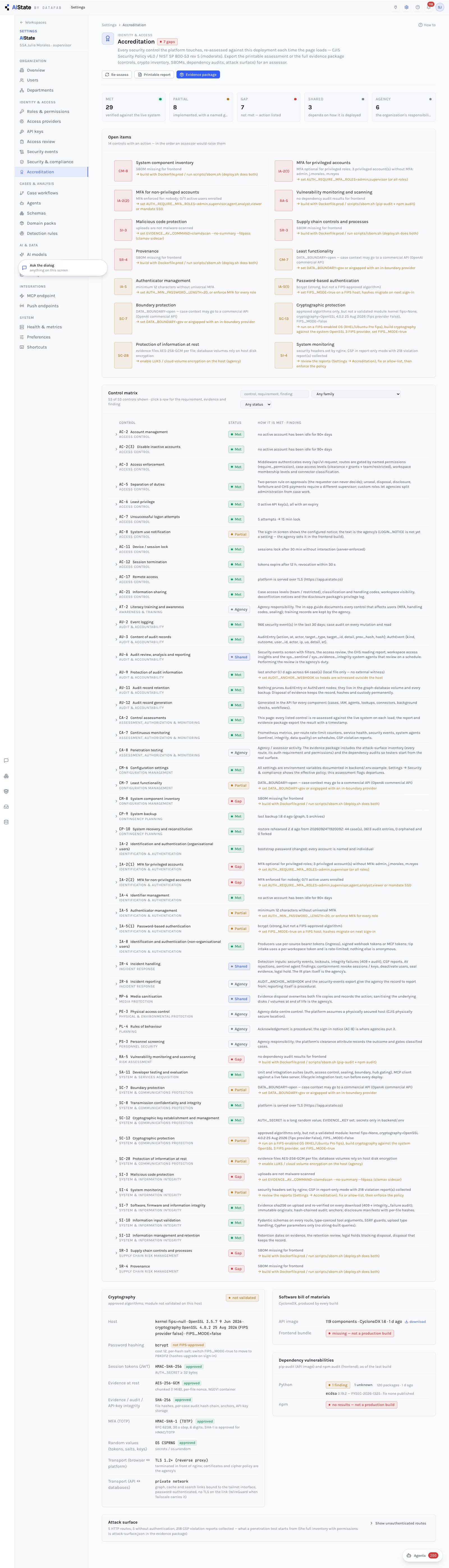
make backup-remotetars every volume with a sha256 manifest; restore replays it; a marker lets the compliance page report backup age - Built with evidence — every image carries its CycloneDX SBOM and dependency audit; security headers and CSP on the frontend; attack-surface inventory for your testers
15Users, roles & access
Individual accounts, named permissions, every administrative change a security event.
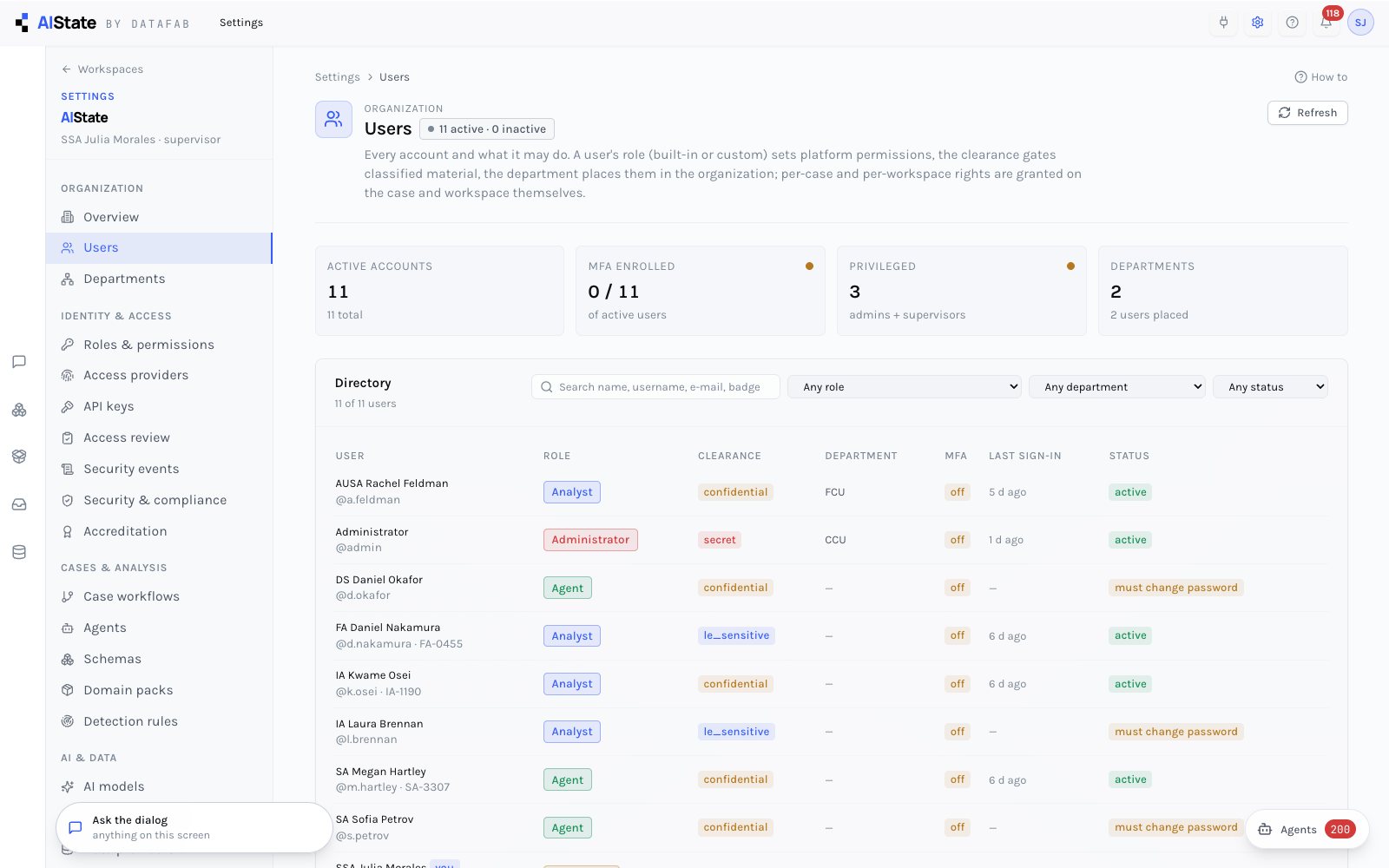
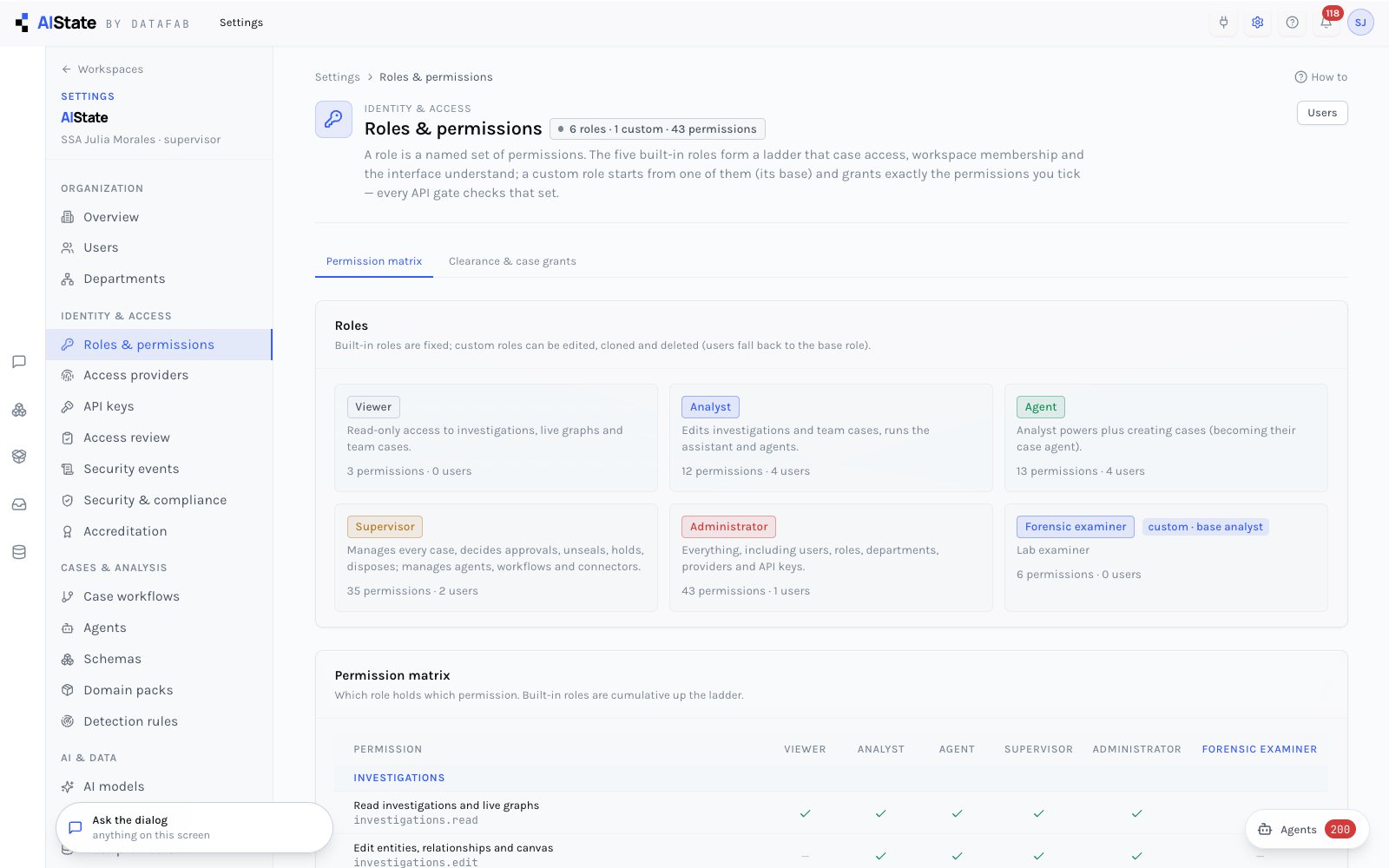
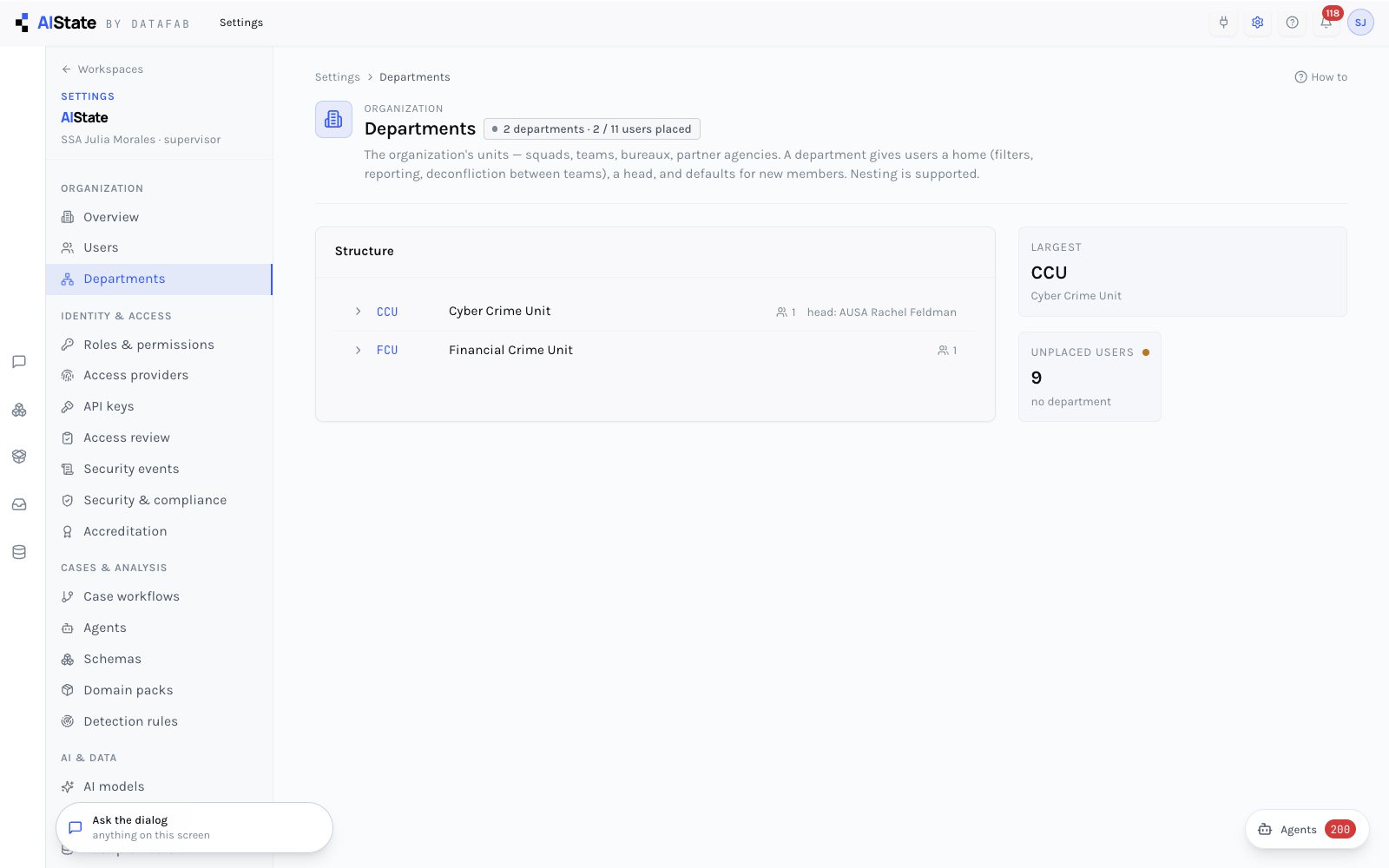
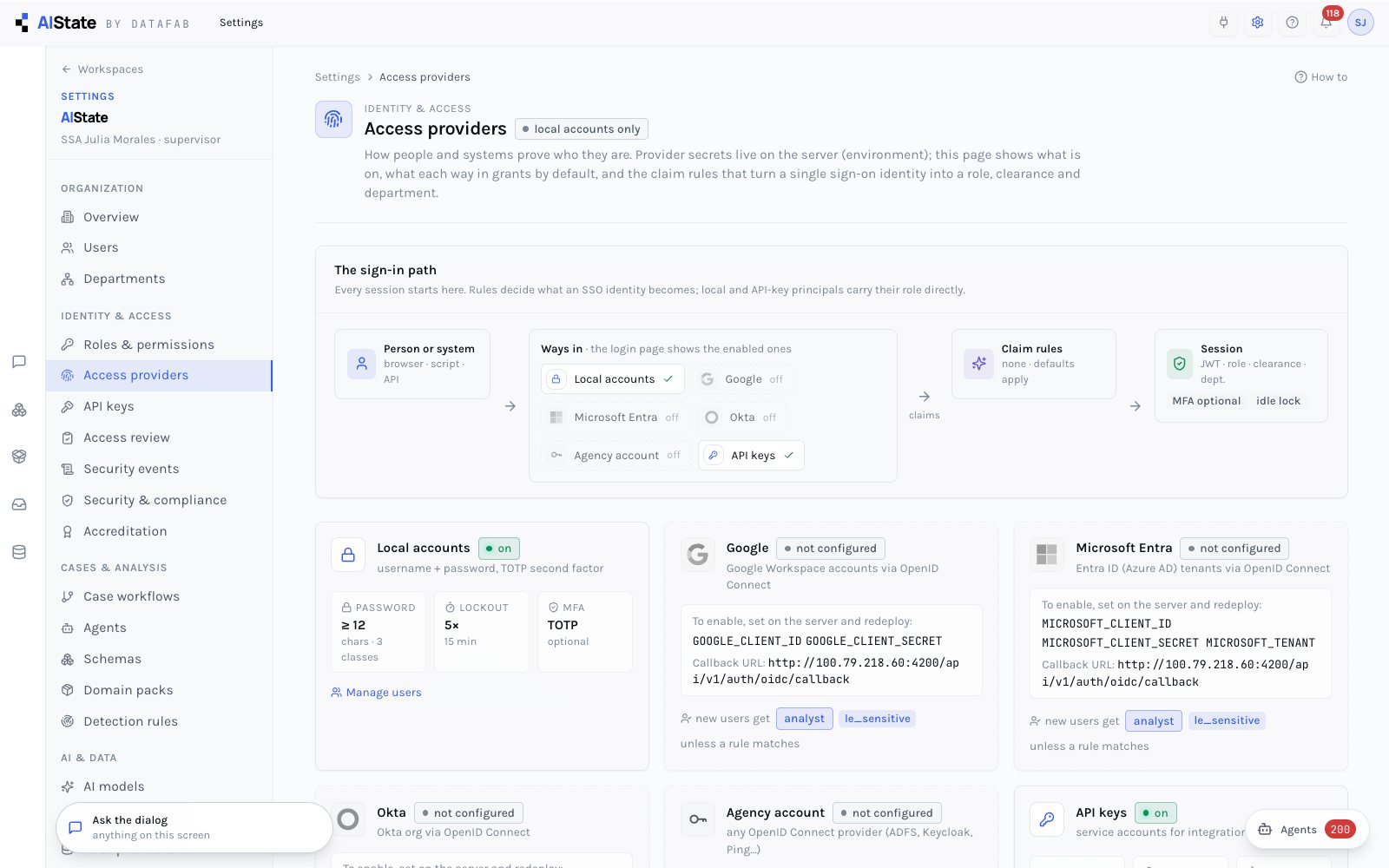
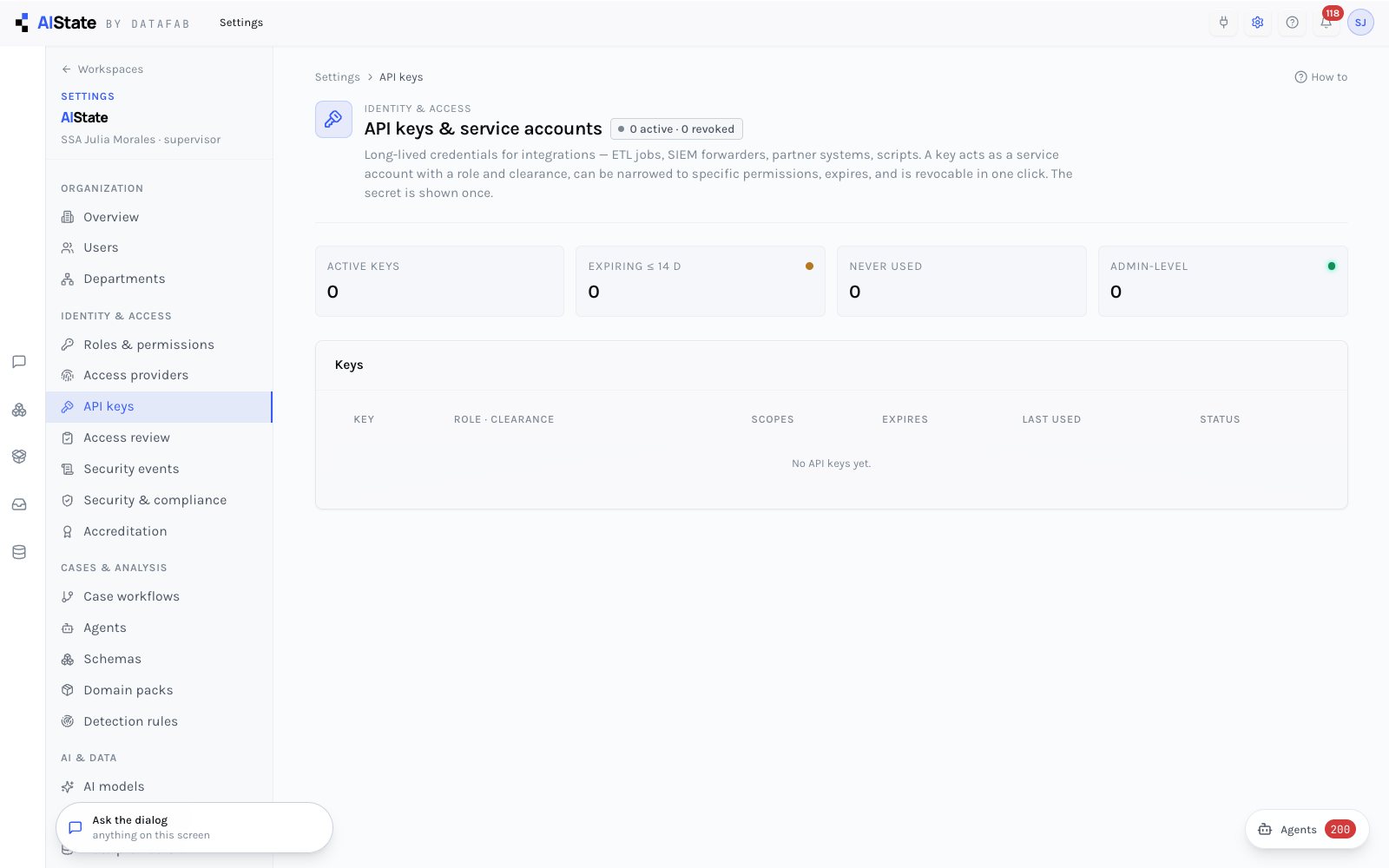
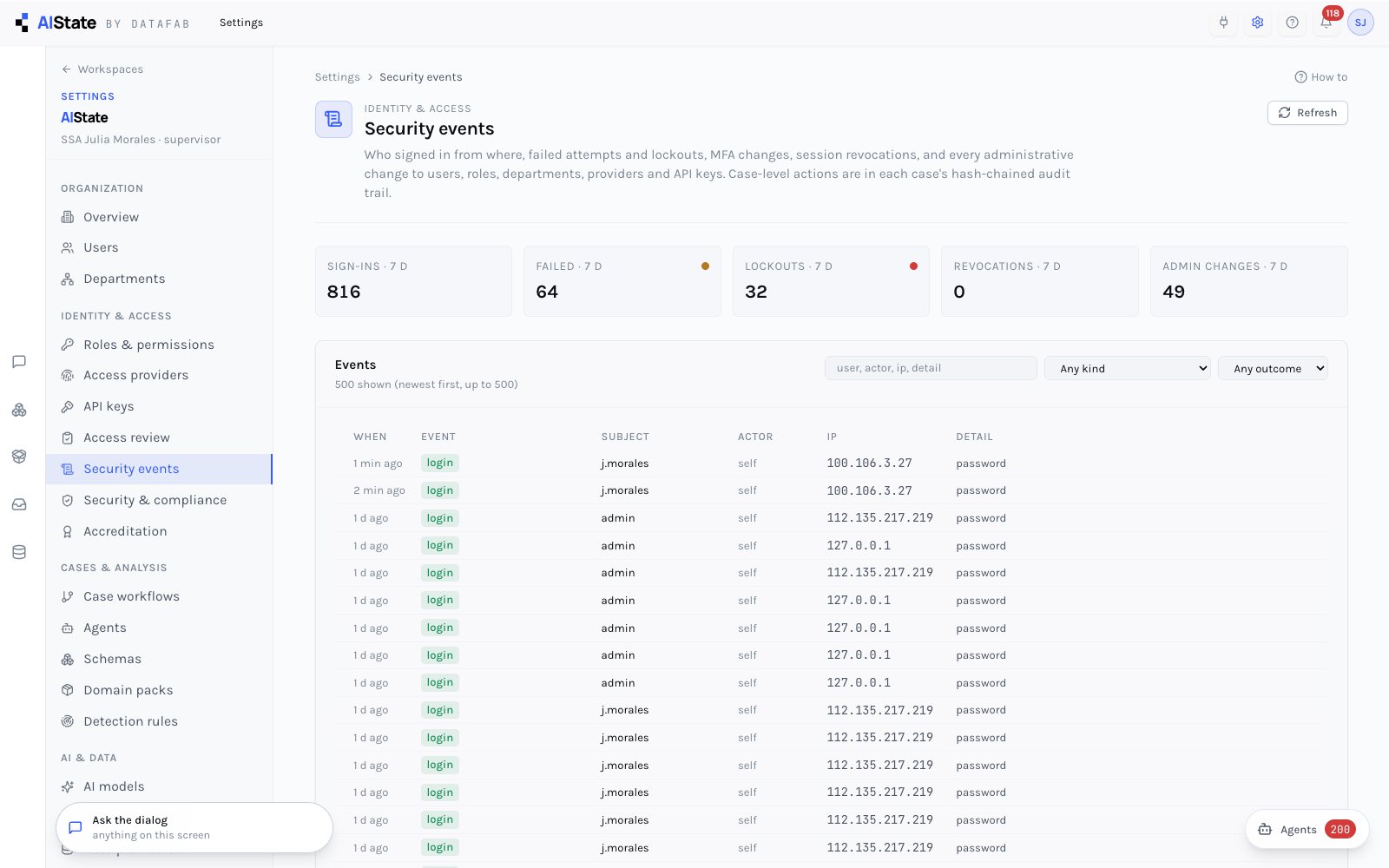
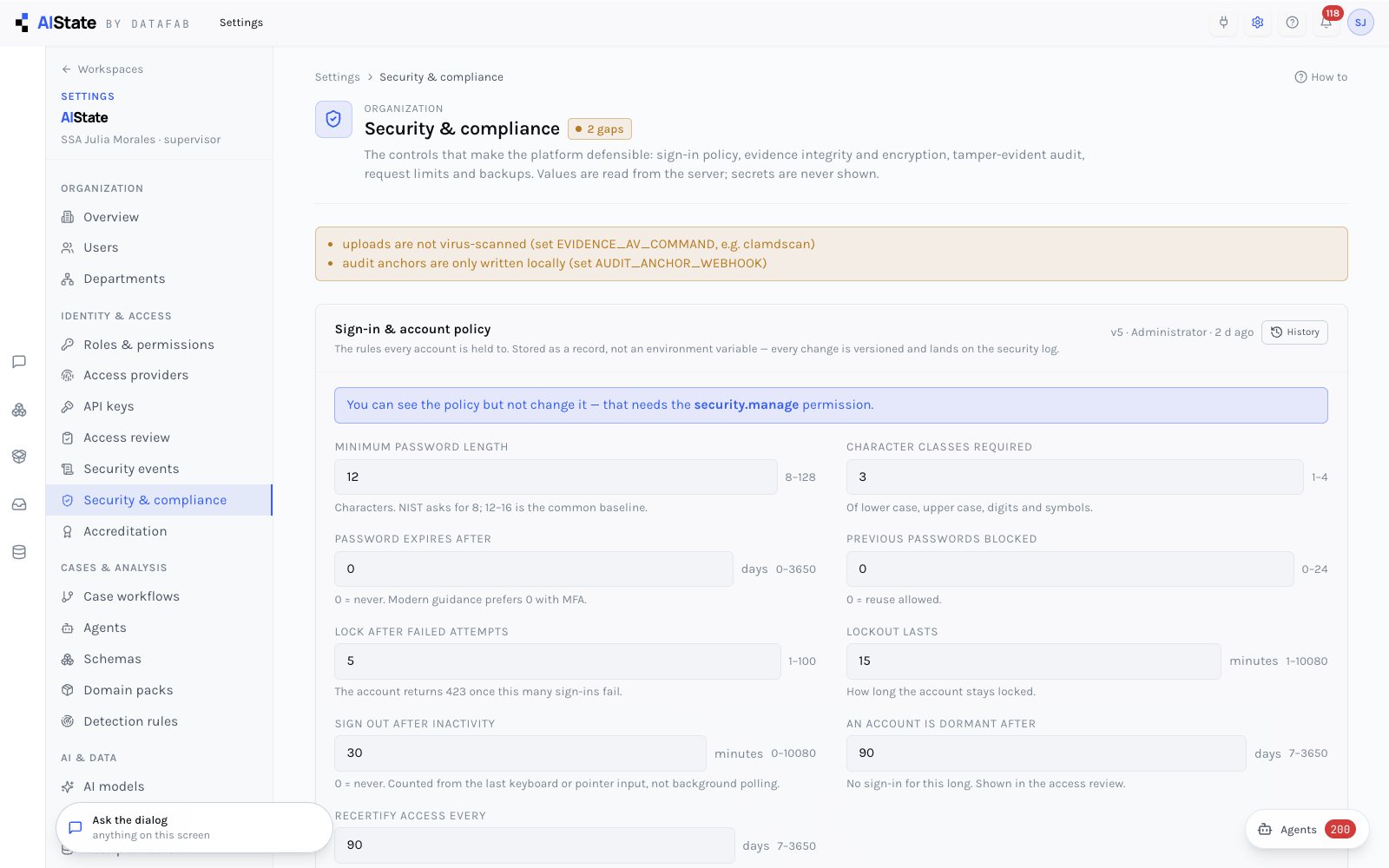
- Authentication — password policy, lockout, TOTP MFA (forced per role), OIDC, token versions that revoke live sessions within 30 s. Every one of those numbers is set on the policy record, not in a configuration file
- Session lock — the idle limit from the policy (30 minutes by default) signs the user out server-side; background polling doesn't count
- Clearance public < internal < confidential < secret gates cases, evidence, sources and connectors
- Case access — team vs restricted, per-case grants; workspace access — owner/manager/member/viewer with open or restricted visibility
16Access governance — policy, lifecycle, recertification
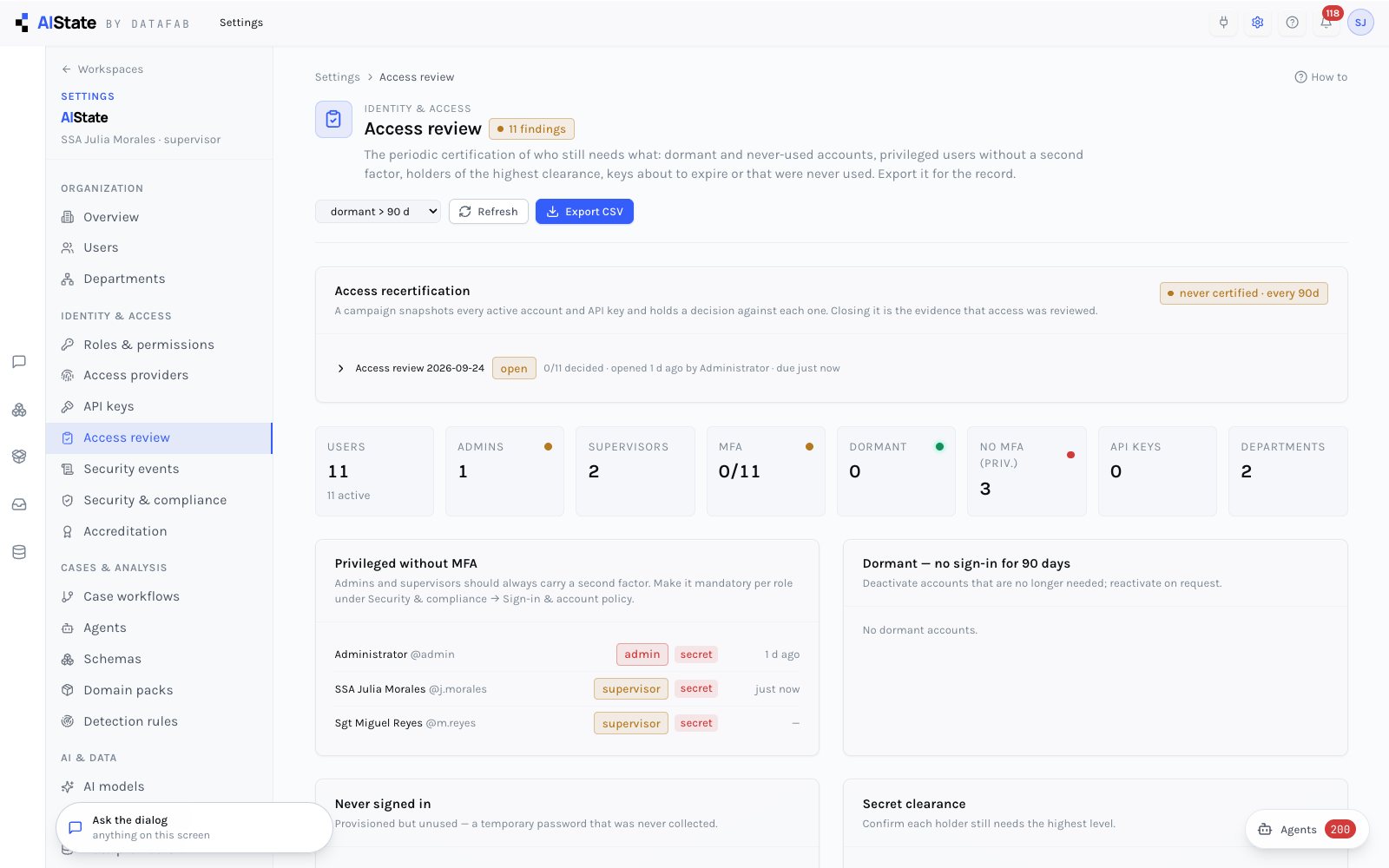
Who may do what is one question; proving it was reviewed is another. The policy is an editable record with a version history, accounts can end by themselves, raising someone to admin can need a second pair of eyes, and access recertification produces something signed.
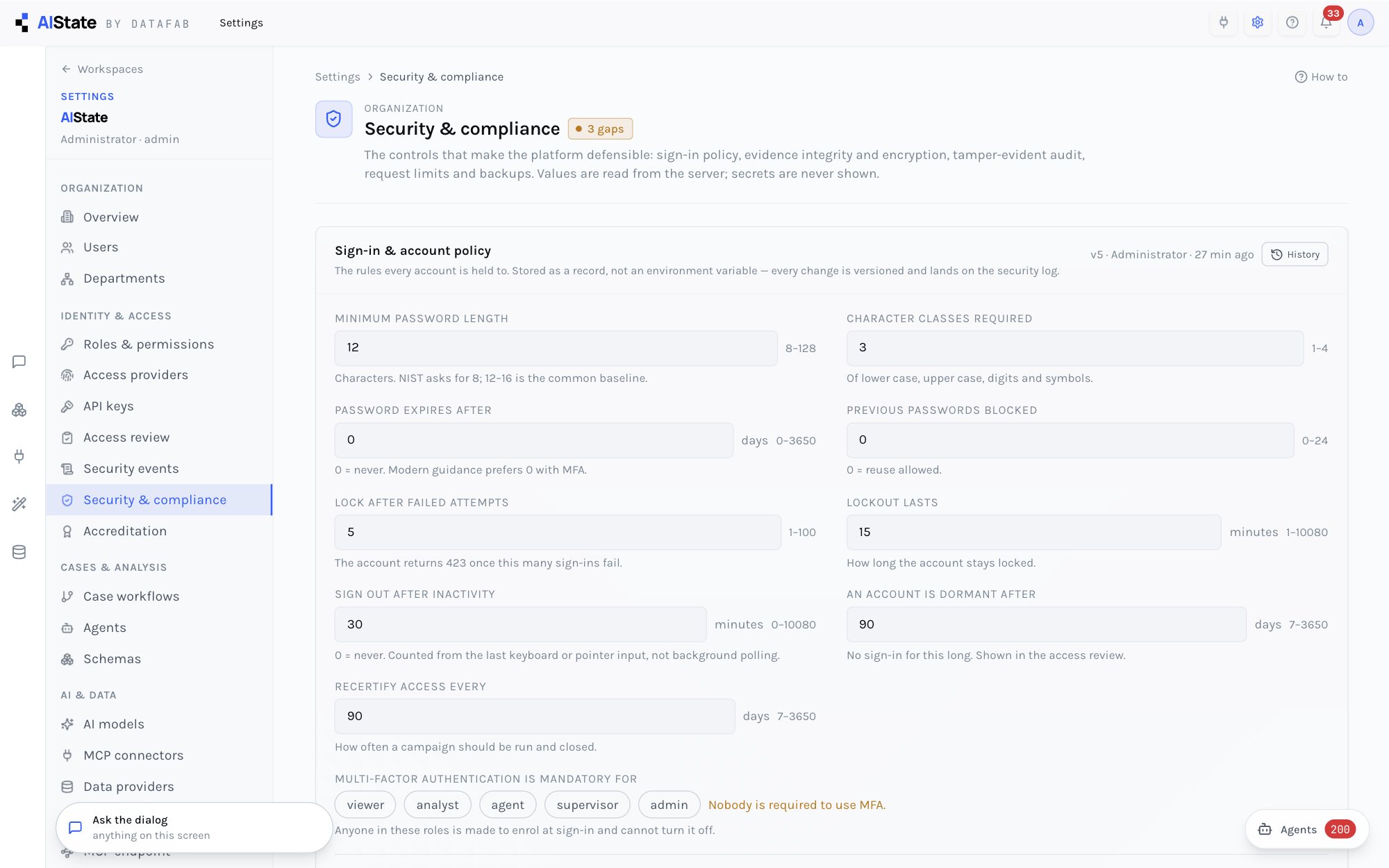
AUTH_* environment variables seed an empty database and nothing more — after that the record wins, and a change takes effect across every worker within 30 seconds.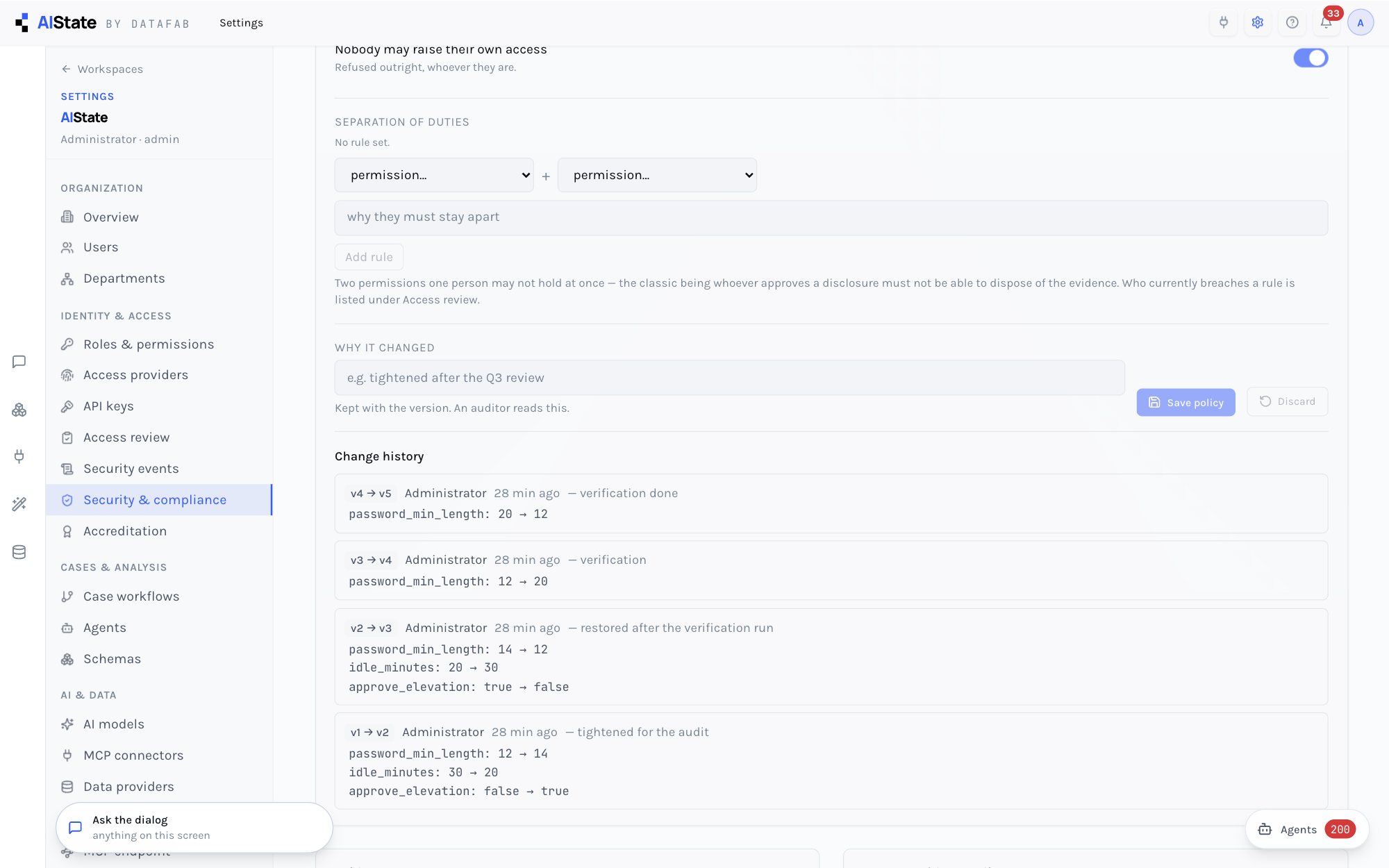
policy_changed.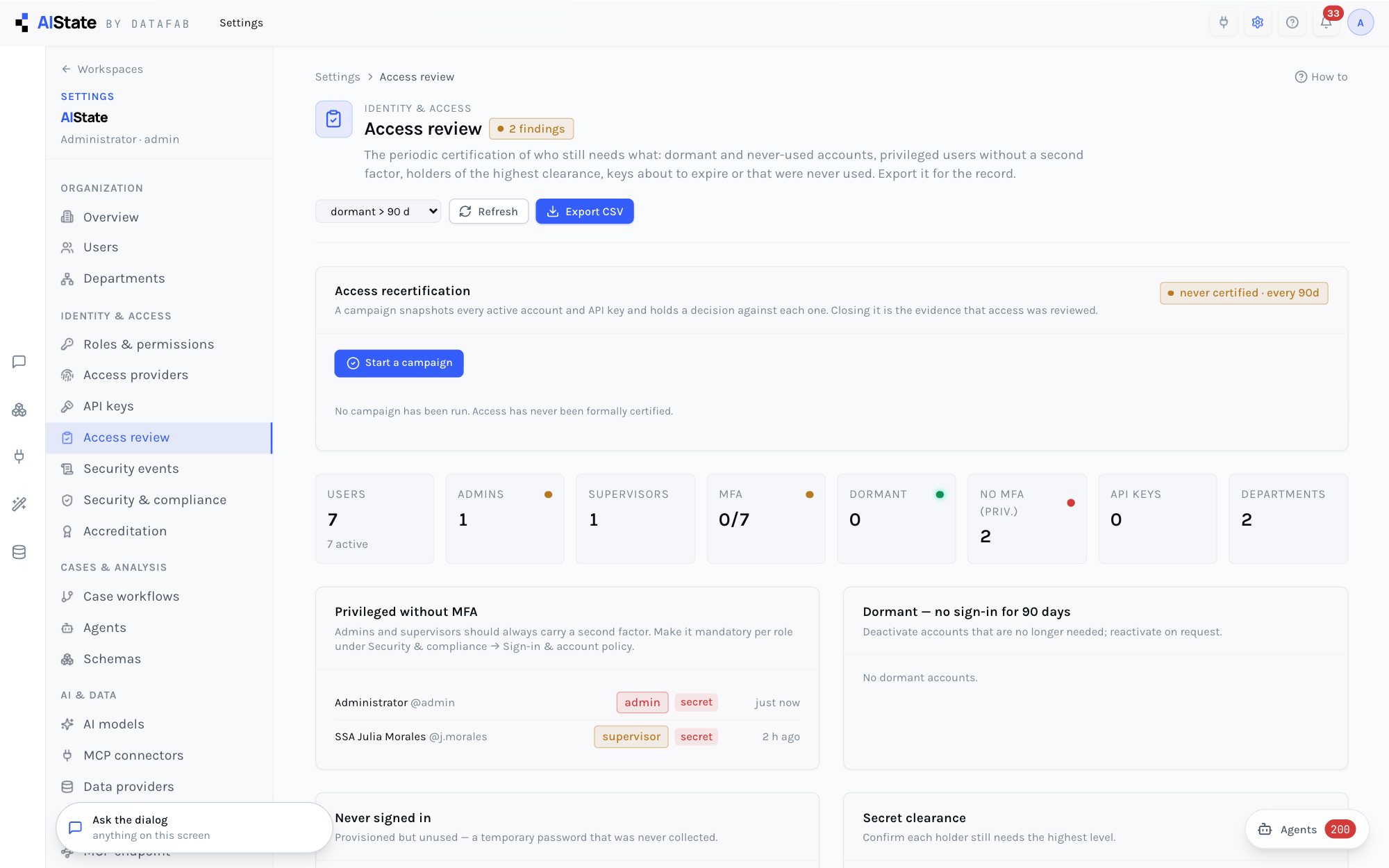
- The policy, edited in place — 15 settings on one record; security.read to see it, security.manage (admin) to change it; a new version on every save and an audited change event carrying the diff
- Enforced, not displayed — the same record drives the password validator, the lockout arithmetic, the MFA enrolment gate and the server-side idle sign-out; no code reads the environment for policy any more
- Accounts that end — an account can carry an end date; sign-in is refused the moment it passes and a ten-minute sweep deactivates it, writing why on the security log. Dormant accounts can be disabled the same way, by policy
- Leaver in one step — Offboard deactivates the account, signs it out everywhere, revokes its API keys and removes every workspace and case grant as one audited transaction — then reports the open tasks and led cases for a human to reassign. Nothing is silently reassigned: that is a decision, not a sweep
- A second administrator on the way up — with approval on, promoting someone to supervisor or admin, or raising a clearance, becomes a request a different administrator decides; whoever asked cannot be the one who grants it. Raising your own access is refused outright
- Separation of duties — configurable toxic pairs of permissions, with the people who currently hold both listed on the access review
- Recertification as evidence — decisions are carried out through the ordinary services (a revoke runs the same offboarding a human would), a campaign closes only when every item is decided, and the closed record answers "show me that access was reviewed last quarter, by whom, and what they decided"
16aNotification centre — the inbox, delivered where people work
Every mention, task, approval, watchlist or screening hit, sighting and RFI reply lands in the inbox under the bell. Each person can also have it delivered to the tools they already live in: the Teams chat, the Symphony room, their mail, their phone, the incident queue, the SOC's SIEM. Each channel belongs to that person; the organization sets the ceiling.
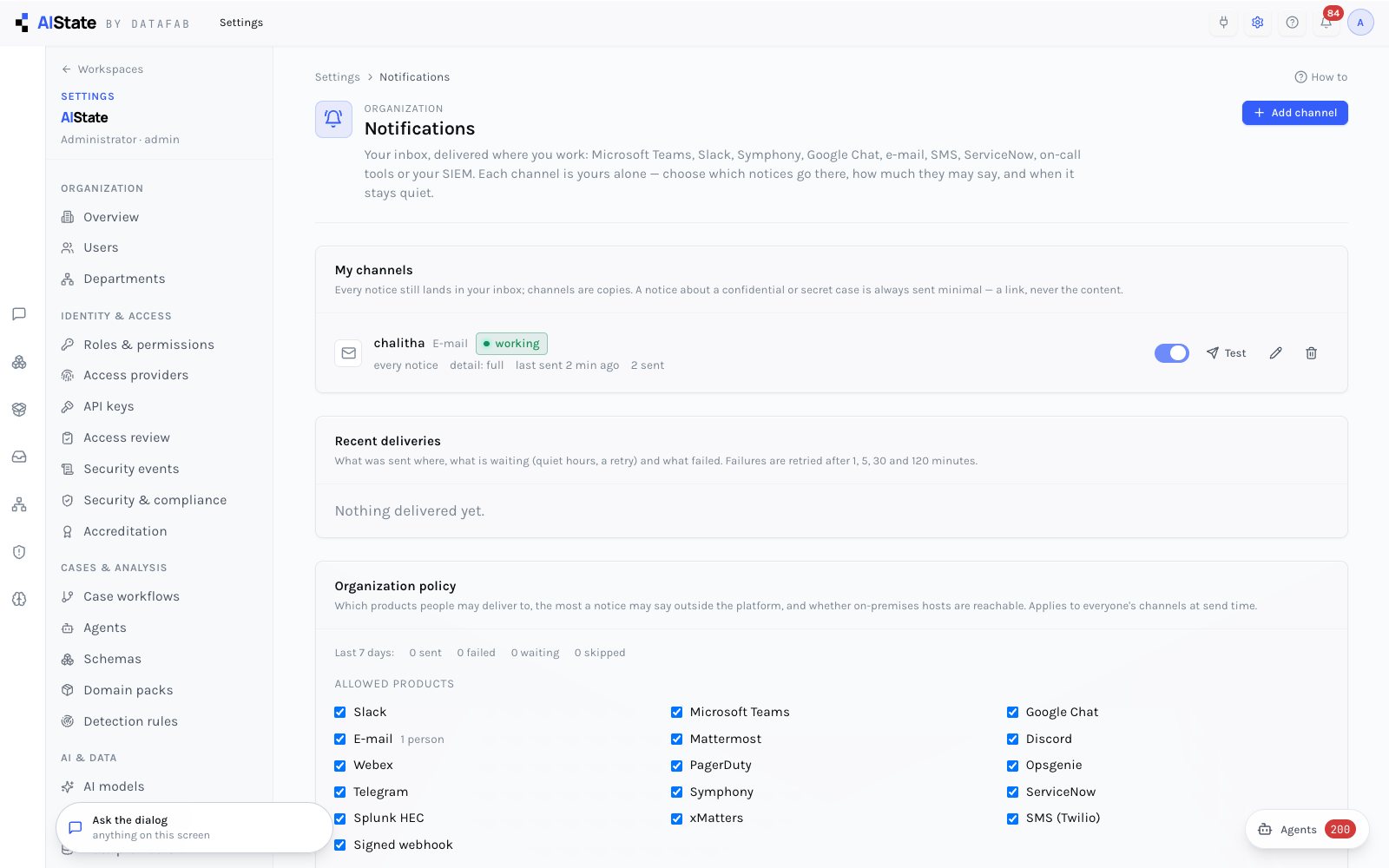
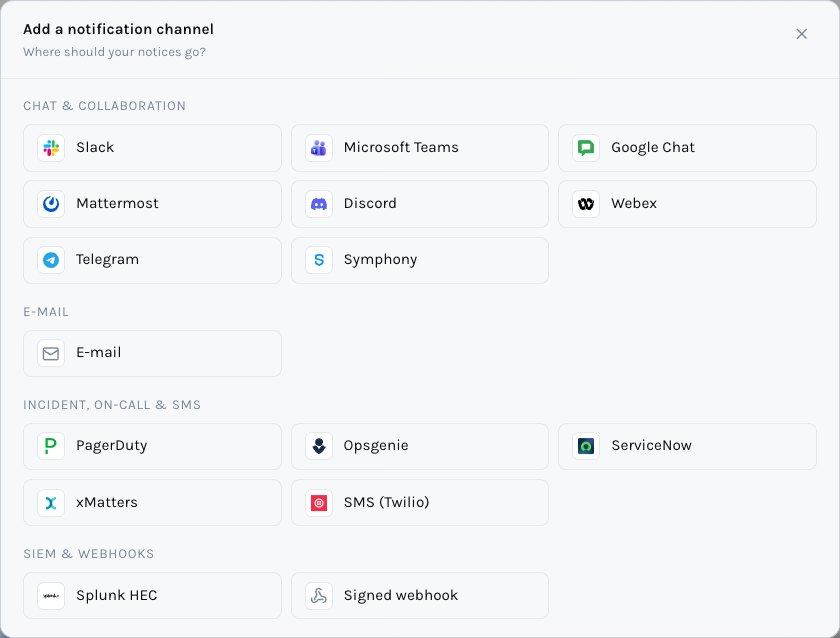
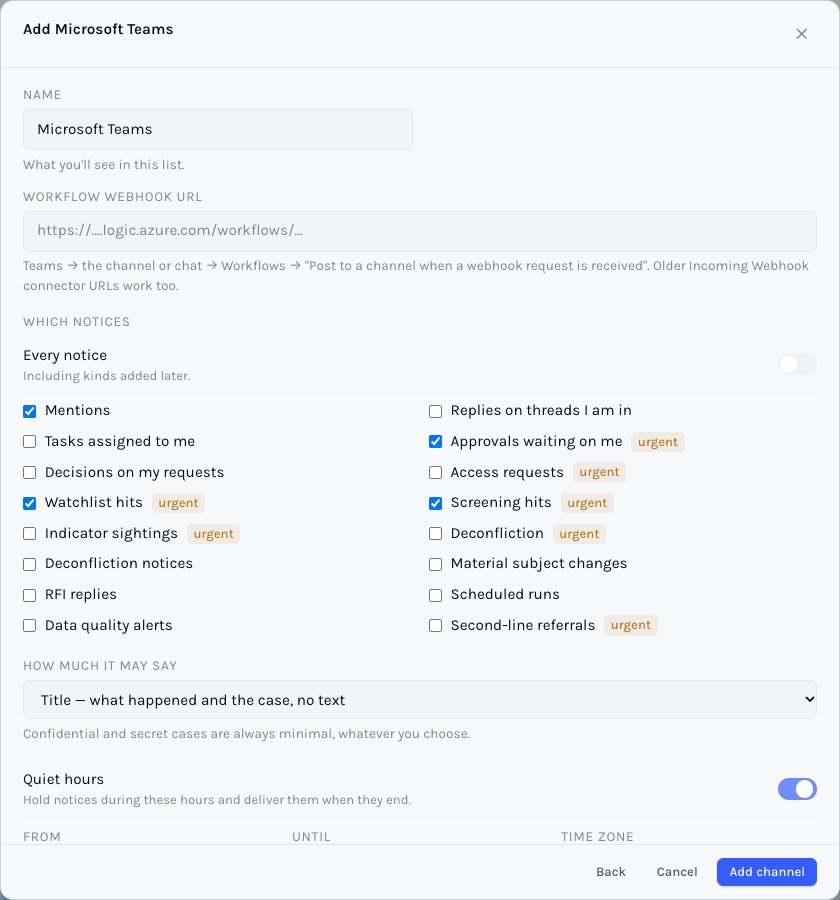
- Chat where the desk already is: Microsoft Teams (a Workflows webhook, or an older connector URL) as an Adaptive Card with an Open in AIState button, Symphony through its Universal Webhook, plus Slack, Google Chat, Webex, Mattermost, Discord and Telegram
- E-mail through the organization's own relay, or Microsoft 365 / Exchange Online when that is what is connected. An empty address means the one on the person's account
- Incident and on-call: ServiceNow opens a record in the table and assignment group you name (by default only for urgent notices), PagerDuty, Opsgenie, xMatters, and SMS through Twilio for out-of-hours
- The SOC: Splunk HTTP Event Collector, or a JSON webhook signed with
X-AIState-Signature: sha256=HMAC(secret, timestamp.body)for a SIEM, SOAR or ticketing system - The content stays behind the sign-in when it must: a notice about a confidential or secret case, or a restricted second-line record, is always sent minimal (the kind of notice and a link, never a name or a case), whatever the person chose. SMS never carries a title. The organization can cap everyone at title or minimal
- A URL can only go where its product lives: hosted products are pinned to their own domains, so a "Teams" channel cannot point anywhere else. Mattermost, Splunk and webhooks need https to a public address unless an administrator allows internal hosts. Every address passes the data boundary, redirects are refused, and webhook URLs and tokens are write-only
- Never on the request path: a background sender delivers within seconds, holds notices through quiet hours, and retries a failure after 1, 5, 30 and 120 minutes before marking it failed. Recent deliveries shows what went where, what is waiting and why
- Two permissions:
notifications.channels(everyone, from viewer up) to manage your own channels;notifications.manage(administrators) for the policy
17Schema Builder — the data model in the organization's hands
Entity types and record fields are templates you edit, not code you deploy. A custom entity type is a real node label the moment it is saved; custom record fields appear on the existing case forms.
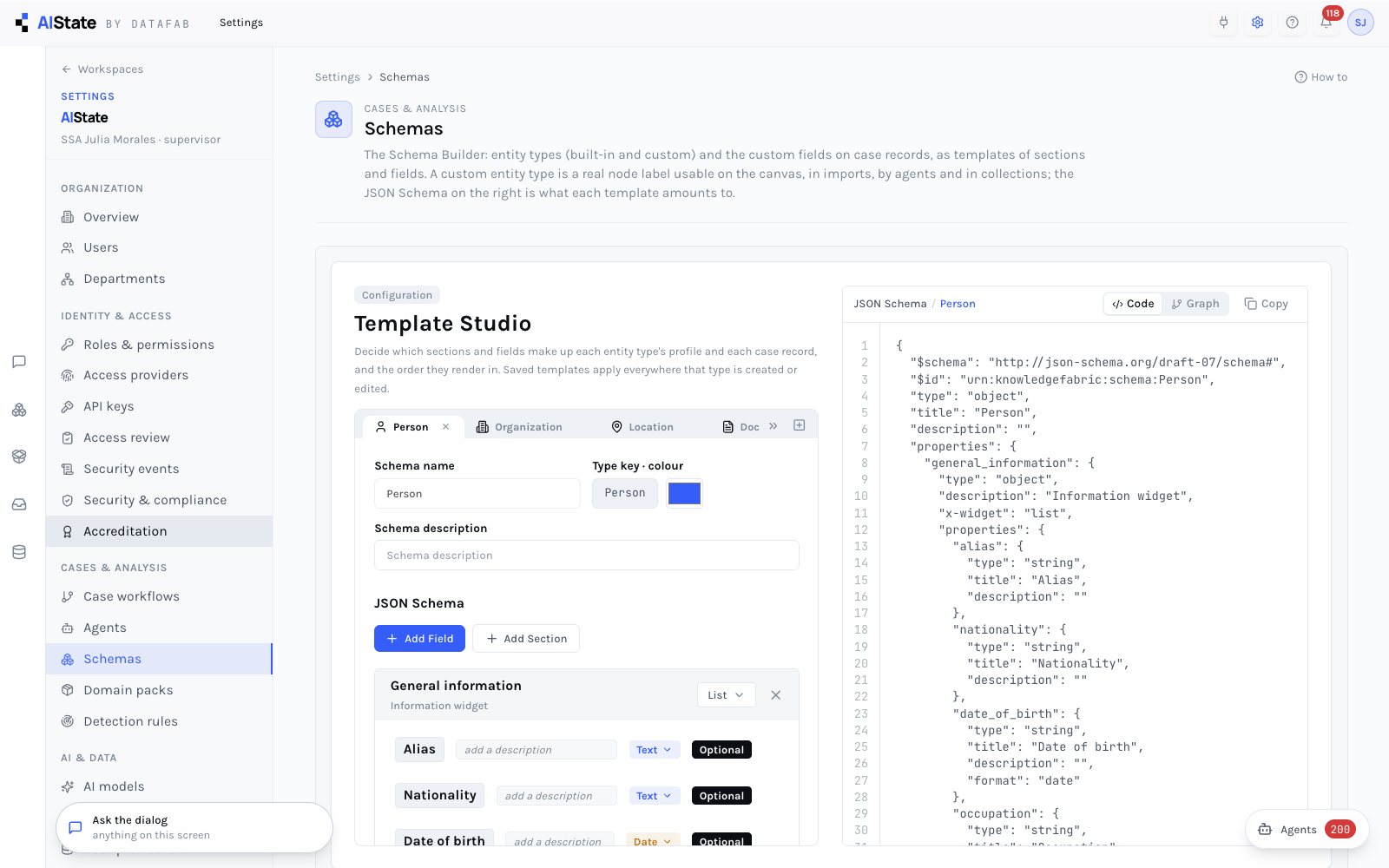
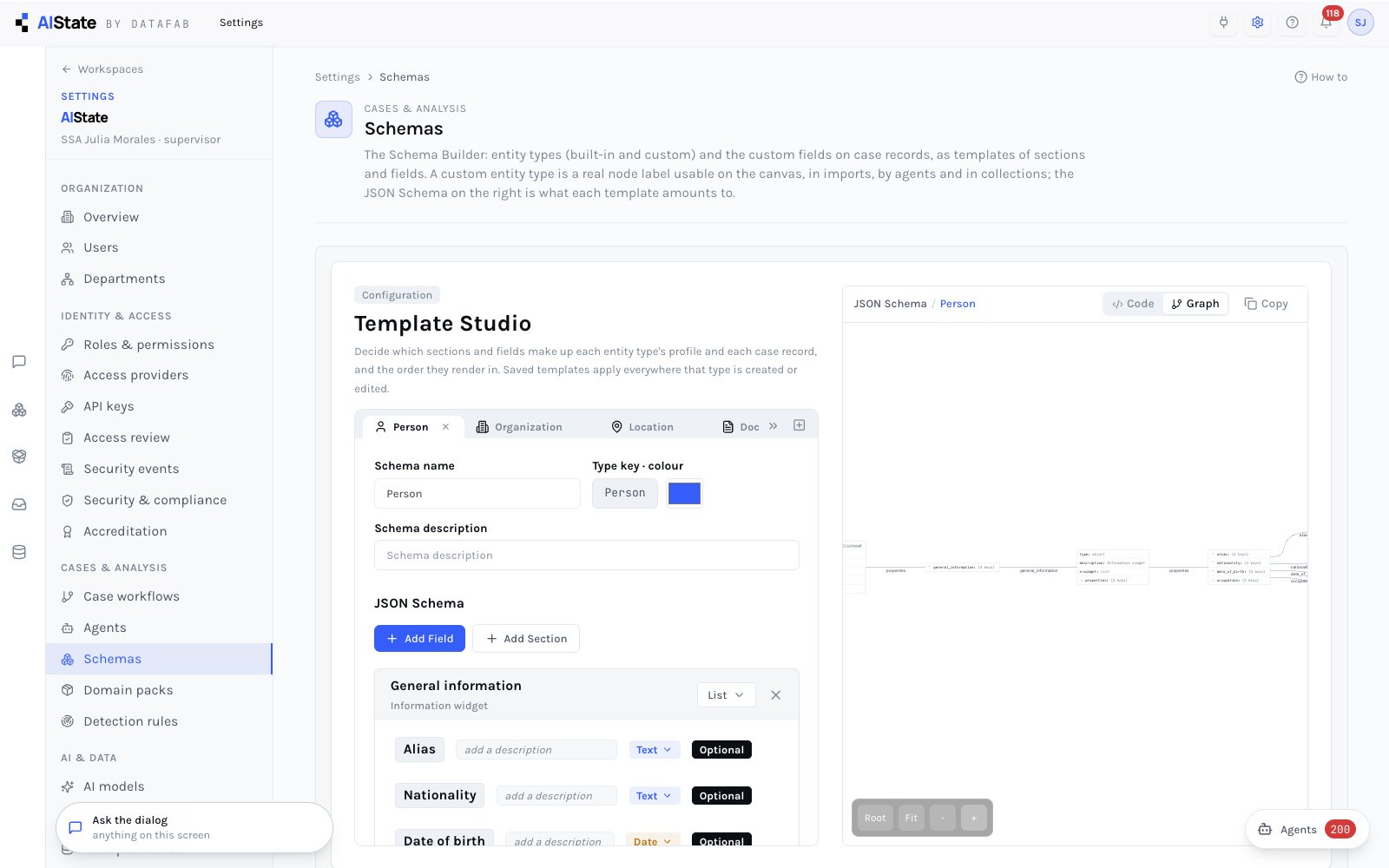
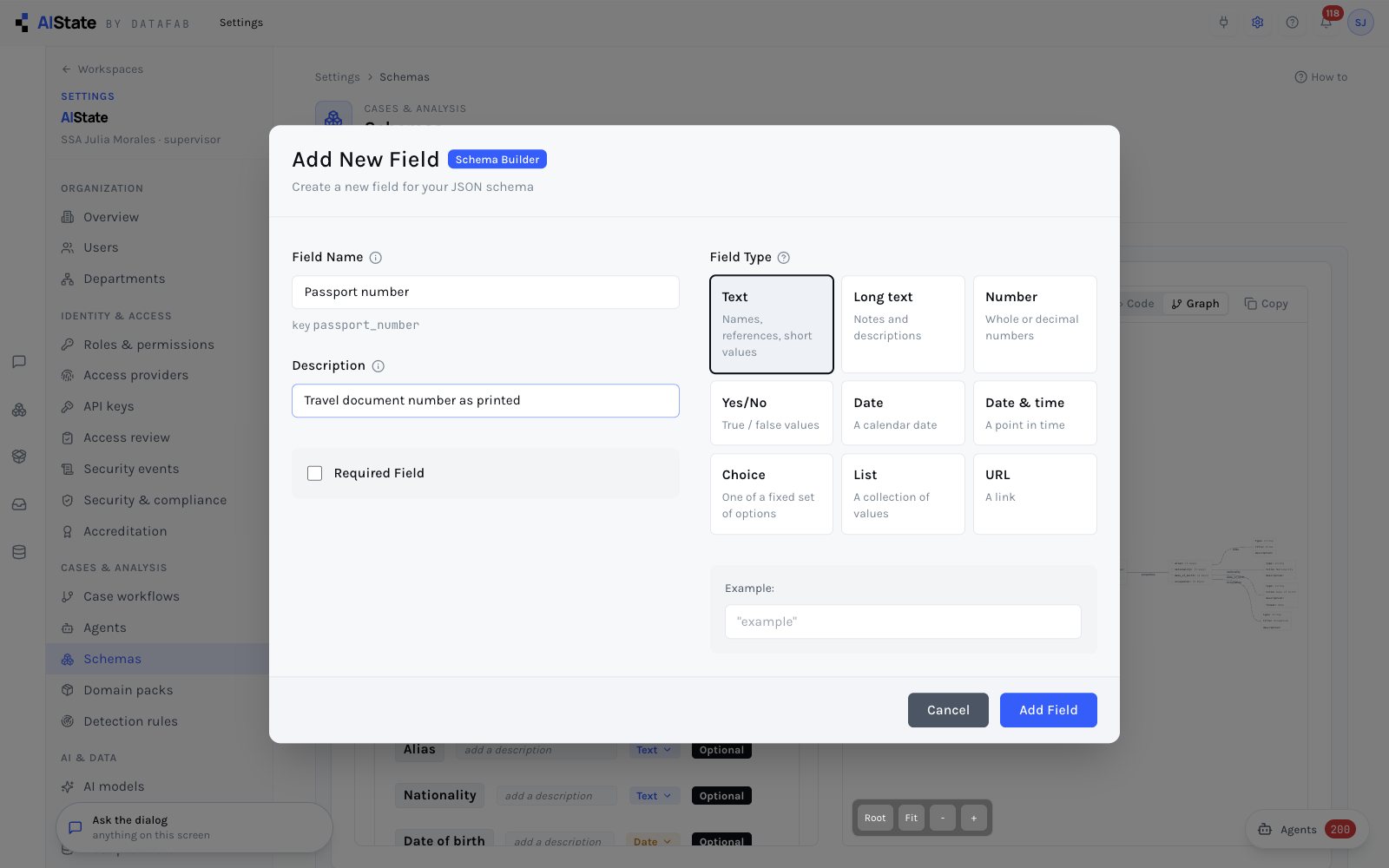
- Custom entity types —
Vessel,Firearm,Container… usable on the canvas, in imports, by agencies that write to the graph, in collections and search; coloured as configured; deletion refused while entities use the type - Custom record fields on case, evidence, activities, tasks, legal, assets, court and deadlines — stored flat on the record, indexed, exported and audited like built-in fields
- Ontology in the Knowledge Fabric shows what exists against what is registered
18All settings
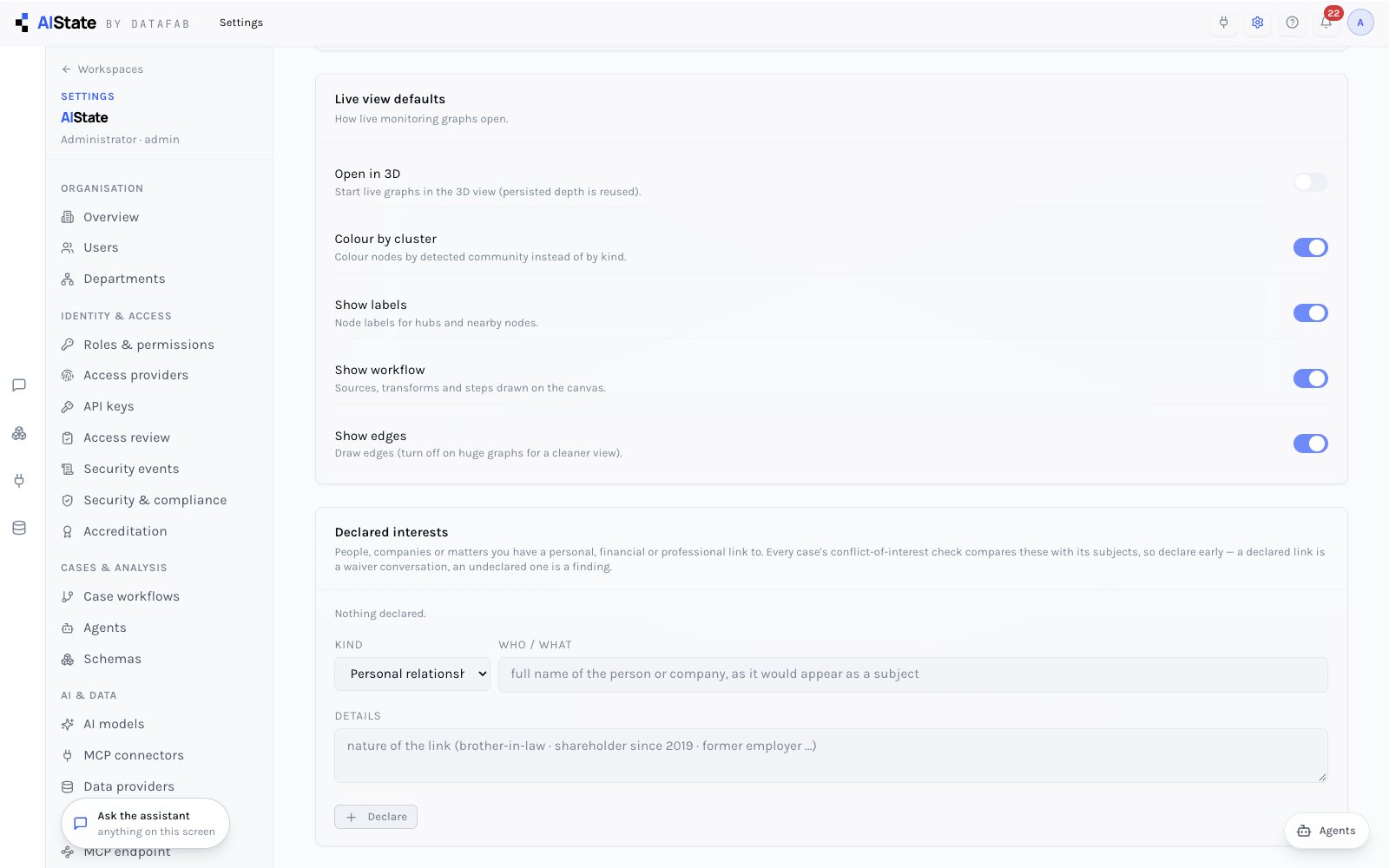
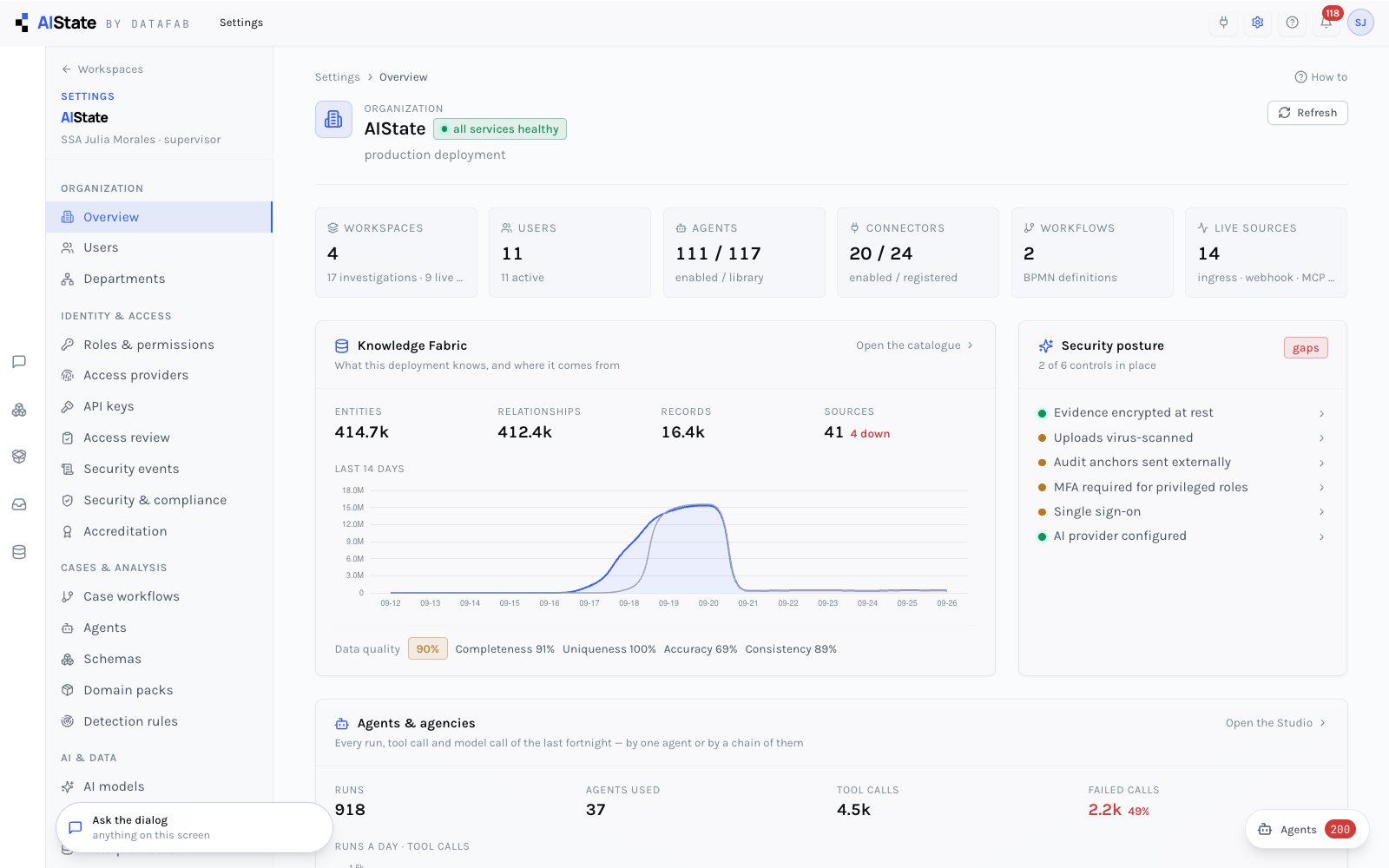
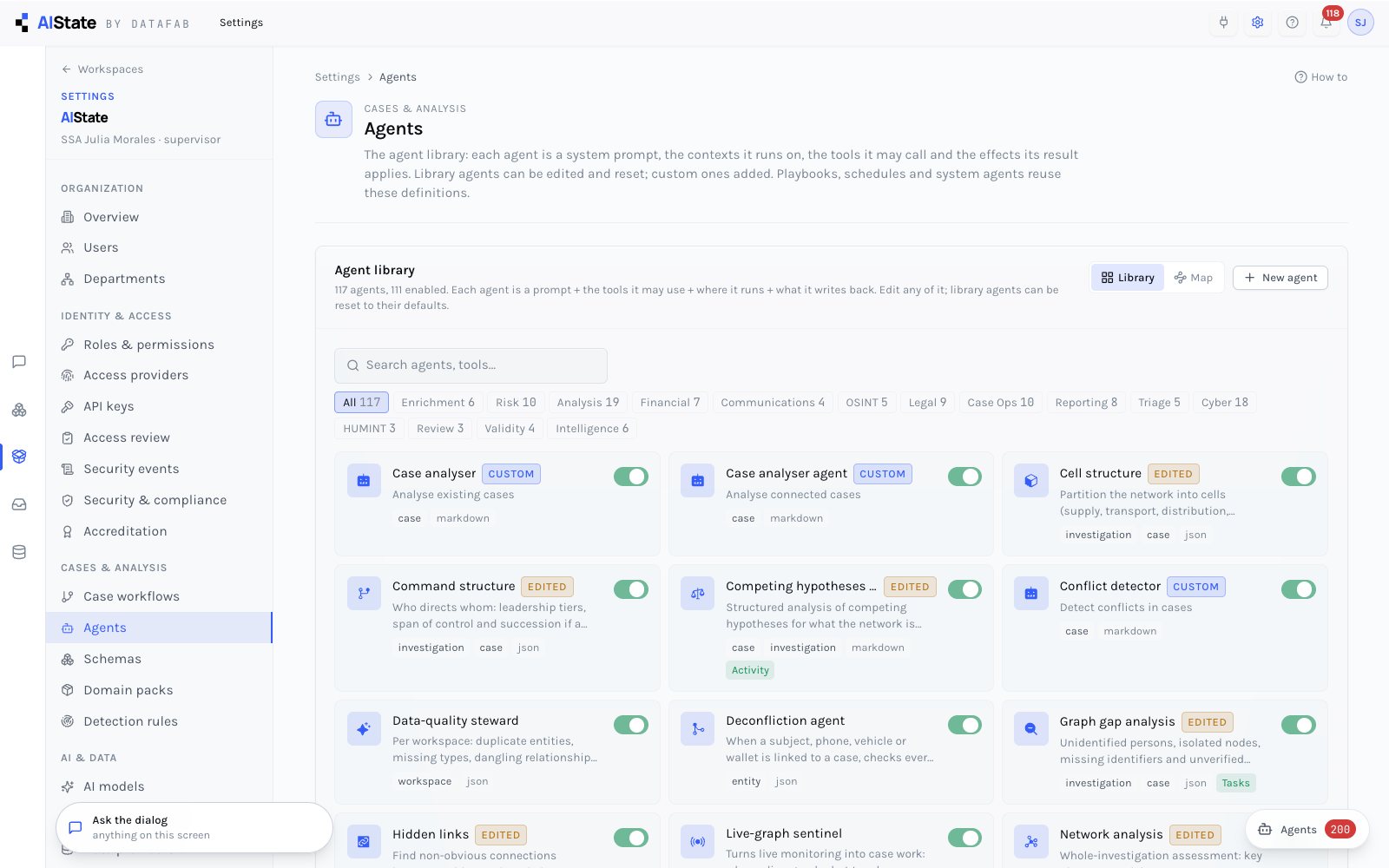
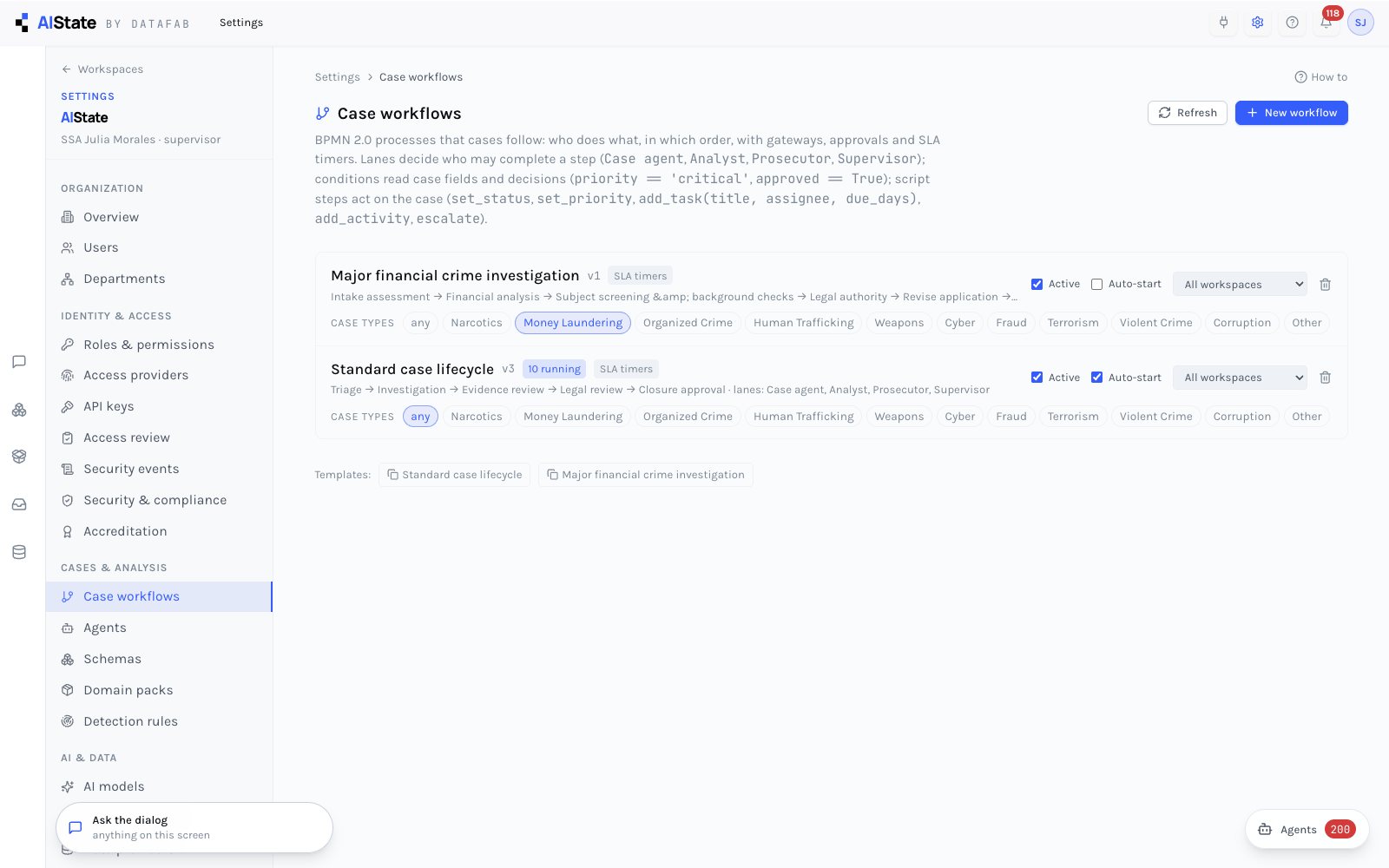
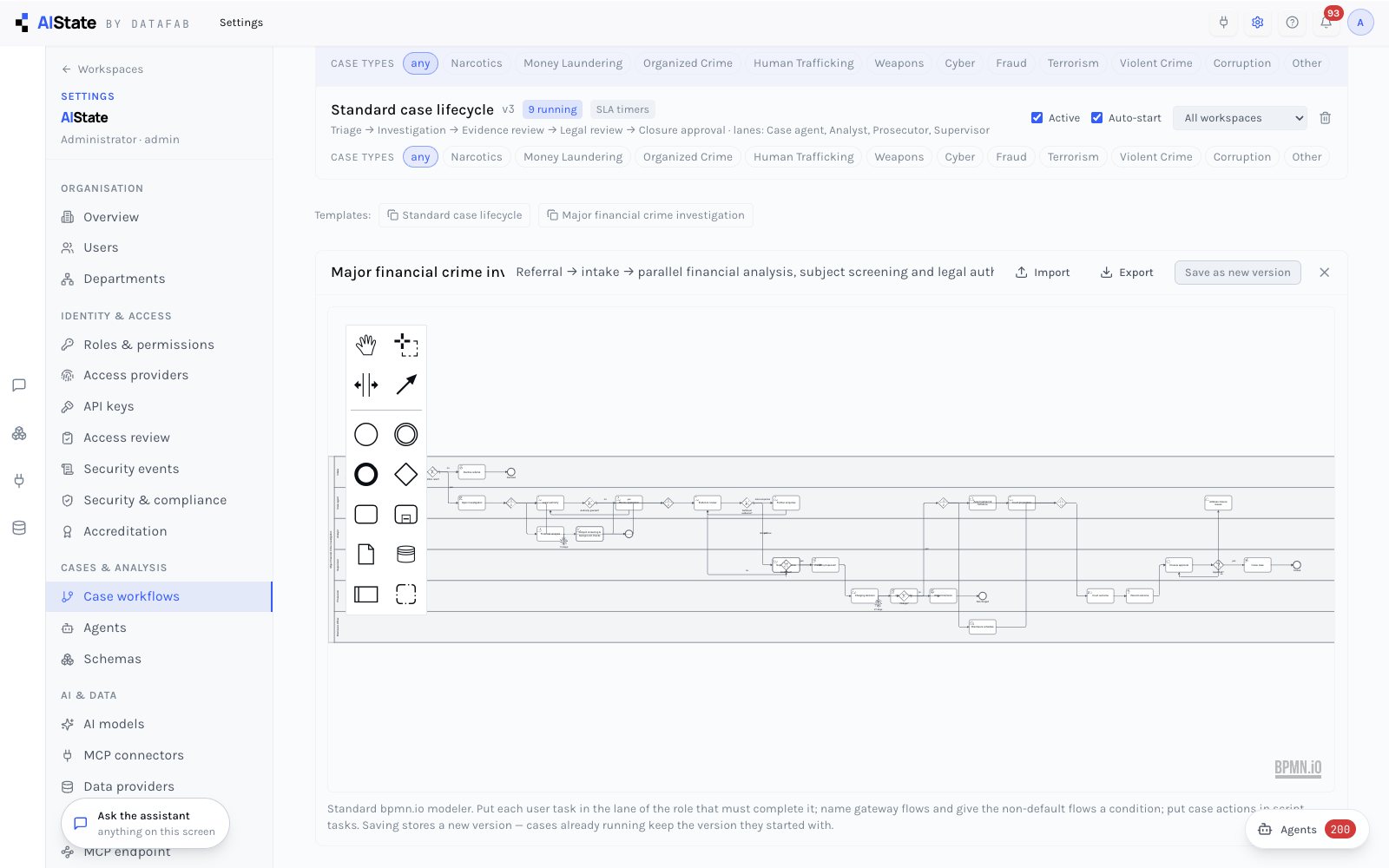
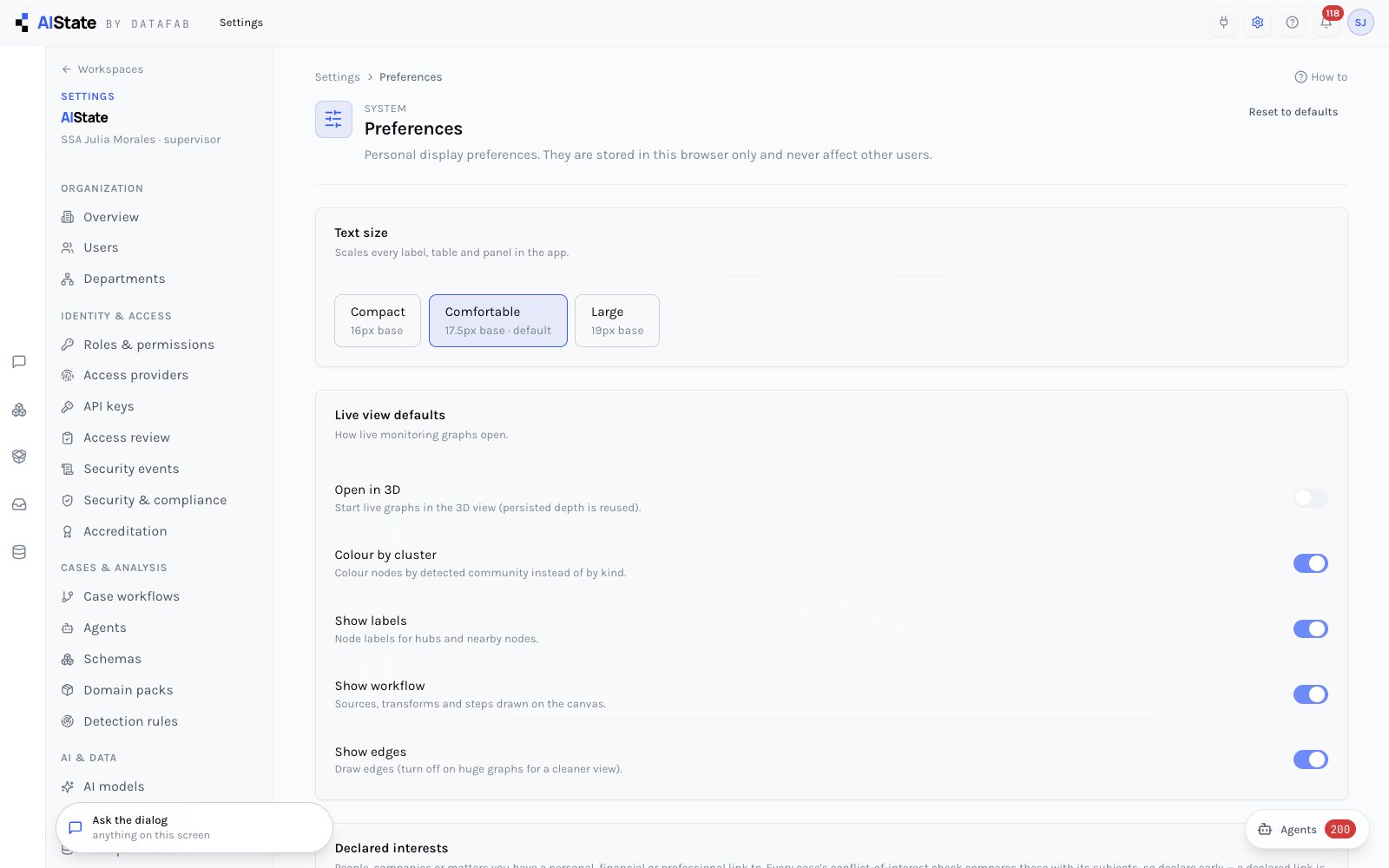
One dedicated screen per concern, grouped: Organization · Identity & access · Cases & analysis (workflows, agencies, schemas) · AI & data · Integrations · System (health, notifications, preferences).
19Built-in guide & field tools
Every feature is documented in the app itself, with a diagram per mechanism; the build fails if a screen has no topic.
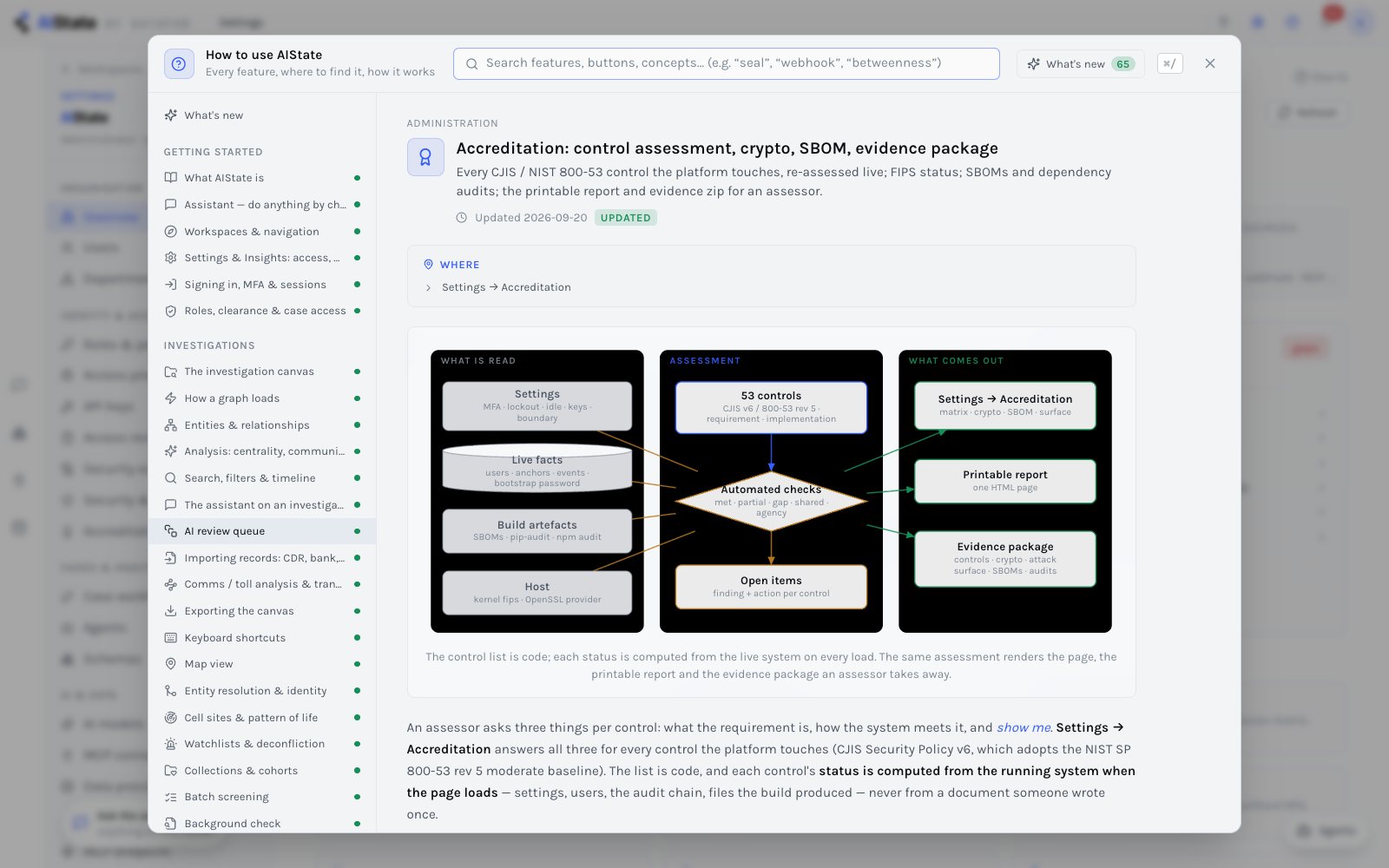
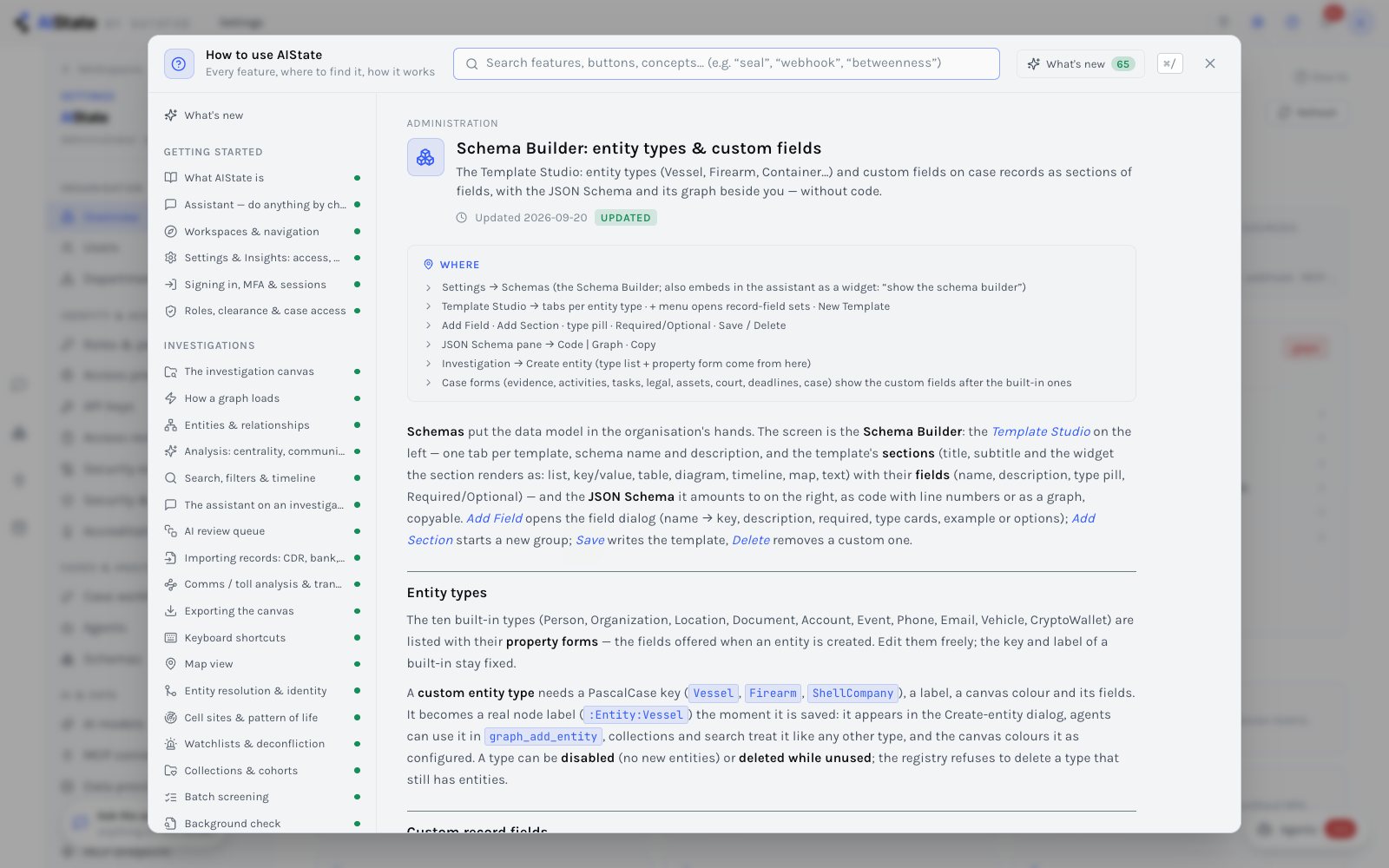
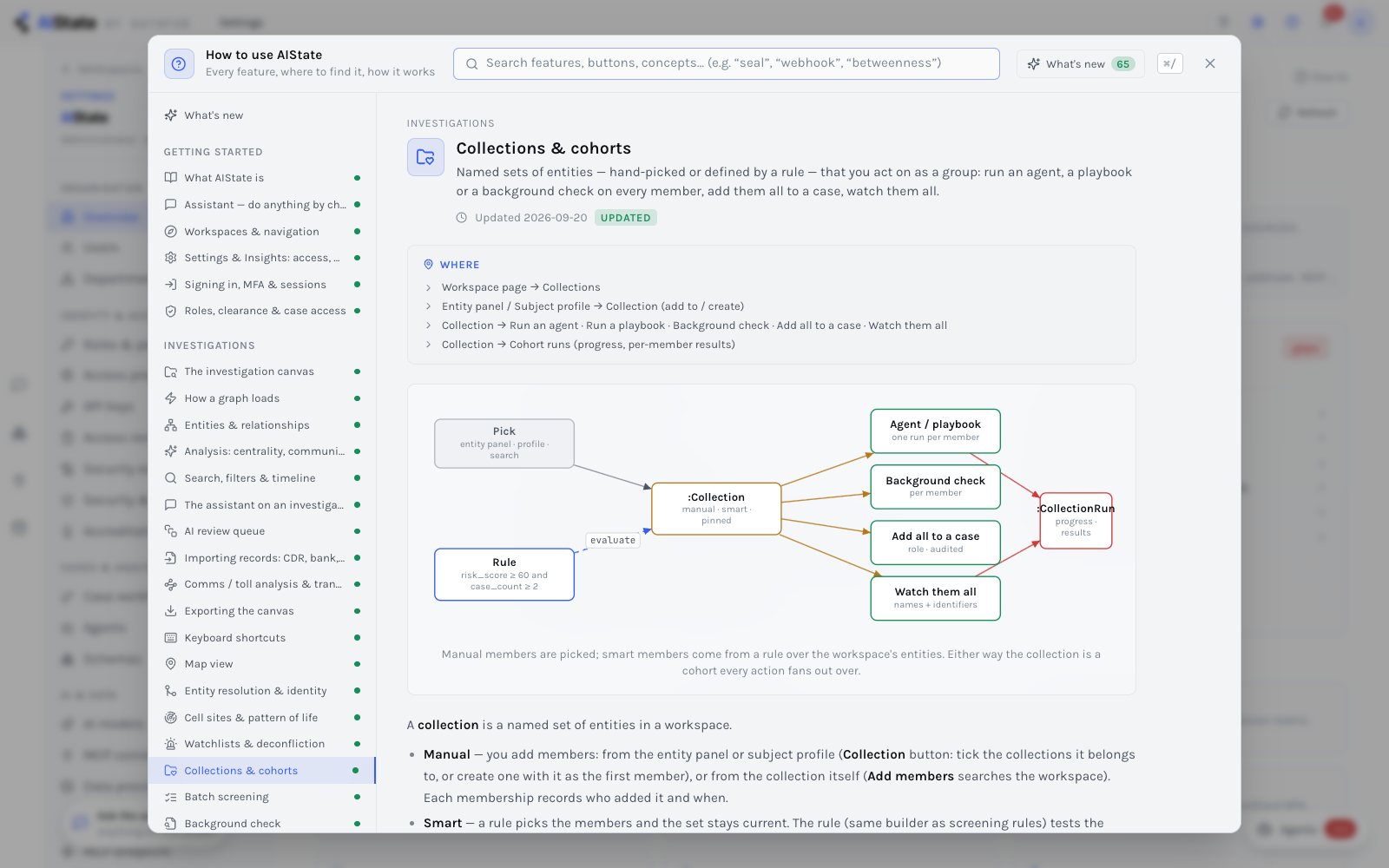
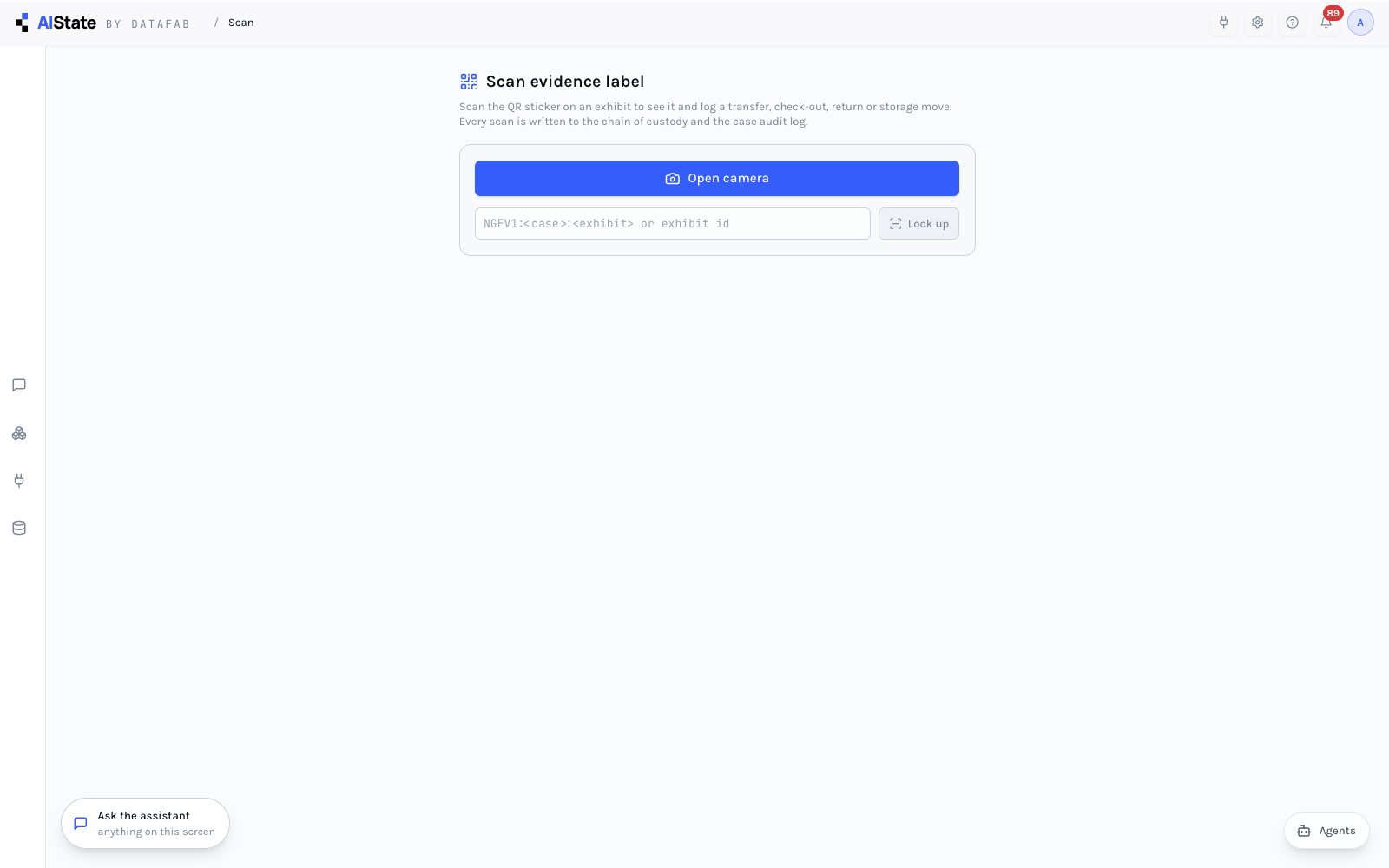
/scan reads QR exhibit labels with the camera (or a typed code) to resolve an exhibit and record custody from the field.21Agency library — every agency
84 configurable agencies. Each is a system prompt, the contexts it runs on (entity · case · investigation · workspace), a tool allow-list, an output shape and the effects applied to a JSON result. Edit, disable, reset or clone any of them under Settings → Agents.
Enrichment · 7
| Agency | What it does | Runs on |
|---|---|---|
| Crypto wallet enrichment | Chain, counterparties, exchange exposure and mixing indicators for a wallet; writes counterparties to the graph. | entity |
| Enrich location | Premises intelligence: ownership, occupants, businesses, prior activity and every subject linked to a location. | entity |
| Enrich organisation | Company registry, officers, addresses, affiliates and adverse information for an organisation; writes verified findings to the graph. | entity |
| Enrich subject | Look a subject up through the connected tools, corroborate identity, and write verified facts, related entities and relationships into the graph with provenance. | entity |
| Phone number intelligence | Country/carrier indicators, graph communications, attribution to subjects and shared-contact analysis for a phone number. | entity |
| Profile enrichment | Judges what every source found about a person — accounts, images, media, relationships, identifiers — decides what is this person, and lands it on the profile with sources. | entity |
| Vehicle enrichment | Registration indicators, owners/users, sightings and links for a vehicle. | entity |
Risk · 7
| Agency | What it does | Runs on |
|---|---|---|
| Case risk assessment | Overall case risk: threat to public, officer safety, evidence fragility, legal exposure, time pressure. | case |
| Flight riskpublic safety ↗ | Likelihood a subject flees: foreign ties, assets abroad, travel history, awareness of the investigation. | entity |
| KYC profile reviewer | Re-review a subject's profile: which identifiers hold up, what has expired or is missing, and what tier the evidence actually supports. | entity |
| Officer safety assessmentpublic safety ↗ | Weapons, violence history, counter-surveillance, dogs, fortification and associates who pose a threat during contact or entry. | entity · case |
| Pattern of conduct | Repeat-offending and escalation indicators across activities, evidence and prior events. | entity · case |
| Risk score | Scores a subject 0-100 for investigative risk (role, criminality indicators, network centrality, violence, flight) and writes the score to the entity. | entity |
| Victim/witness vulnerability | Vulnerability and protection needs for a victim or witness: intimidation risk, dependence on subjects, safeguarding. | entity |
Analysis · 8
| Agency | What it does | Runs on |
|---|---|---|
| Cell structure | Partition the network into cells (supply, transport, distribution, finance, protection) and describe each. | investigation · case |
| Command structure | Who directs whom: leadership tiers, span of control and succession if a leader is removed. | investigation · case |
| Competing hypotheses (ACH) | Structured analysis of competing hypotheses for what the network is doing and who leads it. | case · investigation |
| Graph gap analysis | Unidentified persons, isolated nodes, missing identifiers and unverified links in the graph. | investigation · case |
| Hidden links | Find non-obvious connections between subjects: shared phones, addresses, accounts, intermediaries, paths. | entity · case · investigation |
| Network analysis | Whole-investigation assessment: key players, suspicious patterns, structure, recommended actions. | investigation · case |
| Role in the network | What function a subject performs in the organisation and how central they are. | entity |
| Timeline reconstruction | Chronology for a subject or case from activities, exhibits and events, with gaps highlighted. | entity · case |
Financial · 7
| Agency | What it does | Runs on |
|---|---|---|
| AML transaction monitor | Review the transactions the graph holds for unusual size, frequency or counterparty, score each and flag what an analyst should look at. | case · investigation · entity |
| Asset tracing for forfeiture | Identify assets (property, vehicles, accounts, crypto, companies) traceable to proceeds and who holds them. | case · entity |
| Crypto flow analysis | Wallet clusters, mixing, exchange cash-out points and attribution for the wallets in the case. | case · entity |
| Laundering typologies | Match the evidence to money-laundering typologies (structuring, TBML, shell layering, crypto) with indicators. | case · investigation |
| Money flow analysis | Trace funds through accounts, companies and wallets; identify layering and the controllers of each node. | case · entity · investigation |
| Proceeds estimate | Estimate criminal proceeds from seizures, purity, prices and volumes with stated assumptions. | case |
| SAR-style narrative | Draft a suspicious-activity narrative (who/what/when/where/why) from the financial evidence. | case · entity |
Communications · 4
| Agency | What it does | Runs on |
|---|---|---|
| Code-word interpretation | Proposed meanings for coded language in intercepts with confidence and supporting context. | case |
| Communications pattern analysis | Who talks to whom, how often, when; hubs, brokers and burner behaviour. | case · investigation · entity |
| Device attribution | Attribute phones and accounts to subjects from subscriber data, usage and content, with strength of attribution. | case · entity |
| Intercept summary | Condense wiretap/intercept notes into pertinent calls, participants, subjects discussed and follow-ups. | case |
OSINT · 5
| Agency | What it does | Runs on |
|---|---|---|
| Adverse media | Negative news and public reporting about a subject or organisation, with sources and dates. | entity |
| Corporate registry check | Registry filings, officers, beneficial owners and addresses for a company via connectors. | entity |
| OSINT sweep | Open-source sweep on a subject through the connected tools, reported with sources; nothing is written to the graph. | entity |
| Sanctions / PEP screen | Screen a subject against sanctions lists, PEP indicators and enforcement actions via connectors; proposes flags. | entity |
| Social footprint | Public social-media and web footprint: handles, associations, locations, lifestyle indicators. | entity |
Legal · 6
| Agency | What it does | Runs on |
|---|---|---|
| Affidavit drafterpublic safety ↗ | Probable-cause narrative for a warrant application, built from activities and exhibits linked to the target. | case · entity |
| Chain-of-custody audit | Exhibits with custody gaps, missing hashes, unsealed originals or storage inconsistencies. | case |
| Disclosure (Brady/Giglio) reviewpublic safety ↗ | Potentially exculpatory or impeachment material in the file that must be disclosed. | case |
| Legal authority gaps | Targets and evidence without proper legal authority; expiring or unexecuted process; recommended filings. | case |
| Subpoena / production request | Draft a records request (subscriber, toll, bank, exchange) with precise scope and date ranges. | case · entity |
| Title III compliance reviewpublic safety ↗ | Necessity, minimisation, renewal and reporting checklist for wiretap authorisations in the case. | case |
Case operations · 9
| Agency | What it does | Runs on |
|---|---|---|
| Arrest operation planpublic safety ↗ | Arrest risk, timing, location options, coordination and post-arrest evidence actions. | entity · case |
| Deconfliction check | Overlap of subjects, phones, addresses and vehicles with other cases the caller can see. | case · entity |
| Elements-of-offence matrixpublic safety ↗ | Per subject and charge: statutory elements mapped to exhibits and witnesses with strength ratings. | case |
| Evidence gap review | Evidence held versus the elements of each charge; what is missing and how to get it. | case |
| Interview plan | Objectives, themes, question sequence, evidence to confront with and legal cautions for an interview. | entity · case |
| Next leads | Prioritised next investigative steps from the current graph and case file. | case · investigation · entity |
| Onboarding document checker | Check the documents on the file against what the case actually requires, and produce one complete list of what is still outstanding. | case |
| Search operation planpublic safety ↗ | Premises, items to seize, hazards, evidence handling and legal scope for a search. | case · entity |
| Task prioritiser | Re-rank open tasks by impact, urgency and dependencies; flag stale or duplicate tasks. | case |
Reporting · 6
| Agency | What it does | Runs on |
|---|---|---|
| 302 narrative drafterpublic safety ↗ | Turn rough interview or surveillance notes into a formal report-of-investigation narrative. | case |
| Case summary | Synopsis of the case for a supervisor or prosecutor: predication, subjects, evidence, status, next steps. | case |
| Executive brief | One-page brief for management: bottom line, why it matters, resources, decisions needed. | case · investigation |
| Operational briefing outline | Briefing structure for an operation: targets, intelligence picture, plan, roles, comms, contingencies. | case |
| Prosecution memorandumpublic safety ↗ | Charging recommendation per subject with elements, evidence, weaknesses and anticipated defences. | case |
| Weekly status report | What changed in the last period: new evidence, activities, legal process, tasks done and overdue. | case |
Triage · 4
| Agency | What it does | Runs on |
|---|---|---|
| Classification & handling review | Recommended classification and handling caveats for the case or exhibit set, with reasons. | case |
| Data quality review | Duplicates, missing identifiers, inconsistent properties and stale records among the subjects. | investigation · case |
| Duplicate subject resolver | Decide whether two records are the same person/organisation and which to keep, with reasoning. | entity |
| Tip / lead triage | Credibility, urgency, corroboration and routing recommendation for an incoming tip. | case · workspace · investigation |
Cyber · 18
| Agency | What it does | Runs on |
|---|---|---|
| ATT&CK mapping | Map the observed behaviour to MITRE ATT&CK techniques, tactic by tactic, with detection and gap notes. | case |
| Attack-surface review | Exposed services, vulnerabilities and certificates on the victim's or a subject's internet-facing assets. | entity · case |
| C2 infrastructure pivot | From known bad IPs/domains to the rest of the actor's infrastructure: passive DNS, certificates, ASNs, hosting, co-hosted domains. | case · investigation · entity |
| Containment & recovery advice | What the victim organisation should do now, in order: contain, eradicate, recover, preserve evidence. | case |
| Credential & breach exposure | Where the subject's or the organisation's accounts appear in breaches, pastes and leak markets. | entity · case |
| Darknet market analysis | Vendor handles, markets, wallets and shipping indicators linked to the subjects. | case · entity |
| Digital evidence review | Pertinent artefacts in device extractions and account records: contacts, messages, media, locations. | case |
| Fraud-site takedown pack | Everything a takedown of a fraudulent site or account needs: host, registrar, abuse contacts, evidence and the notice. | case · entity |
| Indicator extraction | Extract domains, IPs, hashes, wallets and handles from exhibits/notes and enrich them via connectors. | case · entity |
| Infrastructure mapping | Domains, hosting, certificates and accounts used by the organisation, and who controls them. | case · investigation |
| Insider-threat review | Access anomalies, data staging and exfiltration signs around a person with legitimate access. | entity · case |
| Intrusion timeline | Initial access → persistence → lateral movement → exfiltration, reconstructed from the imported logs and forensic events. | case · investigation |
| Malware sample triage | Family, capabilities, C2 and kill-chain placement of samples from their hashes and sandbox reports. | case · entity |
| Phishing & BEC analysis | Headers, sender infrastructure, lookalike domains, payloads and the money trail of a phishing or business-email-compromise attempt. | case |
| Provider process for cyber records | Which registrars, hosts, exchanges and platforms hold the records behind the indicators — and the preservation requests to send now. | case |
| Ransom payment tracing | Follow ransom / extortion payments from the victim's wallet through mixers and exchanges to a cash-out point. | entity · case |
| Ransomware attribution | Which group and affiliate model fits: ransom note, extension, TTPs, leak-site claims, wallets and known victims. | case |
| Threat-actor profile | Handles, aliases, forums, code, wallets and operational habits of an actor, linked to real-world identifiers. | entity · case |
HUMINT · 3
| Agency | What it does | Runs on |
|---|---|---|
| Cooperator value assessmentpublic safety ↗ | What a subject could offer as a cooperator: knowledge, access, risks, and proffer topics. | entity |
| Informant reliability assessmentpublic safety ↗ | Reliability grading of a source from corroboration history, motivation and handling record. | entity |
| Witness credibility | Consistency, corroboration, bias and impeachment exposure for a witness. | entity |
22System agencies — every agency
21 agencies that run unattended — on a schedule across every workspace, active investigation and open case, or on events — and act only through tools. Findings land in the dock with acknowledge / dismiss.
Review · 3
| Agency | What it does | Runs on | Schedule | Triggers |
|---|---|---|---|---|
| Agent output reviewer | Second, independent pass over what other agencies produced for a case: are the claims supported by cited tool results and the case file, is the confidence justified, does anything contradict the record. Unsupported claims become review-queue proposals, never facts. | case | daily | a workflow step |
| Case-file reviewer | Completeness gate before a stage transition (closure, legal referral, disclosure): subjects profiled, evidence hashed with an unbroken custody chain, legal processes linked, timeline consistent, no open critical tasks. Places a review hold on the workflow with the gap list. | case | weekly | a workflow step |
| Report reviewer | Fact-checks narratives, memos and affidavits against the graph and case file: names, dates, amounts and relationships must be recorded facts; flags unsupported statements and disclosure-sensitive content. | case | weekly | — |
Validity · 4
| Agency | What it does | Runs on | Schedule | Triggers |
|---|---|---|---|---|
| Entity validity checker | Validates identifiers structurally (IBAN, phone, VIN, email, crypto address, passport, LEI, IMEI), cross-checks people and companies against registries and sanctions lists, spots dissolved companies and expired documents; marks each entity's validity and why. | investigation · entity | daily | — |
| Ingest consistency checker | Runs after imports, feeds and agency writes land: schema violations, duplicates, impossible values, mislabelled types, dangling relationships — before they spread into analysis. | investigation · workspace | every 6 hours | — |
| Relationship validity checker | Checks provenance on relationships (source, date, method), contradictions (two DOBs, a directorship after dissolution), stale links past their freshness window; recomputes confidence from evidence instead of trusting typed values. | investigation | weekly | — |
| Source reliability grader | Applies Admiralty grading (source A–F, information 1–6) to sources and the facts derived from them, so a graph built on a single ungraded tip looks like one. | case | weekly | — |
Intelligence support · 6
| Agency | What it does | Runs on | Schedule | Triggers |
|---|---|---|---|---|
| Collection planner | From the case's hypotheses and elements of offence, lists what is still unknown, which sources could answer it (registries, comms, HUMINT, OSINT, live feeds), and keeps the RFI/task list current as evidence arrives. | case | weekly | evidence is added |
| Hypothesis manager | Keeps the competing hypotheses alive: every new fact is scored for or against each hypothesis, diagnosticity tracked, and analysts told when the favoured hypothesis is losing support. | case | weekly | evidence is added |
| Indicator & warning agent | Watches live graphs and cases for the indicators analysts defined — new wallet-cluster activity, travel patterns, communication bursts — keeps a threat level per subject and escalates through the workflow. | workspace | every 6 hours | a live-graph alert |
| Intelligence product writer | Drafts INTSUM / target packages / subject profiles / threat assessments in the required structure with a grade on every statement and a source appendix; the report reviewer checks it before issue. | case | — | — |
| Pattern & link analyst | Periodically runs network analytics across all investigations in a workspace — communities, brokers, hierarchy, cell structure — and reports what changed and which cross-case links appeared. | workspace | daily | — |
| RFI responder | Answers 'what do we hold on X' requests from other units or systems with a graded, releasability-checked summary — and logs the disclosure. | workspace · entity | — | — |
Triage · 1
| Agency | What it does | Runs on | Schedule | Triggers |
|---|---|---|---|---|
| Intake & triage agent | On every new case: classifies type and priority, screens the named subjects against sanctions/PEP lists, links what the graph already holds, and pre-fills the Triage step of the workflow. | case | — | a case is opened |
Risk · 1
| Agency | What it does | Runs on | Schedule | Triggers |
|---|---|---|---|---|
| Screening & watchlist agent | Nightly re-screening of every active subject against sanctions, PEP and adverse-media lists; only changes create work: a task, a flag, an escalation into the running workflow. | workspace | daily | — |
Analysis · 3
| Agency | What it does | Runs on | Schedule | Triggers |
|---|---|---|---|---|
| Data-quality steward | Per workspace: duplicate entities, missing types, dangling relationships, stale investigations, orphaned evidence — proposes reviewable fixes rather than editing silently. | workspace | daily | — |
| Deconfliction agent | When a subject, phone, vehicle or wallet is linked to a case, checks every other case and live graph for the same or fuzzy-matched entity, alerts both case teams and proposes a merge or related-case link. | entity | — | a subject is linked |
| Live-graph sentinel | Turns live monitoring into case work: when a live-graph alert touches an entity that belongs to a case (same wallet, domain, phone), enriches it, decides noise or signal, and files it on the case. | workspace | — | a live-graph alert |
Case operations · 1
| Agency | What it does | Runs on | Schedule | Triggers |
|---|---|---|---|---|
| Deadline & SLA agent | Watches court dates, legal-process expiries, evidence retention and workflow SLA timers; reports what is due, overdue or stuck per case and escalates through the workflow before a breach. | workspace | daily | — |
Legal · 1
| Agency | What it does | Runs on | Schedule | Triggers |
|---|---|---|---|---|
| Evidence integrity agent | On every evidence upload or custody change: hash present, custody chain unbroken, legal authority linked, classification sensible, and whether the item contradicts something already in the timeline. | case | — | evidence is added |
Reporting · 1
| Agency | What it does | Runs on | Schedule | Triggers |
|---|---|---|---|---|
| Briefing agent | Workspace executive brief: what moved, risk deltas, workflow throughput and SLA breaches, screening hits, new cross-case links — posted as findings and available through the API. | workspace | weekly | — |